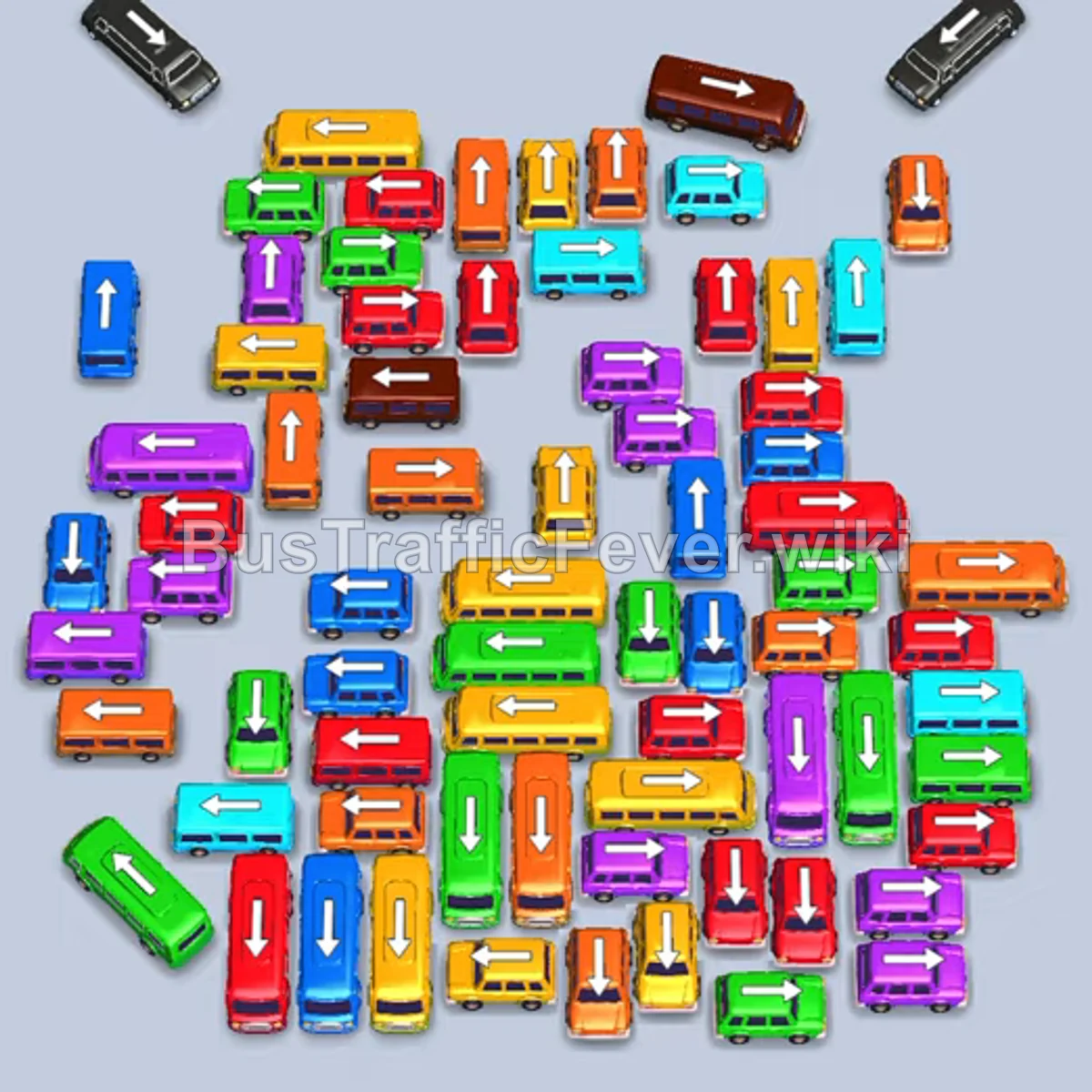
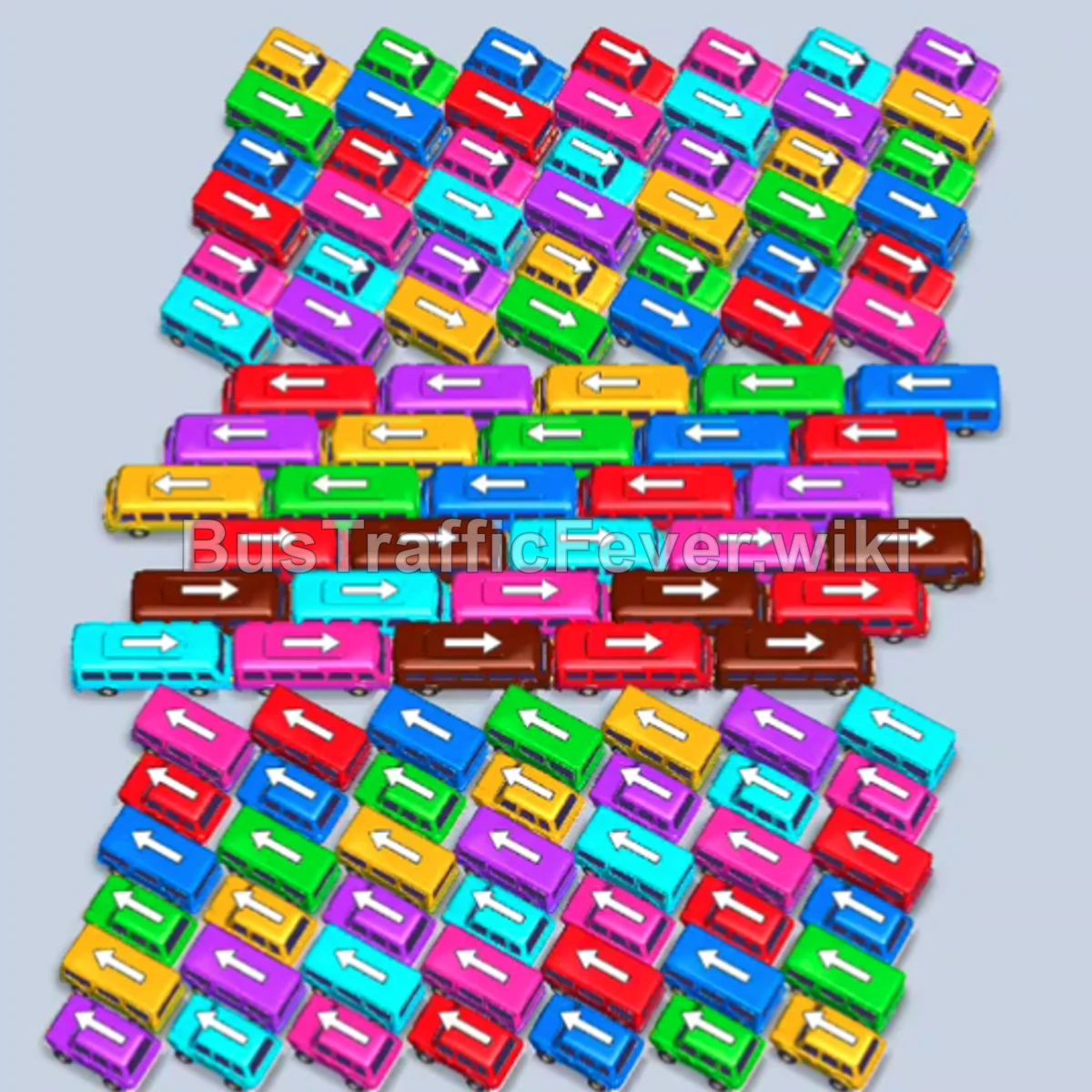
Bus Traffic Fever Level 321 Answer & Walkthrough Solution

Quick answer
The key to clearing this dense grid is methodically freeing the perimeter vehicles—starting from the bottom-right exits—to steadily unlock inner horizontal and vertical lanes. Always align vehicle departures with matching passenger colors at the front of the queue to keep parking bays open.
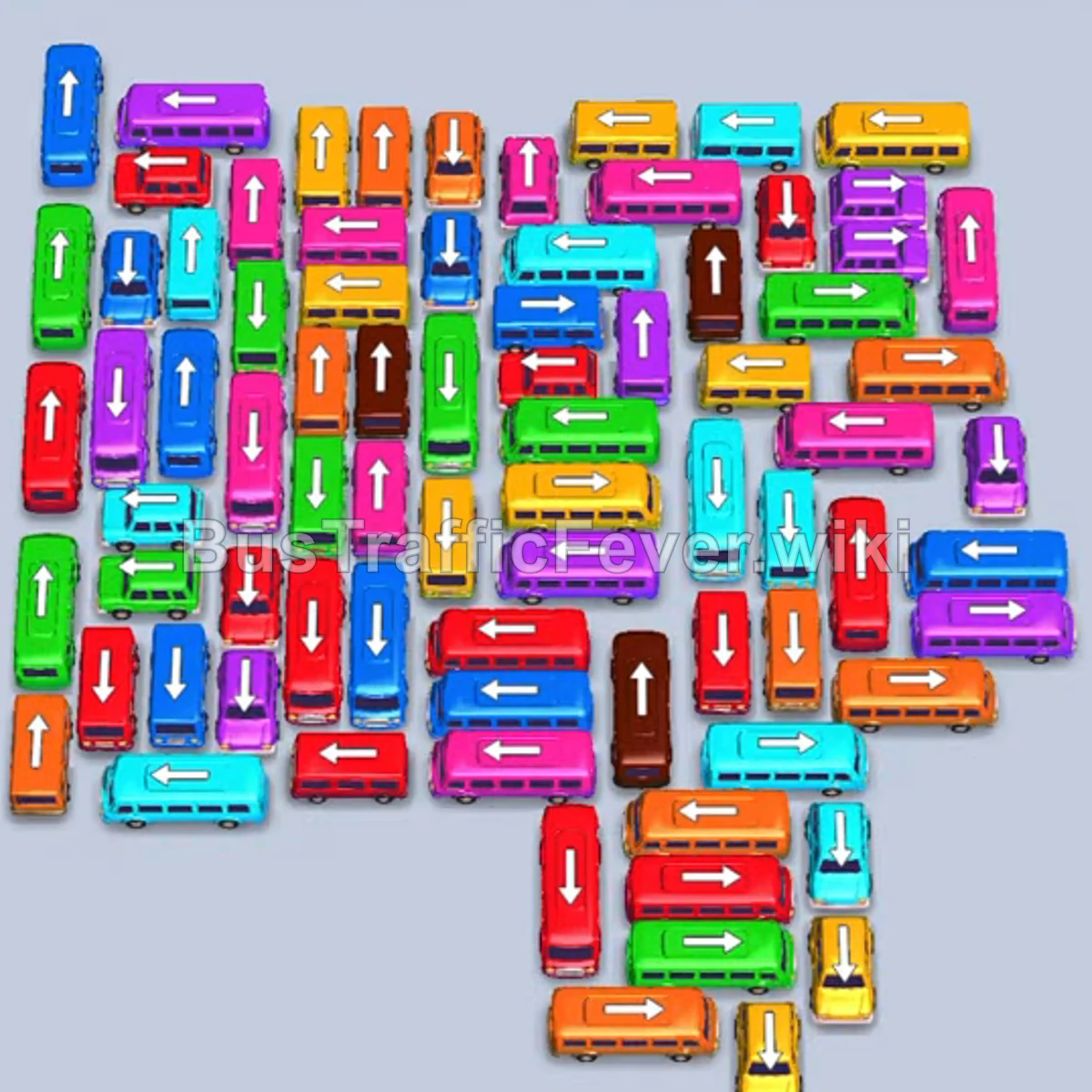
Step-by-step solution
Difficulty: Hard
Phase 1: Clearing the Lower Right Outlets
- Tap the yellow bus facing right at the bottom right to enter the parking bay.
- Tap the orange bus facing right directly above it to board the leading orange passengers.
- Tap the red bus facing right in the lower-right cluster to load waiting red passengers.
- Tap the cyan bus facing right on the lower-right edge once unblocked.
- Tap the red bus facing right below the pink bus in the lower-right area.
- Tap the green bus facing right near the bottom center.
- Tap the blue bus facing right in the lower-right section.
- Tap the yellow bus facing left near the bottom edge.
Phase 2: Opening the Left and Lower Lanes
- Tap the red bus facing left at the far lower-left corner.
- Tap the green bus facing left directly above the red bus.
- Tap the purple bus facing right in the lower-middle tier.
- Tap the cyan bus facing right in the lower-right area.
- Tap the cyan bus facing right in the lower section.
- Tap the purple bus facing left on the lower-left edge.
- Tap the blue bus facing right in the lower center.
- Tap the pink bus facing right unblocked in the lower-right area.
- Tap the green bus facing left along the bottom row.
Phase 3: Untangling the Lower Midfield
- Tap the orange bus and yellow bus at the bottom to fill incoming queue colors.
- Tap the red bus facing left near the lower-left corner.
- Tap the green bus facing right in the lower-middle zone.
- Tap the cyan bus facing left in the lower-left area.
- Tap the orange bus facing left across the bottom.
- Tap the purple bus facing left in the lower-left quadrant.
- Tap the red bus facing left at the lower-left edge.
- Tap the blue bus facing right in the lower-center column.
- Tap the blue bus facing right along the bottom.
- Tap the purple bus facing left on the bottom-left edge.
- Tap the red bus facing left in the lower-left section.
Phase 4: Navigating the Central Grid
- Tap the blue bus facing right in the center.
- Tap the cyan bus facing left in the lower-left area.
- Tap the green bus facing right in the lower-center row.
- Tap the green bus facing left on the far-left edge.
- Tap the cyan bus facing right in the central cluster.
- Tap the red bus facing left in the lower-left section.
- Tap the pink bus facing left in the lower-middle column.
- Tap the green bus facing right in the lower-center row.
- Tap the red bus facing left in the lower area.
- Tap the blue bus facing left across the lower-center area.
- Tap the yellow bus facing right in the lower-center cluster.
- Tap the orange bus facing left across the middle-right area.
- Tap the green bus facing left at the bottom edge.
Phase 5: Clearing the Upper Clusters
- Tap the blue bus facing right in the upper-middle row.
- Tap the blue bus facing left in the upper-left cluster.
- Tap the yellow bus facing right in the middle-left area.
- Tap the cyan bus facing left in the upper-left row.
- Tap the pink bus facing right in the central column.
- Tap the green bus facing right in the upper-middle area.
- Tap the red bus facing left in the upper-center column.
- Tap the blue bus facing right in the upper-left area.
- Tap the purple bus facing right near the center.
- Tap the yellow bus facing right in the lower-middle column.
- Tap the orange bus facing right in the center.
- Tap the pink bus facing right in the upper-left area.
- Tap the yellow bus facing left in the upper-left corner.
- Tap the purple bus facing right in the upper-middle area.
- Tap the green bus facing right in the upper row.
Phase 6: Final Clean-Up
- Tap the orange bus facing right in the upper-center area.
- Tap the cyan bus facing right in the center.
- Tap the green bus facing right in the upper cluster.
- Tap the red bus facing up/down in the remaining column.
- Tap the blue bus facing right at the top right.
- Tap the purple bus facing right in the upper area.
- Tap the orange bus facing right in the remaining center.
- Tap the brown bus facing right to load waiting brown passengers.
- Tap the red bus and yellow bus to match the queue.
- Tap the cyan bus and green bus as their paths clear.
- Tap the blue bus, purple bus, and red bus into the bays.
- Tap the pink bus, orange bus, and cyan bus to board.
- Tap the green bus, purple bus, purple bus, and blue bus to finish the upper queue.
- Tap the final yellow bus, brown bus, and red bus to board the remaining passengers and clear the level.
Tips for success
- Watch the double-bend queue: Because passenger queues wind from both sides, monitor which color reaches the front gate next before sending a vehicle into the bay.
- Keep bottom bays cycling: Avoid parking large buses without matching passengers early on; buses take longer to clear and take up valuable buffer space.
- Prioritize corner unblocks: Unblocking the bottom-left and bottom-right corners early creates vital clearance corridors for the tightly packed center vehicles.
More Bus Traffic Fever help
Continue with the Level 320 walkthrough, review the core rules in how to play Bus Traffic Fever, or browse all level solutions to jump to another number.