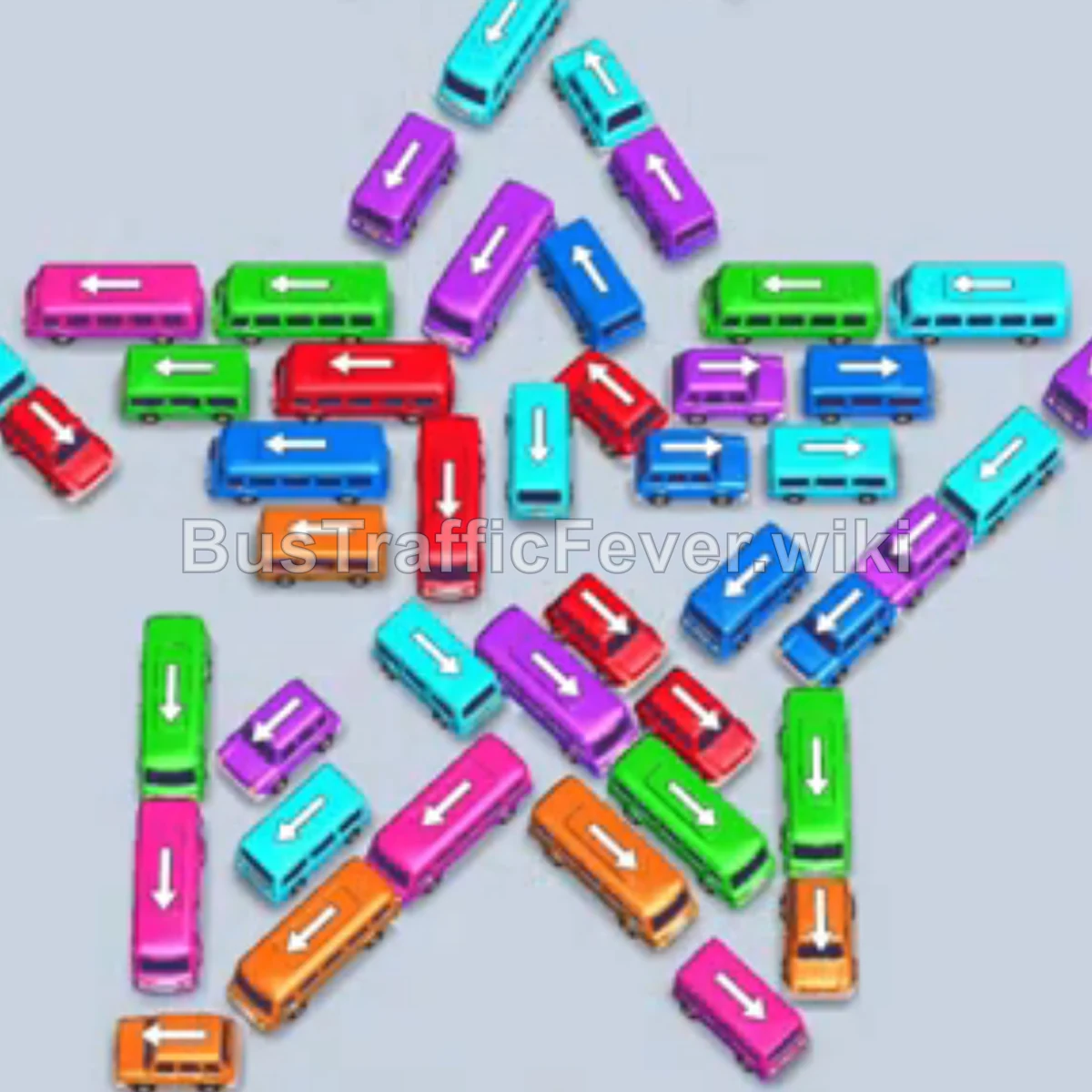
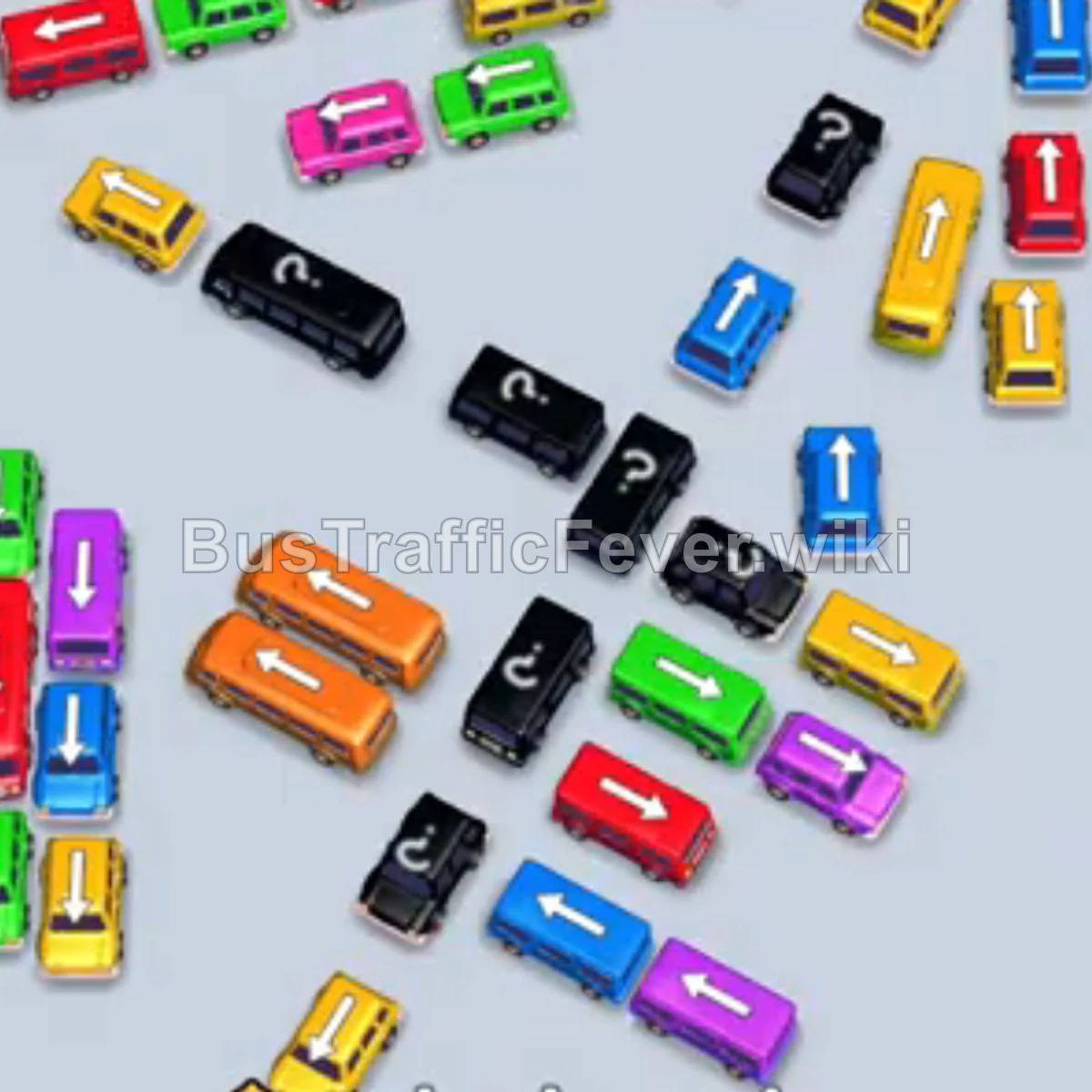
Bus Traffic Fever Level 20 Answer & Walkthrough Solution

Quick answer
Use the embedded walkthrough for the exact order. Clear the vehicles blocking an exit first, then stage the next matching color without filling every parking slot.
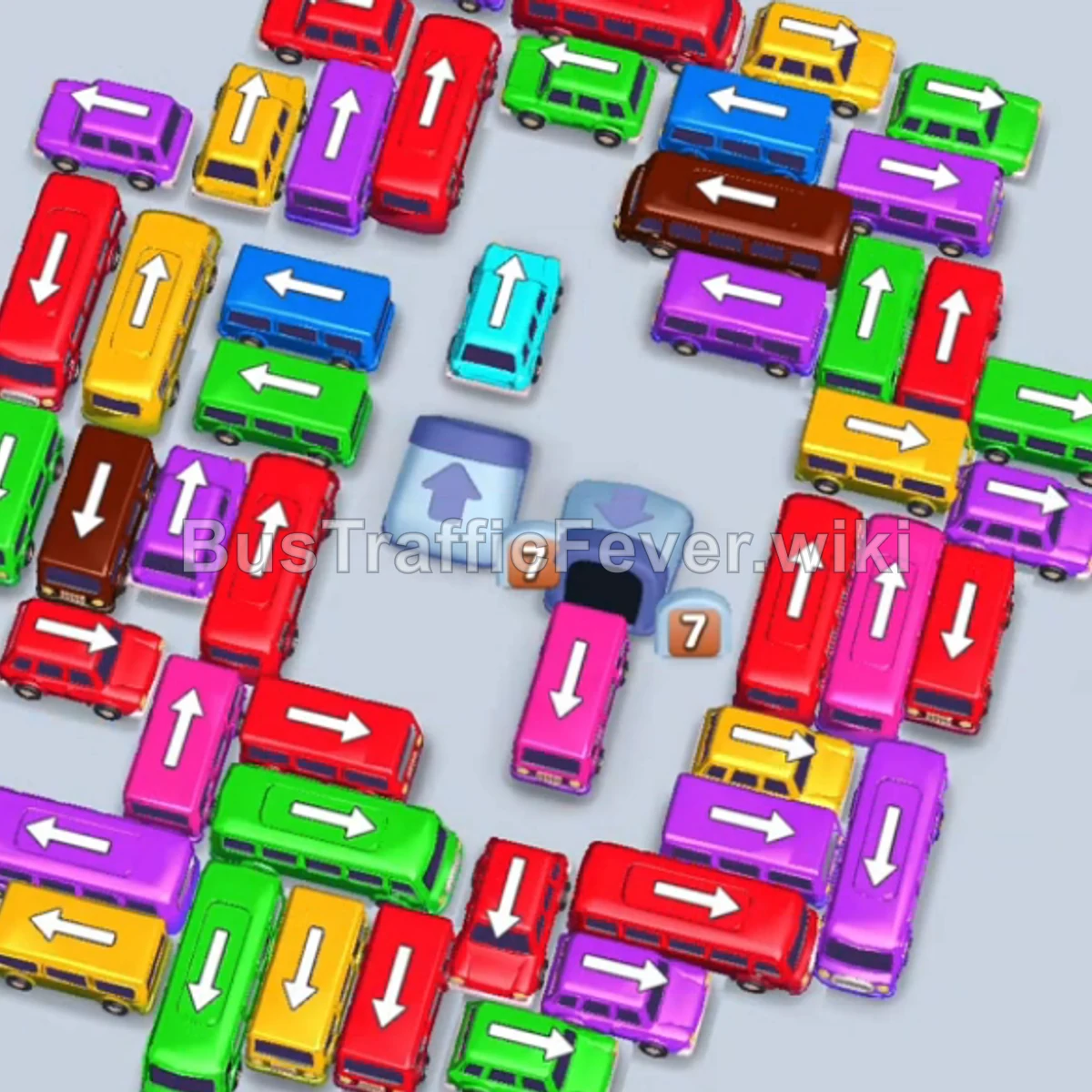
Step-by-step solution
Phase 1: Clearing Outer Obstacles & Starting Queues
- Tap the Purple bus at the top-left outer lane. It parks in a slot, picks up purple passengers, and departs.
- Tap the Red bus at the top-right outer edge. Red passengers board and it clears.
- Tap the large Red bus on the middle-left lane (pointing down). It absorbs red passengers, leaving 8 empty seats in reserve.
- Tap the Yellow bus at the upper-left lane. It parks and takes the first wave of yellow passengers.
- Tap the Purple bus at the upper-center lane to collect the upcoming purple queue, clearing both parked purple/yellow vehicles.
- Tap the large Purple bus near the top to pick up 40 purple passengers and clear the slot.
- Tap the Yellow bus in the upper-middle left to clear the next yellow passenger group.
- Tap the Green bus on the top-left outer path to collect green passengers.
Phase 2: Opening Up the Center Lanes
- Tap the large Yellow bus along the upper-left vertical lane. It boards yellow passengers and clears.
- Tap the Green bus on the upper-right path to handle incoming green passengers.
- Tap the Blue/Cyan bus at the top-center to clear out blue passengers.
- The remaining 8 red passengers board the previously parked Red bus, allowing it to depart.
- Tap the Green bus in the upper-center lane to pick up the next green queue.
- Tap the Red bus emerging in the middle lane.
- Tap the Pink bus from the upper-center to clear pink passengers.
- The parked Red bus finishes boarding and drives away.
- Tap the Blue bus on the center lane to board blue passengers and clear.
Phase 3: Clearing Major Buses & Layered Vehicles
- Tap the Yellow bus on the upper-right lane. It loads yellow passengers and departs.
- Tap the Purple bus in the middle-left area to collect purple passengers.
- Tap the Red bus on the middle-right lane to take 24 red passengers.
- Tap the large Purple bus on the mid-left vertical lane to collect 40 purple passengers.
- Tap the Green bus and Yellow bus from the middle rows as their paths open up.
- Tap the horizontal Purple bus in the upper-middle section to clear out the purple queue.
- Tap the Blue bus released from the center grid, followed by the Yellow bus in the inner layer.
- Tap the Green bus and Red bus from the mid-section to handle overlapping queue waves.
- Tap the Yellow bus and Pink bus from the center stack to free up remaining blocked vehicles.
Phase 4: Final Sequence & Grid Cleanup
- Tap the large Brown bus as brown passengers enter the queue line.
- Tap the Blue bus and Cyan bus freed from the middle layers to complete cyan passenger lines.
- Tap the remaining Red buses/buses to clear out large waves of red passengers.
- Tap the Green and Purple buses/buses sequentially as their matching passengers reach the front.
- Tap the remaining Pink buses and Brown bus in the bottom-center cluster to finish loading all brown and pink passengers.
- Tap the last Red bus to collect the final red passengers and complete Level 20.
Tips for success
- Anticipate Queue Colors: Always look ahead at the curved passenger line to see which colors are coming up next so you don’t park buses that won’t be filled immediately.
- Manage Slot Capacity: Keep at least 2–3 parking slots open at all times; filling too many slots with inactive vehicles causes instant gridlock.
- Prioritize Blocking Vehicles: Target vehicles that have arrows pointing toward free exits to gradually dismantle inner layers and release large-capacity buses.
More Bus Traffic Fever help
Continue with the Level 19 walkthrough, review how to play Bus Traffic Fever, or browse all level solutions.