Bus Traffic Fever Level 10 Answer & Walkthrough Solution

Quick answer
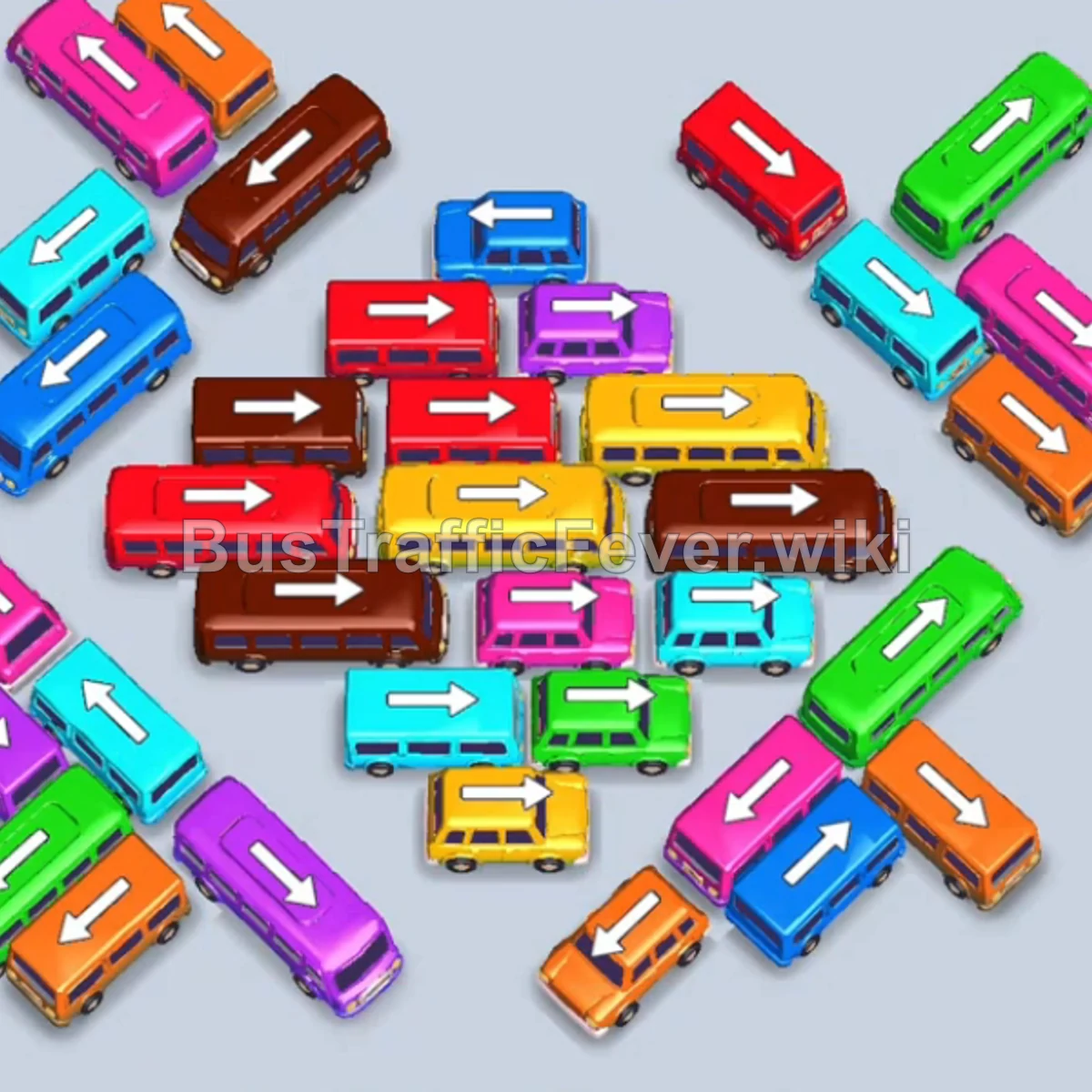
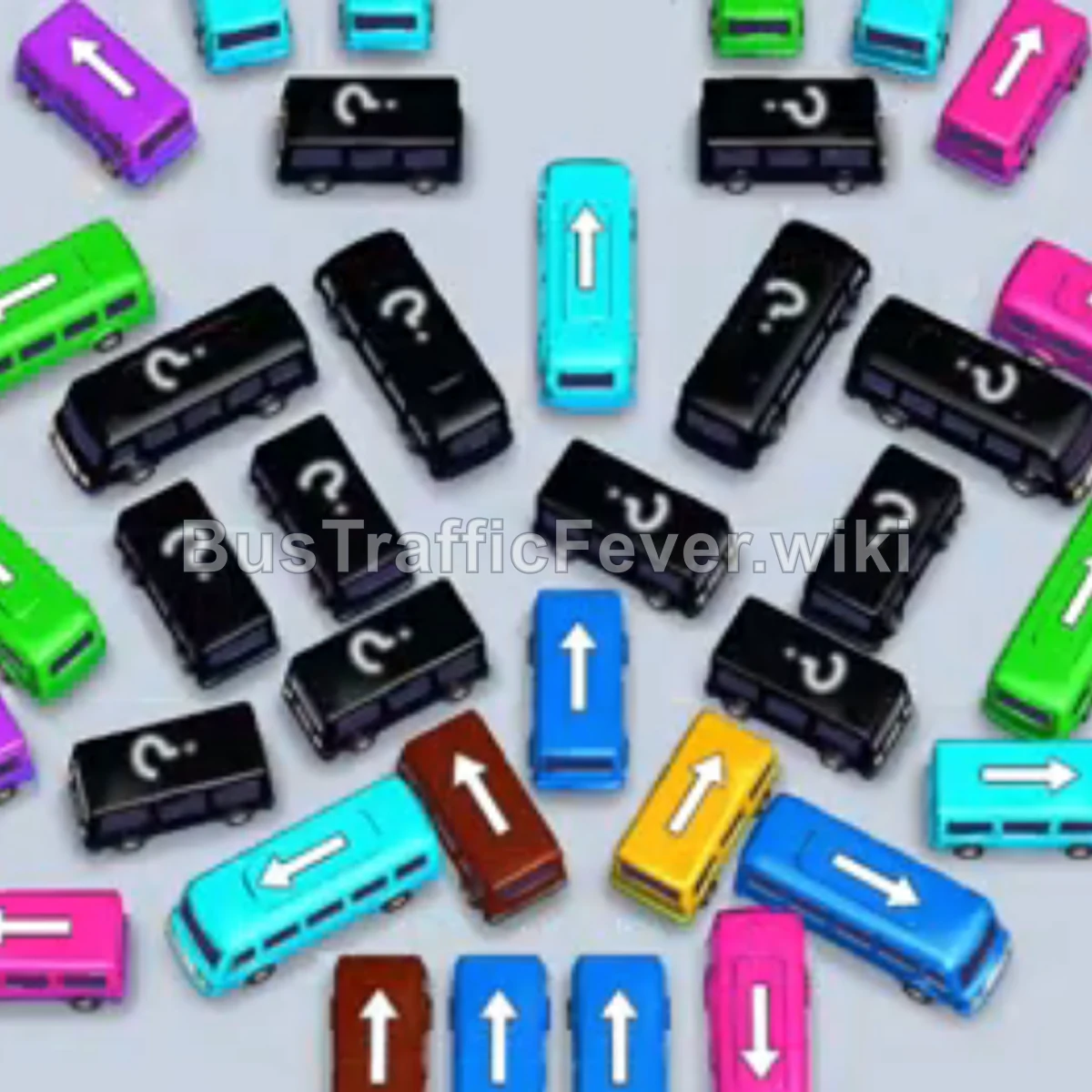
Level 10 combines outer perimeter vehicles, parking bays, and a tight center cluster. Use the video above to compare each move and avoid staging too many mismatched colors at once.
Step-by-step solution
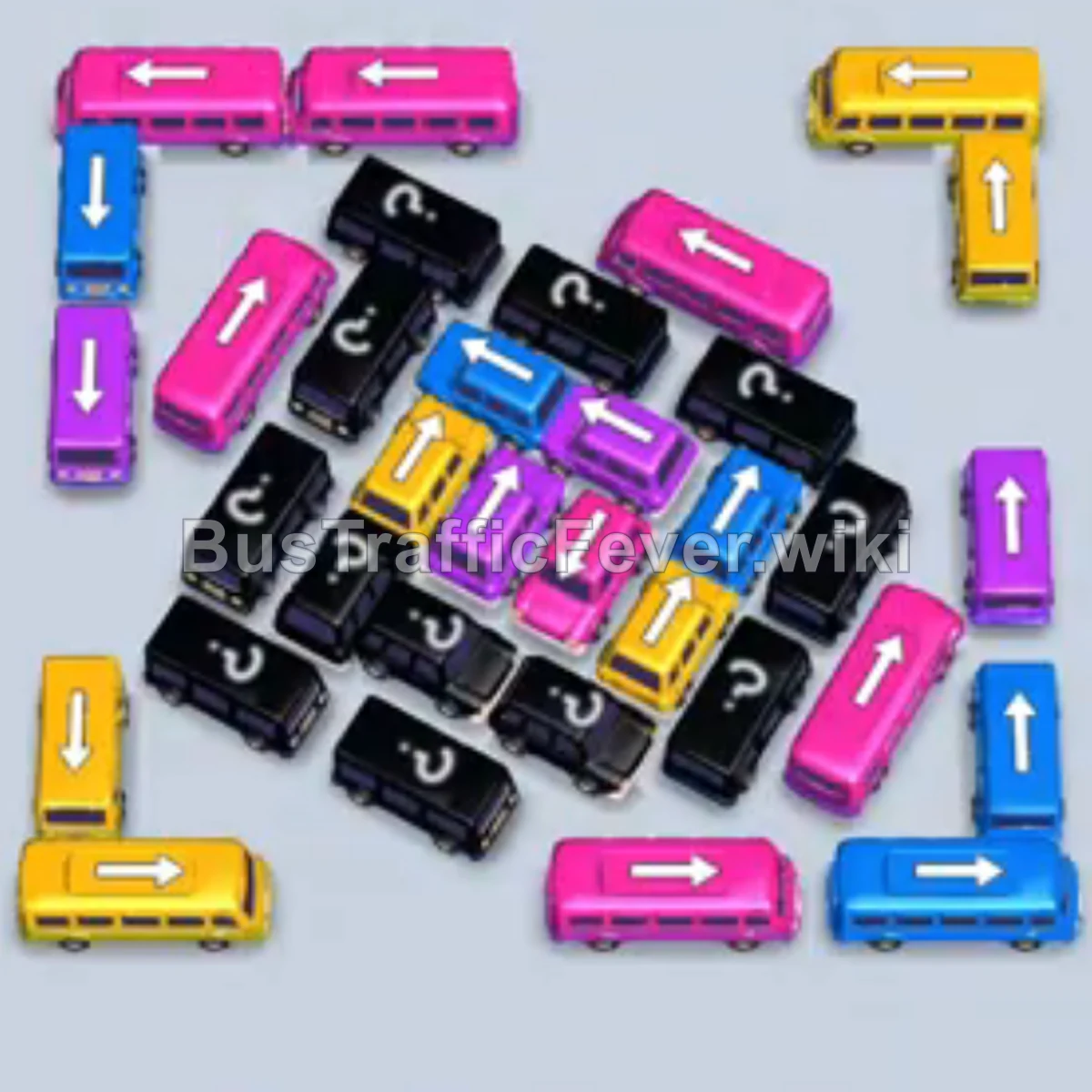
Clear the outer perimeter
- Tap the blue bus at the bottom right.
- Tap the pink bus at the bottom center.
- Tap the purple bus near the bottom middle.
- Tap the yellow bus at the bottom left.
- Tap the pink bus on the outer left.
- Tap the pink bus at the top left.
- Tap the yellow bus along the bottom-left edge.
Unlock the outer layers
- Tap the purple bus on the outer left, then the blue bus at the top left.
- Tap the pink bus from the upper-left section.
- Tap the yellow bus on the far right edge.
- Tap the blue bus from the upper-left cluster.
- Tap the purple bus on the left side.
- Tap the pink bus at the top left.
- Tap the yellow bus exposed on the left side.
Navigate the center cluster
- Tap the pink bus on the outer-left edge.
- Tap the yellow bus at the top left.
- Tap the blue bus in the upper-left area.
- Tap the purple bus at the top-left corner.
- Tap the pink bus on the middle right.
- Tap the blue bus in the upper center.
- Tap the yellow bus near the middle left.
Final sequence
- Tap the blue bus on the far right.
- Tap the purple bus on the right side.
- Tap the pink bus on the middle-right edge.
- Tap the yellow bus on the right side.
- Tap the pink bus in the center.
- Tap the blue bus in the center.
- Tap the purple bus in the middle.
- Tap the yellow bus at the bottom left.
- Tap the final pink bus and purple buses in the center to complete the level.
Tips for success
- Match vehicle capacity to the queue: Use larger buses for long consecutive color groups.
- Prioritize blockers: Move vehicles pointing toward open exits to reveal the hidden center spaces.
- Manage bay space: Avoid filling the boarding bays with mismatched colors.
If your Level 10 board looks different
Level layouts can shift between game updates. If your screen does not match exactly, keep the same decision order: open a blocked route first, use the passenger queues that are currently reachable, and avoid filling the road with buses that cannot complete a pickup yet.
More Bus Traffic Fever help
Continue with the Level 9 walkthrough, review how to play Bus Traffic Fever, use tips and tricks, or browse all level solutions.