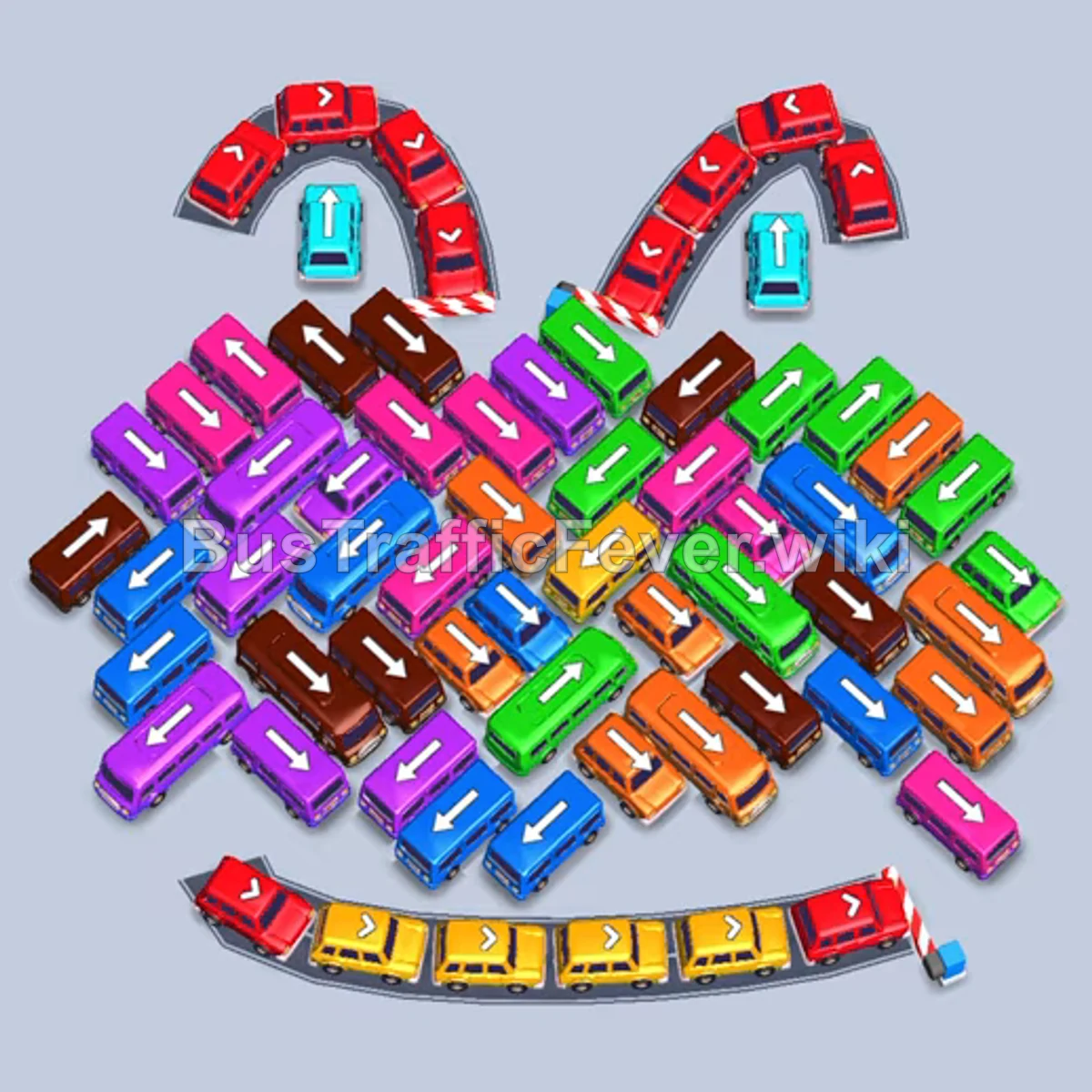
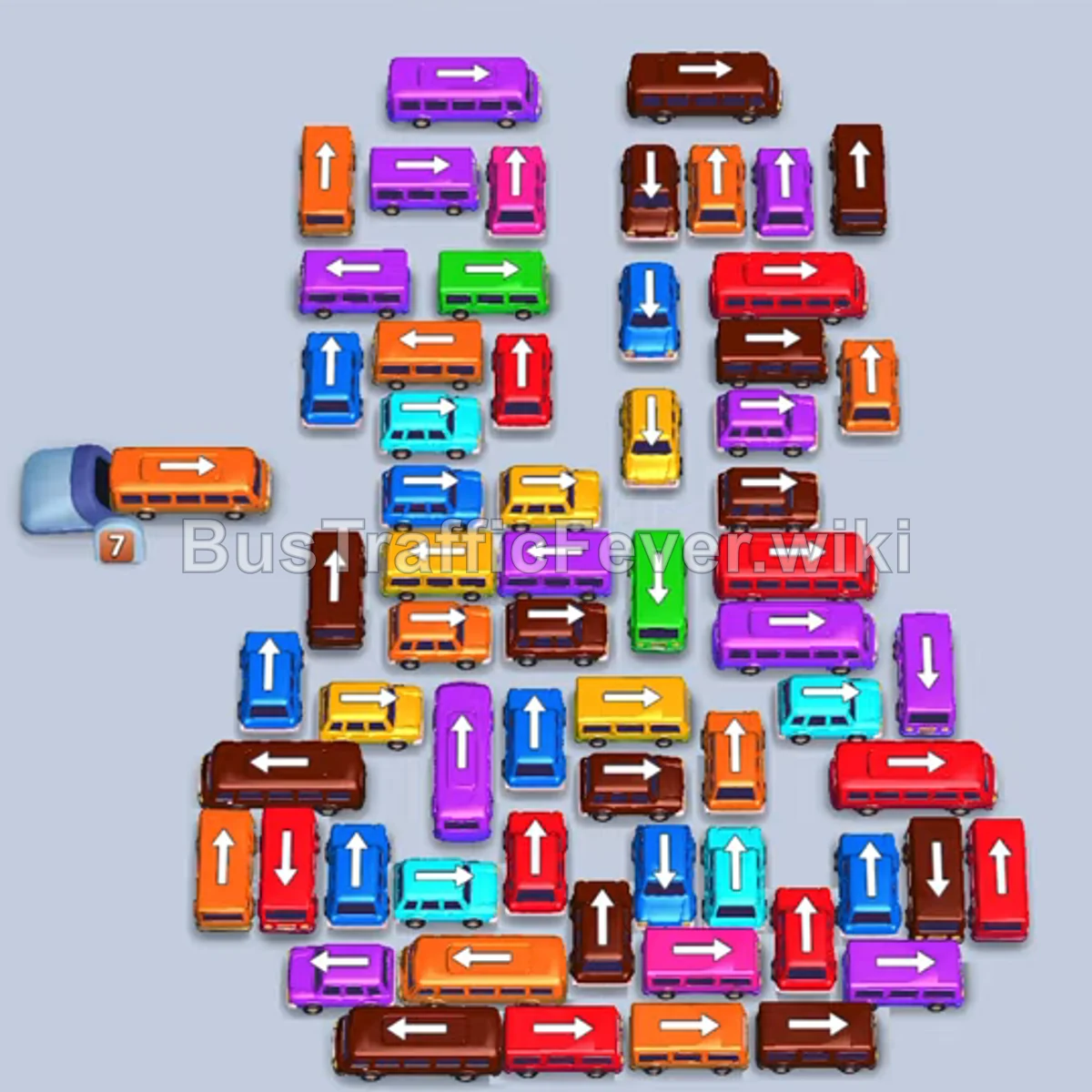
Bus Traffic Fever Level 338 Answer & Walkthrough Solution

Quick answer
Clear outer perimeter vehicles first to match the incoming blue, orange, red, and purple passenger waves. Systematically unravel the dense central grid by peeling away outer rows, matching colors to the queue, and reserving parking slots so buses never deadlock.
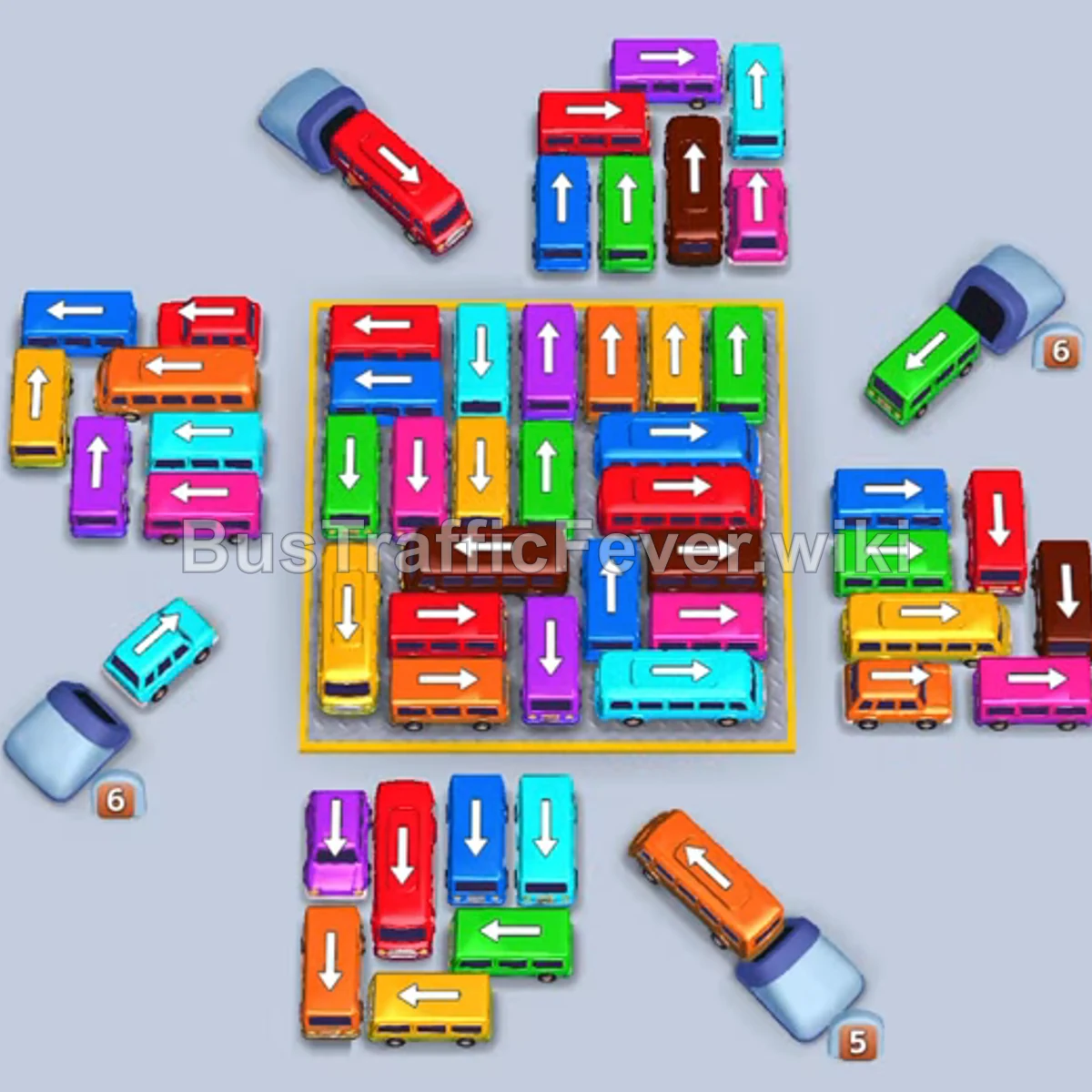
Step-by-step solution
Difficulty: Super Hard
Phase 1: Clearing the Outer Ring
- Tap the light blue sedan at the bottom-left facing up to board initial blue passengers.
- Tap the orange sedan on the far-left facing left.
- Tap the yellow bus at the bottom-left facing right.
- Tap the purple sedan at the top-center facing down.
- Tap the small red bus on the left edge facing up.
- Tap the blue bus on the upper-left facing down-left.
- Tap the pink sedan on the far-left facing up.
- Tap the red bus on the left edge facing up.
- Tap the red bus at the bottom facing left.
- Tap the blue bus at the bottom-center facing up.
- Tap the purple bus at the top-center facing up to collect purple passengers.
- Tap the pink sedan on the right edge facing up.
- Tap the cyan bus on the far-left facing up.
- Tap the brown bus on the right side facing right.
- Tap the red sedan on the upper-right facing up.
- Tap the red sedan near the top-right facing right.
- Tap the blue bus at the bottom facing right.
- Tap the cyan sedan on the right facing up.
Phase 2: Dismantling the Outer Perimeter & Lower Grid
- Tap the green bus at the bottom facing left.
- Tap the orange bus at the bottom facing right.
- Tap the yellow bus at the bottom-left facing up.
- Tap the orange semi-truck at the bottom-right facing down-right.
- Tap the yellow sedan on the right facing up.
- Tap the cyan sedan on the right edge facing up.
- Tap the cyan bus near the top-right facing up.
- Tap the brown sedan on the bottom-right facing right.
- Tap the pink bus on the right facing up.
- Tap the green bus at the top edge of the center grid facing up.
- Tap the red sedan at the top edge of the grid facing right.
- Tap the red sedan in the upper grid facing up.
- Tap the yellow bus along the bottom edge of the grid facing left.
- Tap the cyan sedan in the grid facing left.
- Tap the green sedan in the grid facing up.
- Tap the blue sedan in the grid facing left.
- Tap the pink sedan in the grid facing right.
- Tap the red bus in the grid facing up.
- Tap the cyan sedan in the grid facing up.
- Tap the yellow bus in the grid facing right.
Phase 3: Unraveling the Grid Core
- Tap the brown bus in the grid facing up.
- Tap the yellow bus on the left edge facing up.
- Tap the blue sedan on the right edge facing left.
- Tap the yellow bus on the left facing down.
- Tap the blue bus in the grid facing right.
- Tap the red bus on the right facing down.
- Tap the brown bus at the bottom facing right.
- Tap the green bus in the grid facing up.
- Tap the pink bus in the grid facing right.
- Tap the yellow bus on the left facing left.
- Tap the purple sedan in the grid facing down.
- Tap the red bus in the grid facing down.
- Tap the cyan sedan in the grid facing down.
- Tap the orange sedan at the bottom-right facing right.
- Tap the blue sedan in the grid facing left.
- Tap the green sedan at the top facing up.
- Tap the brown sedan at the bottom facing left.
- Tap the yellow sedan on the left facing up.
Phase 4: Clearing the Final Cluster
- Tap the red sedan in the grid facing right.
- Tap the purple sedan in the grid facing down.
- Tap the green sedan in the grid facing up.
- Tap the blue sedan facing up.
- Tap the pink sedan facing up.
- Tap the cyan sedan facing right.
- Tap the brown bus in the grid facing down.
- Tap the green sedan facing up.
- Tap the yellow sedan to pick up the yellow line.
- Tap the remaining purple, blue, cyan, and pink buses as their matching passenger groups arrive.
- Tap the final brown bus and truck once brown passengers reach the boarding point to finish the level.
Tips for success
- Watch the Passenger Queue: Queue colors shift rapidly between blue, red, brown, and cyan; avoid sending high-capacity buses before their corresponding wave appears.
- Keep Parking Slots Free: Maintain at least 1–2 open parking bays at all times to prevent getting gridlocked by off-color vehicles.
- Peel Grid Edges First: Target vehicles facing outward around the center block to loosen up internal pathways.
More Bus Traffic Fever help
Continue with the Level 337 walkthrough, review the core rules in how to play Bus Traffic Fever, or browse all level solutions to jump to another number.