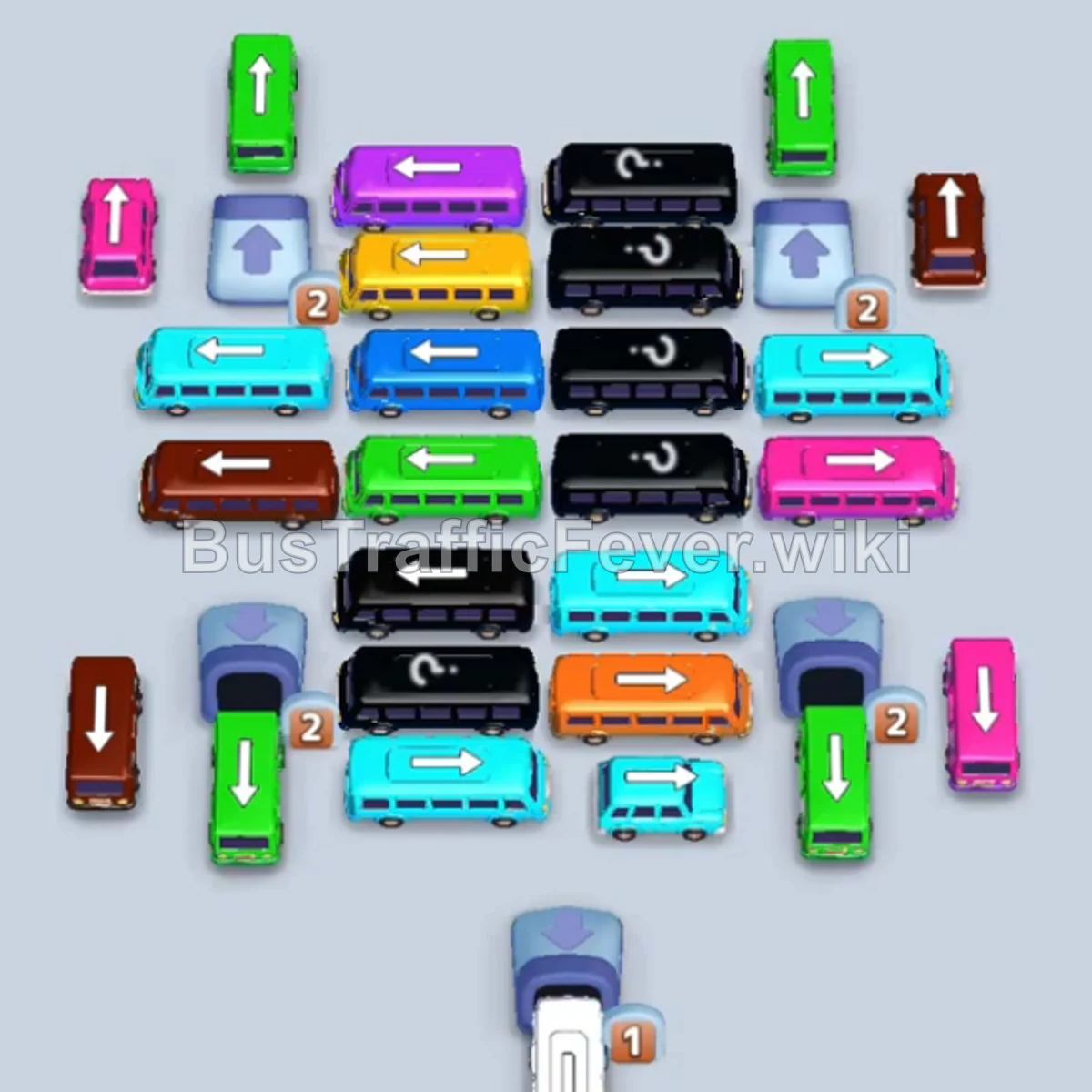
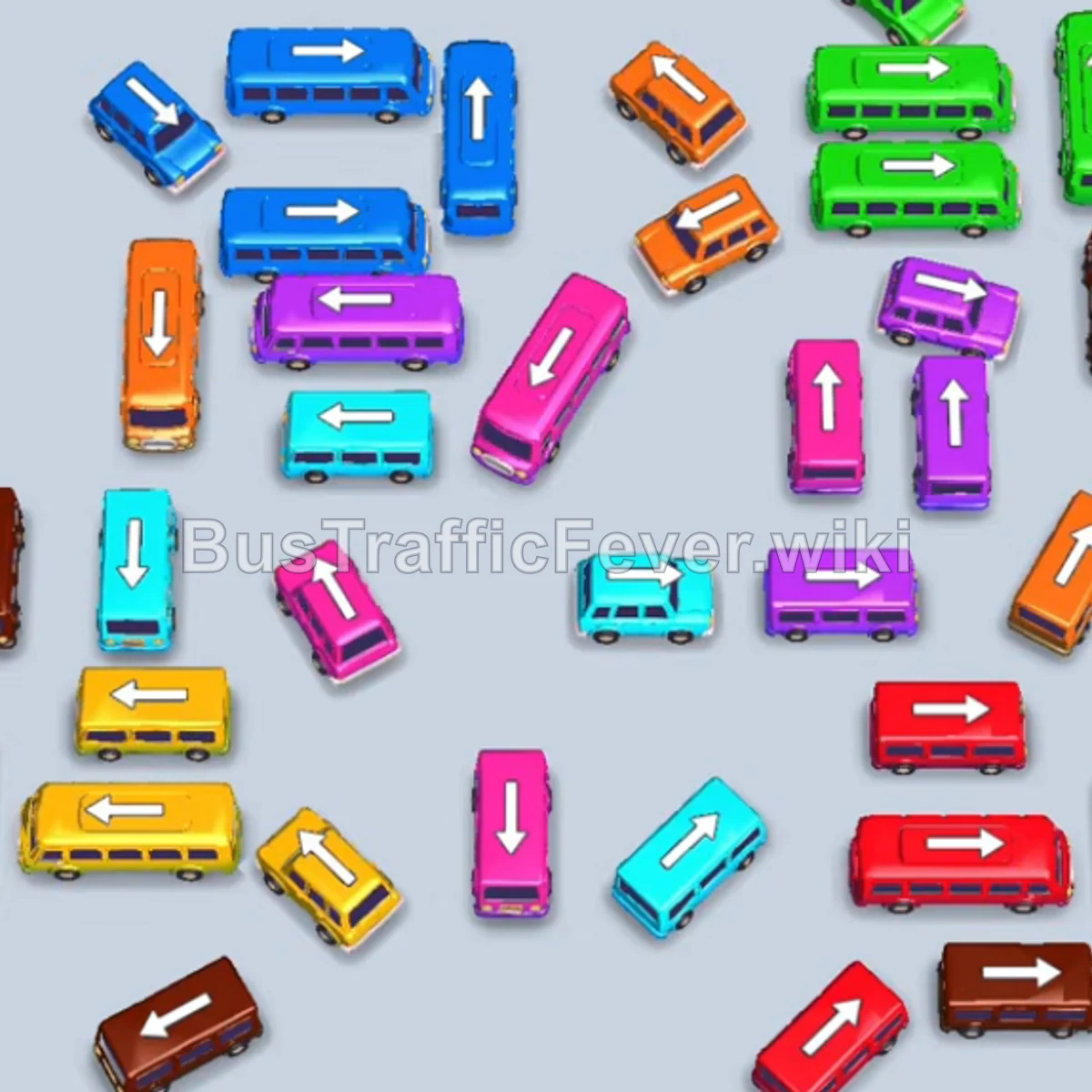
Bus Traffic Fever Level 114 Answer & Walkthrough Solution
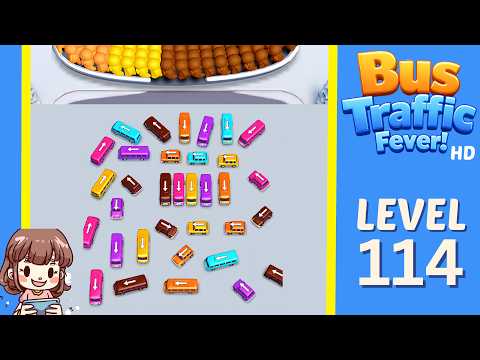

Quick answer
Tap the Pink bus on the bottom left. It moves to the first parking slot on the far left. Tap the Brown bus on the upper left. Brown passengers will begin boarding. Tap the Brown bus on the upper right to finish clearing the first group of brown passengers.
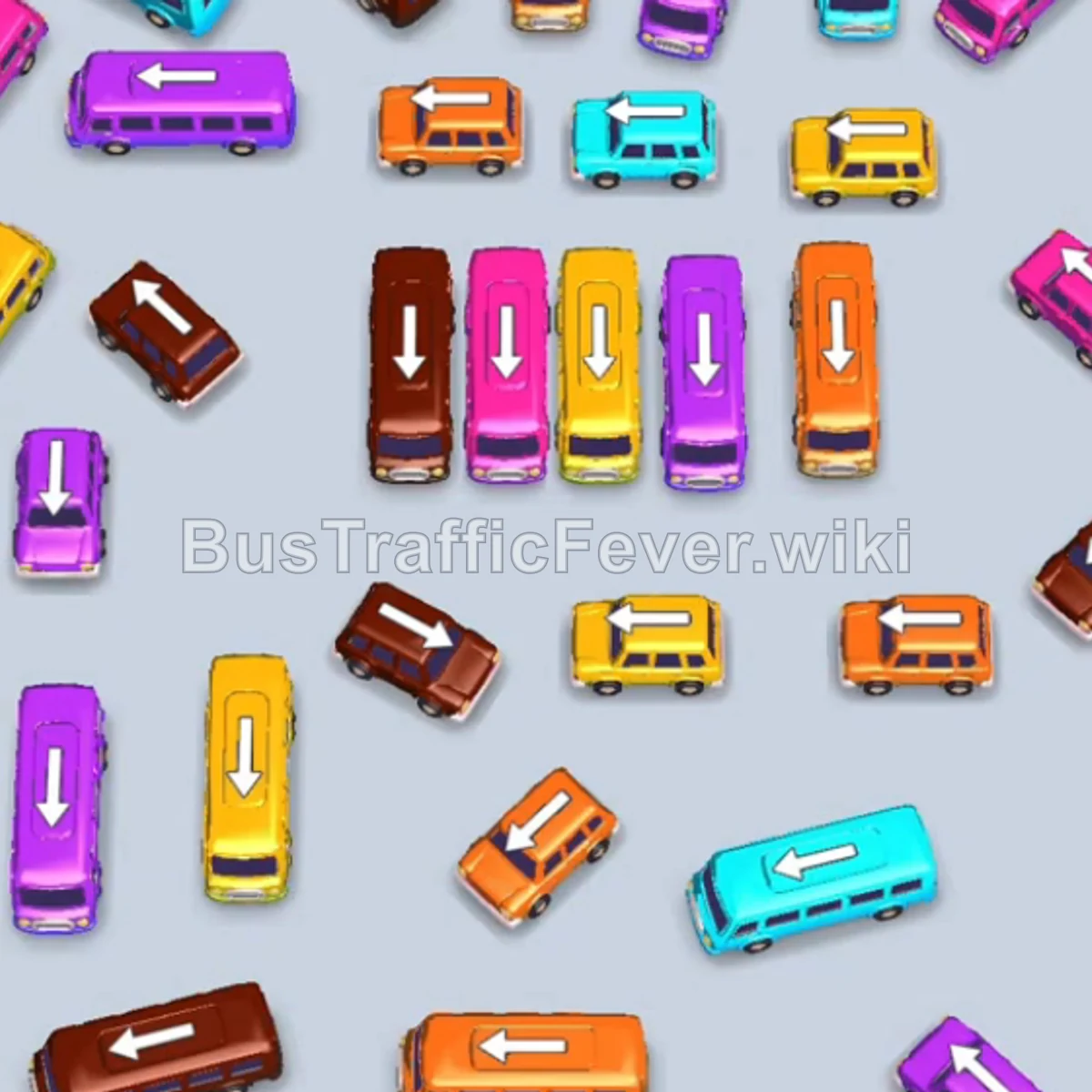
Step-by-step solution
Phase 1: Opening Moves and Clearing the Outer Row
- Tap the Pink bus on the bottom left. It moves to the first parking slot on the far left.
- Tap the Brown bus on the upper left. Brown passengers will begin boarding.
- Tap the Brown bus on the upper right to finish clearing the first group of brown passengers.
- Tap the Orange bus near the top right. Orange passengers will board and clear this bus.
- Tap the Yellow bus on the far left. Yellow passengers will begin boarding.
- Tap the Yellow bus on the bottom left to clear the current yellow passenger wave.
- The Pink bus parked in the first slot will now fill with pink passengers and drive away.
Phase 2: Unblocking Outer Vehicles & Clearing Primary Colors
- Tap the Brown bus on the far right to clear the next brown passenger group.
- Tap the Cyan (Teal) bus on the top left. Cyan passengers will board and clear.
- Tap the Pink bus located at the bottom center.
- Tap the Orange bus near the center.
- Tap the Yellow bus in the middle row. Yellow passengers will board and clear both yellow and orange slots.
- Tap the Cyan bus on the upper-middle right.
- Tap the Cyan bus at the bottom center to clear the cyan passenger line.
- Tap the Pink bus at the bottom left to clear pink passengers.
Phase 3: Navigating the Middle Cluster
- Tap the Pink bus on the outer right edge.
- Tap the Orange bus on the lower right edge.
- Tap the Cyan bus at the top center.
- Tap the Pink bus on the middle-left side to clear the next pink wave.
- Tap the Brown bus on the far middle-left to clear the brown passenger queue.
- Tap the small Yellow bus on the lower-middle right.
- Tap the Purple bus on the far bottom-left to begin boarding purple passengers.
- Tap the Brown bus in the center column.
- Tap the Yellow bus in the center column to collect yellow passengers.
- Tap the Orange bus in the lower-center column to board orange passengers.
Phase 4: Clearing Small Buses and Final Vehicles
- Tap the Purple bus on the lower-left.
- Tap the small Pink bus on the lower-left to clear pink passengers.
- Tap the small Cyan bus in the middle row.
- Tap the Orange bus in the center.
- Tap the Purple bus in the center row to clear purple passengers.
- Tap the small Orange bus on the middle right to collect orange passengers.
- Tap the Brown bus in the center.
- Tap the small Orange bus on the bottom left.
- Tap the small Yellow bus near the top of the remaining grid.
- Tap the Pink bus on the top-right side.
- Tap the Orange bus in the middle right.
- Tap the Purple bus on the bottom right.
- Tap the small Brown bus on the middle left.
- Tap the small Purple bus at the bottom.
- Tap the Cyan bus in the middle right to clear the last teal line.
- Tap the small Purple bus to board remaining purple passengers.
- Tap the final Brown bus in the center to board the last passengers and complete the level.
Tips for success
- Track Queue Transitions: Monitor the passenger conveyor at the top to anticipate color shifts and avoid sending vehicles that will end up blocking a parking spot for too long.
- Park Long Buses Early: Prioritize moving large buses into parking slots when their color is about to appear in the queue, freeing up the smaller buses behind them.
- Preserve Empty Parking Slots: Ensure at least 2–3 parking slots remain open at all times to prevent gridlock while unblocking buried vehicles.
More Bus Traffic Fever help
Continue with the Level 113 walkthrough, review the core rules in how to play Bus Traffic Fever, or browse all level solutions to jump to another number.