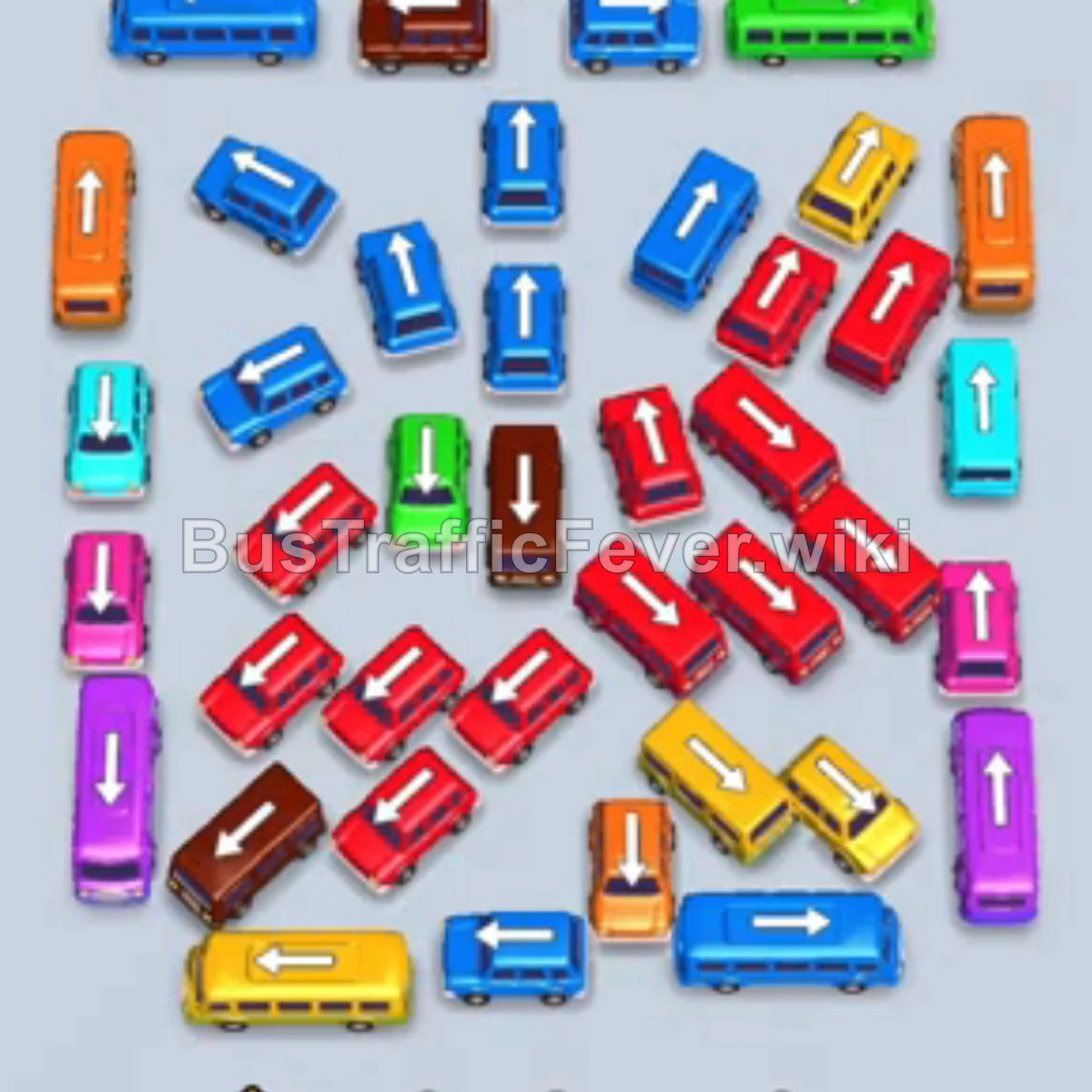
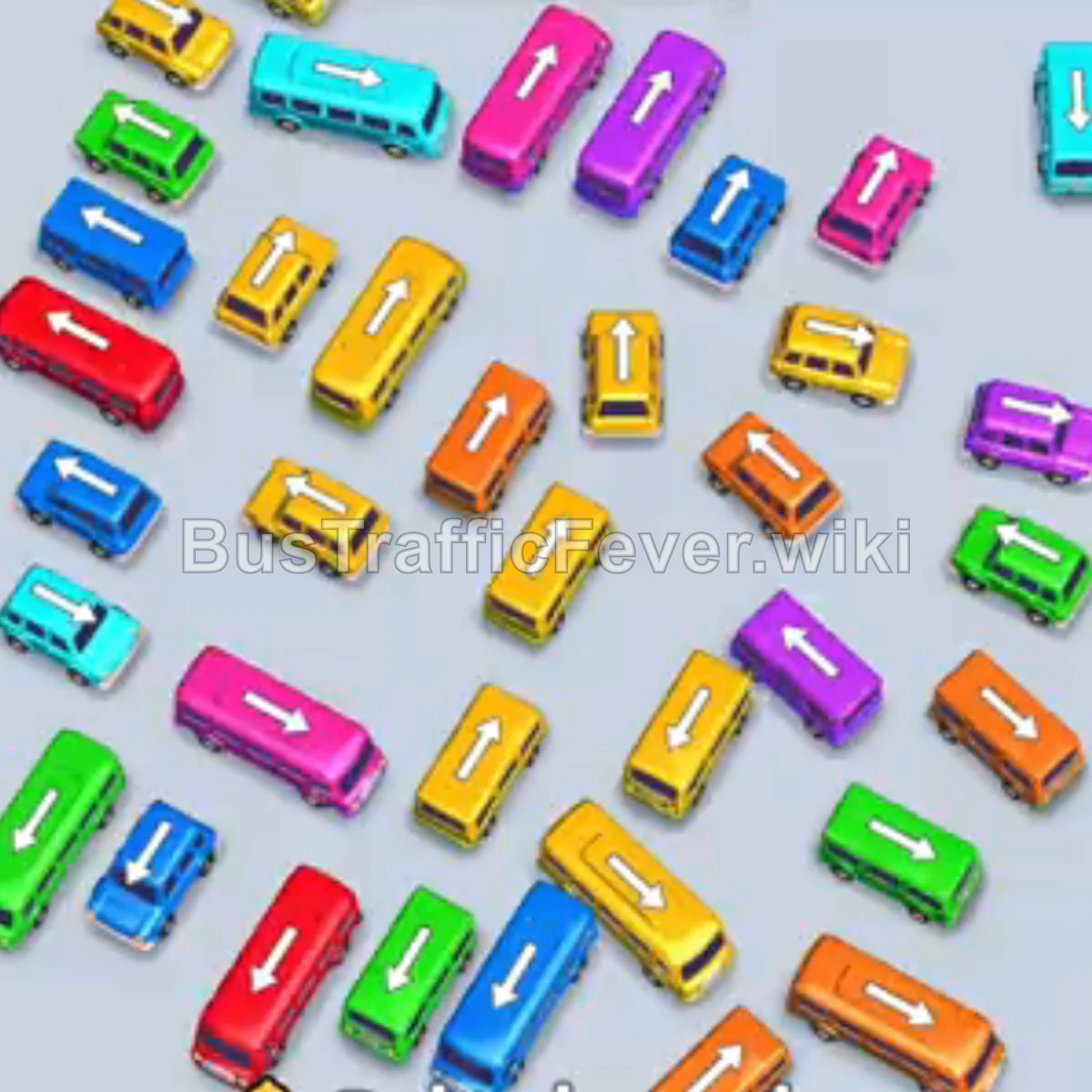
Bus Traffic Fever Level 31 Answer & Walkthrough Solution

Quick answer
Tap the Green bus on the outer left pointing up-left to enter the first parking slot; green passengers begin boarding. Tap the Yellow bus near the center pointing up-left. Tap the Purple bus on the lower right pointing down-right. As Green and Yellow passengers board and clear out, tap the Green bus on the upper right pointing up-right.
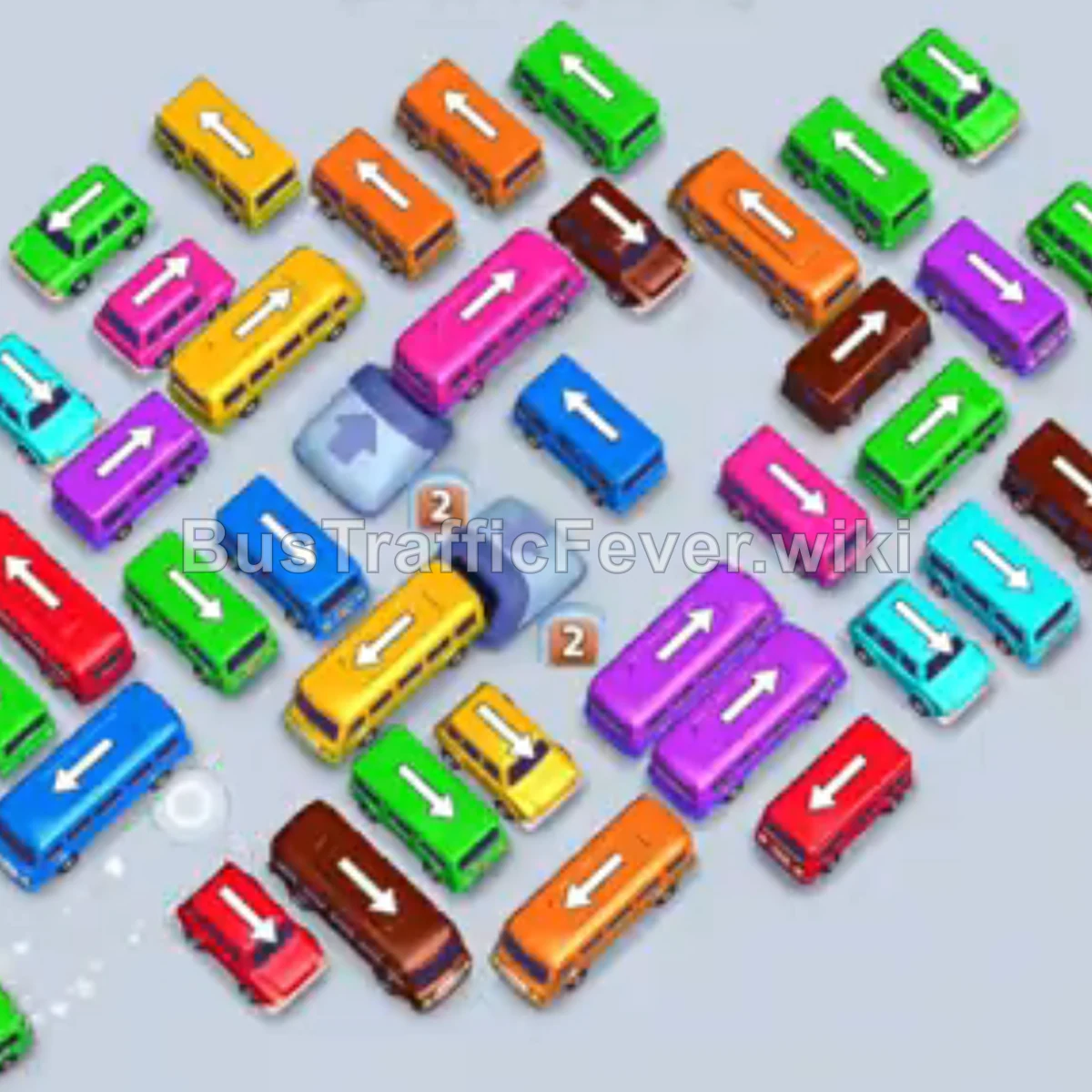
Step-by-step solution
Phase 1: Clearing the Outer Vehicles & Starting the Flow
- Tap the Green bus on the outer left pointing up-left to enter the first parking slot; green passengers begin boarding.
- Tap the Yellow bus near the center pointing up-left.
- Tap the Purple bus on the lower right pointing down-right.
- As Green and Yellow passengers board and clear out, tap the Green bus on the upper right pointing up-right.
- Tap the Brown bus on the top right pointing up-left.
- Tap the Cyan bus near the center-left pointing down-left to clear the next passenger wave.
- Tap the Cyan bus on the bottom right pointing right.
- Tap the Pink bus on the bottom right pointing down-right.
Phase 2: Unlocking Center Paths & Matching Mid-Level Vehicles
- Tap the Orange bus at the top center pointing up-left to pick up the orange passenger cluster.
- Tap the next Orange bus positioned just behind the first one.
- Tap the Purple bus on the middle-left pointing down-left.
- Tap the Brown bus on the middle-left pointing down-left.
- Tap the Orange bus at the bottom center pointing down-right.
- Tap the Orange bus in the center pointing up-left.
- Tap the Yellow bus in the center-right pointing up-left.
- Tap the Pink bus at the bottom right pointing down-right.
Phase 3: Navigating Multi-Layered Obstacles
- Tap the Blue bus on the outer left pointing down-left (moves into the VIP slot).
- Tap the Orange bus on the far left pointing down-left.
- Tap the Green bus in the lower-middle area pointing up-left.
- Tap the Purple bus on the middle-right pointing down-right.
- Tap the Brown bus on the top right pointing up-left.
- Tap the Green bus on the top right pointing up-right.
- Tap the Brown bus in the center pointing down-right.
- Tap the Pink bus on the top right pointing up-left.
- Tap the Red bus in the bottom-middle area pointing down-left.
Phase 4: Final Sequence and Cleanup
- Tap the Pink bus in the center pointing up.
- Tap the Yellow bus pointing up-left.
- Tap the Purple bus in the center pointing up-left.
- Tap the Pink bus near the center pointing up-left.
- Tap the Yellow bus in the center pointing down-right.
- Tap the Red bus on the bottom left pointing down-left.
- Tap the Purple bus on the bottom right pointing down-left.
- Tap the Green bus pointing up-right.
- Tap the Green bus on the middle-left pointing up-left.
- Tap the Pink bus in the center pointing up-left.
- Tap the Blue bus in the center pointing down-left.
- Tap the Cyan bus on the far left pointing up-left.
- Tap the Blue bus in the center pointing down-left.
- Tap the remaining Red and Green buses at the bottom to fill their corresponding passenger queues.
- Finally, tap the last Green buses at the top right to complete the level.
Tips for success
- Observe the Passenger Queue: Always monitor the upcoming color segments on the track to prioritize releasing matching vehicles without overloading the parking slots.
- Use Parking Slots Strategically: Temporarily move blocking buses into empty slots to free up vehicles needed for immediate passenger lines.
- Avoid Gridlock: Keep at least 2–3 parking slots free whenever possible so high-priority clearance vehicles aren’t blocked from moving.
More Bus Traffic Fever help
Continue with the Level 30 walkthrough, review the core rules in how to play Bus Traffic Fever, or browse all level solutions to jump to another number.