Bus Traffic Fever Level 21 Answer & Walkthrough Solution

Quick answer
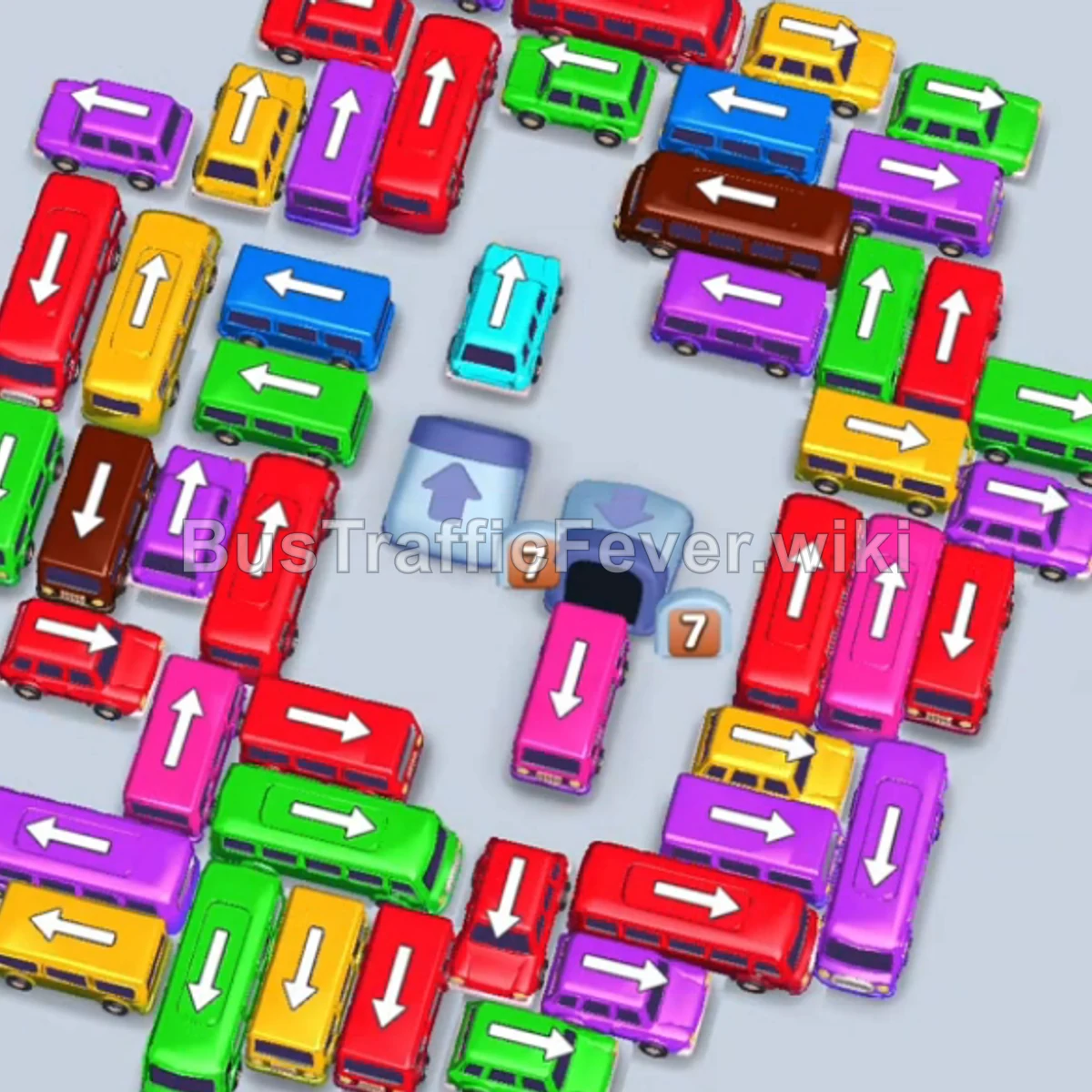
Tap the Yellow bus (capacity 24) on the middle left to move it into the first parking slot. Tap the Green bus (capacity 16) at the top left to move it into the second slot. Tap the Red bus (capacity 24) on the bottom left.
Step-by-step solution
Phase 1: Opening the board
- Tap the Yellow bus (capacity 24) on the middle left to move it into the first parking slot.
- Tap the Green bus (capacity 16) at the top left to move it into the second slot.
- Tap the Red bus (capacity 24) on the bottom left. Green and red passengers board and clear two parking slots.
- Tap the large Red bus (capacity 40) at the bottom left into an open slot. Yellow passengers board the waiting Yellow bus.
- Tap the Purple bus (capacity 16) from the lower-middle cluster. Red and purple passengers board and clear.
- Tap the Green bus (capacity 16) from the bottom-left edge. Green passengers board and it departs.
- Tap the Yellow bus (capacity 16) on the middle-left. The remaining yellow passengers clear both yellow vehicles.
Phase 2: Unblock the center
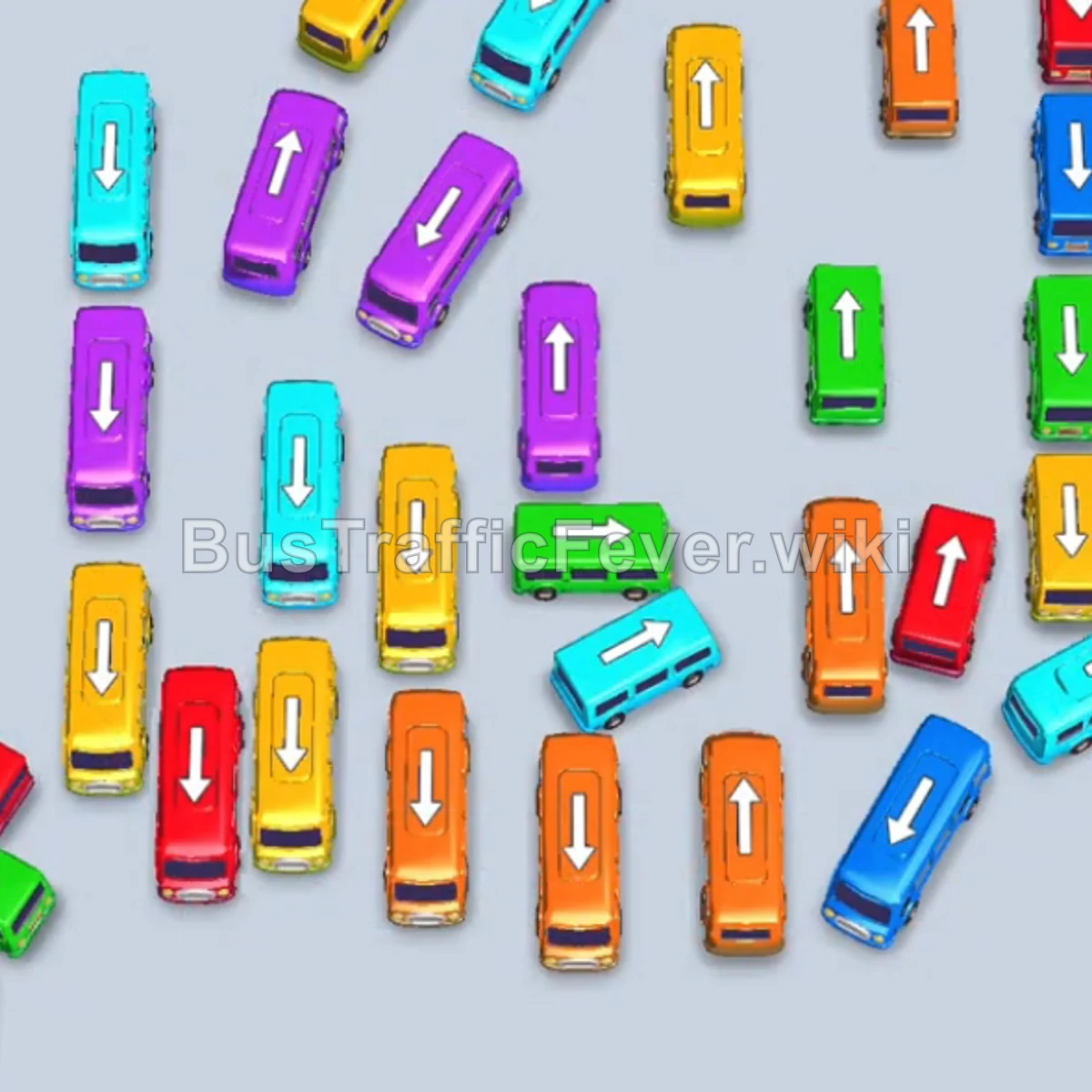
- Tap the Blue bus (capacity 16) from the top-right corner. Blue passengers board and it leaves.
- Tap the Purple bus (capacity 24) from the center cluster.
- Tap the Yellow bus (capacity 16) from the left side into the parking area.
- Tap the next Yellow bus (capacity 16) from the center.
- Tap the large Purple bus (capacity 40) from the right column into an open slot.
- Tap the large Orange bus (capacity 40) on the left. Orange and purple passengers board simultaneously, clearing both buses.
Phase 3: Clear the mid-level congestion
- Tap the Pink bus (capacity 16) from the bottom area.
- Tap the Blue bus (capacity 24) on the right side.
- Tap the Blue bus (capacity 8) from the right side into a parking slot.
- Tap the large Orange bus (capacity 40) from the bottom row.
- Tap the Pink bus (capacity 16) from the lower-left.
- Tap the Blue bus (capacity 12) from the right.
- Tap the Red bus (capacity 16) from the bottom cluster into the second slot.
- Tap the Purple bus (capacity 8) into the third slot. The blue, red, and purple crowds clear these slots in succession.
Phase 4: Finish the board
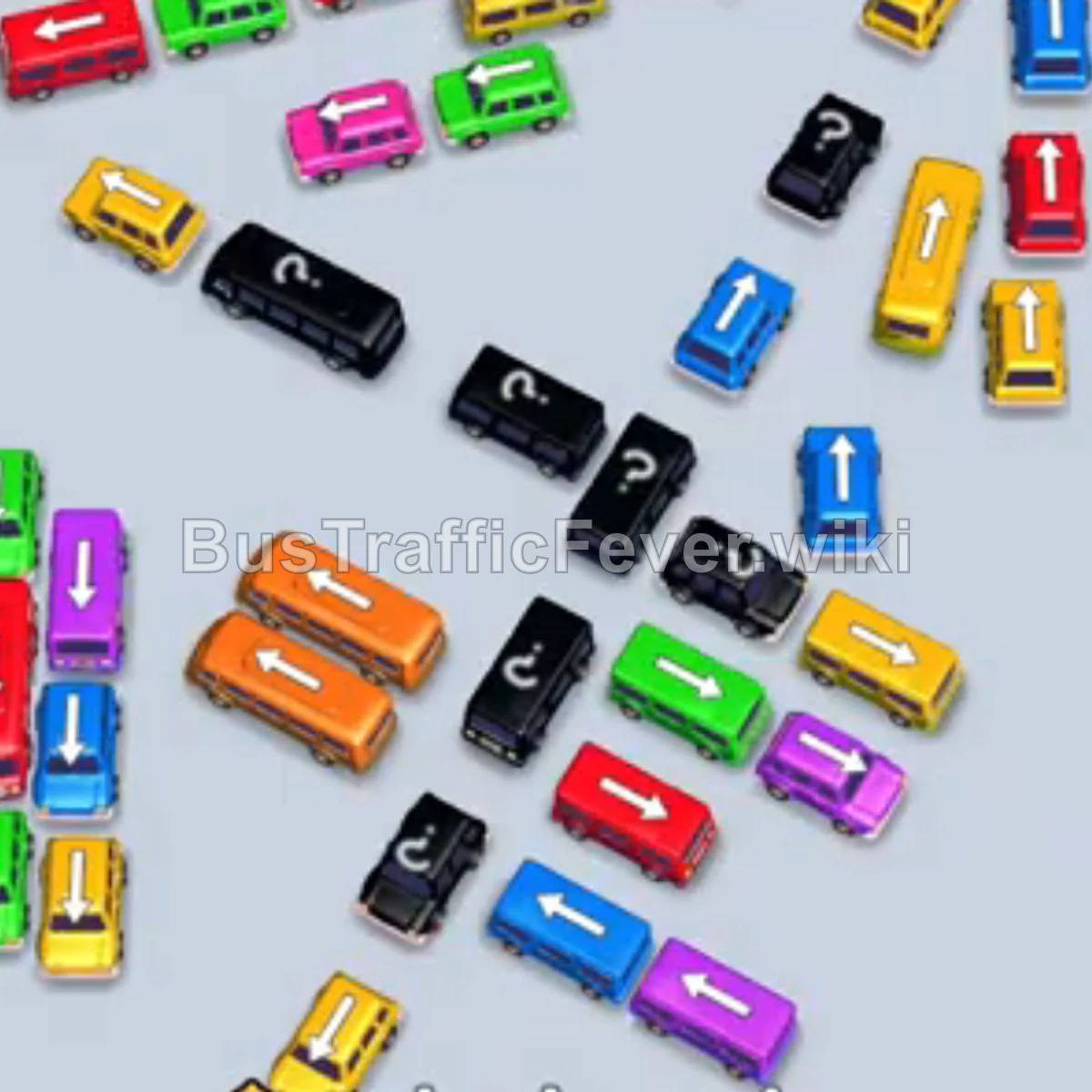
- Tap the Yellow bus (capacity 34) from the center into the parking area.
- Tap the Green bus (capacity 12) from the left side.
- Tap the Red bus (capacity 24) from the bottom-center. Red and green passengers board and clear.
- Tap the Blue bus (capacity 13) from the right side.
- Tap the Yellow bus (capacity 24) from the center.
- Tap the Purple bus (capacity 24) from the bottom area.
- Tap the Blue bus (capacity 16) and Purple bus (capacity 16).
- Tap the Green bus (capacity 16) and Yellow bus (capacity 24).
- Tap the Red bus (capacity 16).
- Tap the Pink bus (capacity 19) and Green bus (capacity 16).
- Tap the Yellow bus (capacity 16) into a slot to board the final yellow passengers.
Tips for success
- Watch the next passenger colors on the circular track before staging a vehicle.
- Use the 40-seat buses for large same-color passenger groups.
- Keep parking slots open for the colors that are about to arrive.
More Bus Traffic Fever help
Continue with the Level 20 walkthrough, review the core rules in how to play Bus Traffic Fever, or browse all level solutions to jump to another number.