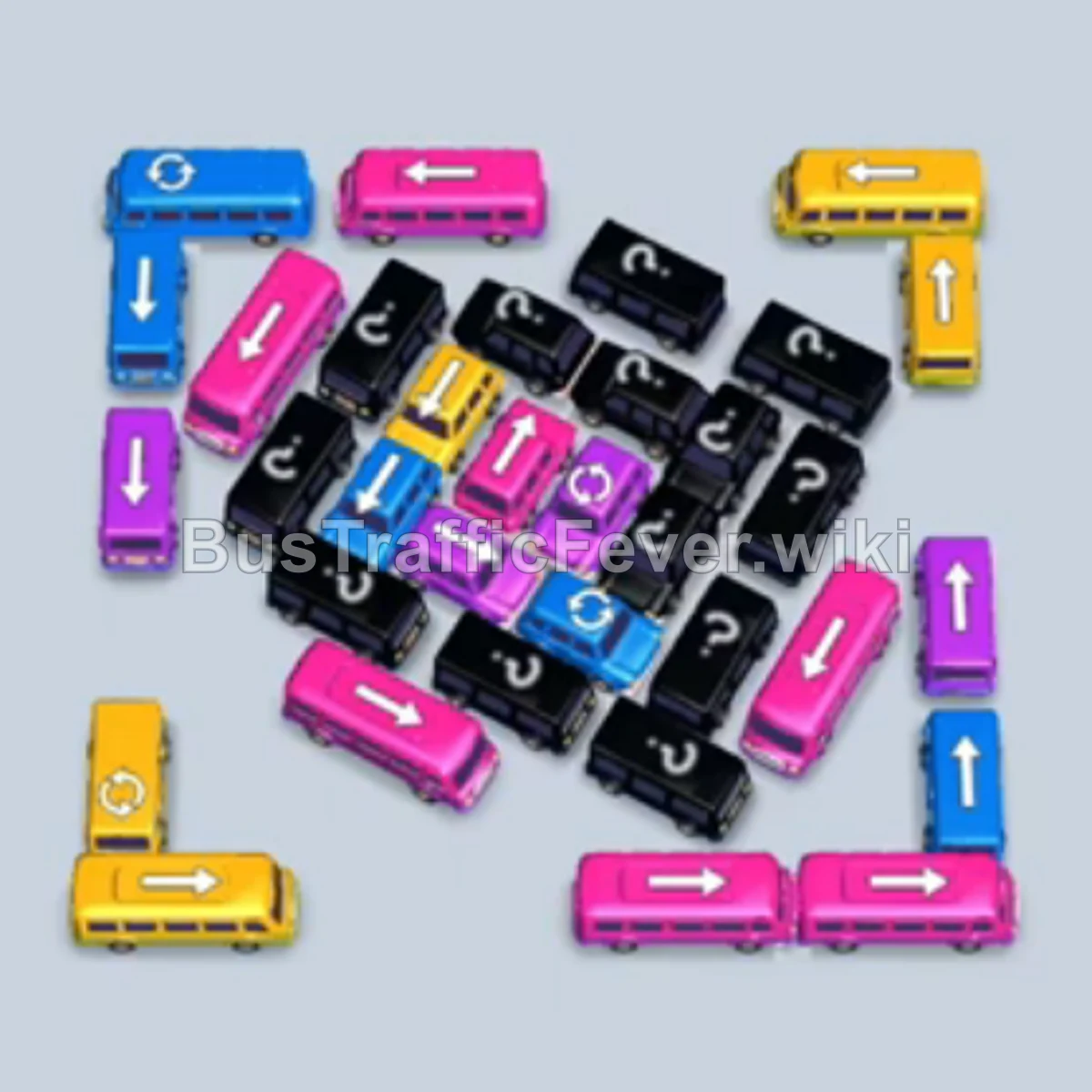
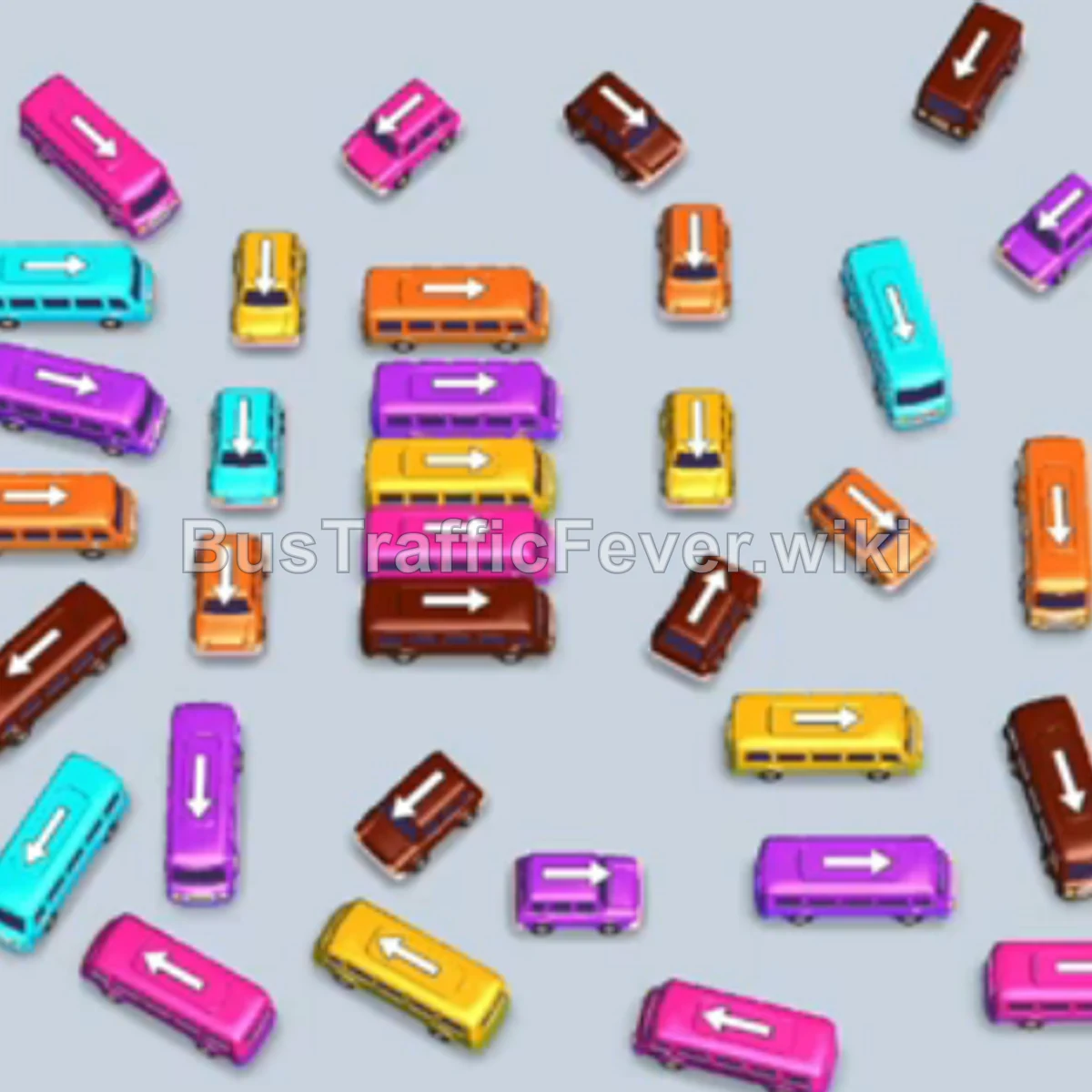
Bus Traffic Fever Level 290 Answer & Walkthrough Solution

Quick answer
Level 290 features a dense, tightly packed lot with many short and long buses blocking each other. The key strategy is staging only the buses whose passenger colors are currently arriving at the front of the queue, clearing out the congested upper and middle sectors early so lower vehicles have a clear exit path.
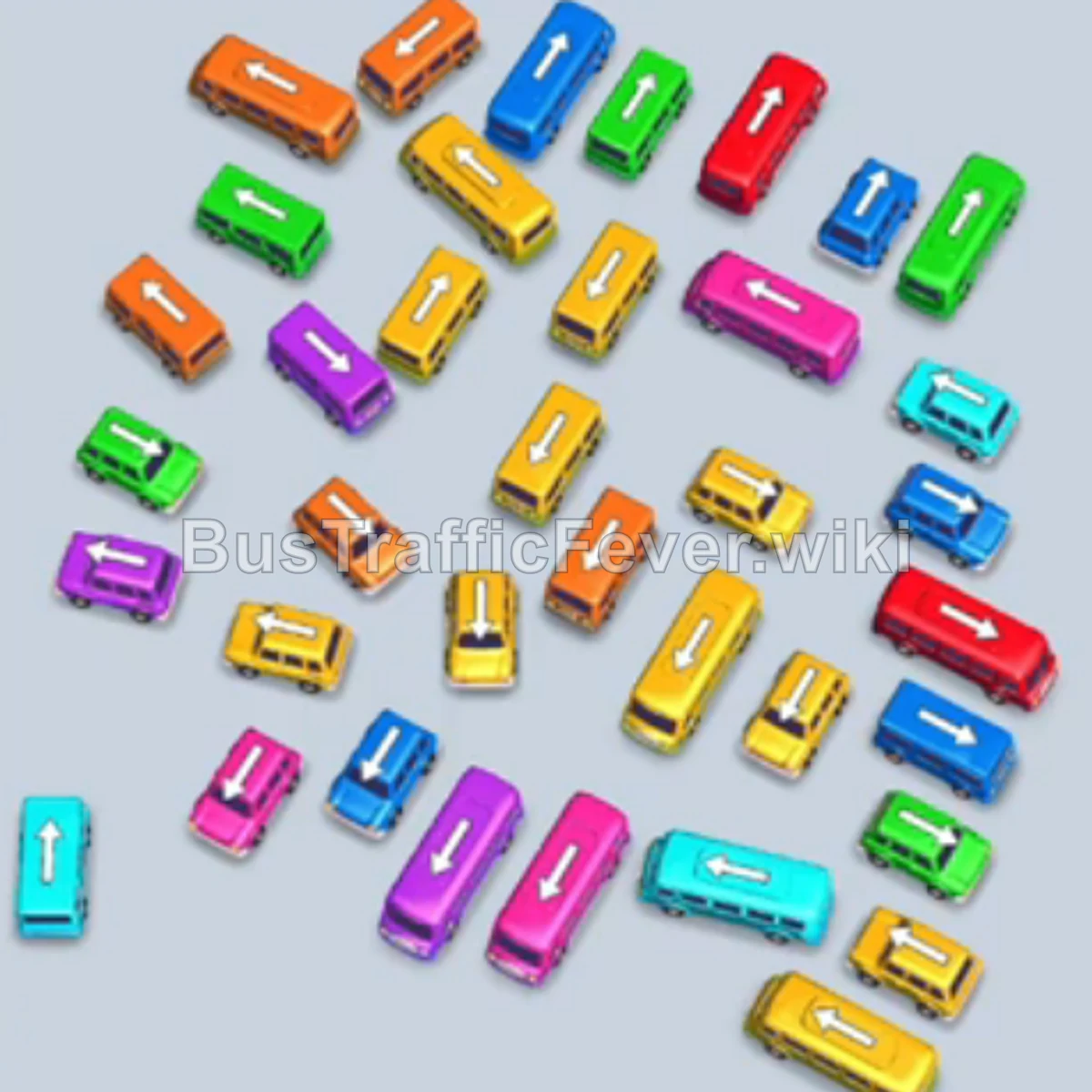
Step-by-step solution
Phase 1: Opening the Upper Lot and Clearing Initial Waves
- Tap the cyan bus (horizontal, middle right) to enter the first parking slot and pick up the starting cyan passengers.
- Tap the pink bus (horizontal, center lower-middle) into the second slot.
- Tap the yellow bus (vertical, mid-right) into the third slot.
- Tap the yellow bus (horizontal, upper-right edge) into the fourth slot.
- As the cyan bus fills and departs, tap the red bus (horizontal, lower-left facing left) into the fifth slot.
- Once the pink bus departs, tap the yellow bus (vertical, upper-center) into the first slot.
- As the first yellow bus departs, tap the cyan bus (angled/horizontal, upper right) into the vacated slot.
- Tap the blue bus (vertical, lower right) into the next open slot.
- As the second yellow bus departs, tap the yellow bus (horizontal, bottom center).
- Once the third yellow bus departs, tap the red bus (vertical, center-left).
- When the bottom yellow bus finishes boarding and clears out, the red passengers board the waiting red buses.
Phase 2: Clearing the Center Cluster
- Tap the pink bus (horizontal, upper center) into an open slot.
- Once the red bus leaves, tap the cyan bus (horizontal, middle).
- Tap the pink bus (horizontal, lower middle) into the next available slot.
- As the blue bus departs, tap the pink bus (vertical, center-right).
- Tap the purple bus (vertical, top right) into an open slot.
- Tap the blue bus (horizontal, mid-left).
- As the pink buses clear, cyan passengers board the waiting cyan buses.
- Tap the yellow bus (horizontal, top center).
- Tap the yellow bus (vertical, center).
- As the purple and blue buses board and depart, tap the yellow bus (horizontal, bottom right).
- Tap the purple bus (horizontal, lower right) to catch the approaching purple passengers.
- Tap the red bus (horizontal, bottom center).
- Tap the green bus (vertical, top center) to clear the top area.
Phase 3: Cycling Color Pairs through the Middle Ranks
- Tap the cyan bus (vertical, lower left).
- Once the green bus leaves, tap the green bus (horizontal, upper-mid left).
- Tap the yellow bus (horizontal, center).
- Tap the yellow bus (vertical, upper right).
- After yellow departs, tap the pink bus (horizontal, lower right).
- Tap the green bus (vertical, upper left).
- Tap the yellow bus (horizontal, center right).
- Tap the yellow bus (vertical, center).
- Tap the blue bus (horizontal, mid-left).
- Tap the yellow bus (vertical, mid-left).
- Tap the yellow bus (horizontal, lower center).
- Tap the cyan bus (vertical, lower left).
- Tap the blue bus (horizontal, lower right).
- Tap the purple bus (vertical, mid-left).
- Tap the pink bus (vertical, center-left).
- Tap the blue bus (vertical, center-left).
- Tap the cyan bus (horizontal, center-right).
Phase 4: Emptying the Final Grid
- Tap the pink bus (horizontal, mid-right).
- Tap the yellow bus (vertical, mid-right).
- Tap the purple bus (horizontal, lower right).
- Tap the pink bus (horizontal, center).
- Tap the cyan bus (horizontal, bottom right).
- Tap the blue bus (horizontal, center).
- Tap the green bus (vertical, center).
- Tap the purple bus (vertical, center-right).
- Tap the green bus (horizontal, lower left).
- Tap the red bus (horizontal, lower right).
- Tap the cyan bus (vertical, mid-left).
- Tap the yellow bus (horizontal, lower left).
- Tap the green bus (vertical, lower right).
- Tap the pink bus (vertical, bottom center).
- Tap the yellow bus (vertical, lower left).
- Tap the cyan bus (horizontal, bottom center).
- Tap the blue bus (horizontal, bottom left).
- Tap the green bus (vertical, lower center).
- Tap the yellow bus (horizontal, bottom center).
- Tap the pink bus (vertical, lower right).
- Tap the purple bus (horizontal, lower center).
- Tap the green bus (horizontal, lower left).
- Tap the blue bus (vertical, lower left).
- Tap the red bus (horizontal, bottom right).
- Tap the purple bus (vertical, bottom right).
- Tap the blue bus (vertical, bottom right).
- Tap the pink bus (horizontal, bottom center).
- Tap the yellow bus (horizontal, bottom center).
- Tap the green bus (vertical, bottom center).
- Tap the pink bus (horizontal, bottom center).
- Tap the blue bus (vertical, bottom left).
- Tap the green bus (horizontal, bottom center).
- Tap the yellow bus (vertical, bottom left).
- Tap the pink bus (horizontal, bottom center).
- Tap the red bus (vertical, bottom right).
- Tap the yellow bus (horizontal, bottom center).
- Tap the purple bus (vertical, bottom left).
- Tap the cyan bus (vertical, bottom center).
- Tap the pink bus (horizontal, bottom center).
- Tap the cyan bus (vertical, bottom left).
- Tap the blue bus (horizontal, bottom center) to clear the last passengers and finish the level.
Tips for success
- Watch the passenger line order: In the latter half of the level, buses are sent in pairs matching the immediate queue. Sending an unmatched bus into the dock will quickly fill the remaining slots and cause a deadlock.
- Prioritize outer vehicles first: Clear vertical buses along the left and right edges as soon as their color matches; this frees up room for horizontal buses to slide out.
- Keep two slots open: Avoid filling all five parking bays simultaneously unless every parked bus matches the immediate front passenger line.
More Bus Traffic Fever help
Continue with the Level 289 walkthrough, review the core rules in how to play Bus Traffic Fever, or browse all level solutions to jump to another number.