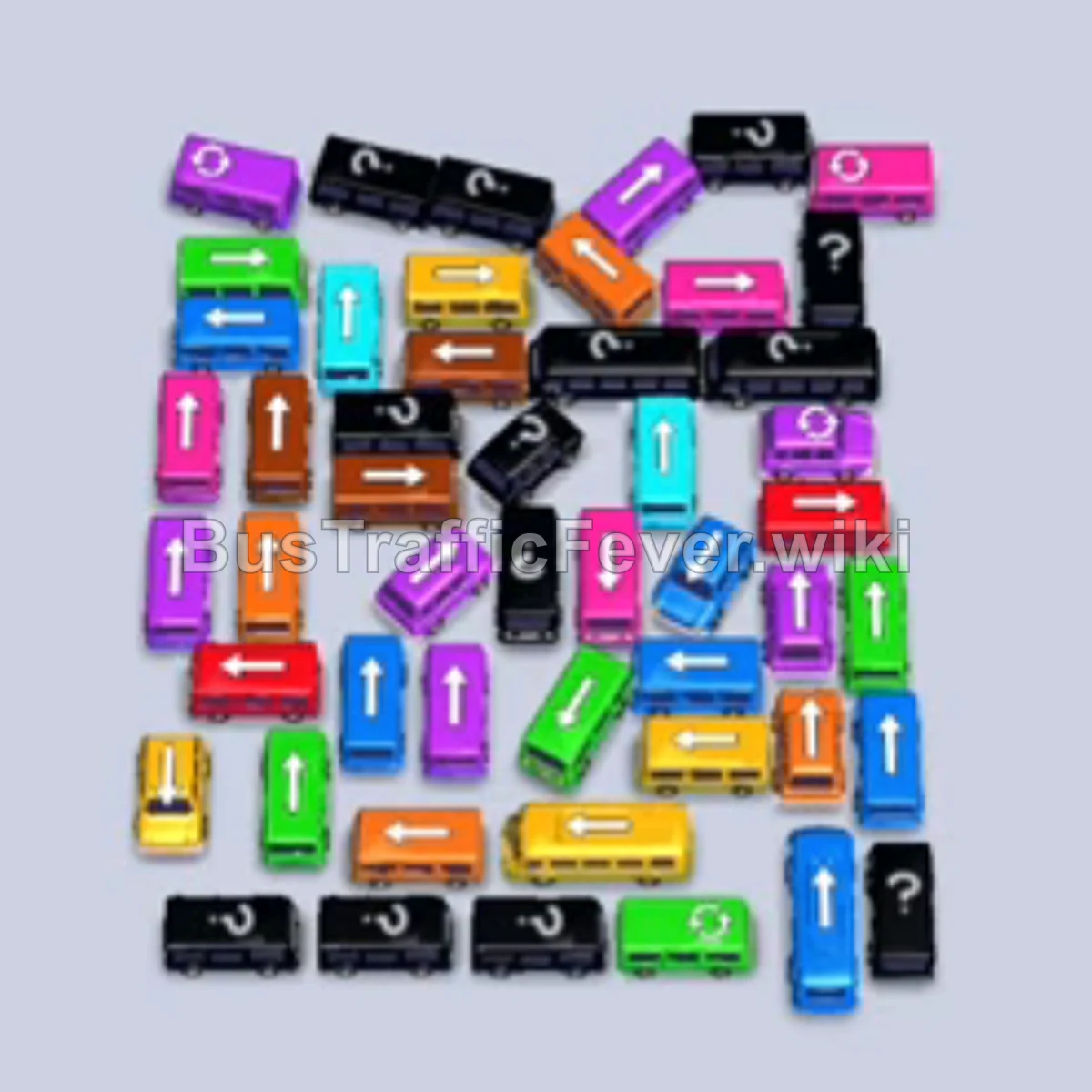
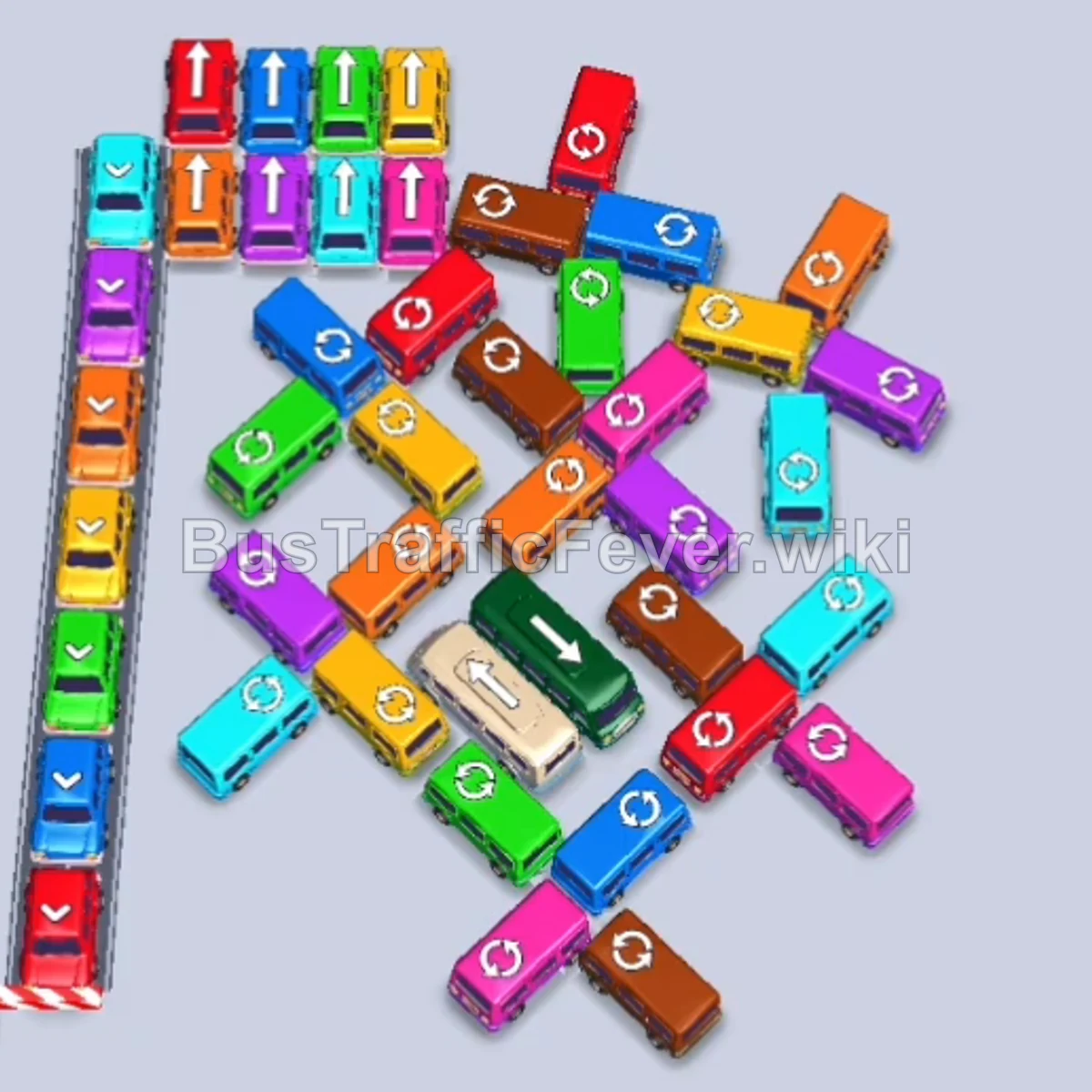
Bus Traffic Fever Level 184 Answer & Walkthrough Solution

Quick answer
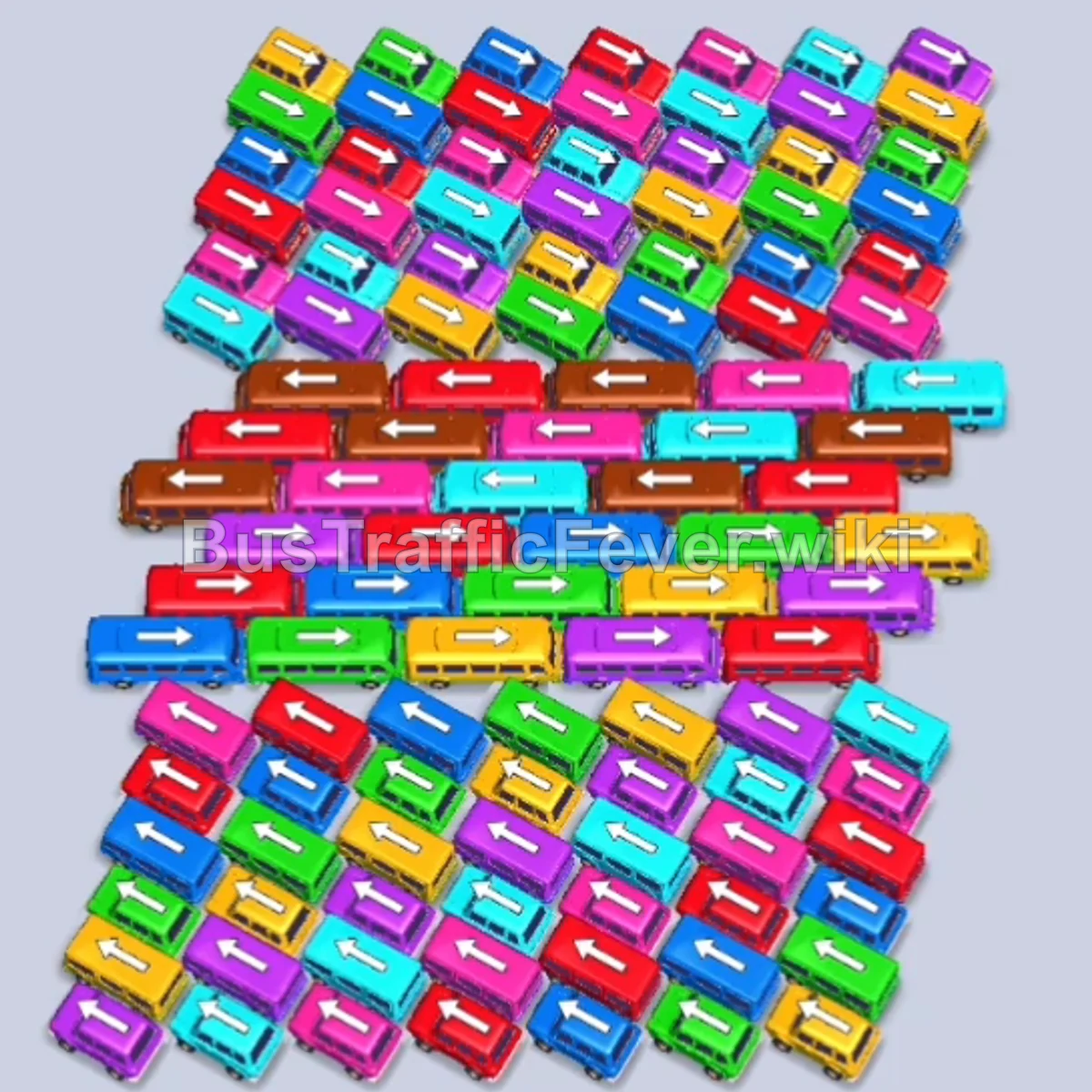
Level 184 features a large, densely packed grid of buses concealing several small compact buses at the bottom, beneath a double-looped passenger conveyor track. The key to beating this level without running out of parking bays is to systematically unpick the outer perimeters from the right and left sides first, matching the immediate passenger queue (Red, Yellow, Brown, Blue, and Green), while keeping buffer bays open so you never experience gridlock before reaching the buses at the base.
Step-by-step solution
Phase 1: Unlocking the Outer Flanks
- Tap the Red bus on the middle-right edge (facing right). It occupies the first bay and begins boarding red passengers.
- Tap the Yellow bus located directly below the red bus to load the adjacent yellow passengers.
- Tap the Brown bus on the far middle-left edge (facing left) to collect the brown passengers arriving in line.
- Tap the Red bus on the middle right (facing right).
- Tap the adjacent Red bus on the middle right to completely fill the red passenger quota and clear the slot.
- Tap the Pink bus on the right edge (facing right) to move into a slot as pink passengers arrive at the gate.
Phase 2: Clearing the Upper Rows & Blue/Green Waves
- Tap the Green bus at the top edge of the formation (facing left).
- Tap the Dark Blue bus in the upper-middle row (facing left).
- Tap the Dark Blue bus on the middle right (facing right) to continue loading blue passengers.
- Tap the Red bus on the right side (facing right) as red passengers arrive next in the queue.
- Tap the Red bus in the middle tier (facing right) to finish boarding the red section.
- Tap the Green bus in the upper-middle section (facing left).
- Tap the Purple bus in the upper-right section (facing right).
- Tap the Cyan (Light Blue) bus in the upper-middle row (facing left).
- Tap the Purple bus on the upper right (facing right) to clear the purple group.
- Tap the Yellow bus in the middle-right tier (facing right).
Phase 3: Dismantling the Central Grid
- Tap the Red bus on the bottom-left outer edge (facing left).
- Tap the Red bus on the bottom-right outer edge (facing right).
- Tap the Green bus at the top left (facing left).
- Tap the Green bus on the left flank (facing left) to absorb green passengers.
- Tap the Dark Blue bus on the upper right (facing left).
- Tap the Yellow bus on the lower-right side (facing right).
- Tap the Red bus on the upper-left flank (facing left).
- Tap the Brown bus on the middle-left flank (facing left).
- Tap the Pink bus on the middle-left flank (facing left).
- Tap the Cyan bus on the left edge (facing left).
- Tap the Yellow bus on the lower-right edge (facing right).
- Tap the Dark Blue bus on the lower-left edge (facing left).
- Tap the Dark Blue bus on the lower-right edge (facing right).
- Tap the Green bus on the upper-right edge (facing right).
Phase 4: Clearing Inner Buses & Exposing the Buses
- Tap the Red bus in the center-left row.
- Tap the Cyan bus on the upper-left flank.
- Tap the Yellow bus on the far left.
- Tap the Cyan bus on the lower-left flank.
- Tap the Purple bus on the left flank.
- Tap the Magenta/Pink bus on the left edge.
- Tap the Green bus on the far left.
- Tap the Blue bus on the far left.
- Tap the Yellow bus near the center-left.
- Tap the Cyan bus near the center.
- Tap the Purple bus in the middle.
- Tap the Yellow bus emerging in the center.
- Tap the Red bus in the center.
- Tap the Green bus in the center.
- Tap the Blue bus in the lower tier.
- Tap the Pink bus in the central tier.
- Tap the Cyan bus in the center.
- Tap the Green bus in the lower center.
- Tap the Yellow bus in the lower center.
Phase 5: Routing the Final Buses & Cleanup
- Tap the newly freed Cyan bus at the bottom.
- Tap the Pink bus at the bottom right.
- Tap the Yellow bus in the lower formation.
- Tap the Blue bus at the bottom.
- Tap the Red bus on the right side.
- Tap the Green bus at the bottom.
- Tap the Cyan and Purple buses as their exit paths open up.
- Tap the final Pink, Yellow, Red, and Green buses at the bottom to pick up the remaining passengers and successfully clear the level!
Tips for success
- Observe the Queue: Always monitor the passenger conveyor line at the top to plan 2–3 moves ahead rather than tapping randomly.
- Keep Buffer Bays Open: Maintain at least 1–2 empty bays whenever possible so you have room to slide out blocking vehicles.
- Work Outside-In: Always clear perimeter buses first; their exit paths are unblocked, and removing them creates the necessary turn space to free the inner vehicles and bottom buses.
More Bus Traffic Fever help
Continue with the Level 183 walkthrough, review the core rules in how to play Bus Traffic Fever, or browse all level solutions to jump to another number.