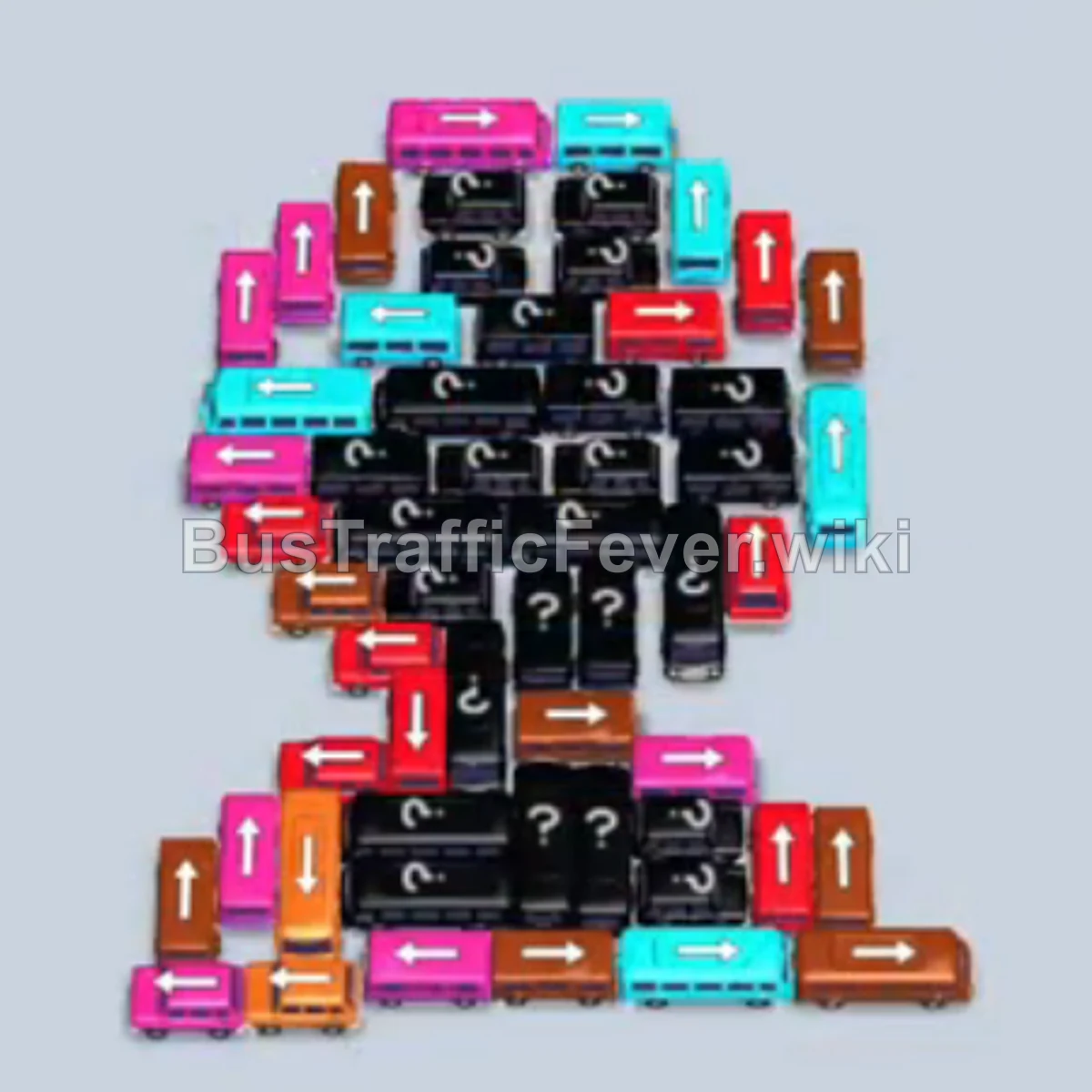
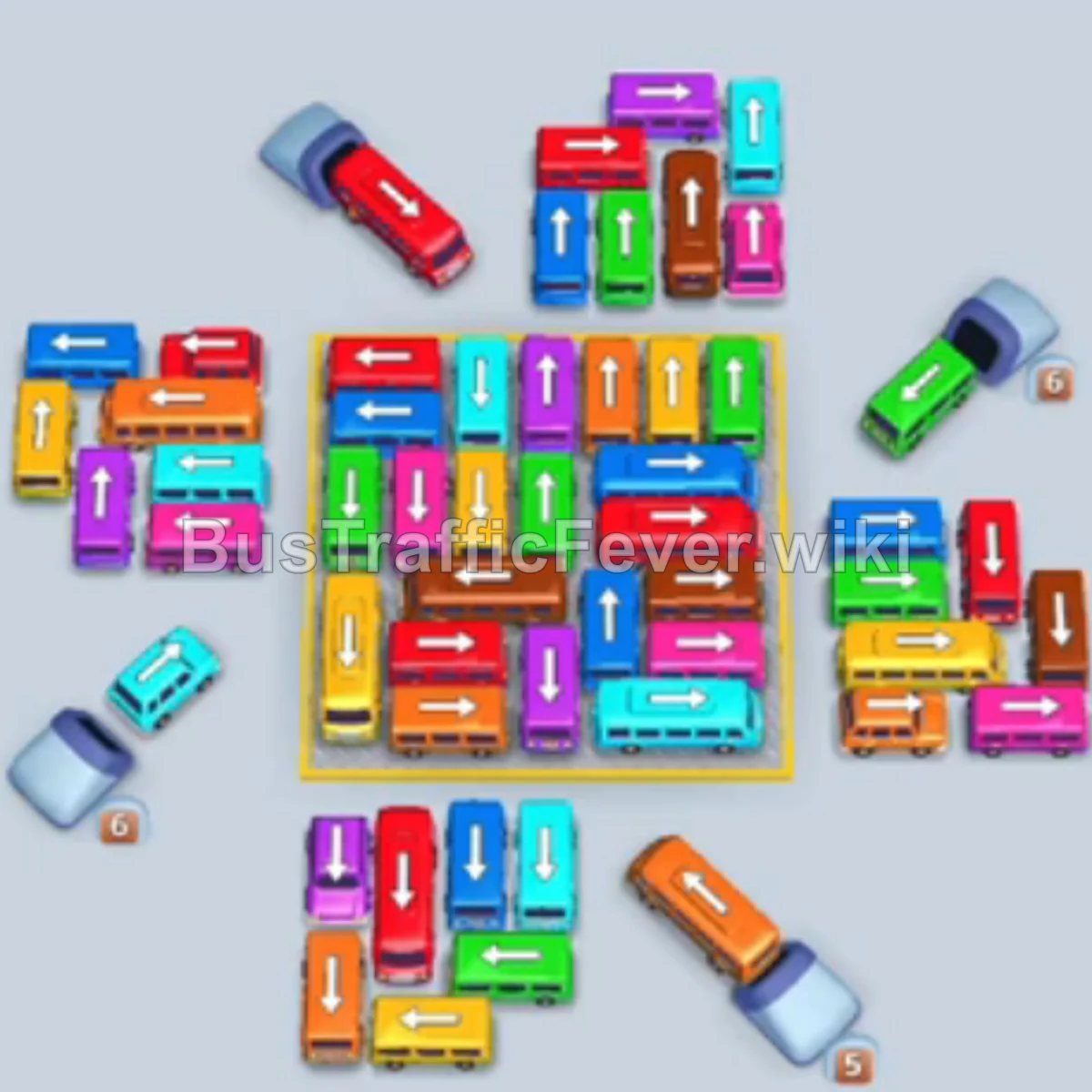
Bus Traffic Fever Level 310 Answer & Walkthrough Solution

Quick answer
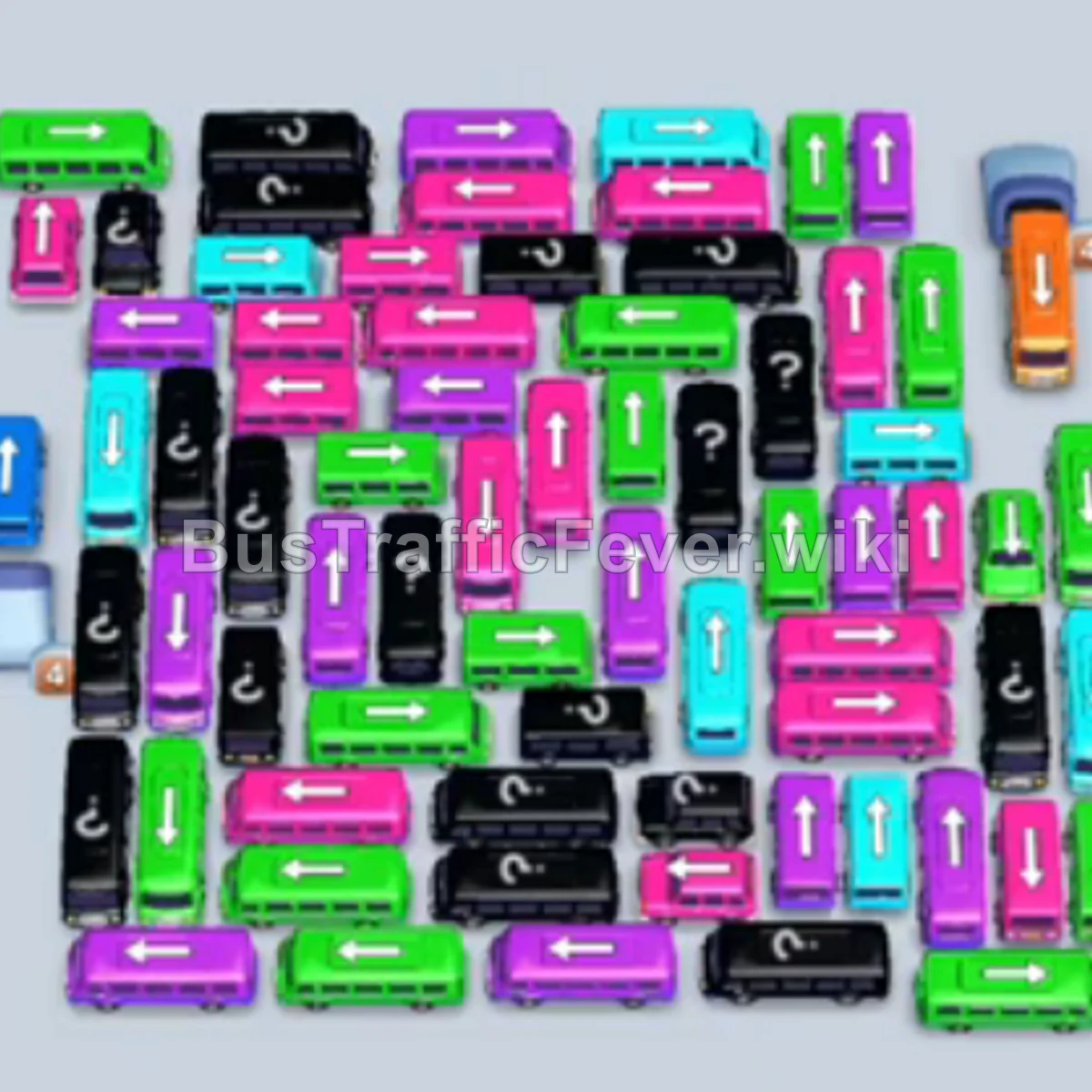
Level 310 presents an exceptionally large, multi-layered parking grid where dozens of buses are tightly interlocked around a dense central core. With only five parking slots available, success relies on peeling the board from the outer edges inward, strictly synchronizing every dispatched vehicle with the incoming passenger queue colors. Avoid flooding the parking bays with unmatching buses; park a non-active color only when it immediately unlocks a vehicle required by the front of the queue.
Step-by-step solution
Phase 1: Clearing the Outer Perimeter (Purple, Cyan, and Green)
- Tap the vertical purple bus on the middle-left edge to enter the first parking slot. It immediately loads 40 purple passengers and departs.
- Tap the horizontal purple bus directly below on the bottom-left. It fills with 40 purple passengers and leaves.
- Tap the vertical green bus on the far-left edge to move into a parking bay (it will hold temporarily while purple and cyan clear).
- Tap the vertical cyan bus at the top-left edge. Cyan passengers board and it departs.
- Tap the horizontal cyan bus in the center-left area into an open slot. It loads cyan passengers and leaves.
- Tap the horizontal purple bus in the lower-center area. Purple passengers arrive and board.
- Tap the vertical purple bus near the bottom-center into an available slot to finish the purple passenger wave.
- Tap the horizontal green bus along the top-left edge. Green passengers arrive at the front of the queue, simultaneously loading both the waiting vertical green bus and this horizontal green bus; both depart.
- Tap the horizontal cyan bus along the top edge into an empty slot.
- Tap the vertical cyan bus near the top-right corner. Cyan passengers board both cyan buses.
- Tap the vertical purple bus on the upper-right edge. Purple passengers board and clear.
- Tap the horizontal purple bus in the upper-right area into a cleared slot to load the remaining purple passengers.
- Tap the vertical green bus near the upper-center into a slot.
- Tap the horizontal green bus in the center into an open bay. Green passengers board both green buses and depart.
- Tap the vertical green bus on the mid-right edge into an open slot to finish the green passenger wave.
- Tap the horizontal cyan bus in the middle-right area.
- Tap the vertical cyan bus at the bottom-right corner. Cyan passengers board and clear both cyan buses.
- Tap the horizontal yellow bus in the center into the cleared slot to begin accepting yellow passengers.
- Tap the horizontal purple bus in the center-left.
- Tap the vertical purple bus in the center. Purple passengers board and clear.
- Tap the vertical cyan bus in the center into an open slot.
- Tap the horizontal green bus on the mid-left side.
- Tap the vertical green bus at the top-center. Green passengers board and depart.
Phase 2: Opening the Lower Board and Unlocking Yellow and Red
- The waiting vertical cyan bus in the bay loads incoming cyan passengers and departs.
- Tap the vertical cyan bus in the lower-middle area to clear the remaining cyan passengers.
- Tap the horizontal yellow bus on the far-left edge. Yellow passengers board and it departs.
- Tap the vertical green bus in the lower-center area into an open bay.
- Tap the horizontal green bus along the bottom edge. Green passengers board both buses and clear.
- Tap the vertical green bus in the right-center area.
- Tap the horizontal green bus on the right side. Green passengers board and clear.
- Tap the horizontal cyan bus in the center. Cyan passengers board.
- Tap the horizontal yellow bus on the left side into a slot.
- Tap the horizontal purple bus in the center. Purple passengers board and clear.
- Tap the vertical green bus in the center. Green passengers board.
- Tap the horizontal red bus in the lower-left corner into an open slot. Red passengers arrive and fill the bus.
- Tap the vertical red bus in the bottom area to complete the red passenger group.
- Tap the horizontal yellow bus in the lower area into an empty slot.
- Tap the vertical yellow bus at the bottom edge. Yellow passengers board and depart.
- Tap the vertical green bus in the lower-left area. Green passengers board.
- Tap the horizontal purple bus in the center. Purple passengers board.
- Tap the vertical yellow bus in the lower-center.
- Tap the horizontal yellow bus near the center. Yellow passengers board and depart.
- Tap the vertical green bus in the center.
- Tap the horizontal green bus in the center. Green passengers board.
- Tap the horizontal yellow bus in the mid-left area. Yellow passengers board.
- Tap the horizontal green bus in the center. Green passengers board.
Phase 3: Transitioning Through Red, Brown, and Center Clusters
- Tap the vertical purple bus in the center.
- Tap the horizontal purple bus in the center. Purple passengers board and depart.
- Tap the vertical green bus in the center. Green passengers board.
- Tap the vertical yellow bus near the center. Yellow passengers board.
- Tap the vertical red bus on the mid-right side. Red passengers board.
- Tap the horizontal red bus on the mid-right side. Red passengers board.
- Tap the vertical purple bus in the center.
- Tap the horizontal purple bus in the center. Purple passengers board.
- Tap the horizontal green bus in the center.
- Tap the vertical green bus in the center. Green passengers board.
- Tap the horizontal cyan bus in the upper-center.
- Tap the vertical cyan bus in the upper-center. Cyan passengers board.
- Tap the horizontal yellow bus on the upper-left.
- Tap the horizontal yellow bus in the upper-center. Yellow passengers board.
- Tap the vertical red bus in the upper-center.
- Tap the vertical red bus on the upper-right. Red passengers board.
- Tap the horizontal green bus in the center.
- Tap the vertical green bus in the center. Green passengers board.
- Tap the horizontal cyan bus in the center.
- Tap the vertical cyan bus in the center. Cyan passengers board.
- Tap the horizontal red bus in the center.
- Tap the vertical red bus in the center. Red passengers board.
- Tap the vertical yellow bus in the center.
- Tap the horizontal yellow bus in the center. Yellow passengers board.
- Tap the horizontal red bus in the center.
- Tap the vertical red bus in the center. Red passengers board.
- Tap the vertical brown/orange bus on the left into the open bay. Brown passengers board.
- Tap the horizontal brown/orange bus on the left. Brown passengers board and clear.
Phase 4: Clearing the Mid-Layer Core
- Tap the vertical purple bus in the center.
- Tap the horizontal purple bus in the center. Purple passengers board.
- Tap the vertical red bus in the center.
- Tap the horizontal red bus in the center. Red passengers board.
- Tap the vertical brown/orange bus in the center.
- Tap the horizontal brown/orange bus in the center. Brown passengers board.
- Tap the vertical yellow bus in the center.
- Tap the horizontal yellow bus in the center. Yellow passengers board.
- Tap the vertical green bus in the center.
- Tap the horizontal green bus in the center. Green passengers board.
- Tap the vertical cyan bus in the center.
- Tap the horizontal cyan bus in the center. Cyan passengers board.
- Tap the vertical red bus in the center.
- Tap the horizontal red bus in the center. Red passengers board.
- Tap the vertical brown/orange bus in the center.
- Tap the horizontal brown/orange bus in the center. Brown passengers board.
- Tap the vertical yellow bus in the center.
- Tap the horizontal yellow bus in the center. Yellow passengers board.
- Tap the vertical green bus in the center.
- Tap the horizontal green bus in the center. Green passengers board.
- Tap the vertical cyan bus in the center.
- Tap the horizontal cyan bus in the center. Cyan passengers board.
- Tap the vertical red bus in the center.
- Tap the horizontal red bus in the center. Red passengers board.
- Tap the vertical brown/orange bus in the center.
- Tap the horizontal brown/orange bus in the center. Brown passengers board.
- Tap the vertical yellow bus in the center.
- Tap the horizontal yellow bus in the center. Yellow passengers board.
- Tap the vertical purple bus in the center.
- Tap the horizontal purple bus in the center. Purple passengers board.
Phase 5: Final Core Clearance and Level Complete
- Tap the vertical green bus in the center.
- Tap the horizontal green bus in the center. Green passengers board.
- Tap the vertical cyan bus in the center.
- Tap the horizontal cyan bus in the center. Cyan passengers board.
- Tap the vertical green bus in the center.
- Tap the horizontal green bus in the center. Green passengers board.
- Tap the vertical purple bus in the center.
- Tap the horizontal purple bus in the center. Purple passengers board.
- Tap the vertical yellow bus in the center.
- Tap the horizontal yellow bus in the center. Yellow passengers board.
- Tap the vertical red bus in the center.
- Tap the horizontal red bus in the center. Red passengers board.
- Tap the vertical brown/orange bus in the center.
- Tap the horizontal brown/orange bus in the center. Brown passengers board.
- Tap the vertical green bus in the center.
- Tap the horizontal green bus in the center. Green passengers board.
- Tap the vertical cyan bus in the center.
- Tap the horizontal cyan bus in the center. Cyan passengers board.
- Tap the vertical purple bus in the center.
- Tap the horizontal purple bus in the center. Purple passengers board.
- Tap the vertical yellow bus in the center.
- Tap the horizontal yellow bus in the center. Yellow passengers board.
- Tap the vertical red bus in the center.
- Tap the horizontal red bus in the center. Red passengers board.
- Tap the vertical brown/orange bus in the center.
- Tap the horizontal brown/orange bus in the center. Brown passengers board.
- Tap the vertical green bus in the center.
- Tap the horizontal green bus in the center. Green passengers board.
- Tap the vertical purple bus in the center.
- Tap the horizontal purple bus in the center. Purple passengers board.
- Tap the vertical cyan bus in the center.
- Tap the horizontal cyan bus in the center. Cyan passengers board.
- Tap the vertical green bus in the center.
- Tap the horizontal green bus in the center. Green passengers board.
- Tap the vertical yellow bus in the center.
- Tap the horizontal yellow bus in the center. Yellow passengers board.
- Tap the vertical red bus in the center.
- Tap the horizontal red bus in the center. Red passengers board.
- Tap the vertical cyan bus in the center.
- Tap the horizontal cyan bus in the center. Cyan passengers board.
- Tap the vertical purple bus in the center.
- Tap the horizontal purple bus in the center. Purple passengers board.
- Tap the vertical cyan bus remaining in the center. Cyan passengers board and it clears.
- Tap the final yellow bus into the bay. It collects the last yellow passengers from the line to complete Level 310!
Tips for success
- Strict Pair Management: Buses of the same color frequently appear in orthogonal pairs (one vertical, one horizontal) blocking one another. Freeing one unlocks the other; always clear them in tandem to keep slots open.
- Keep At Least Two Slots Free: With five parking bays, never allow more than two non-active buses to sit waiting. If three slots fill with stagnant vehicles, a single color mismatch will immediately cause a game-over.
- Peel the Outer Rings First: The center grid is completely trapped at the start. Focus entirely on perimeter vehicles on the left and upper borders before attempting to reach internal paths.
More Bus Traffic Fever help
Continue with the Level 309 walkthrough, review the core rules in how to play Bus Traffic Fever, or browse all level solutions to jump to another number.