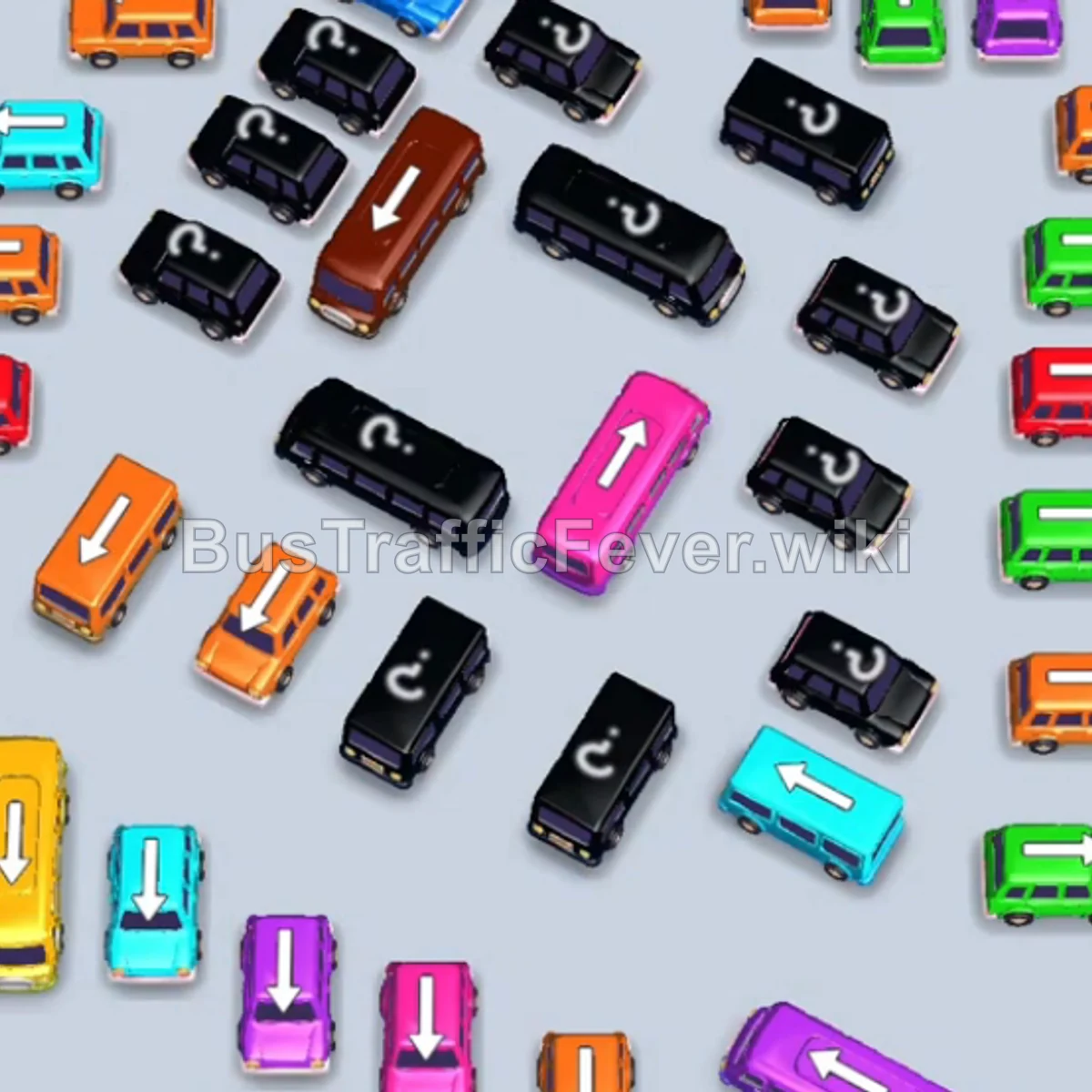
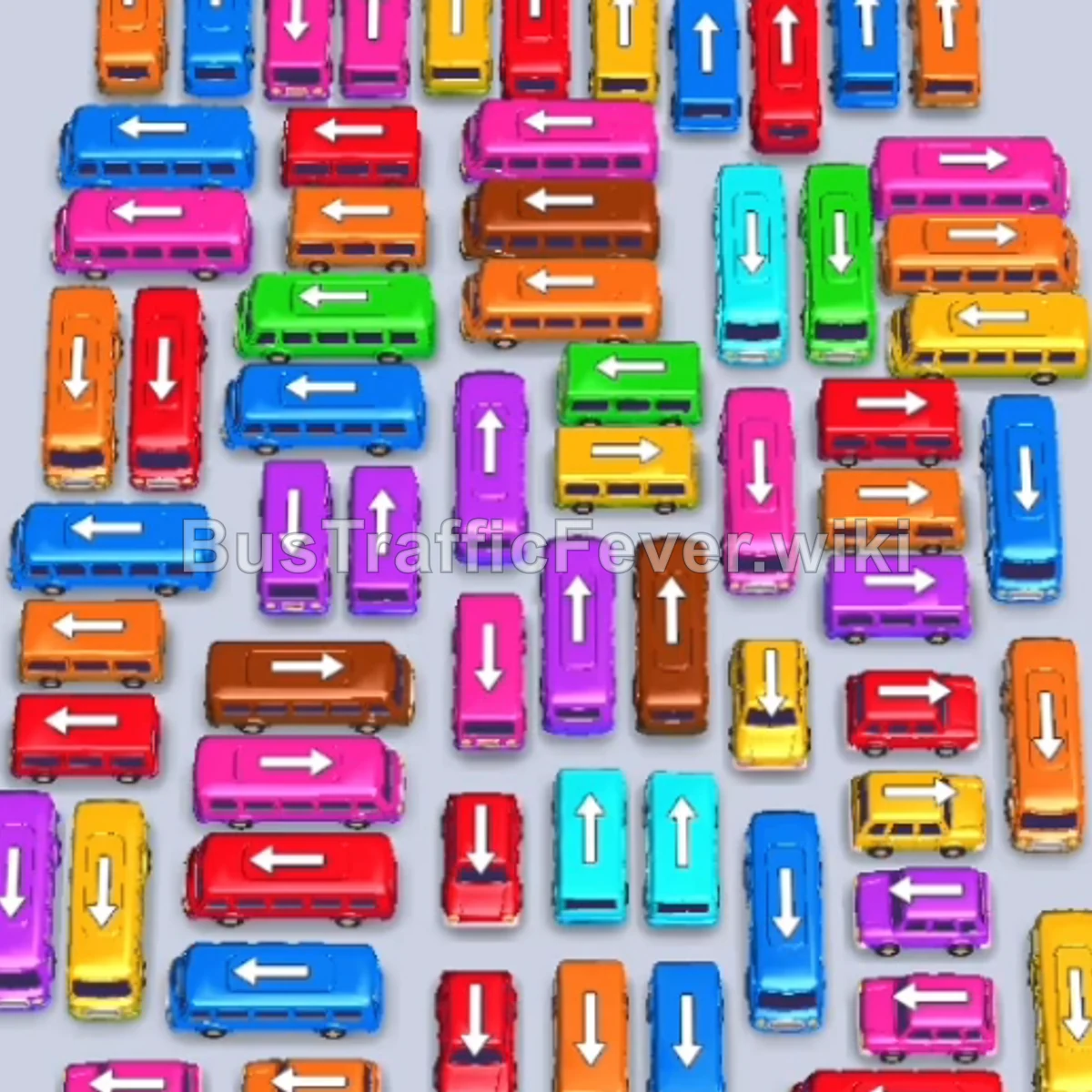
Bus Traffic Fever Level 123 Answer & Walkthrough Solution


Quick answer
Tap the Purple Bus on the upper left pointing left into slot 1. Purple passengers will board and clear it. Tap the Brown Bus on the upper left pointing left into slot 1 to begin loading brown passengers. Tap the Red Bus on the left pointing left into slot 2.
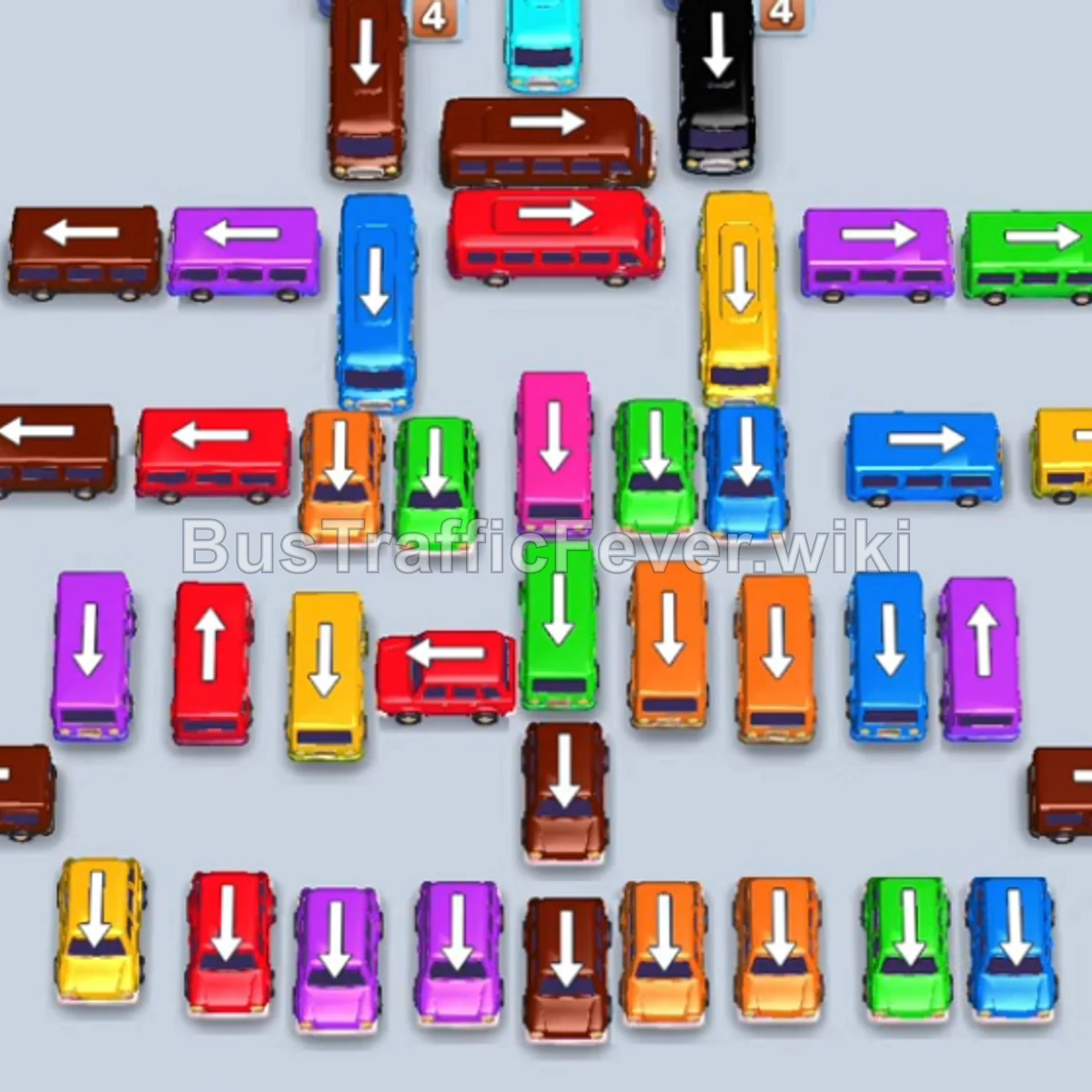
Step-by-step solution
Phase 1: Opening the Left Flank & Establishing Base Slots
- Tap the Purple Bus on the upper left pointing left into slot 1. Purple passengers will board and clear it.
- Tap the Brown Bus on the upper left pointing left into slot 1 to begin loading brown passengers.
- Tap the Red Bus on the left pointing left into slot 2. Red passengers board and clear it.
- Tap the Green Bus on the left pointing left into slot 2. Green passengers board and clear it.
- Tap the Yellow Bus on the far-left edge pointing upward into slot 2.
- Tap the Orange Bus pointing left into slot 3. Orange passengers board and clear it, followed by yellow passengers boarding the Yellow Bus.
- Tap the Brown Bus pointing left into slot 3.
- Tap the Purple Bus pointing upward into slot 4. Purple passengers board and clear it, allowing brown passengers to load into the Brown Bus.
Phase 2: Clearing Mid-Field Obstacles
- Tap the Red Bus pointing left into slot 4. Red passengers board and clear it.
- Tap the Purple Bus pointing upward into slot 4. Purple passengers board and clear it.
- Tap the Yellow Bus pointing right into slot 4.
- Tap the Purple Bus pointing right into slot 5. Purple and yellow passengers will board and clear their vehicles.
- Tap the Red Bus pointing left into slot 4 to collect red passengers.
- Tap the Green Bus pointing right into slot 5. Green passengers board and clear it.
- Tap the Blue Bus in the middle pointing upward into slot 5. Blue and brown passengers will board and clear their buses.
Phase 3: The Black Bus Stream & Column Clearance
- Tap the Brown Bus pointing left into slot 1.
- Tap the first Black Bus at the top of the vertical column pointing downward into slot 5. Black passengers board and clear it.
- Tap the second Black Bus in the vertical column pointing downward into slot 5. Black passengers board and clear it.
- Tap the third Black Bus in the vertical column pointing downward into slot 5. Black passengers board and clear it, clearing the way for the purple bus to finish loading.
- Tap the Orange Bus pointing left into slot 5. Orange passengers board and clear it.
- Tap the second Orange Bus pointing left into slot 5. Orange passengers board and clear it.
- Tap the Green Bus in the center pointing upward into slot 5. Green passengers board and clear it.
Phase 4: Mid-Section & Column Unraveling
- Tap the Blue Bus pointing upward into slot 5. Blue and red passengers board and clear.
- Tap the Blue Bus pointing upward into slot 4.
- Tap the Orange Bus pointing upward into slot 5. Blue and orange passengers board and clear their vehicles.
- Tap the Red Bus on the left pointing left into slot 5. Red and brown passengers board.
- Tap the Orange Bus pointing left into slot 4.
- Tap the Green Bus pointing left into slot 5. Green and orange passengers board and clear.
- Tap the Blue Bus pointing left into slot 4. Blue passengers board and clear it.
- Tap the Purple Bus pointing right into slot 4. Purple passengers board and clear it.
Phase 5: Multi-Bus Synchronization
- Tap the Yellow Bus pointing upward into slot 4.
- Tap the Blue Bus pointing left into slot 5. Blue passengers board and clear it.
- Tap the Purple Bus pointing left into slot 5. Purple passengers board and clear it.
- Tap the Yellow Bus pointing upward into slot 5.
- Tap the Black Bus at the bottom pointing upward into slot 6. Black and yellow passengers will board and clear.
- Tap the Red Bus pointing left into slot 6. Red and brown passengers board and clear.
- Tap the Pink Bus pointing left into slot 1. Pink passengers board and clear it.
- Tap the Brown Bus on the left pointing left into slot 1. Brown passengers board and clear it.
Phase 6: Final Sequence & Cleanup
- Tap the Brown Bus pointing right into slot 1.
- Tap the Green Bus pointing upward into slot 3.
- Tap the Pink Bus pointing upward into slot 5. Pink, Green, and Brown passengers board and clear.
- Tap the Green Bus pointing downward into slot 1.
- Tap the Blue Bus pointing upward into slot 2.
- Tap the Red Bus pointing right into slot 5. Green, Blue, Red, and Yellow passengers board and depart.
- Tap the Yellow Bus pointing downward into slot 1.
- Tap the Brown Bus pointing left into slot 2.
- Tap the Light Blue Bus pointing downward into slot 3.
- Tap the final Brown Bus pointing right into slot 5. All remaining passengers will board their vehicles to finish Level 123 with a Perfect! score.
Tips for success
- Tackle the Vertical Column Carefully: The central vertical column containing multiple Black Buses must be cleared one by one to uncover the buses trapped below.
- Keep Multi-Slot Space Open: In the later phases, multiple large buses of different colors need to sit simultaneously to handle multi-wave passenger queues.
- Prioritize Path Unblockers: Always look for vehicles with arrows that free up lanes for the vehicles stuck behind them before sending standalone perimeter buses.
More Bus Traffic Fever help
Continue with the Level 122 walkthrough, review the core rules in how to play Bus Traffic Fever, or browse all level solutions to jump to another number.