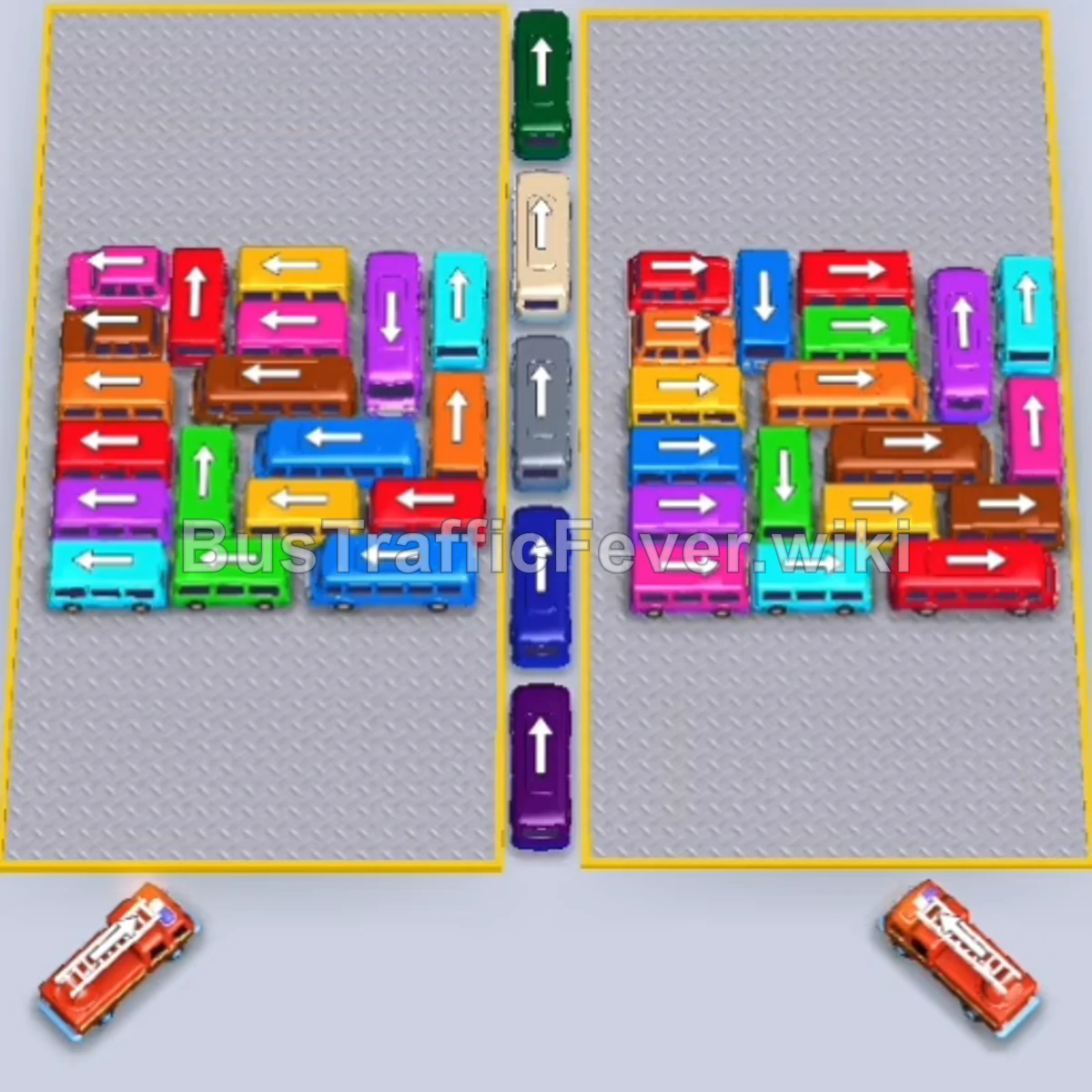
Bus Traffic Fever Level 188 Answer & Walkthrough Solution
Quick answer
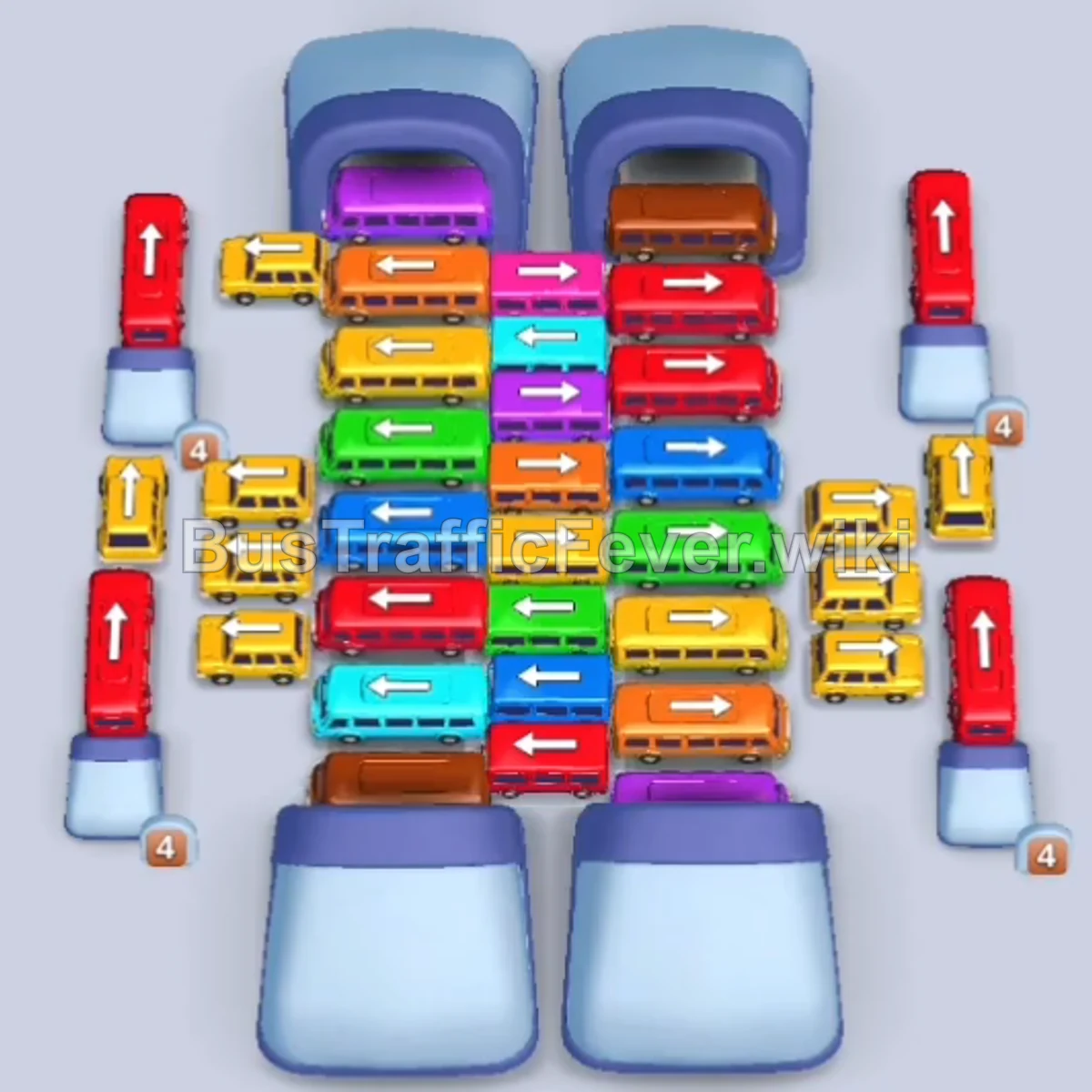
Level 188 introduces a central vertical stack of horizontal buses flanked by outer lanes and two central exit tunnels at the top. To beat this level, first launch the free buses from the outer perimeter and the upper tunnel exits to create space, then alternate sliding horizontal buses into the cleared left and right conveyor lanes so they can drive through the tunnels without clogging the passenger boarding bays.
Step-by-step solution
Phase 1: Clearing Outer Perimeter Buses & Opening the Right Tunnel
- Tap the Police Bus (Blue with red stripe) already positioned above the tunnels to send it straight to boarding.
- Tap the Yellow bus in the outer right lane facing upward to clear the right perimeter.
- Tap the Red bus in the outer left lane facing upward.
- Tap the Cyan bus in the outer left lane facing upward.
- Tap the White van in the outer right lane facing upward.
- Tap the Red bus in the outer left lane facing upward.
- Tap the Yellow bus in the outer left lane facing upward.
- Tap the Pink bus in the outer right lane facing upward.
- Tap the Cyan bus at the top right facing upward through the right tunnel.
- Tap the Orange bus at the top right facing upward through the right tunnel.
Phase 2: Unloading the Upper Rows & Mid-Right Lane
- Tap the Green bus in the upper stack pointing right to slide into the right track and exit through the tunnel.
- Tap the Red bus in the upper stack pointing right into the right track.
- Tap the Yellow bus in the outer right lane facing upward.
- Tap the Red bus in the outer left lane facing upward.
- Tap the Cyan bus in the outer right lane facing upward.
- Tap the Purple bus in the outer right lane facing upward.
- Tap the Orange bus pointing right into the right lane.
- Tap the Yellow bus pointing right into the right lane.
- Tap the Red bus pointing right into the right lane.
- Tap the Red bus in the outer right lane facing upward.
Phase 3: Cycling Left-Lane Buses & Mid-Stack Decongestion
- Tap the Green bus in the outer right lane facing upward.
- Tap the Orange bus pointing right into the right lane.
- Tap the Cyan bus pointing left into the open left lane.
- Tap the Yellow bus pointing right into the right lane.
- Tap the Blue bus in the outer left lane facing upward.
- Tap the Yellow bus in the outer left lane facing upward.
- Tap the Yellow bus pointing left into the left lane.
- Tap the Cyan bus pointing left into the left lane.
- Tap the Red bus pointing right into the right lane.
- Tap the Yellow bus in the outer left lane facing upward.
- Tap the Blue bus pointing right into the right lane.
- Tap the Purple bus in the outer left lane facing upward.
- Tap the Red bus pointing right into the right lane.
Phase 4: Freeing the Remaining Grid Stack
- Tap the Pink bus pointing left into the left lane.
- Tap the Yellow bus pointing right into the right lane.
- Tap the Green bus pointing left into the left lane.
- Tap the Cyan bus pointing left into the left lane.
- Tap the Purple bus pointing left into the left lane.
- Tap the Brown bus pointing left into the left lane.
- Tap the Orange bus pointing left into the left lane.
- Tap the Yellow bus pointing right into the right lane.
- Tap the Red bus pointing right into the right lane.
- Tap the Cyan bus pointing left into the left lane.
- Tap the Green bus pointing left into the left lane.
Phase 5: Final Evacuation & Clean-up
- Tap the Pink bus pointing left into the left lane.
- Tap the Brown bus pointing left into the left lane.
- Tap the Orange bus pointing left into the left lane.
- Tap the Red bus at the bottom of the outer left lane facing upward.
- Tap the Yellow bus in the outer right lane facing upward.
- Tap the Blue bus in the outer left lane facing upward.
- Tap the Yellow bus in the outer right lane facing upward.
- Tap the Green bus in the outer left lane facing upward.
- Tap the Brown bus in the lower stack pointing left into the left lane.
- Tap the Purple bus in the outer right lane facing upward.
- Tap the Cyan bus in the outer left lane facing upward.
- Tap the Orange bus pointing left into the left lane.
- Tap the final Yellow bus pointing left to collect the remaining passengers and complete the level.
Tips for success
- Clear Outer Lanes Early: The small buses on the left and right borders are unimpeded; sending them up when their color matches frees up visual space and starts boardings immediately.
- Respect the Tunnel Directions: Horizontal buses can only slide towards the arrow direction on their roof. Always make sure the target vertical track (left or right) is clear before tapping them.
- Balance Both Exit Tracks: Avoid sending multiple vehicles in a row into the same vertical track if the other side is open, as this prevents traffic bottlenecks.
- Queue Awareness: Keep at least two top parking bays free by ensuring the vehicles you release directly match the front group of the snaking passenger line.
More Bus Traffic Fever help
Continue with the Level 187 walkthrough, review the core rules in how to play Bus Traffic Fever, or browse all level solutions to jump to another number.