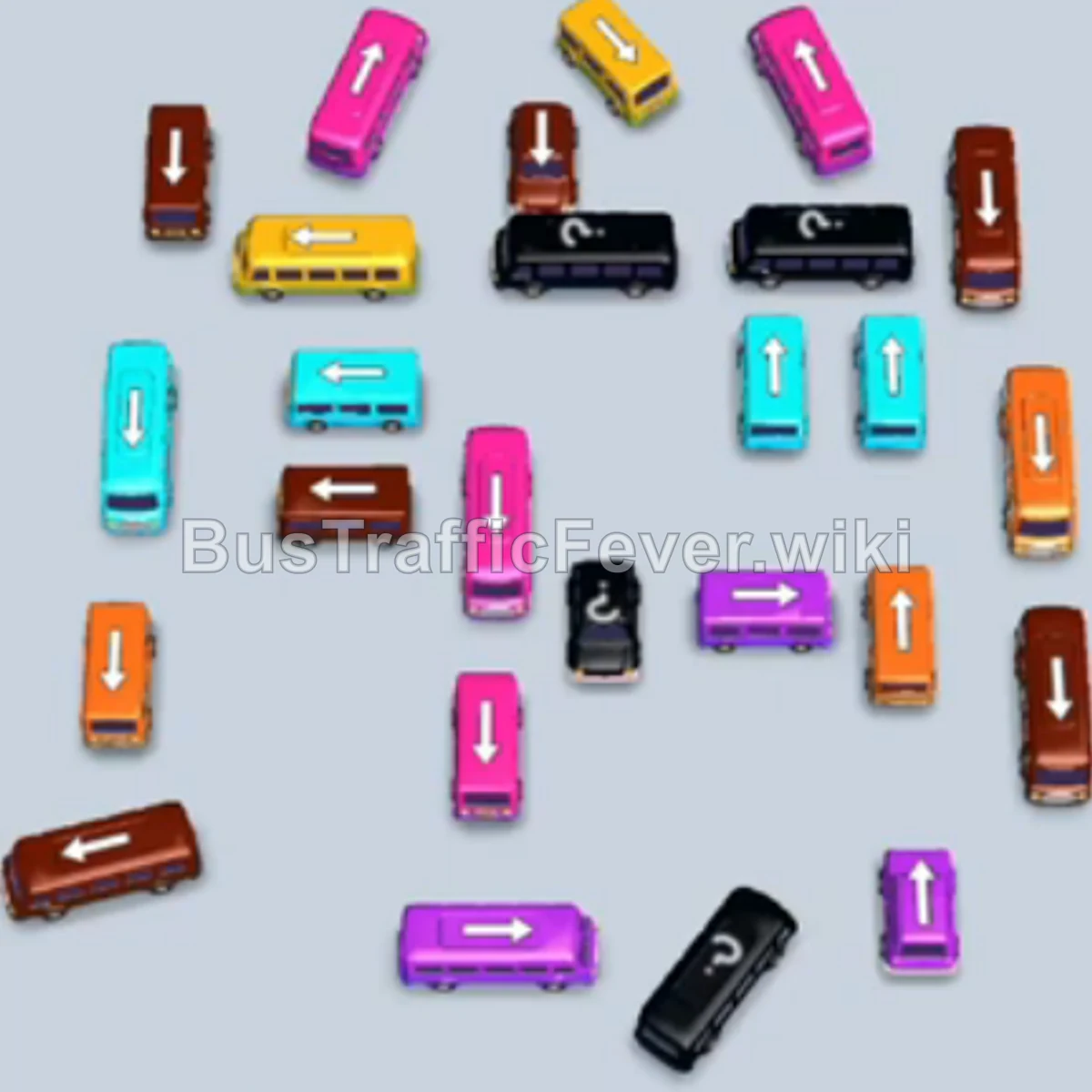
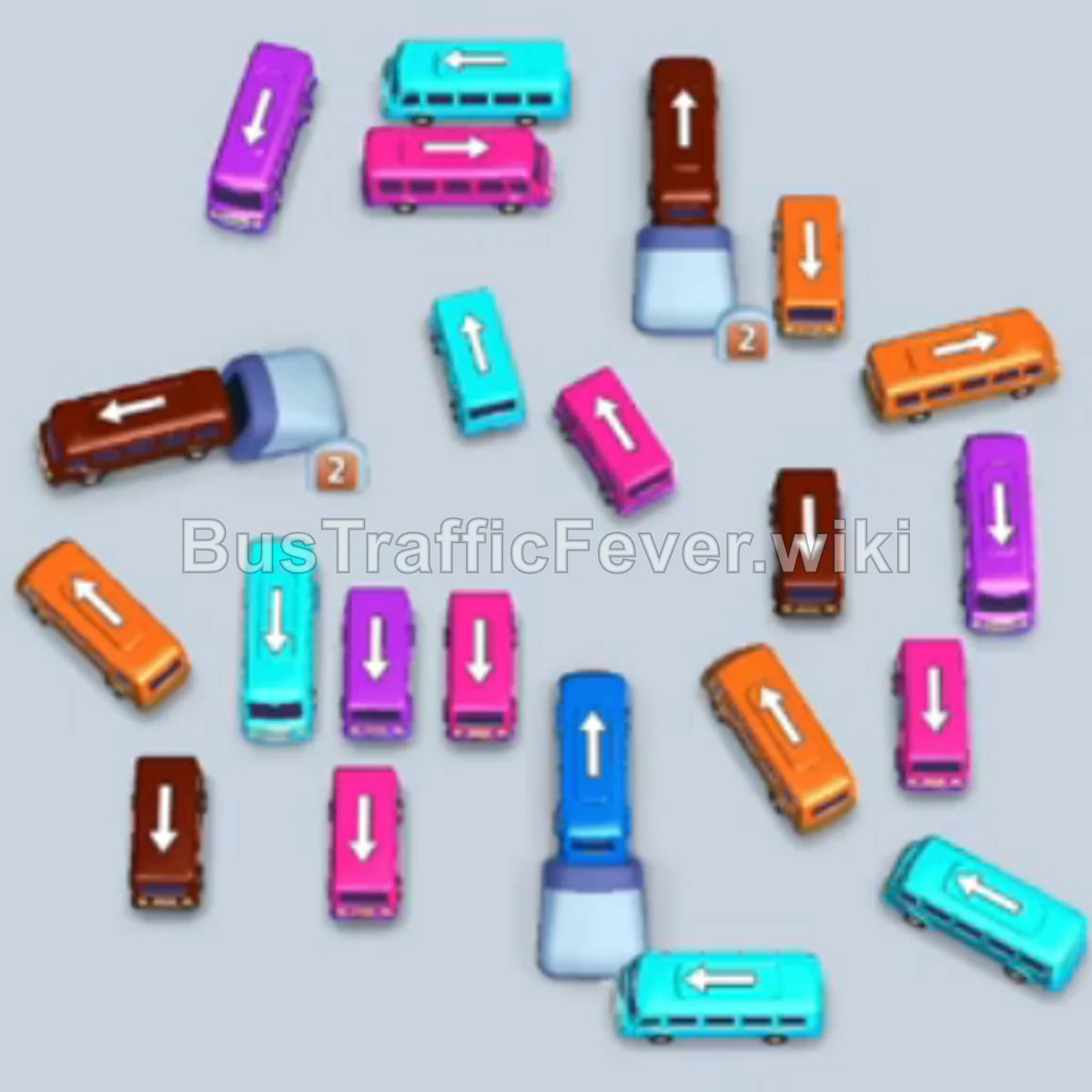
Bus Traffic Fever Level 256 Answer & Walkthrough Solution

Quick answer
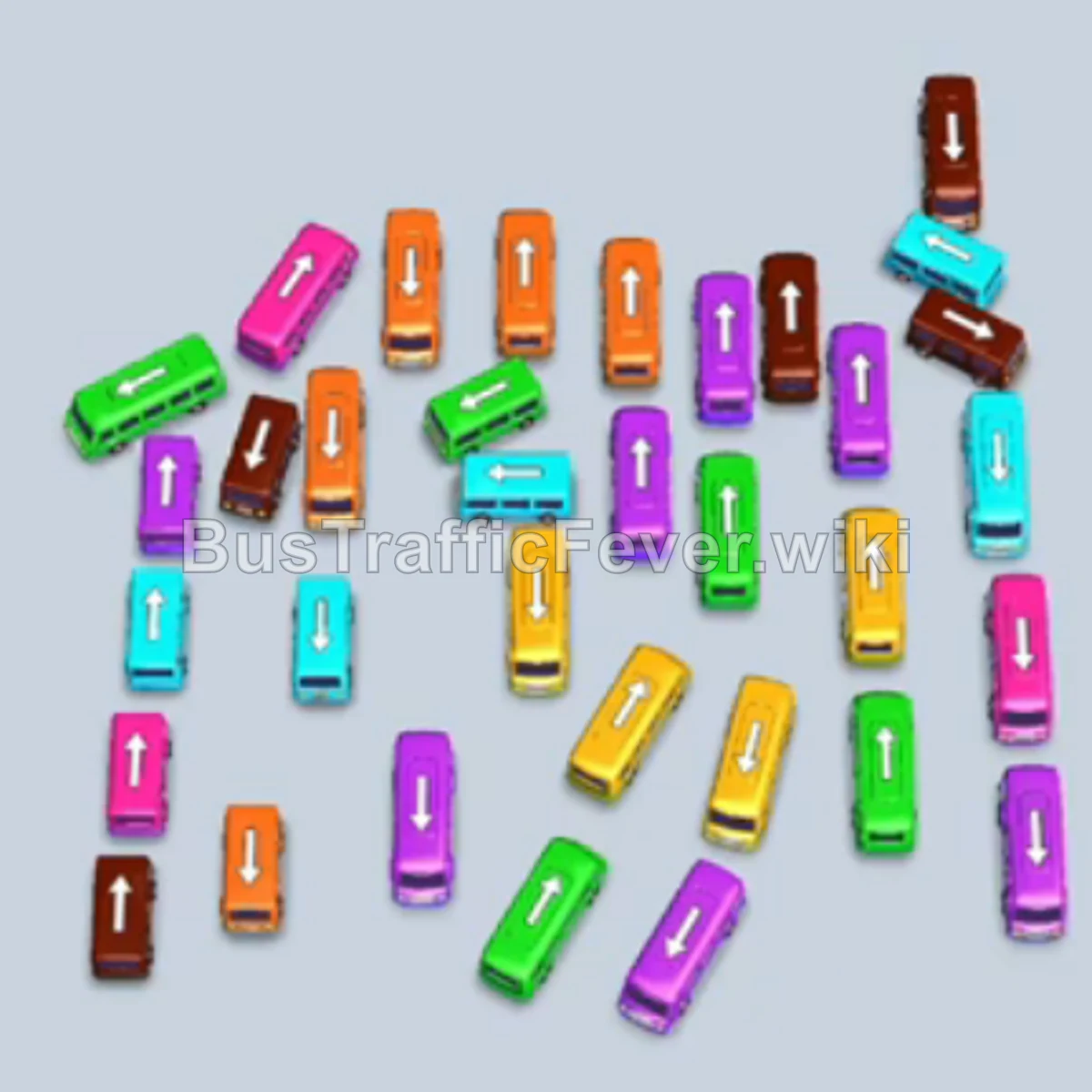
Level 256 features a clustered fleet of buses arranged vertically and horizontally, serving a high-capacity passenger queue of Brown, Cyan, Pink, Green, Yellow, Orange, and Purple passengers. Success requires matching the leading passenger color waves without clogging all five parking bays. Clear the upper rows of Brown and Cyan vehicles first, cycle through the Pink and Green waves to unlock the lower vehicles, and finish off by dispatching the remaining Yellow, Cyan, and Orange buses.
Step-by-step solution
Phase 1: Clearing Initial Brown, Cyan, and Pink Buses
- Tap the vertical Brown bus at the top-center to take the first parking slot.
- Tap the vertical Brown bus at the top-right to occupy the second slot. Brown passengers immediately board both buses.
- As the first bus departs, tap the horizontal Brown bus in the upper-left area to take the freed slot.
- Tap the vertical Cyan bus on the top-left edge into the second slot.
- Once the brown bus departs, tap the horizontal Pink bus in the upper-center.
- Tap the vertical Brown bus on the far left side.
- Tap the vertical Green bus on the top-right edge.
- Tap the vertical Pink bus on the middle-right side. Pink passengers will begin boarding.
- Tap the horizontal Cyan bus on the upper-right into the fifth slot.
- Tap the vertical Pink bus in the upper-middle lane into the newly freed slot to finish the first pink queue.
Phase 2: Clearing Midfield Green and Pink Waves
- Tap the vertical Brown bus in the center-right to board the next group of brown passengers.
- Tap the vertical Brown bus in the center-left lane to pick up the remaining brown passengers.
- With Cyan now at the front of the queue, tap the horizontal Cyan bus in the center.
- Tap the horizontal Pink bus in the center-left area.
- Tap the horizontal Orange bus on the center-right to clear the path below.
- Tap the horizontal Green bus in the middle row.
- Tap the horizontal Yellow bus on the lower-right side.
- Tap the vertical Pink bus on the far right lane. Pink passengers will board and clear this bus, freeing a slot.
- Tap the horizontal Green bus in the lower-left area. Green passengers will now board all waiting green buses and clear out multiple slots.
Phase 3: Handling Cyan, Brown, and Purple Sections
- Tap the horizontal Pink bus on the lower-right side.
- Tap the vertical Pink bus in the lower-middle lane. Both pink buses will fill and leave.
- Tap the horizontal Cyan bus on the lower-right edge.
- Tap the horizontal Pink bus in the center to board the last pink passengers.
- Tap the vertical Cyan bus on the far left edge. Cyan passengers will board both waiting cyan buses and clear them out.
- Tap the vertical Brown bus in the center lane.
- Tap the horizontal Brown bus on the lower-left side. Brown passengers will board and clear them.
- Tap the horizontal Purple bus in the bottom-center area.
- Tap the vertical Purple bus on the lower-right side to board the purple wave.
Phase 4: Final Sequence and Cleanup
- Tap the vertical Green bus on the bottom-left edge.
- Tap the horizontal Yellow bus on the bottom-left side. Yellow passengers will board both waiting yellow buses.
- Tap the horizontal Orange bus on the lower-left side.
- Tap the vertical Cyan bus in the lower-left section.
- Tap the horizontal Cyan bus at the bottom-left corner to finish the cyan queue.
- Tap the vertical Green bus in the bottom-center lane to finish the green passenger queue.
- The waiting Orange buses will automatically board all remaining orange passengers and leave.
- Finally, tap the last horizontal Yellow bus in the center-bottom to pick up the final yellow passengers and complete the level.
Tips for success
- Keep at Least Two Slots Fluid: Several buses in this level serve as temporary holding blockers; never let all 5 slots fill up unless you are certain the current front passenger queue will clear at least one of them immediately.
- Prioritize Blocking Vehicles: Notice how top horizontal buses trap multiple vertical buses below them. Releasing the top row early gives you full freedom of movement for the rest of the stage.
- Observe Mixed Queue Segments: Pink and Green passengers alternate closely in the middle of the level; timing your Pink and Green bus selections together prevents parking bottlenecks.
More Bus Traffic Fever help
Continue with the Level 255 walkthrough, review the core rules in how to play Bus Traffic Fever, or browse all level solutions to jump to another number.