Bus Traffic Fever Level 120 Answer & Walkthrough Solution

Quick answer
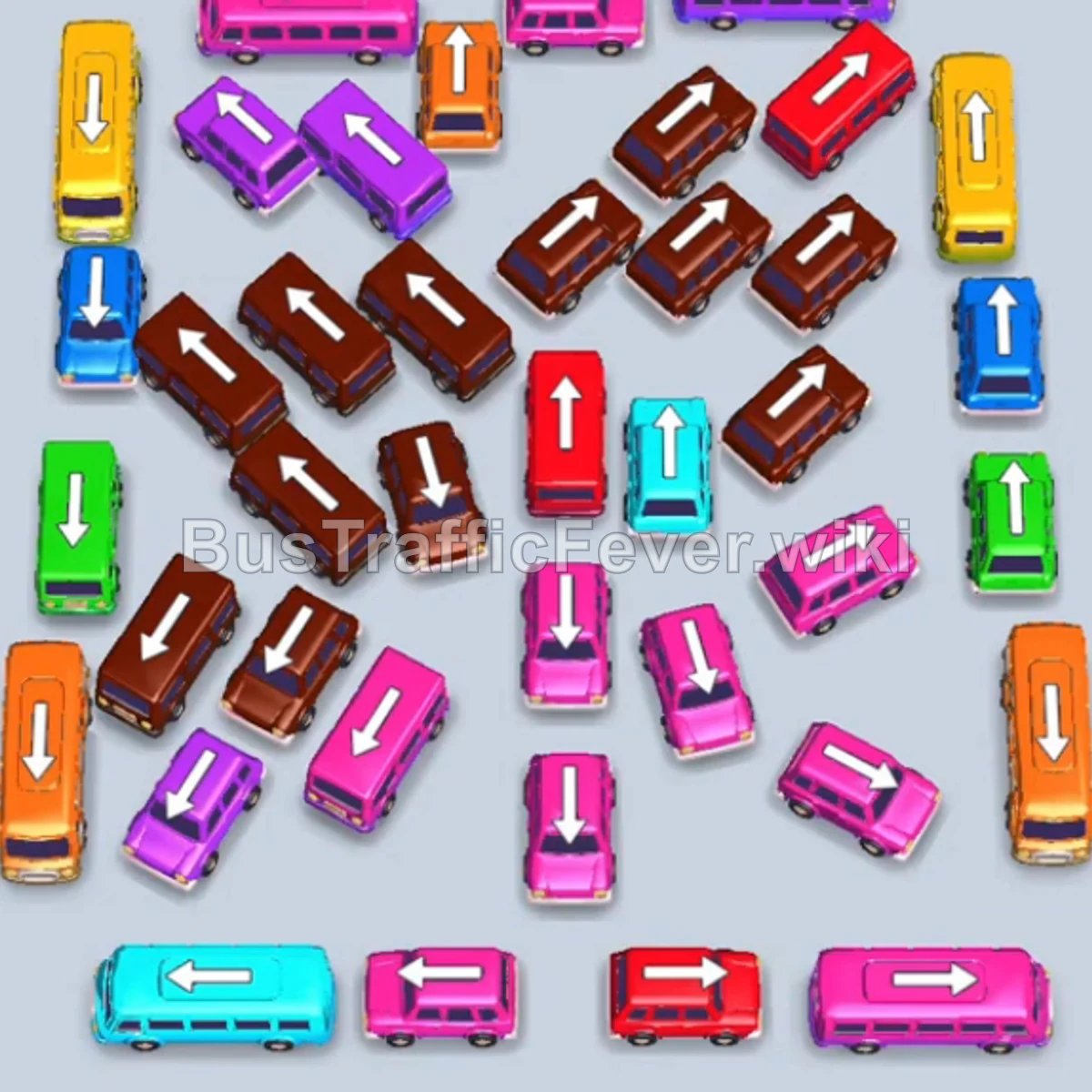
Tap the Red bus on the top left. It moves to the VIP slot on the left. Tap the small Orange bus on the upper-right edge. Orange passengers begin boarding. Tap the small Cyan bus on the top-right corner. Cyan passengers board and it departs immediately.
Step-by-step solution
Phase 1: Opening Moves & Clearing Early Flanks
- Tap the Red bus on the top left. It moves to the VIP slot on the left.
- Tap the small Orange bus on the upper-right edge. Orange passengers begin boarding.
- Tap the small Cyan bus on the top-right corner. Cyan passengers board and it departs immediately.
- Red and orange passengers board the parked Red bus and Orange bus, and the orange bus drives off.
- Tap the small Green bus on the upper-left side. Green passengers board and it clears.
- Tap the small Blue bus on the upper-left row.
- Tap the small Yellow bus on the upper-left side. Yellow and blue passengers board, clearing both the Yellow and Blue buses.
Phase 2: Clearing the Lower Left Corner & First Red Wave
- Tap the small Blue bus on the far bottom-left. Blue passengers board and it departs.
- Tap the small Cyan bus on the bottom-left edge. Cyan passengers board and it leaves.
- Tap the small Blue bus at the bottom left. Blue passengers board and it clears.
- Tap the Red bus on the middle-left side. Red passengers board and it drives off.
- The parked Red bus in the VIP slot finishes loading and departs.
- Tap the small Cyan bus on the lower left into the VIP slot.
- Tap the small Orange bus near the bottom center. Orange passengers board and it clears.
- Tap the small Purple bus in the lower-middle row. Purple passengers board and it departs.
- Tap the small Orange bus at the bottom. Orange passengers board and it drives off.
- Tap the Purple bus on the far-right edge. Purple passengers board and it clears.
- Tap the small Pink bus on the far-right edge. Pink passengers board and it departs.
Phase 3: Unblocking Diagonal Lines & Center Vehicles
- The parked Cyan bus in the VIP slot finishes loading and drives off.
- Tap the small Cyan bus on the top-right side. Cyan passengers board and it leaves.
- Tap the small Brown bus on the top-right side. Brown passengers board and it clears.
- Tap the Yellow bus on the far left. Yellow passengers board and it drives away.
- Tap the small Red bus on the far left. Red passengers board and it departs.
- Tap the Purple bus at the top center into the VIP slot.
- Tap the small Yellow bus in the center area.
- Tap the Orange bus in the lower-middle row.
- Tap the Blue bus in the middle row. Yellow, purple, orange, and blue passengers board in rapid succession, clearing all four vehicles.
Phase 4: Final Stream Sequence and Level Completion
- Tap the Blue bus on the far left into the VIP slot.
- Tap the small Red bus in the center area.
- Tap the small Pink bus in the center row.
- Tap the small Pink bus in the middle row. Red, pink, and blue passengers board and clear these buses.
- Tap the Blue bus in the center into the VIP slot.
- Tap the small Pink bus in the center row.
- Tap the Yellow bus in the middle row.
- Tap the small Cyan bus on the center-right side. Cyan, pink, and yellow passengers board and clear these vehicles.
- The parked Blue bus in the VIP slot finishes loading and drives off.
- Tap the small Cyan bus on the bottom left. Cyan passengers board and it departs.
- Tap the Brown bus on the far right. Brown passengers board and it clears.
- Tap the small Yellow bus on the bottom right. Yellow passengers board and it leaves.
- Tap the small Blue bus on the bottom right. Blue passengers board and it departs.
- Tap the small Green bus on the bottom right. Green passengers board and it clears.
- Tap the small Brown bus on the center-left side. Brown passengers board and it drives off.
- Tap the remaining 2 Cyan buses (bottom left and middle right) into the open slots to collect the final passengers and complete Level 120!
Tips for success
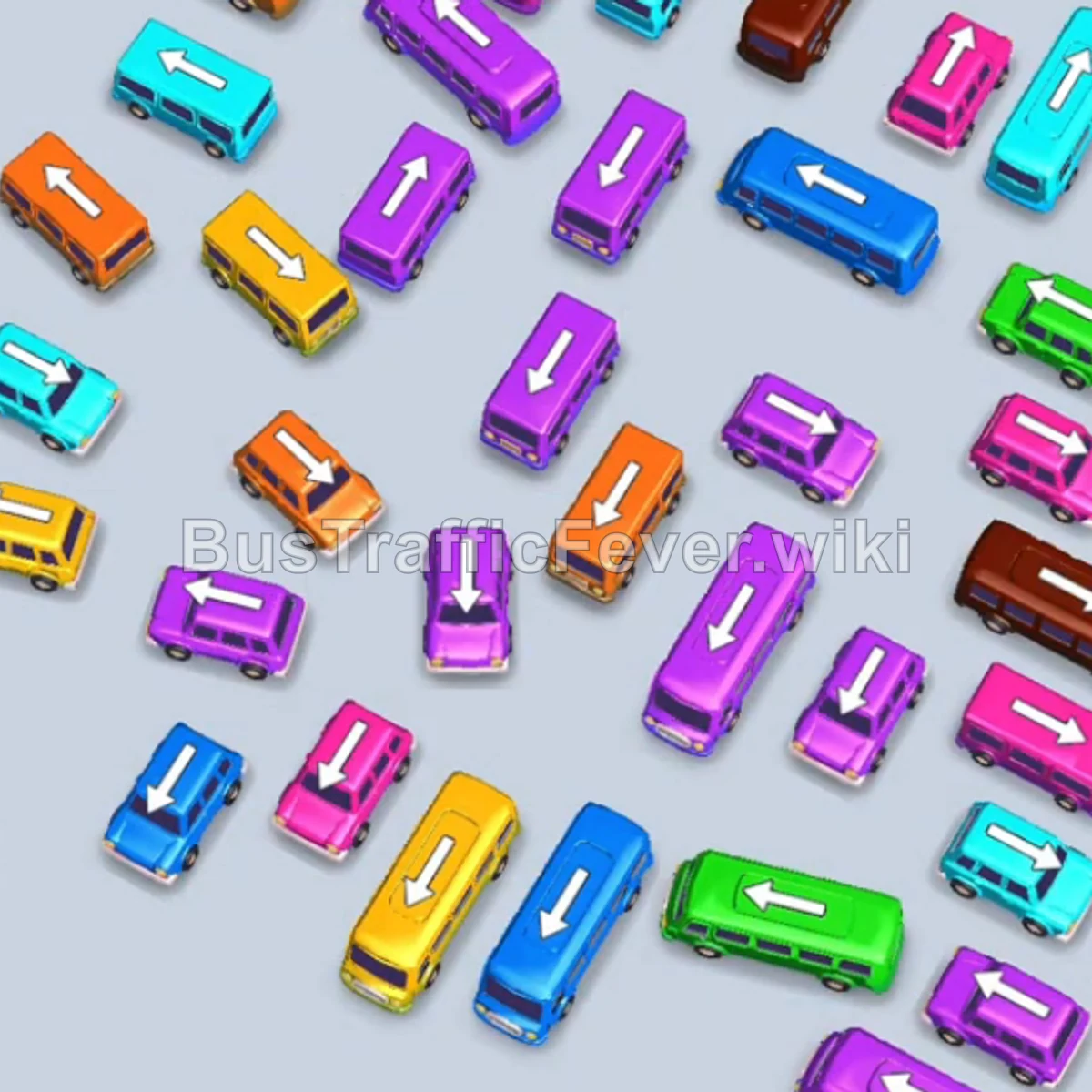
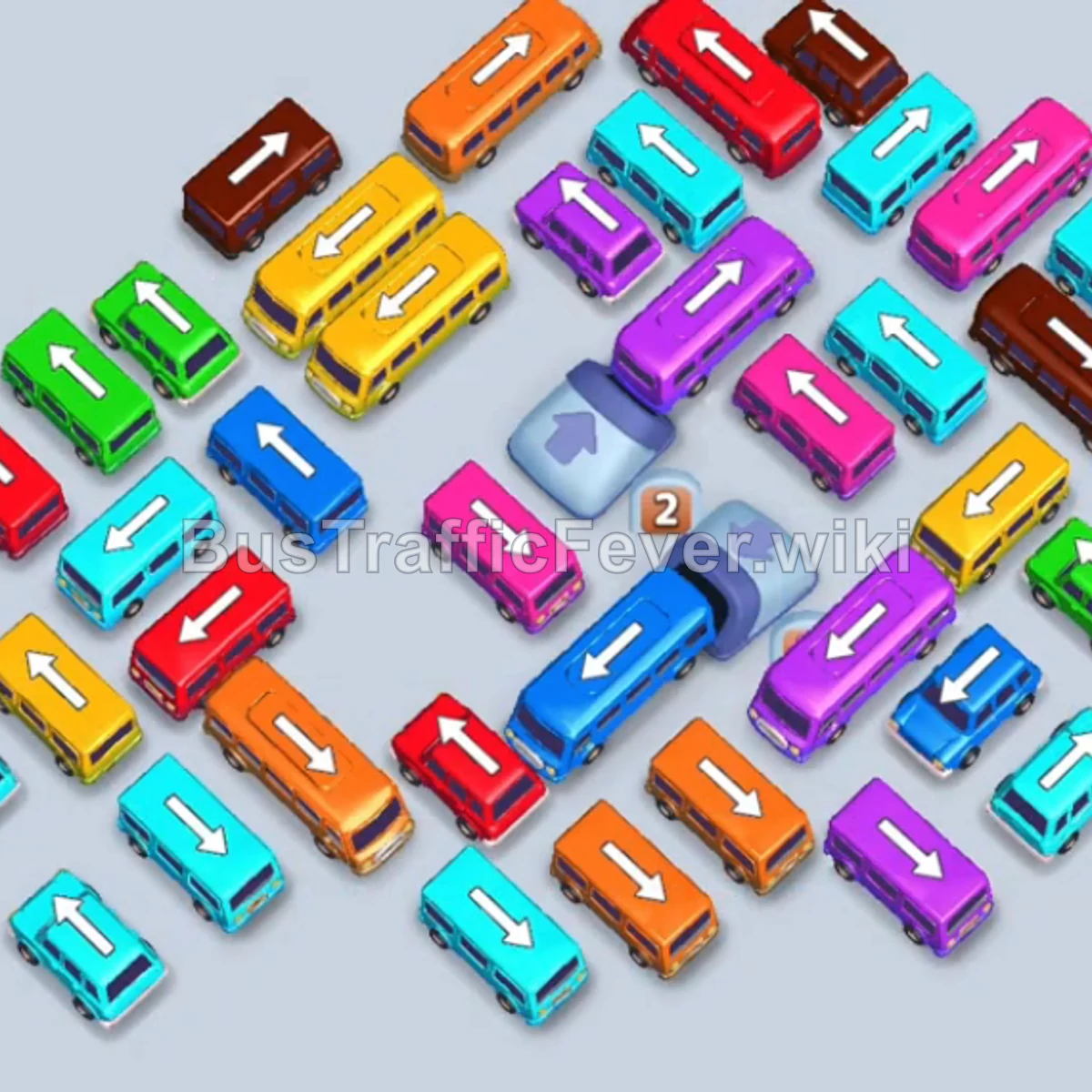
- Unlock the Parallel Tracks: Vehicles are laid out in distinct diagonal tracks running from top-right to bottom-left. Always release the front-most bus of a track to allow the ones behind it to move forward.
- Coordinate Large Buses with Small Buses: During Phase 3 and Phase 4, dispatching a large bus (e.g., Purple or Blue) alongside 2–3 small buses of the same or immediately upcoming colors empties the queue rapidly without causing gridlock.
- Manage the VIP Slot Actively: Use the first VIP slot as a temporary buffer for large buses that take longer to fill, keeping the standard slots free for fast-cycling 16-passenger small buses.
More Bus Traffic Fever help
Continue with the Level 119 walkthrough, review the core rules in how to play Bus Traffic Fever, or browse all level solutions to jump to another number.