Bus Traffic Fever Level 143 Answer & Walkthrough Solution


Quick answer
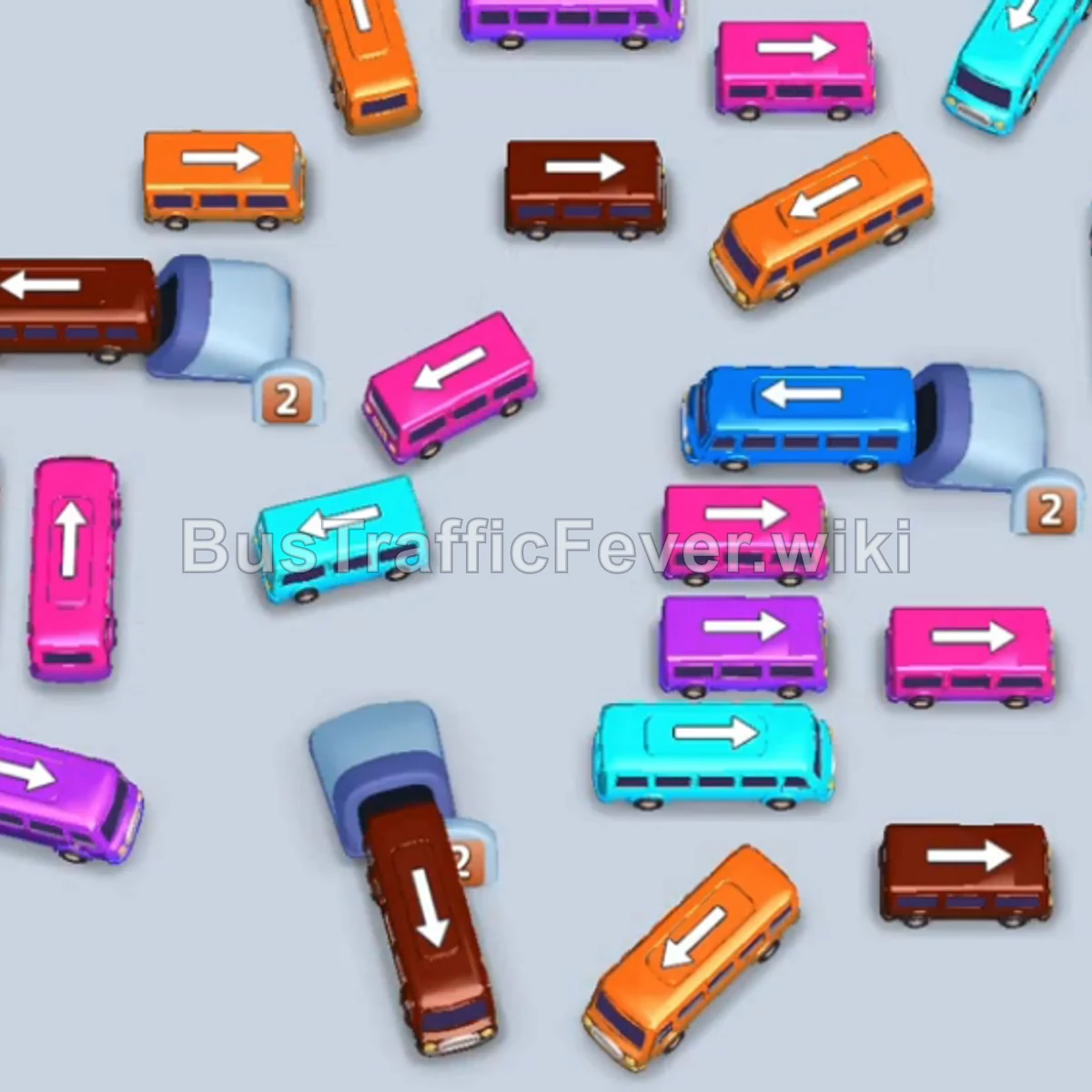
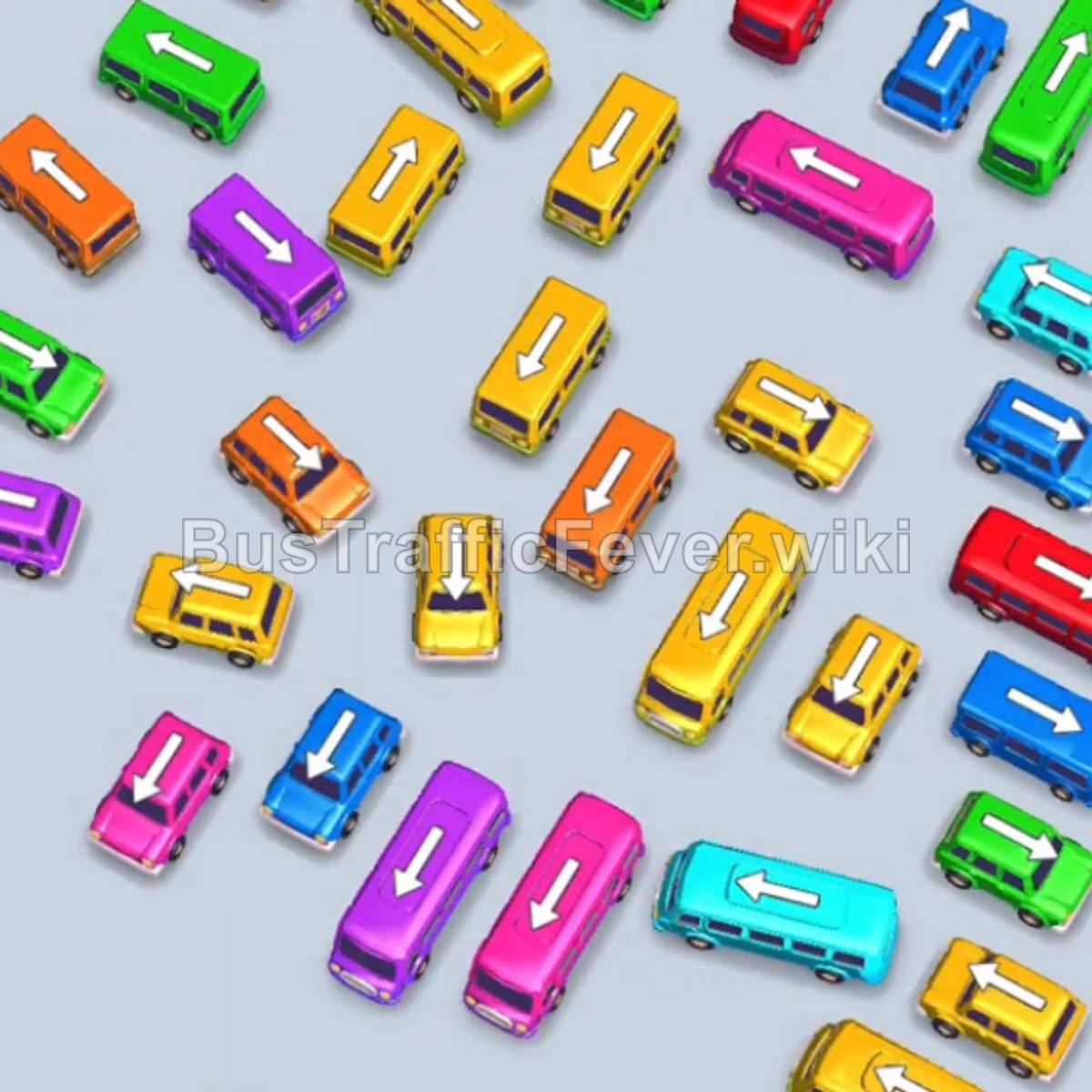
Tap the Cyan bus on the middle-left (facing left). It moves to the boarding slot and clears the initial cyan passenger queue. Tap the Yellow bus on the left side (facing right). It parks in the slot. Tap the Orange bus just below the yellow bus (facing right).
Step-by-step solution
Phase 1: Initial Clearing & Opening the Grid
- Tap the Cyan bus on the middle-left (facing left). It moves to the boarding slot and clears the initial cyan passenger queue.
- Tap the Yellow bus on the left side (facing right). It parks in the slot.
- Tap the Orange bus just below the yellow bus (facing right). Both Yellow and Orange passengers board their respective buses until both depart.
- Tap the Cyan bus on the left (facing left) to collect the next group of cyan passengers.
- Tap the Green bus on the upper-right (facing right) to collect the green passengers.
- Tap the Orange bus on the far-left side (facing right) to clear the remaining orange passenger section.
Phase 2: Clearing the Left & Center Lanes
- Tap the Yellow bus on the bottom-left (facing right) into a waiting slot.
- Tap the Cyan bus on the far left (facing down-left) to take the upcoming cyan passengers.
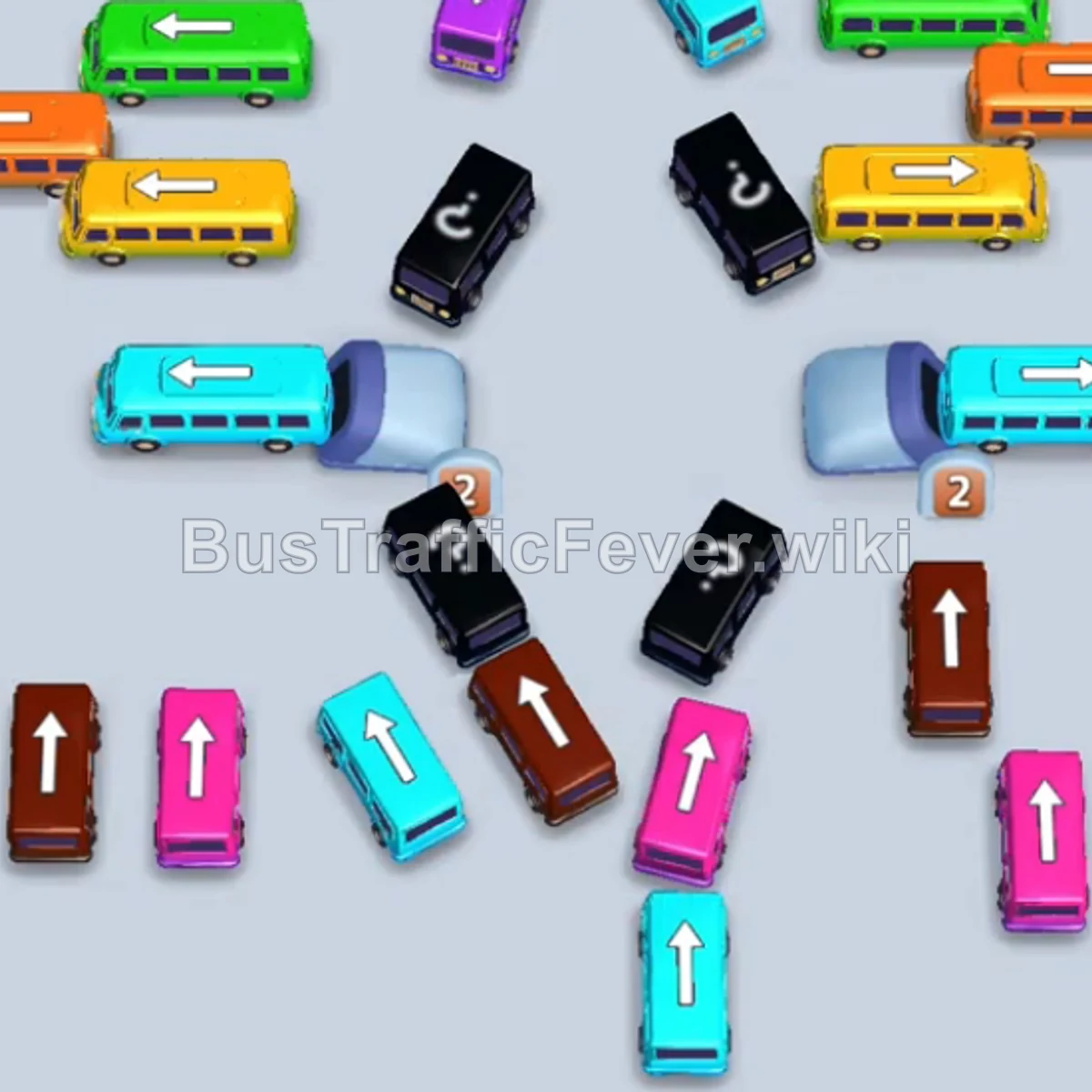
- Tap the Brown bus on the bottom-left (facing up). Brown passengers will begin boarding.
- Tap the Brown bus located in the bottom-center (facing up). This clears the remaining brown crowd along with the previously parked yellow bus.
- Tap the Brown bus on the middle-right (facing up) to finish off the brown queue in the upper ring.
Phase 3: Handling Purple & Mixed Mid-Game Queues
- Tap the Purple/Magenta bus on the bottom-left (facing up).
- Tap the Purple/Magenta bus at the top-center (facing down). Purple passengers will board both buses until they depart.
- Tap the Yellow bus on the middle-right (facing left).
- Tap the Orange bus in the right area (facing up).
- Tap the Green bus at the top-right (facing left). The green and orange passengers board and clear out.
- Tap the Orange bus on the lower-left track (facing right).
- Tap the Purple bus from the dispenser track on the bottom-left.
- Tap the Yellow bus in the right lane.
- Tap the Brown bus on the right side (facing up). Passengers board in order, clearing out the yellow, purple, orange, and brown vehicles.
Phase 4: Final Pink & Cyan Cleanup
- Tap the Pink bus on the lower track to capture incoming pink passengers.
- Tap the Cyan bus in the center lane.
- Tap the Cyan bus from the bottom lane (facing up).
- Tap the Pink bus from the bottom lane (facing up) to finish collecting the last pink passengers.
- Tap the final Cyan bus at the bottom to collect the remaining cyan passengers and complete the level!
Tips for success
- Prioritize Front-Queue Colors: Check the color of the upcoming passenger groups at the top track and release the matching vehicles first to keep parking slots free.
- Avoid Filling All Parking Slots: Always maintain at least 1–2 empty bays so you can safely move blocking vehicles out of the way without causing a gridlock.
- Unblock Hidden/Dispenser Paths: Tap vehicles blocking lower entry paths early so subsequent hidden vehicles become accessible when their passenger colors arrive.
More Bus Traffic Fever help
Continue with the Level 142 walkthrough, review the core rules in how to play Bus Traffic Fever, or browse all level solutions to jump to another number.