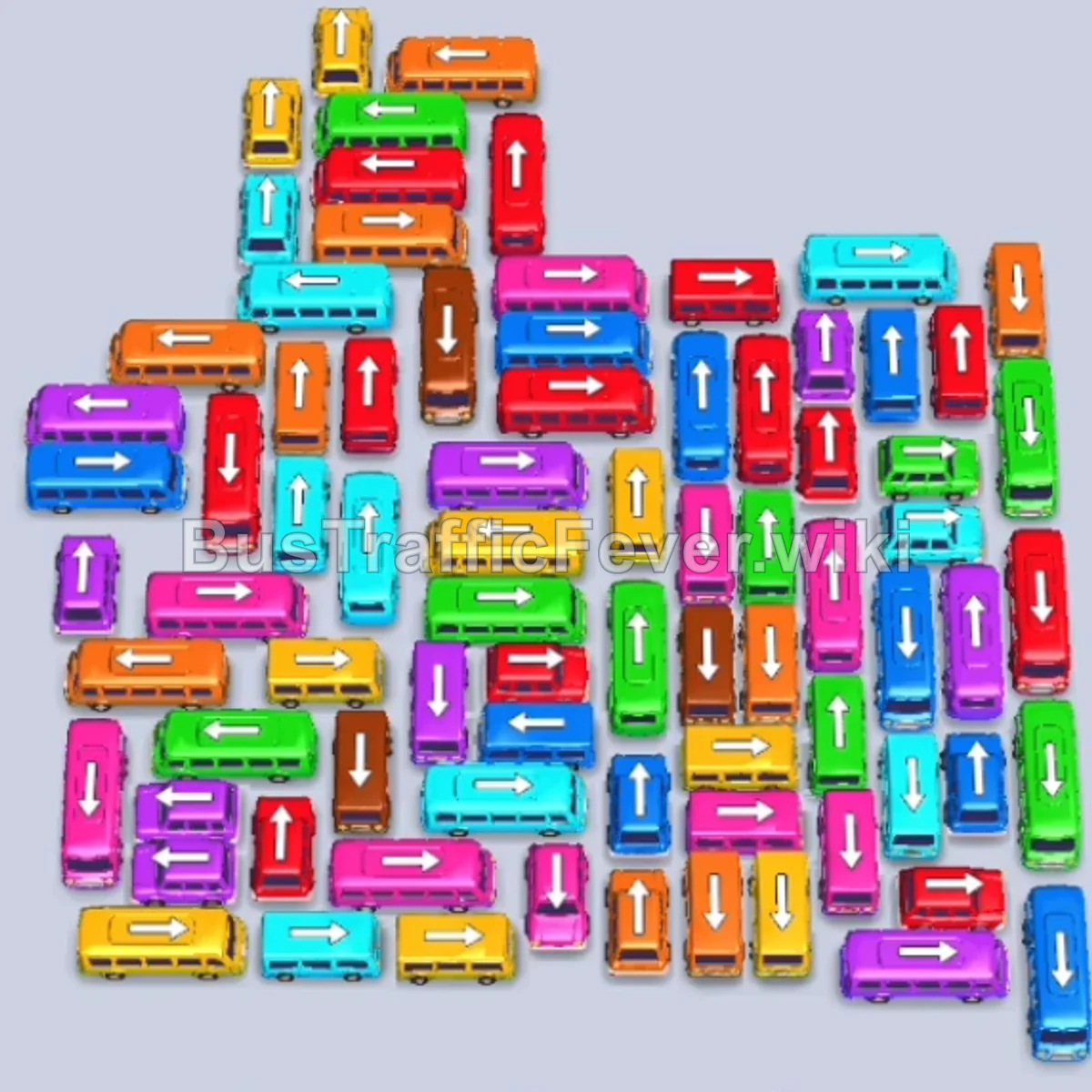
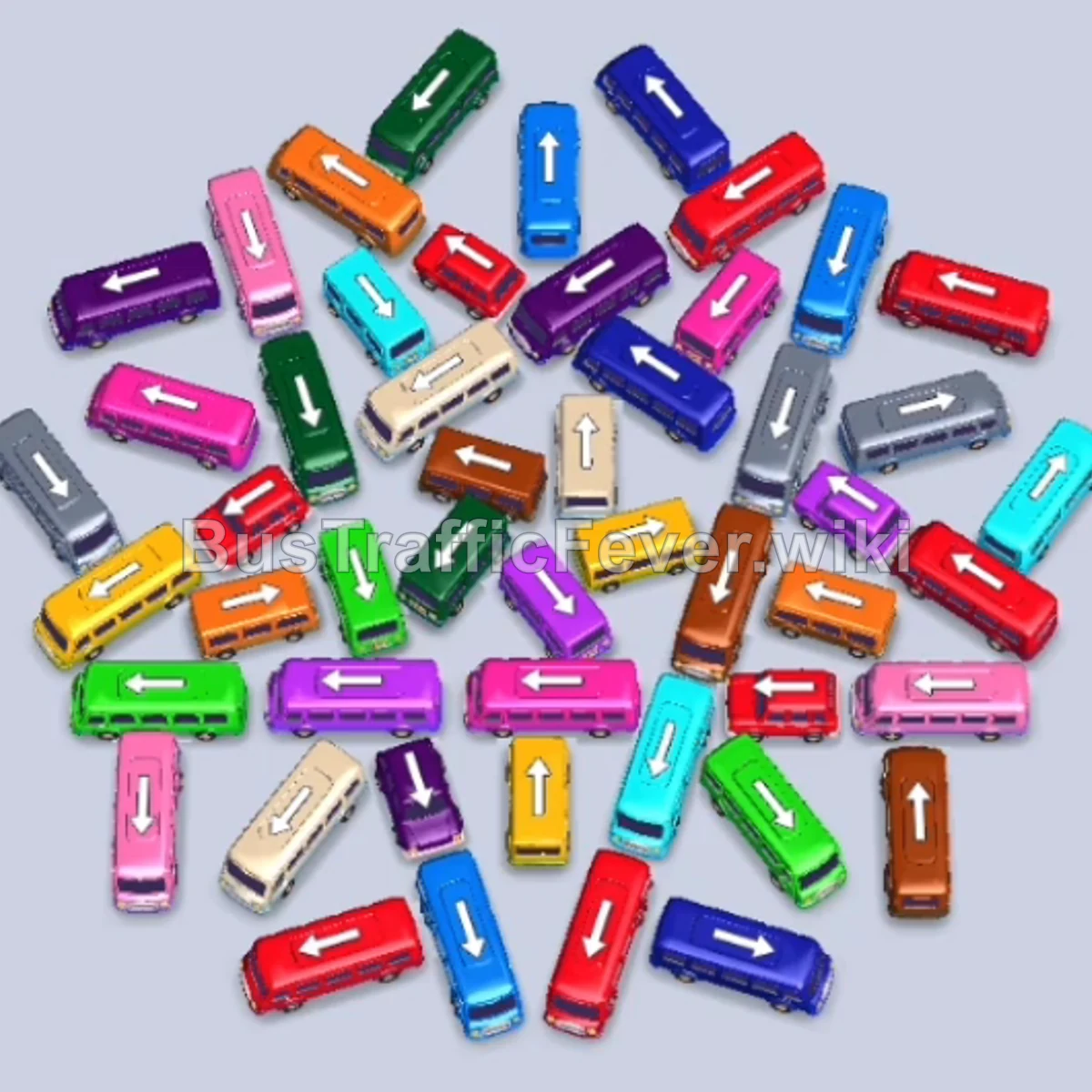
Bus Traffic Fever Level 170 Answer & Walkthrough Solution

Quick answer
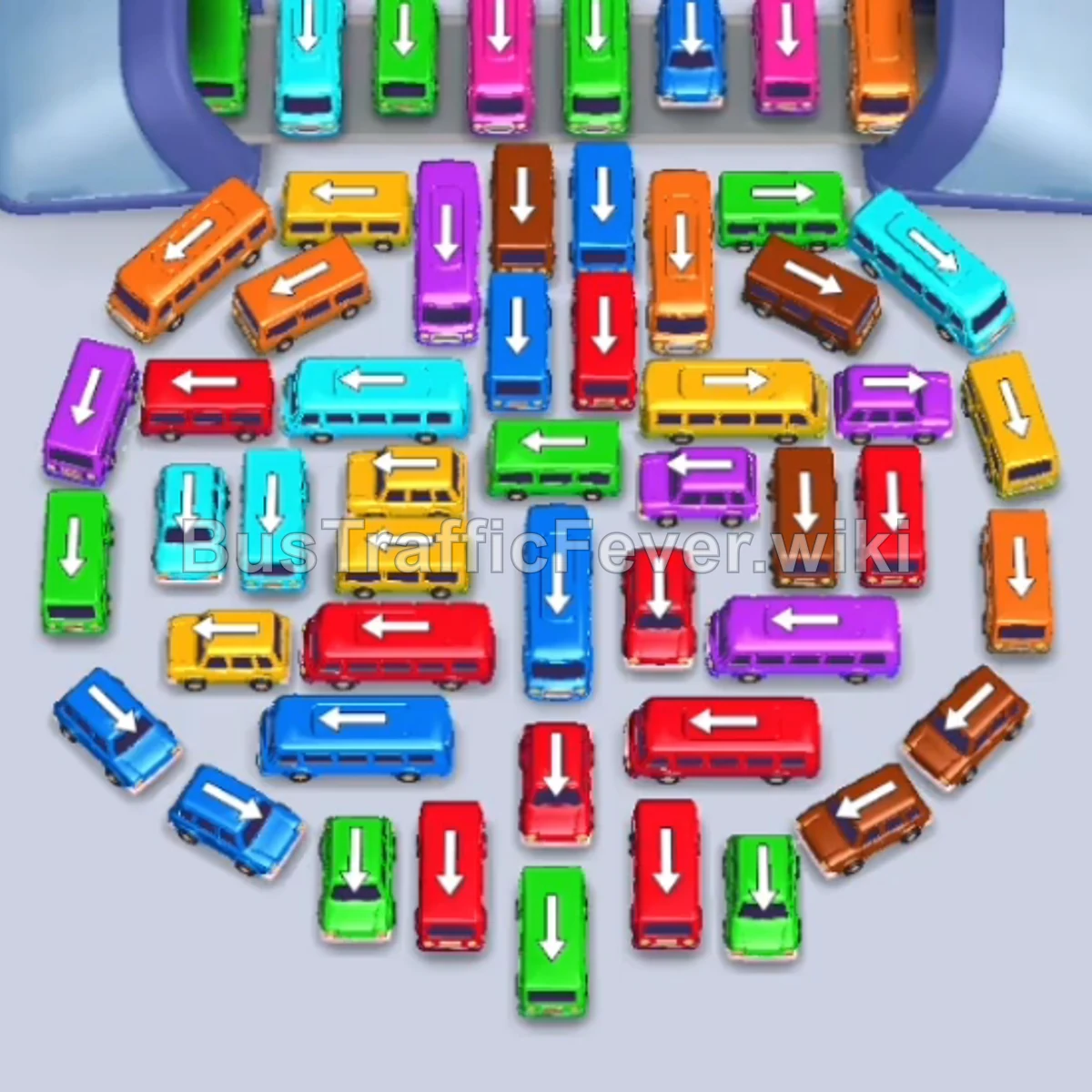
Level 170 introduces a suspended upper conveyor bridge over a tightly packed lower parking lot. Success relies on immediately unblocking the bottom escape corridor so vehicles pointing downward can escape, progressively clearing the perimeter wings (left and right) to create turning room, and methodically deploying vehicles from the upper bridge only when their matching passenger queue is ready to board.
Step-by-step solution
Phase 1: Uncorking the Base & Early Passenger Rush
- Tap the Green bus at the very bottom pointing downward to clear the main bottom exit.
- Tap the Red bus directly behind it pointing downward into the next parking slot.
- Tap the vertical Blue bus in the upper-right section pointing upward. The green, red, and blue passengers will board and clear out the initial slots.
- Tap the Green bus on the far left edge pointing upward.
- Tap the Red bus in the lower-left area pointing downward.
- Tap the Blue bus near the bottom left pointing downward to load the arriving blue queue.
- Tap the vertical Green bus pointing downward in the lower-middle cluster.
- Tap the small Yellow bus adjacent to it pointing downward. Green and yellow passengers will board, opening up parking slots.
Phase 2: Clearing the Outer Wings & Upper Flanks
- Tap the horizontal Cyan bus on the mid-right edge pointing right.
- Tap the horizontal Purple bus in the center-right area pointing right.
- Tap the horizontal Orange bus on the upper-left flank pointing left to take the arriving orange passengers.
- Tap the vertical Green bus in the upper area pointing upward.
- Tap the large Blue bus pointing upward on the left side to absorb the long blue line.
- Tap the horizontal Cyan bus on the lower-left pointing left.
- Tap the horizontal Red bus pointing right in the lower section.
- Tap the vertical Cyan bus pointing downward to finish the cyan passenger group.
Phase 3: Dismantling the Main Core & Tunnel Gate
- Tap the Orange bus in the upper-left quadrant pointing left.
- Tap the small Yellow bus in the lower-middle area pointing downward.
- Tap the Cyan bus pointing right in the middle row.
- Tap the Red bus in the center pointing left to load the red queue.
- Tap the Cyan bus pointing right on the right flank.
- Tap the Brown bus pointing downward on the lower-right edge.
- Tap the Green bus on the lower right pointing downward.
- Tap the horizontal Yellow bus pointing right in the central cluster.
- Tap the second Yellow bus pointing left right below it to clear all yellow passengers.
- Tap the horizontal Red bus in the lower-middle row pointing left.
Phase 4: Navigating the Middle Bottleneck
- Tap the Purple bus in the center pointing right.
- Tap the Blue bus on the left side pointing left.
- Tap the Brown bus on the lower-right pointing downward.
- Tap the horizontal Cyan bus pointing left.
- Tap the vertical Brown bus pointing downward.
- Tap the horizontal Red bus pointing left.
- Tap the Orange bus pointing downward.
- Tap the Cyan bus on the right pointing right.
- Tap the Green bus pointing right.
- Tap the Pink/Purple bus pointing right across the middle.
Phase 5: Clearing the Conveyor Platform & Final Cleanup
- Tap the horizontal Green bus pointing left to load green passengers.
- Tap the vertical Red bus pointing downward.
- Tap the horizontal Red bus pointing right.
- Tap the vertical Red bus pointing upward.
- Tap the Pink bus and Pink bus from the center to clear the pink passenger line.
- Tap the Purple bus pointing left.
- Tap the Green bus pointing right.
- Tap the vertical Brown bus pointing downward from the central corridor.
- Tap the Orange bus pointing upward to clear the remaining orange queue.
- Tap the vertical Red bus pointing downward.
- Tap the vertical Cyan bus pointing downward.
- Tap the Green bus pointing right.
- Tap the final Orange bus, Red bus, and Purple bus pointing toward open exits.
- Tap the remaining Green bus pointing downward to collect the last green passengers and finish the level.
Tips for success
- Keep the Central Highway Clear: The bottom-center lane is the primary exit route for most vertical vehicles. Avoid parking blocking buses near the bottom opening until the path behind them is cleared.
- Respect the Conveyor Bridge Timing: Vehicles lined up across the middle gate block major avenues below. Only release them when their matching color reaches the front of the top line, as they take up critical buffer slots.
- Prioritize High-Capacity Buses: Large buses (holding 24–40 passengers) rapidly clear long stretches of the queue. If a bus color matches an approaching block on the track, prioritize freeing its exit immediately.
More Bus Traffic Fever help
Continue with the Level 169 walkthrough, review the core rules in how to play Bus Traffic Fever, or browse all level solutions to jump to another number.