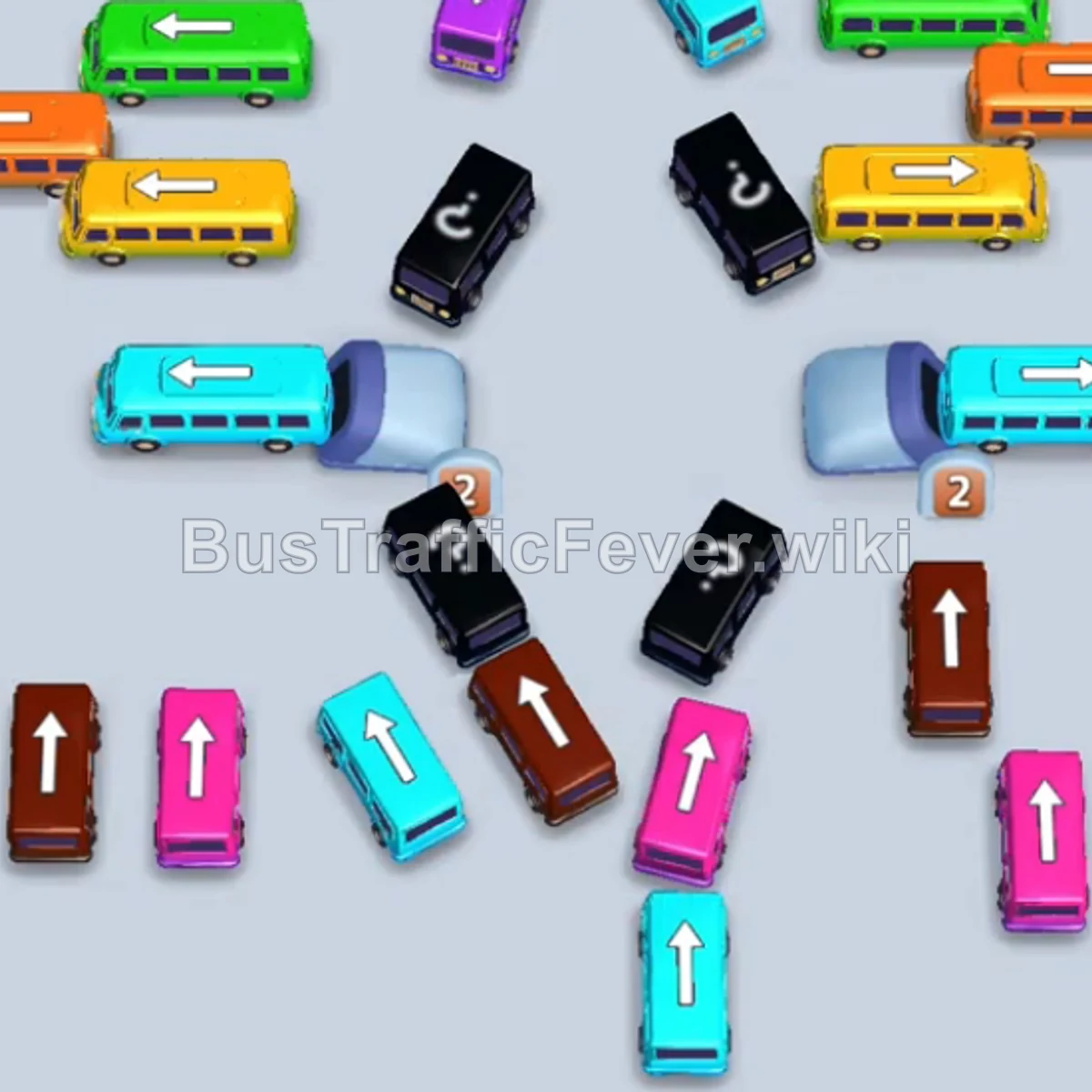
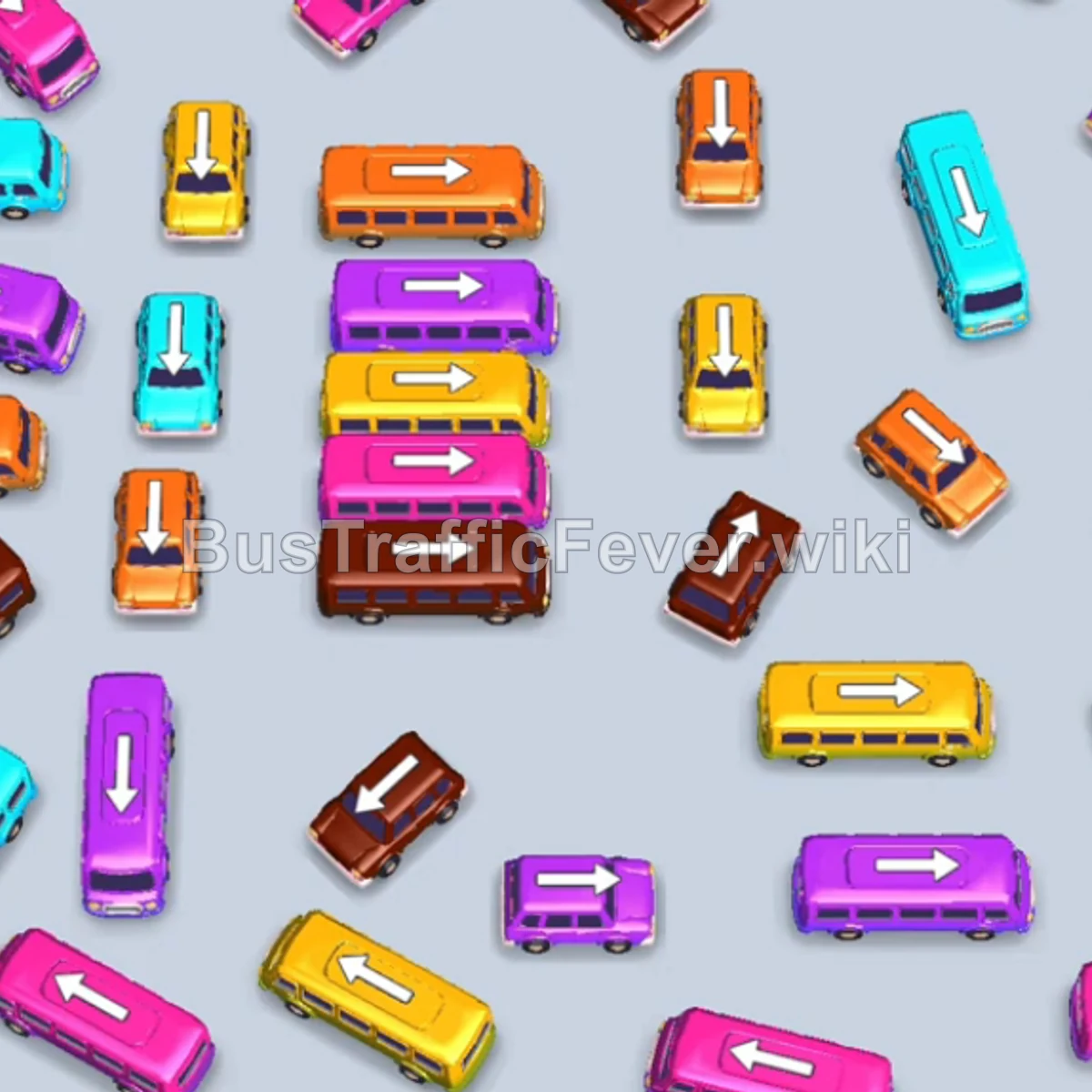
Bus Traffic Fever Level 144 Answer & Walkthrough Solution


Quick answer
Level 144 takes careful sequencing to clear. Follow the phased order below, from “Clearing Initial Congestion & Outer Vehicles” through to “Final Sequence and Full Boarding”. Watch the capacity numbers on the larger buses and don’t stage a color until its queue is close to the front.
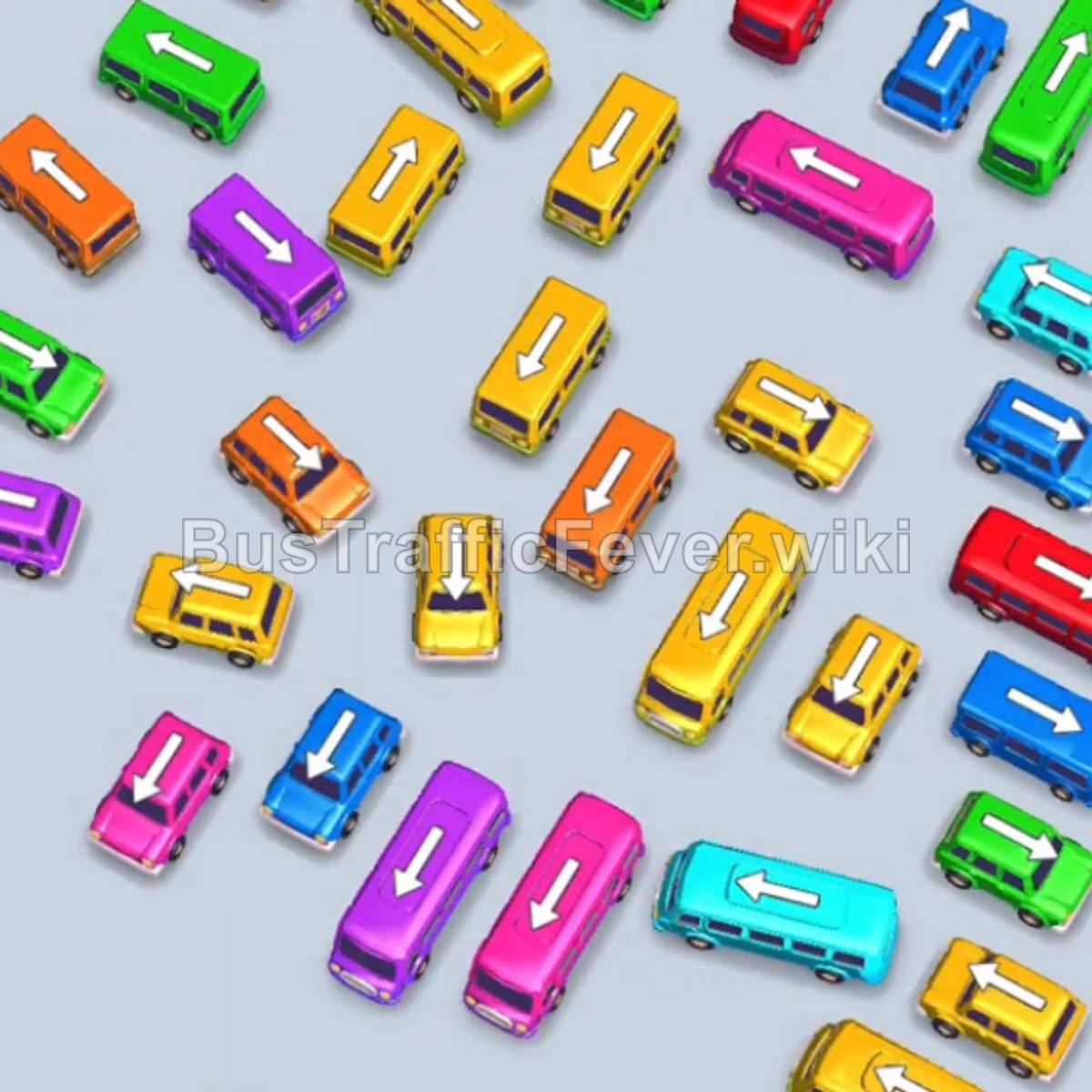
Step-by-step solution
Phase 1: Clearing Initial Congestion & Outer Vehicles
- Tap the Pink bus (facing right) in the upper-right section. It moves to the VIP slot, boards all initial pink passengers, and departs.
- Tap the Purple bus (facing up) in the upper-middle area to clear room in the upper grid.
- Tap the Yellow bus (facing down) on the far-left lane.
- Tap the Orange bus (facing right) at the top center. Yellow and orange passengers will board, and the yellow bus departs.
- Tap the Yellow bus on the left side to collect the next group of yellow passengers.
- Tap the Orange bus in the upper-center lane to absorb the remaining orange queue.
- Tap the Blue bus on the upper-right lane. Orange, yellow, and blue passengers board and all three vehicles depart.
Phase 2: Middle Cluster Unblocking & Traffic Flow
- Tap the Pink bus on the bottom-left to park in an open slot and clear the path behind it.
- Tap the large Blue bus at the bottom (facing left). Blue passengers board and it clears out.
- Tap the Green bus in the upper-center to clear incoming green passengers.
- Tap the Red bus in the upper-middle lane to begin taking the red queue.
- Tap the Blue bus on the right side to pick up the next batch of blue passengers.
- Tap the Green bus at the top. Green and blue passengers board, allowing both small buses to depart.
- Tap the Yellow bus on the bottom-right lane to collect yellow passengers and exit.
- Tap the Blue bus in the lower-right area to clear the remaining blue passengers.
Phase 3: Opening the Center Core & Lane Clearing
- Tap the Orange bus in the center lane to pick up the orange queue.
- Tap the Orange bus on the center-left. Orange passengers board and clear both orange vehicles.
- Tap the Green bus on the bottom-left to clear the green passenger segment.
- Tap the large Cyan bus at the bottom to collect the large cyan queue.
- Tap the Yellow bus at the bottom right. Yellow passengers board and it departs.
- The Purple bus parked earlier now completes boarding and departs.
- Tap the Yellow bus in the center. Yellow passengers fill it and it departs.
- Tap the Purple bus on the left, the Pink bus on the center-right, and the Yellow bus in the center. Passengers board across all three and clear them out.
Phase 4: Final Sequence and Full Boarding
- Tap the Yellow bus at the bottom to pick up the yellow queue.
- Tap the Orange bus in the center lane to collect orange passengers.
- Tap the Purple bus on the left to absorb the purple queue. The parked Red bus finishes loading and departs.
- Tap the Red bus in the upper lane to take the next wave of red passengers.
- Tap the Orange bus, the Green bus on the left, and the Yellow bus in the center. Green, yellow, red, and orange passengers board simultaneously and depart.
- Tap the Yellow bus in the center to board the remaining yellow passengers.
- Tap the Cyan bus on the bottom-left, the Yellow bus in the center, the Pink bus on the center-right, and the final Cyan bus on the bottom-right.
- All remaining passengers board their respective vehicles to complete the level!
Tips for success
- Manage Long Buses First: Large buses take up 40 passenger slots. Dispatching them early prevents smaller buses from getting stuck waiting for matching passenger waves.
- Keep at Least 2 Empty Bays: In hard levels with complex intersections, always maintain a buffer of 2 open parking slots to avoid accidental deadlocks.
- Release Key Blockers: Even if a vehicle’s passenger group is further down the queue, parking it safely in a spare slot unlocks multiple buses behind it.
More Bus Traffic Fever help
Continue with the Level 143 walkthrough, review the core rules in how to play Bus Traffic Fever, or browse all level solutions to jump to another number.