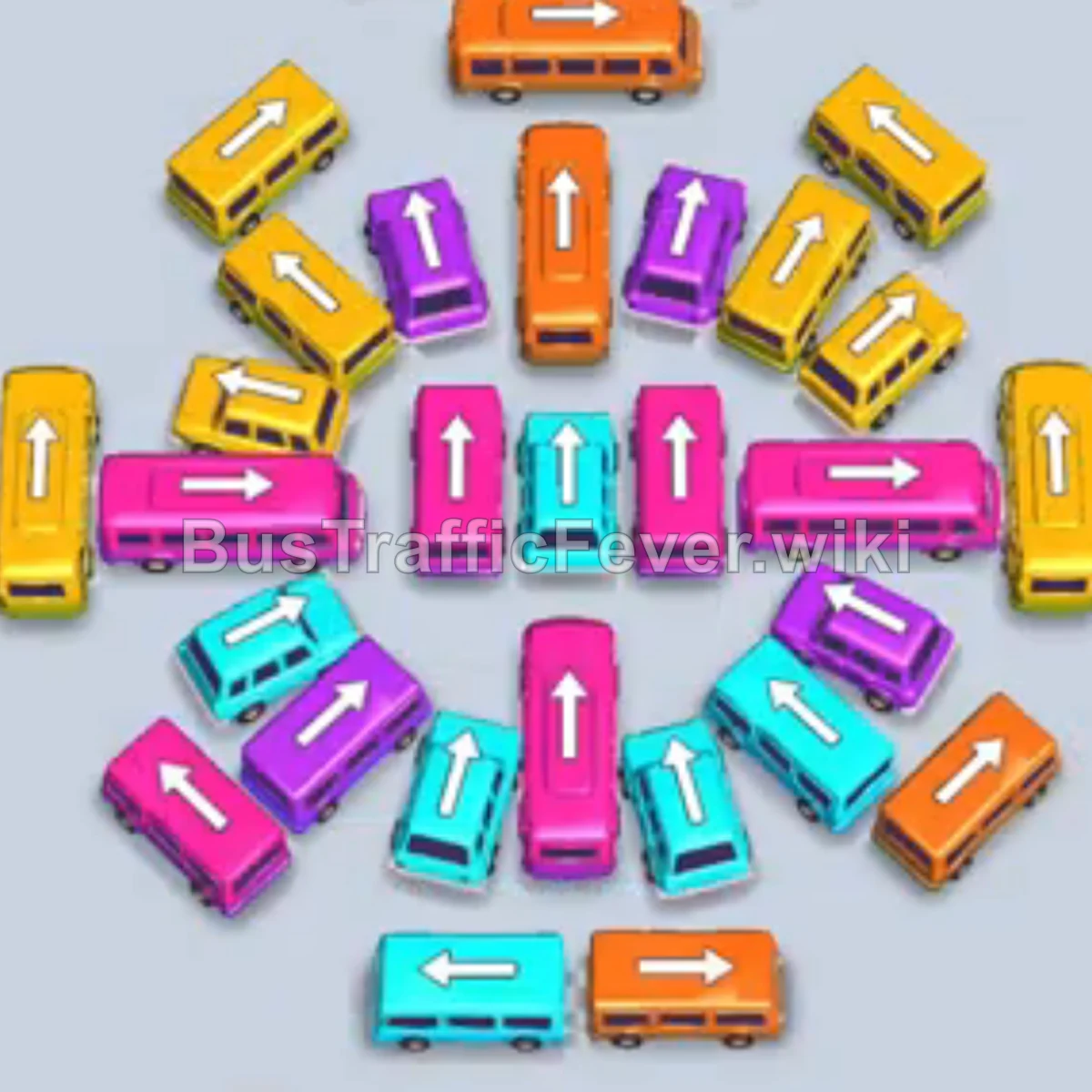
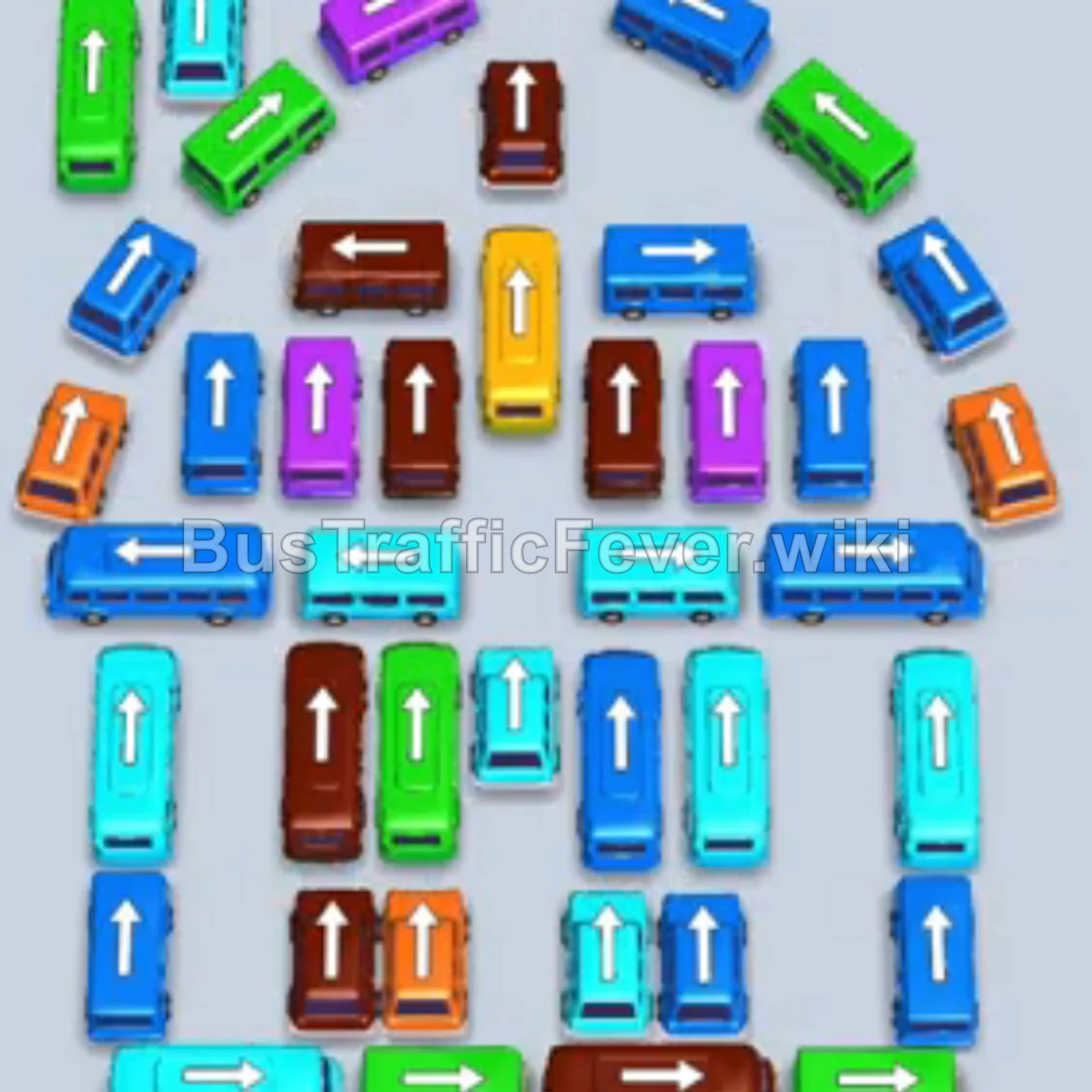
Bus Traffic Fever Level 6 Answer & Walkthrough Solution

Level 6 introduces a dense grid of mixed vehicle sizes. Follow the video above or use this dispatch order, keeping parking slots free for buses that unblock the next passenger colors.
Quick answer
Clear the outer vehicles first, then open the center grid. Match the passenger queue while reserving two or three slots for staging buses.
Step-by-step solution
Opening moves
- Tap the red medium bus at the bottom left.
- Tap the cyan large bus on the lower left.
- Tap the purple medium bus near the top center.
- Tap the red medium bus in the center into an open slot.
- Tap the yellow small bus at the top left.
- Tap the green small bus at the top center.
Unblock the center grid
- Tap the brown small bus on the upper left.
- Tap the freed cyan large bus on the lower left.
- Tap the red small bus on the top-left edge.
- Tap the blue small bus at the top right.
- Tap the red medium bus in the upper-right section.
- Tap the brown small bus on the middle left.
- Tap the blue medium bus at the bottom right.
- Tap the purple large bus in the upper middle.
- Tap the green small bus on the middle right.
Middle and lower traffic
- Tap the blue small bus on the far bottom right.
- Tap the red medium bus in the lower center.
- Tap the green small bus in the lower-right corner.
- Tap the purple small bus on the bottom right.
- Tap the red small bus on the upper left.
- Tap the brown medium bus in the center.
- Tap the purple small bus on the bottom left.
- Tap the yellow small bus in the middle.
- Tap the yellow medium bus at the top left.
- Tap the green large bus in the middle.
Final cleanup
- Tap the blue large bus at the bottom center.
- Tap the purple small bus at the bottom left.
- Tap the brown medium bus in the center.
- Tap the purple medium bus at the bottom right.
- Tap the yellow small bus at the bottom left.
- Tap the green medium bus from the lower right.
- Tap the remaining green bus near the top.
- Tap the purple small bus at the bottom left.
- Tap the final yellow medium bus to complete the level.
Tips for success
- Watch passenger counts: Match 16-, 24-, and 40-seat vehicles to the upcoming color waves.
- Clear outer blockers: Open the perimeter before committing to the central buses.
- Keep a slot buffer: Leave two or three parking slots free to avoid gridlock.
More Bus Traffic Fever help
Stuck on another board? Read how to play Bus Traffic Fever for the core rules, grab more tips and tricks for hard levels, or browse all level solutions to jump to any other level.