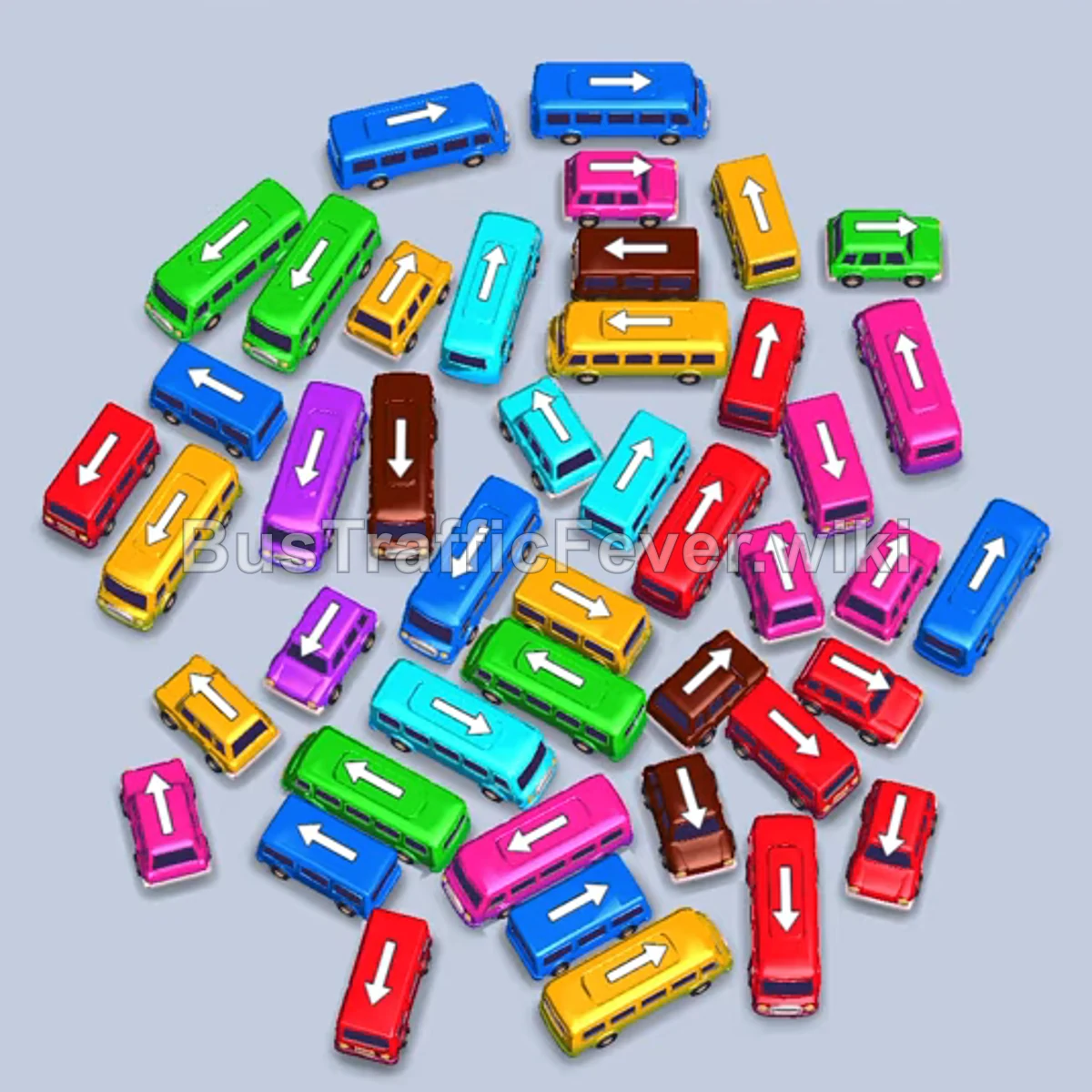
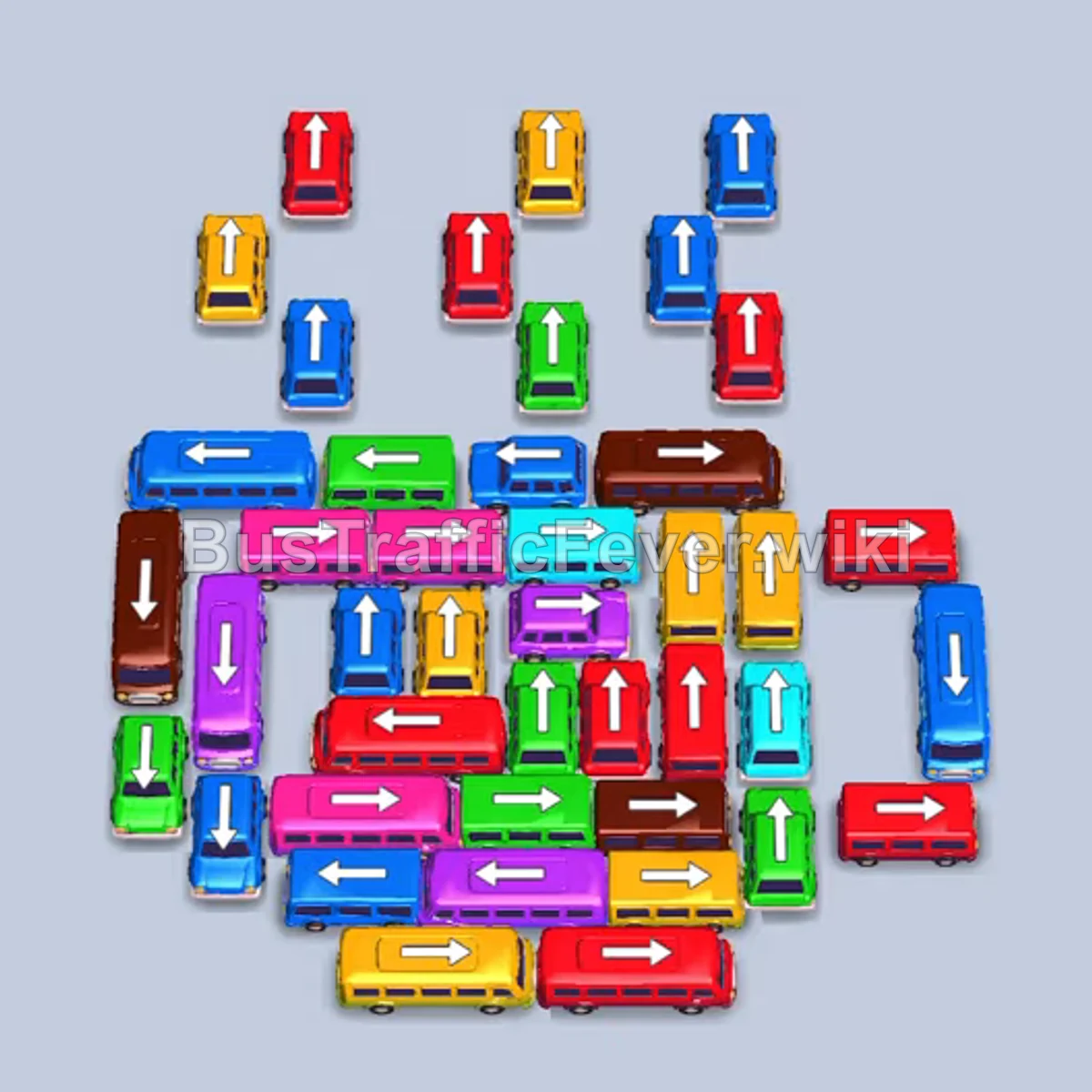
Bus Traffic Fever Level 380 Answer & Walkthrough Solution

Quick answer
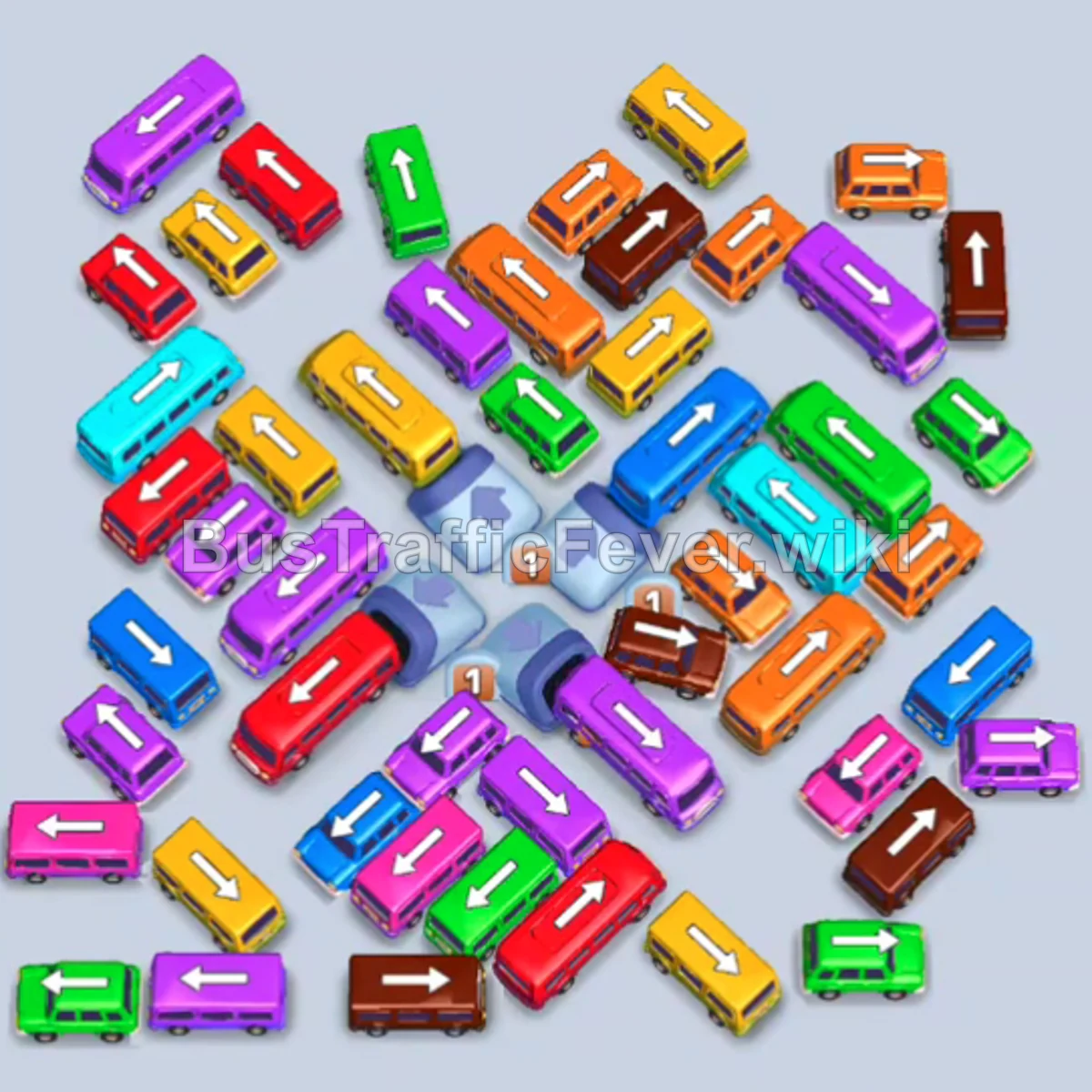
Level 380 features a densely layered board where long buses and compact buses of many colors are tightly interlocked around a central block. The winning approach prioritizes sending out outer vehicles that immediately match the front line of waiting passengers (starting with yellow and orange, then red and blue), steadily exposing inner buses to keep the 5 bus stops clear.
Step-by-step solution
Phase 1: Clearing Outer Vehicles & Initial Boarding
- Tap the yellow bus at the top pointing left/up to pick up waiting yellow passengers.
- Tap the yellow bus in the upper-right facing left to join the queue and clear the top yellow group.
- Tap the red bus on the far-left facing downwards.
- Tap the purple bus at the lower-left facing left.
- Tap the red bus on the mid-left angled downward-right to board waiting red passengers and free up parking bays.
- Tap the cyan bus on the lower-left facing left.
- Tap the green bus at the bottom-left facing left.
- Tap the brown bus on the upper-right facing up.
- Tap the brown bus at the upper edge facing down to collect brown passengers.
- Tap the cyan bus near the bottom-right facing left.
- Tap the green bus at the lower edge facing left.
- Tap the yellow bus on the right side facing down.
- Tap the brown bus in the lower-right corner facing down.
- Tap the cyan bus in the middle right facing right.
Phase 2: Opening the Center & Layer Progression
- Tap the purple bus at the bottom facing left.
- Tap the brown bus near the bottom right facing up.
- Tap the yellow bus in the center facing right.
- Tap the pink bus in the lower-left area facing left.
- Tap the green bus at the bottom left facing left.
- Tap the orange bus in the lower-right facing right.
- Tap the green bus near the center facing up-right.
- Tap the green bus parked near the lower area to clear green crowds.
- Tap the purple bus in the lower center facing right.
- Tap the orange bus in the upper-middle area facing right.
- Tap the brown bus on the bottom-right side.
- Tap the orange bus near the center facing up.
- Tap the cyan bus near the lower-middle area facing left.
- Tap the red bus on the left side facing down.
- Tap the red bus along the middle left facing down.
- Tap the purple bus on the left side facing left.
Phase 3: Final Color Clearances
- Tap the green bus on the lower left facing down.
- Tap the green bus on the right side facing up.
- Tap the orange bus in the top center facing down.
- Tap the brown bus on the right side facing up.
- Tap the green bus near the upper center facing down.
- Tap the purple bus on the lower left facing right.
- Tap the yellow bus in the upper right.
- Tap the cyan bus on the top right facing down.
- Tap the brown bus in the lower center facing left.
- Tap the red bus on the left side facing down.
- Tap the orange bus on the right side facing right.
- Tap the orange bus in the upper right facing down.
- Tap the cyan bus in the lower left corner.
- Tap the yellow bus in the center facing right.
- Tap the green bus near the center facing right.
- Tap the red bus in the center facing down.
- Tap the yellow bus in the center.
- Tap the green bus remaining in the lower field.
- Tap the purple bus facing right.
- Tap the purple bus in the lower section facing right.
- Tap the final purple bus and the remaining purple bus to collect all lingering passengers and finish the level.
Tips for success
- Watch the passenger stream: Passengers loop through an enclosed two-way track before queuing. Match outgoing buses with the colors leading into the loading lane to avoid stalling slots.
- Keep at least one bay open: Several large 40-passenger buses appear in the middle stage. Ensure you have empty bays before dispatching long vehicles that cannot immediately fill and depart.
- Unjam outer buses first: Buses tucked at the perimeter often block the turning lanes for long buses. Clearing small buses early prevents deadlocks in the parking layout.
More Bus Traffic Fever help
Continue with the Level 379 walkthrough, review the core rules in how to play Bus Traffic Fever, or browse all level solutions to jump to another number.