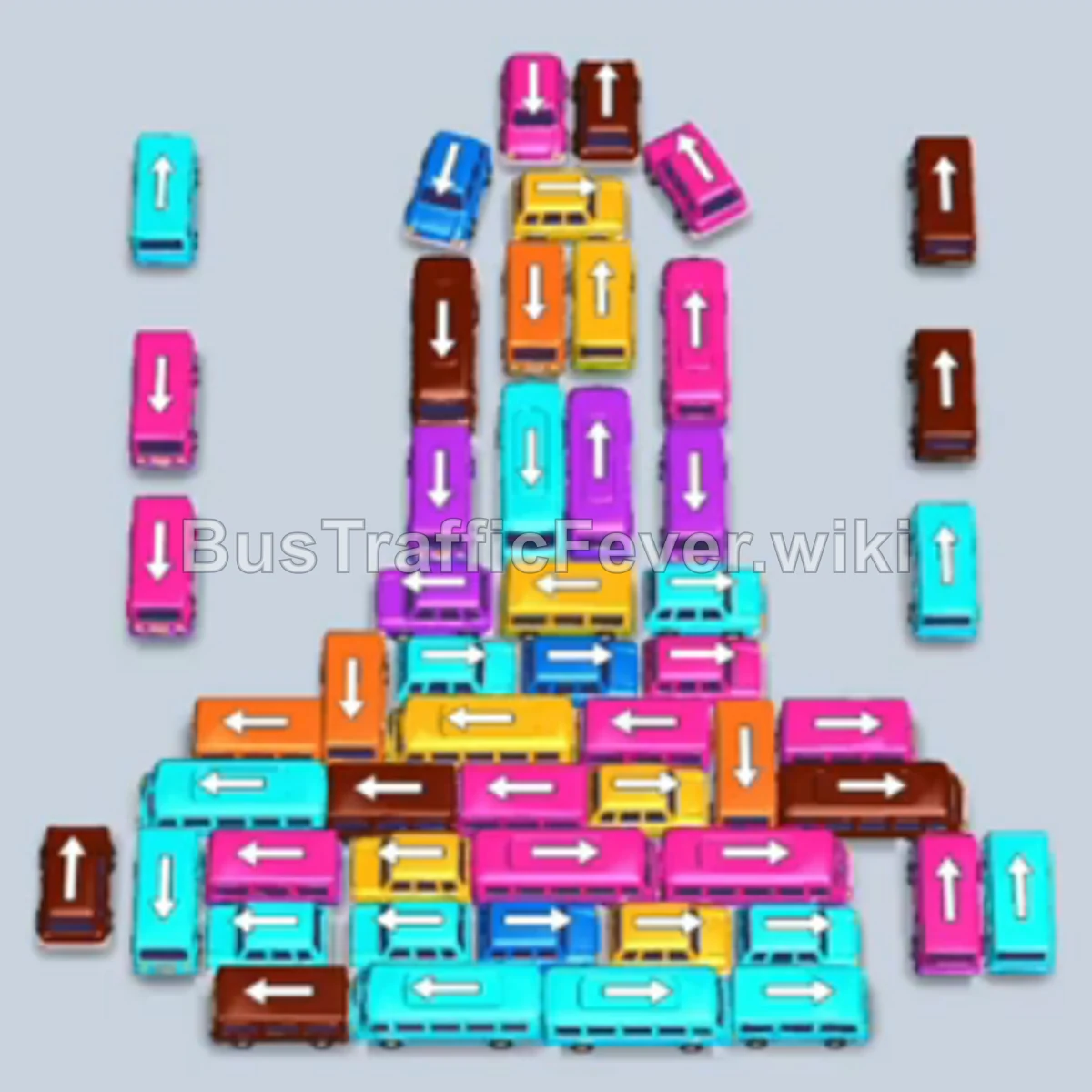
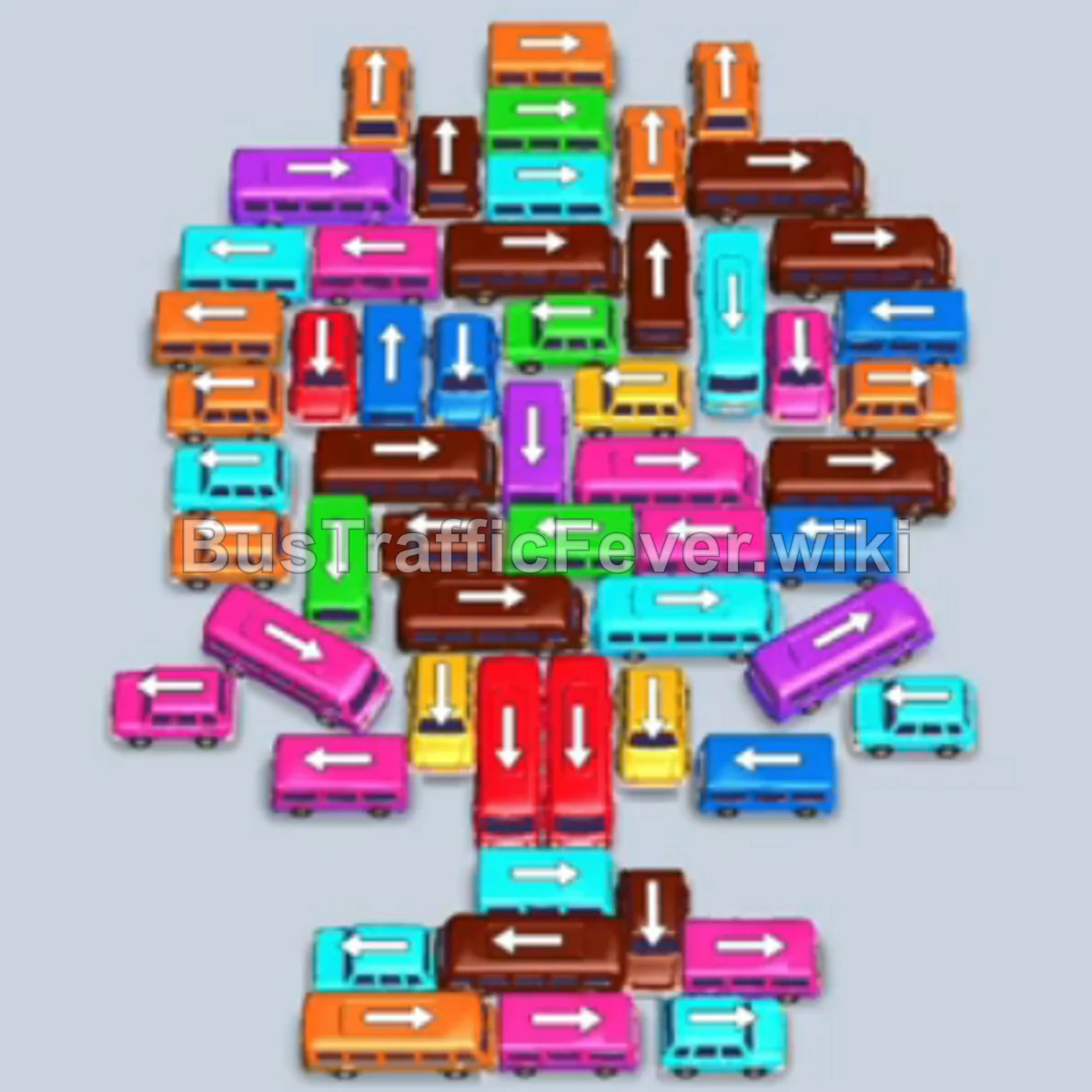
Bus Traffic Fever Level 243 Answer & Walkthrough Solution

Quick answer
Level 243 features a tightly tangled, swirling pile of mixed vehicles in the center and a multi-colored, serpentine passenger queue at the top. The strategy is to immediately satisfy the front Red and Cyan passengers, safely hold larger buses (like Green and Brown) in side slots while using smaller buses to quickly cycle through short color waves (Yellow, Purple, and Pink), and unravel the tangled cluster from the outside in.
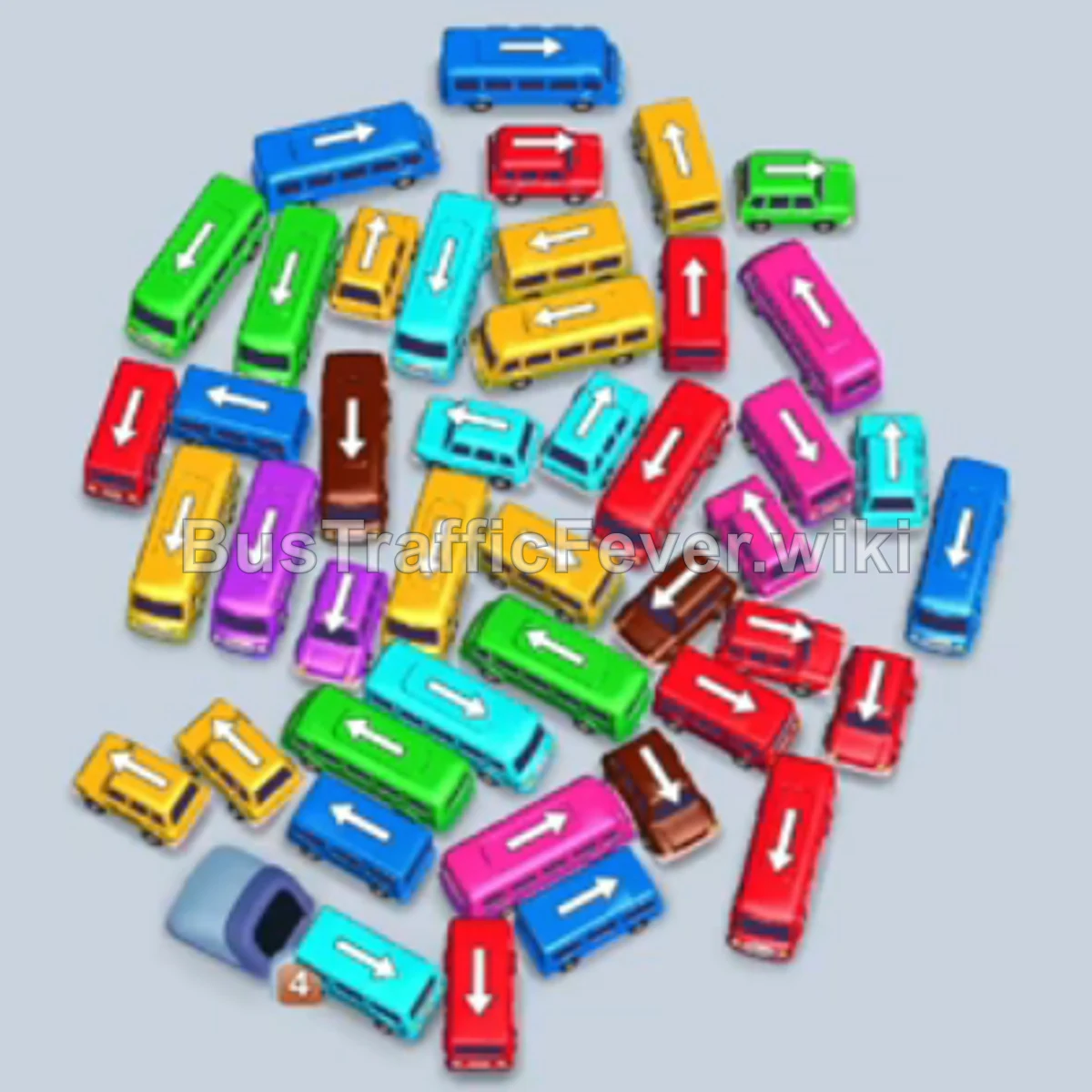
Step-by-step solution
Phase 1: Clearing Initial Red & Cyan
- Tap the horizontal Red bus on the outer left edge. It moves into the first parking slot and immediately begins loading the initial wave of red passengers.
- Tap the horizontal Cyan bus on the lower-left edge of the cluster into an open slot.
- Tap the vertical Cyan bus near the middle-left of the cluster.
- The red bus completes loading and departs. The queue shifts immediately to Cyan; both parked cyan buses fill up and leave, clearing two slots.
Phase 2: Managing Yellow & Unblocking Purple
- Tap the horizontal Green bus on the upper-left of the pile. It moves to the first slot as a holding vehicle to unblock buses underneath.
- Tap the horizontal Yellow bus at the top edge of the pile.
- Tap the vertical Yellow bus on the right side of the cluster.
- Yellow passengers board both yellow buses and they depart.
- Tap the vertical Yellow bus in the upper-center of the pile to take the remaining yellow passengers.
- Tap the horizontal Brown bus on the left to park in reserve.
- Tap the vertical Purple bus near the center.
- Tap the second vertical Purple bus right next to it.
- The yellow bus departs, followed immediately by purple passengers boarding the purple buses.
Phase 3: The Pink & Red Mid-Game Wave
- Tap the horizontal Purple bus in the center to finish off the remaining purple passengers.
- Tap the horizontal Pink bus unblocked in the upper-middle section.
- Tap the vertical Pink bus on the right side. Pink passengers immediately fill both vehicles and they leave.
- Tap the vertical Red bus on the upper-right edge into a free slot.
- Tap the horizontal Red bus in the center of the pile.
- Red passengers board and both red vehicles depart, opening up a large gap in the center of the pile.
Phase 4: Clearing Brown & Secondary Cyan
- Tap the vertical Brown bus on the left side.
- The long-waiting parked Brown bus and brown bus load the incoming brown passengers and exit.
- Tap the horizontal Cyan bus exposed in the upper-right section.
- Tap the vertical Cyan bus on the right edge.
- Tap the horizontal Cyan bus near the lower center.
- Cyan passengers board all available cyan vehicles and they depart in sequence.
Phase 5: Activating Green & Middle Layer Clearance
- The queue finally shifts to Green; the large Green bus parked since Phase 2 completely fills and exits.
- Tap the vertical Green bus on the left side to finish the green passenger wave.
- Tap the horizontal Brown bus near the bottom of the pile.
- Tap the vertical Brown bus in the center. Brown passengers board and clear.
- Tap the horizontal Yellow bus in the upper tier of the remaining cluster.
- Tap the vertical Yellow bus next to it.
- Yellow passengers board both vehicles and clear.
Phase 6: Final Sequence and Cleanup
- Tap the horizontal Pink bus on the lower-left edge.
- Tap the vertical Pink bus in the remaining group. Pink passengers board and depart.
- Tap the vertical Red bus on the left side.
- Tap the horizontal Red bus in the center. Red passengers fill and depart.
- Tap the horizontal Green bus at the bottom.
- Tap the vertical Brown bus remaining in the lower pile.
- Tap the final Yellow bus to pick up the last yellow passengers.
- Tap the last remaining Pink bus/bus in the center.
- The final passengers board, the last vehicle drives away, and the level completes with a “Perfect!” rating.
Tips for success
- Don’t Fear Parking Long-Term Buses: Large 24-passenger buses (like Green and Brown early on) can safely sit in a slot if they free up 2 to 3 critical smaller buses underneath them.
- Keep at Least Two Working Slots: Always ensure you have 2 slots free to quickly cycle short 4-passenger buses of matching colors before they block the queue.
- Unpeel From the Outside: The cluster in Level 243 is angled like a pinwheel; always prioritize vehicles whose front bumper is unobstructed rather than forcing wedged center vehicles.
More Bus Traffic Fever help
Continue with the Level 242 walkthrough, review the core rules in how to play Bus Traffic Fever, or browse all level solutions to jump to another number.