Bus Traffic Fever Level 333 Answer & Walkthrough Solution

Quick answer
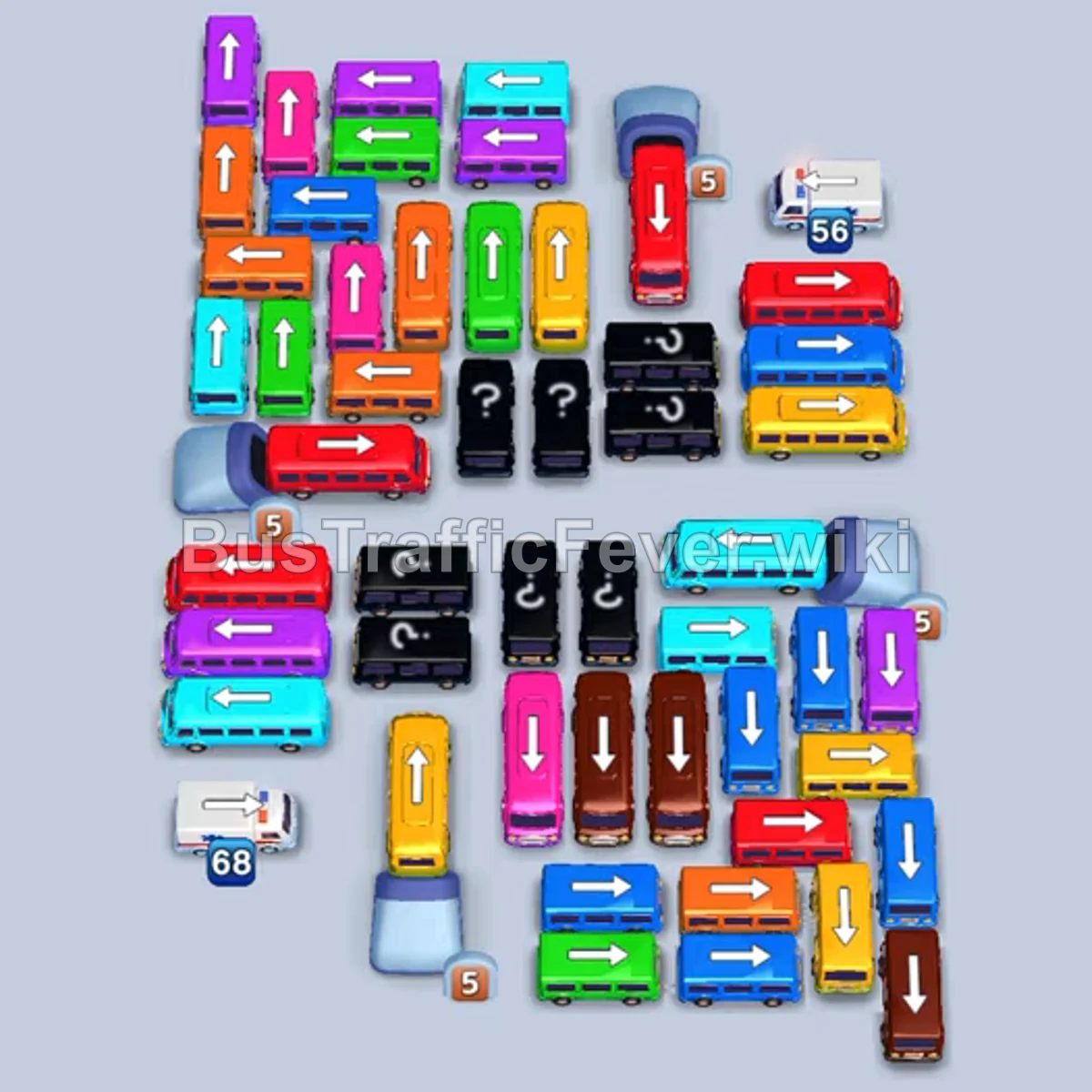
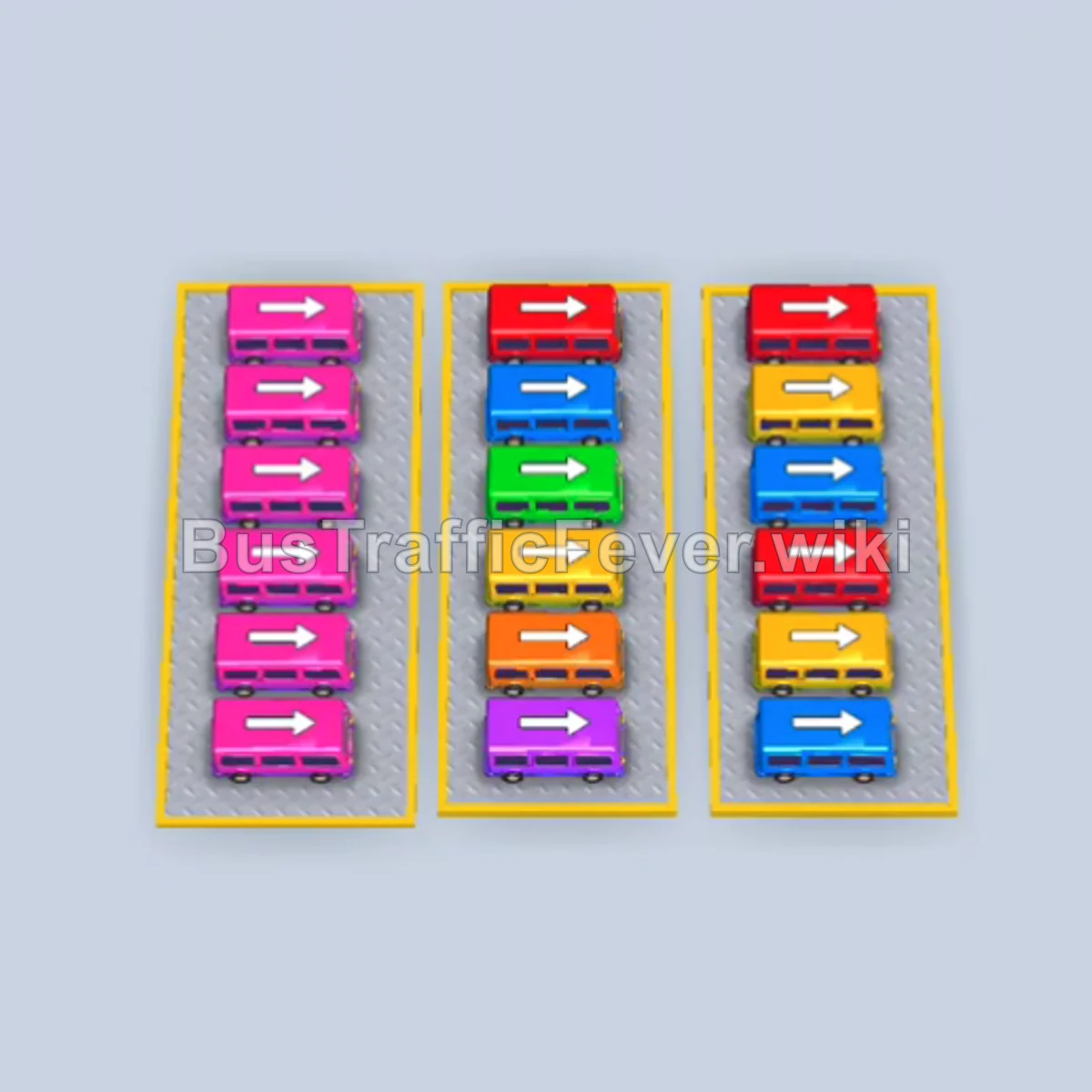
Level 333 features a densely layered parking lot with several large buses blocking multi-directional exits. The strategy relies on carefully timing vehicle releases to match the converging passenger queue loops—starting with red and green, followed by clearing blue and yellow vehicles to unlock the deep center grid.
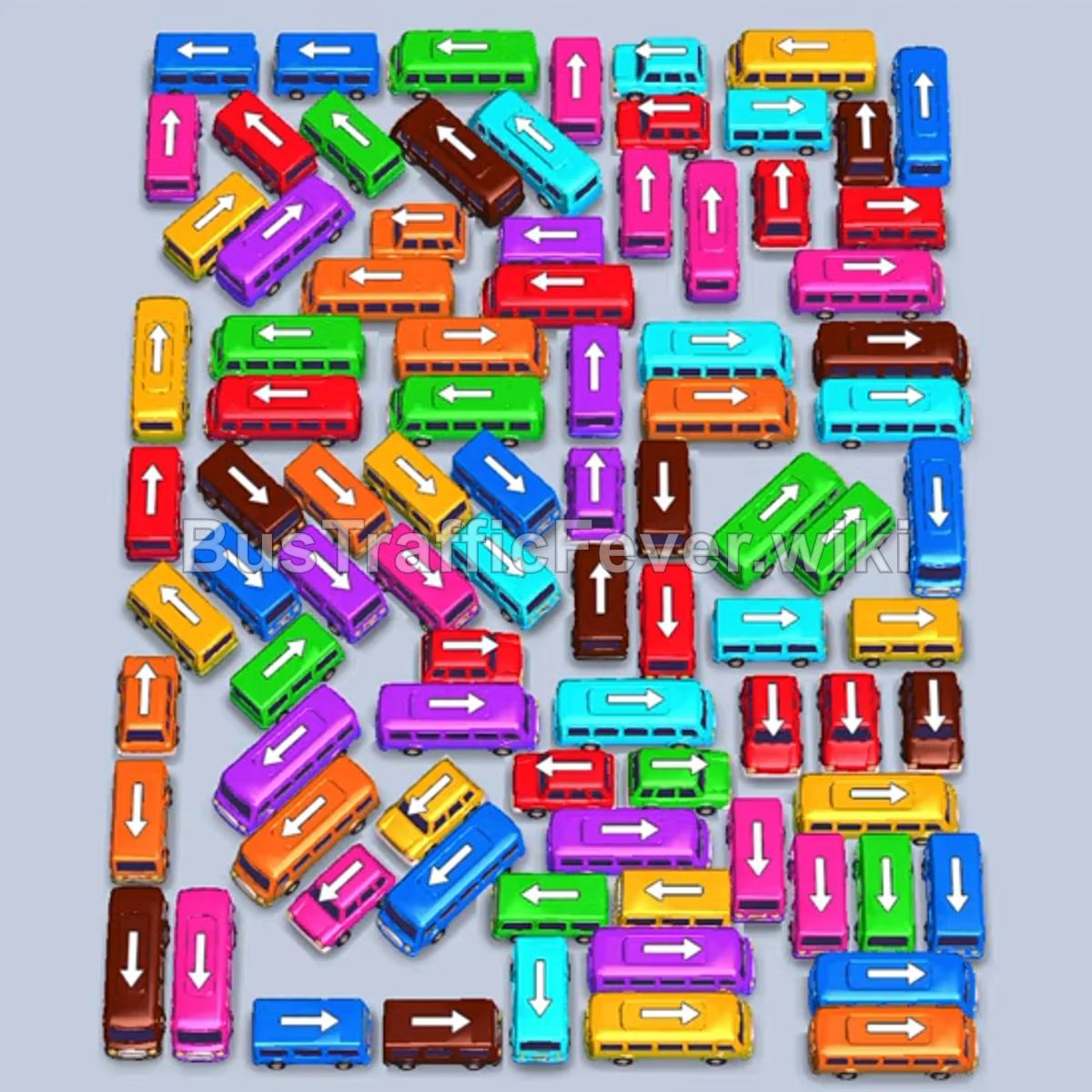
Step-by-step solution
Phase 1: Clearing Initial Layers & Managing Front Colors
- Tap the small blue bus on the left edge facing left.
- Tap the long blue bus in the lower-left area facing left.
- Tap the long blue bus near the upper-left center facing left.
- Tap the small red bus in the upper-middle section facing right to absorb the front red passengers.
- Tap the long green bus near the top facing left as green passengers reach the front.
- Tap the short green bus below it facing right into the queue.
- Tap the small green bus facing right to completely clear green passengers, allowing the blue buses to board and depart.
- Tap the small yellow bus on the upper-left facing left.
- Tap the small pink bus at the top facing left.
- Tap the long cyan bus near the upper-right facing left.
Phase 2: Opening the Mid-Board Grid
- Tap the long brown bus in the upper-left facing left.
- Tap the short yellow bus facing left near the top.
- Tap the long red bus facing left at the top.
- Tap the short cyan bus on the right edge facing right.
- Tap the long orange bus on the left facing up.
- Tap the long green bus in the center facing left.
- Tap the small cyan bus near the center facing left.
- Tap the long blue bus in the upper-middle area facing right.
- Tap the small purple bus facing left near the upper center.
- Tap the long orange bus in the center facing left.
- Tap the long yellow bus at the top-right facing right.
- Tap the long green bus on the right edge facing down.
Phase 3: Dismantling the Central Cluster
- Tap the small brown bus on the upper-right facing left.
- Tap the long cyan bus in the center facing right.
- Tap the long red bus near the top-center facing right.
- Tap the short pink bus on the left facing left.
- Tap the long red bus in the center facing left.
- Tap the small cyan bus below it facing right.
- Tap the long purple bus facing right near the center.
- Tap the small purple bus facing right to finish purple passengers.
- Tap the long orange bus facing down on the right.
- Tap the long red bus on the left edge facing left.
- Tap the long green bus in the lower-left facing right.
- Tap the long brown bus in the center facing right.
- Tap the short blue bus facing right in the center.
Phase 4: Clearing the Lower Section
- Tap the short pink bus facing right in the lower section.
- Tap the long green bus facing right near the bottom.
- Tap the small cyan bus facing right at the bottom edge.
- Tap the long orange bus facing left near the bottom center.
- Tap the short red bus in the lower-right facing left.
- Tap the small yellow bus near the bottom-right facing down.
- Tap the short cyan bus in the bottom center facing left.
- Tap the short brown bus at the bottom facing right.
- Tap the long orange bus facing left on the far left.
- Tap the short yellow bus facing right in the center.
- Tap the short green bus facing right in the bottom row.
- Tap the long blue bus in the lower-left facing right.
Phase 5: Final Clean-up
- Tap the short red bus in the center facing left.
- Tap the long cyan bus facing left in the lower-middle area.
- Tap the short brown bus facing right in the bottom row.
- Tap the small red bus at the bottom-right facing down.
- Tap the short yellow bus facing right to collect remaining yellow passengers.
- Tap the long pink bus at the top of the remaining cluster facing right.
- Tap the small brown bus facing up.
- Tap the long orange bus in the center facing right.
- Tap the small purple bus facing right.
- Tap the small cyan bus facing up to clear cyan passengers.
- Tap the small green bus at the bottom facing right.
- Tap the small red bus facing up.
- Tap the small yellow bus facing right.
- Tap the small brown bus facing down.
- Tap the small pink bus facing right.
- Tap the small yellow bus facing down.
- Tap the small purple bus facing right.
- Tap the final blue bus to finish boarding and complete the level.
Tips for success
- Watch dual queue streams: Passengers arrive from both circular tracks; keep an eye on upcoming colors on both sides to avoid filling slots with mismatched buses.
- Prioritize outer vehicles: Clearing edge vehicles early creates turning room and unblocks tightly wedged horizontal buses in the center.
- Match slot capacity: Avoid sending multiple high-capacity buses of dormant colors to the waiting bays simultaneously to prevent slot blockage.
More Bus Traffic Fever help
Continue with the Level 332 walkthrough, review the core rules in how to play Bus Traffic Fever, or browse all level solutions to jump to another number.