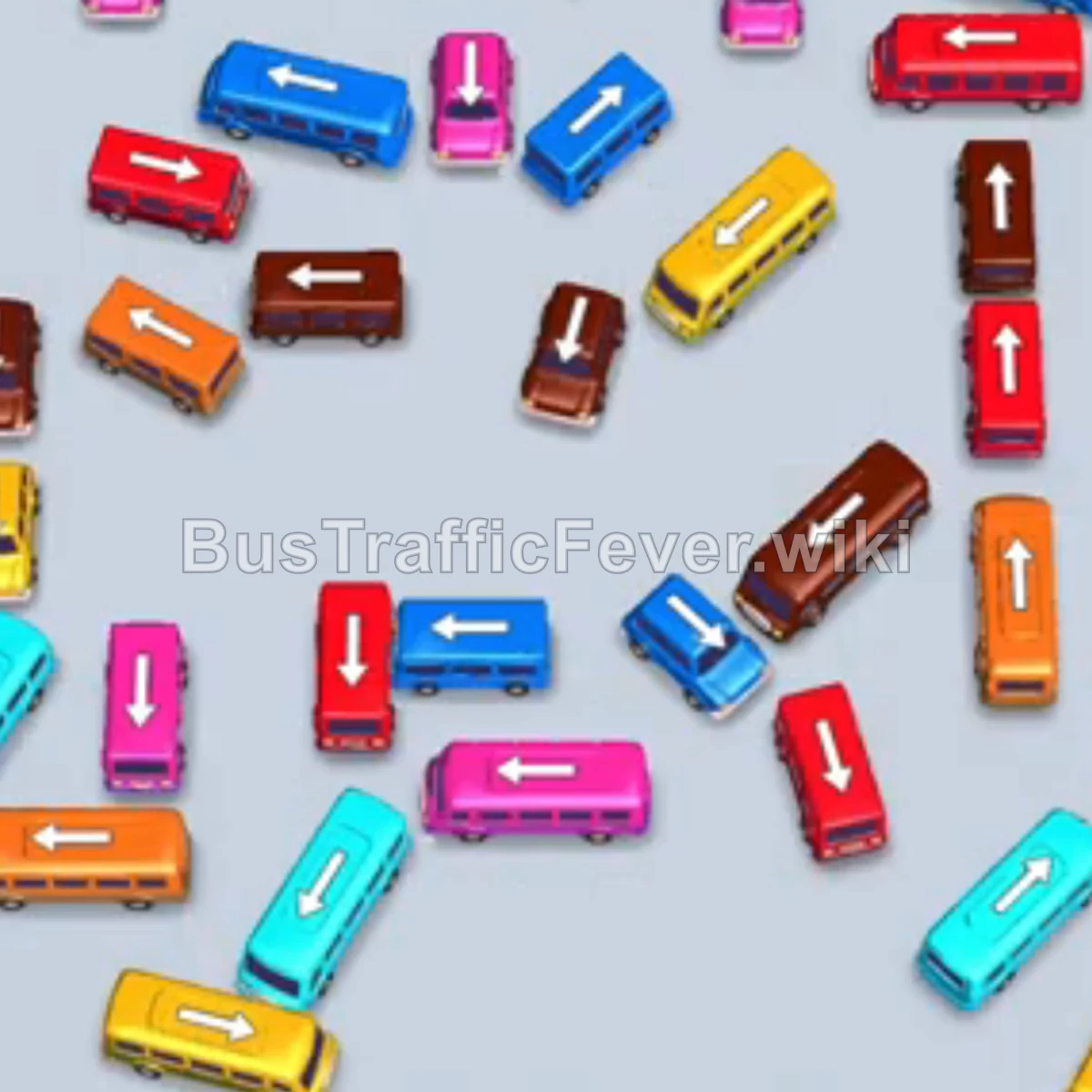
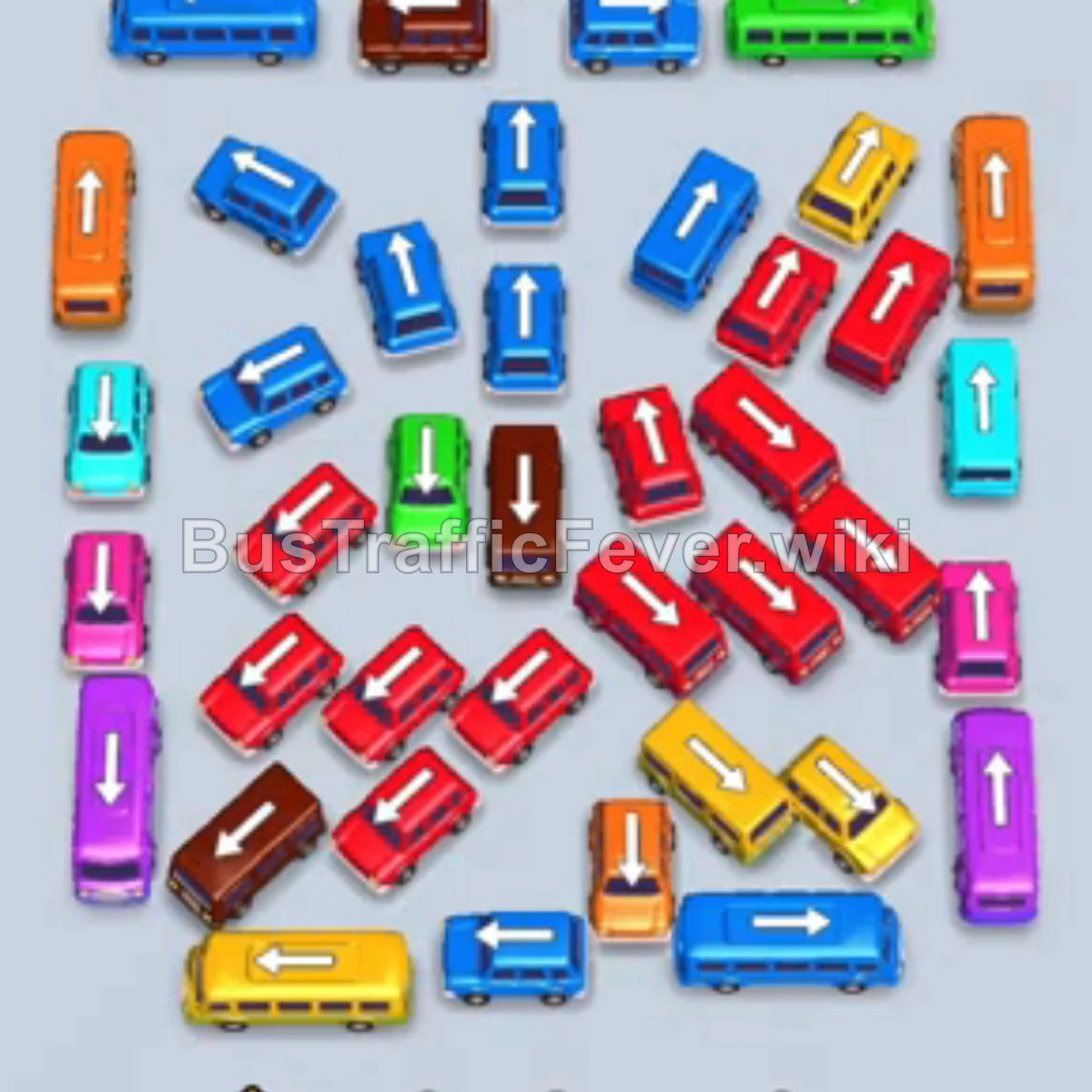
Bus Traffic Fever Level 29 Answer & Walkthrough Solution

Quick answer
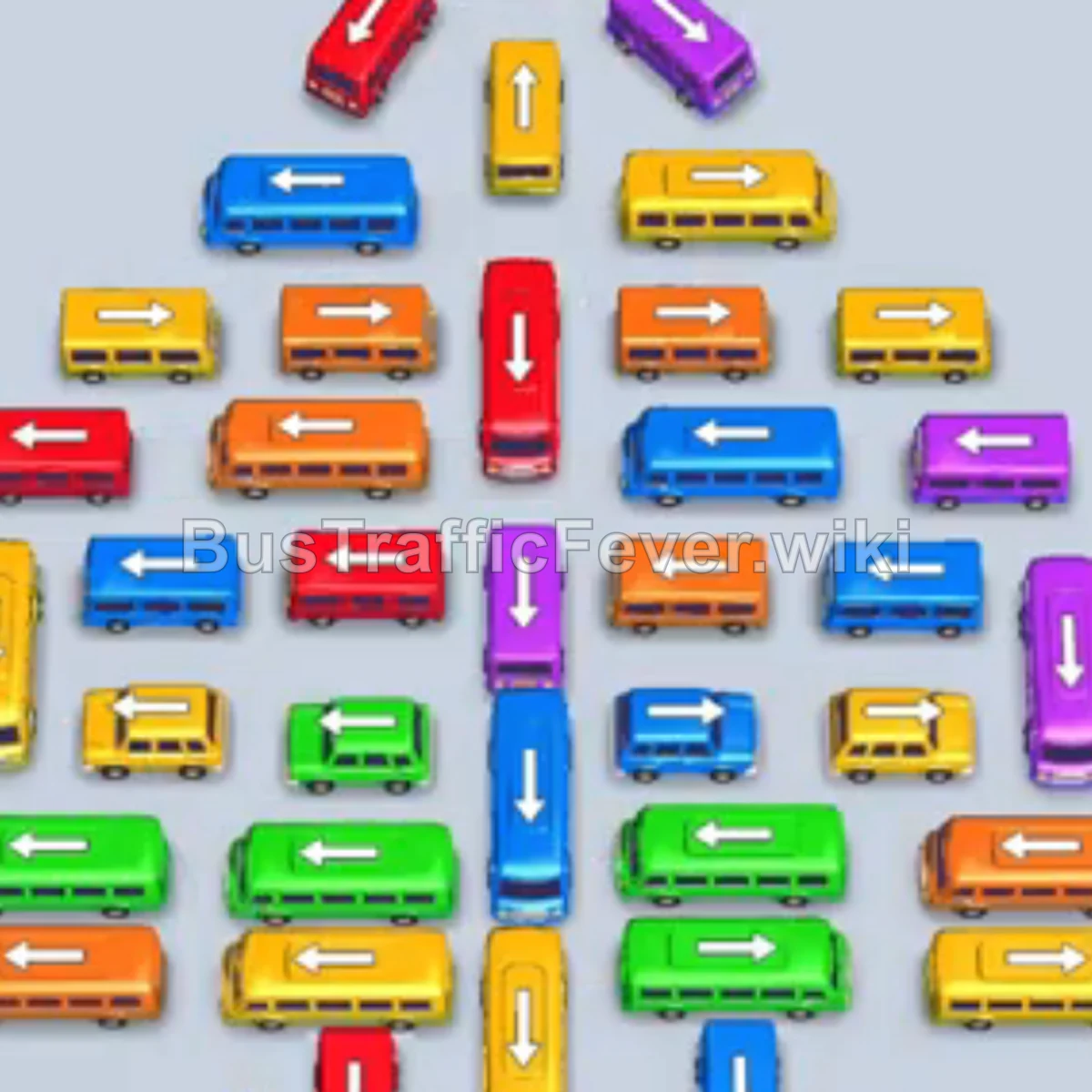
Level 29 is a dense, multi-phase board. Follow the phased order below, from “Clear the pyramid peak and outer vehicles” through to “Clear the bottom grid”. Stick to the exact order below rather than tapping whichever bus looks free, since one wrong move can gridlock the board.
Step-by-step solution
Phase 1: Clear the pyramid peak and outer vehicles
- Tap the Orange bus in the middle row, facing left, into slot 1.
- Tap the Yellow bus in the mid-upper row, facing left, into slot 2.
- Once the orange bus departs, tap the Blue bus at the top layer, facing left.
- Tap the Purple bus on the far-right column, facing up.
- Tap the Green bus on the bottom row, facing left.
- Once the yellow bus clears, tap the Red bus at the pyramid peak, facing up.
- Tap the Orange bus in the middle-right, facing left.
- Let the queued Blue bus and Green bus finish boarding.
Phase 2: Unlock the mid-pyramid rows
- Tap the Red bus at the bottom-left, facing left.
- Tap the Blue bus in the middle row, facing right.
- Tap the Purple bus in the middle column, facing up.
- Tap the Yellow bus in the middle row, facing left, into the VIP slot.
- Tap the Orange bus in the middle row, facing right.
- Tap the Yellow bus in the upper-middle, facing left.
- Tap the Purple bus in the middle-left.
- Let the yellow and red buses in the slots finish boarding.
Phase 3: Rotate the VIP slot and clear the outer columns
- Tap the Green bus on the far-left column, facing down, into the VIP slot.
- Tap the Yellow bus on the far-left column, facing up, into the VIP slot.
- Tap the Green bus on the bottom-right, facing left, into the VIP slot.
- Tap the Orange bus in the middle row, facing right.
- Tap the Yellow bus in the middle row, facing left.
- Tap the Purple bus on the middle-right.
- Tap the Blue bus in the middle row.
- Tap the Red bus in the upper-middle section.
- Tap the Blue bus on the far left.
Phase 4: Clear the bottom grid
- Tap the Red bus on the left, facing down.
- Tap the Yellow bus in the lower-middle, facing up.
- Tap the Yellow bus on the left into the VIP slot.
- Tap the Green bus at the bottom.
- Tap the Orange bus in the middle-left into the VIP slot.
- Tap the Blue bus at the bottom, facing right, into the VIP slot.
- Tap the Orange bus in the middle-left.
- Tap the Yellow bus at the bottom-left.
- Tap the Yellow bus in the middle-left and the Green bus on the bottom-right.
- Tap the Red bus in the middle-left.
- Tap the final Blue bus on the far right into the VIP slot, then tap the Yellow bus in the center.
Tips for success
- Dismantle the pyramid from the top and outer sides before opening its center.
- Rotate high-capacity buses through the VIP slot so the four main slots do not clog.
- Match every tap to the first two or three passenger groups in the queue.
More Bus Traffic Fever help
Continue with the Level 28 walkthrough, review the core rules in how to play Bus Traffic Fever, or browse all level solutions to jump to another number.