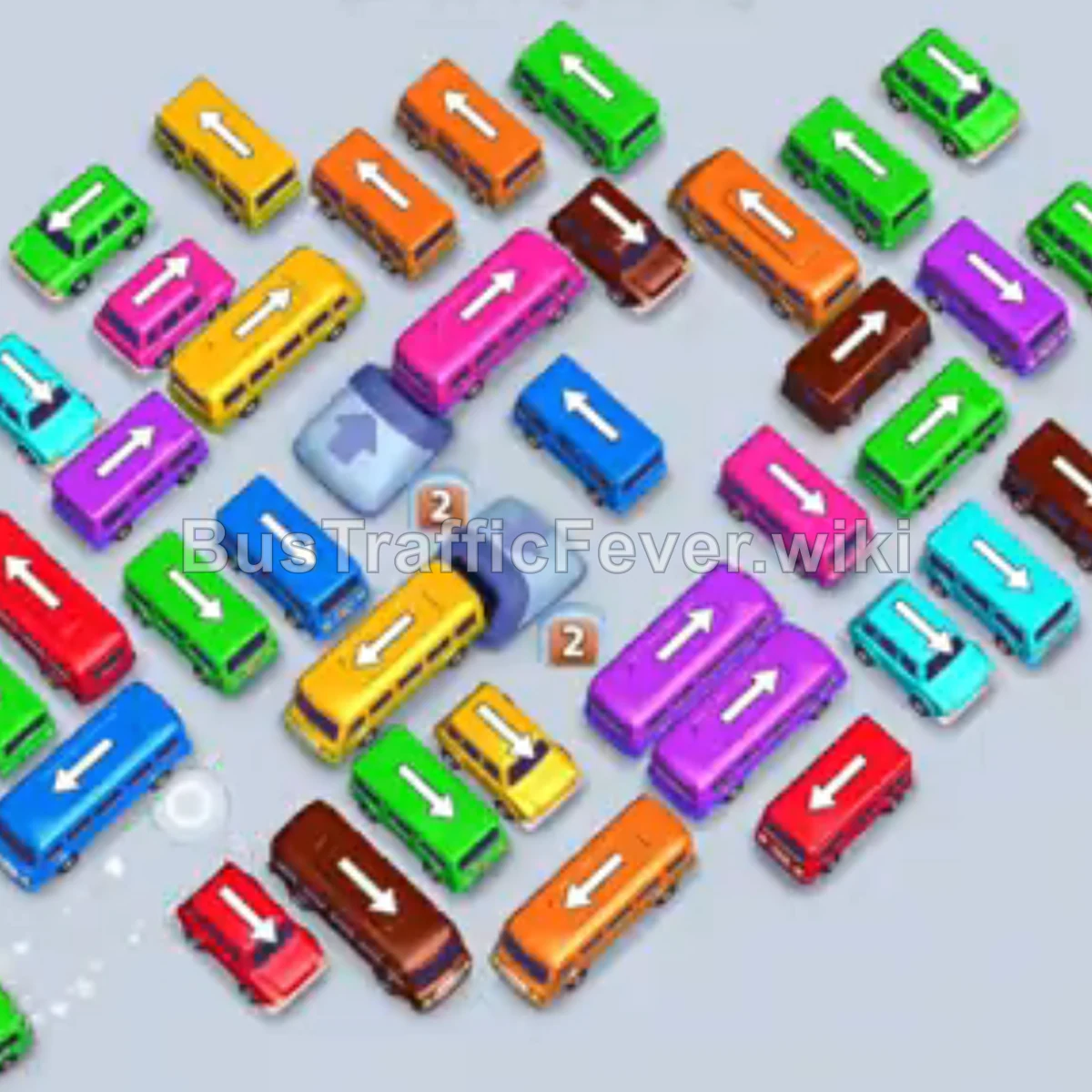
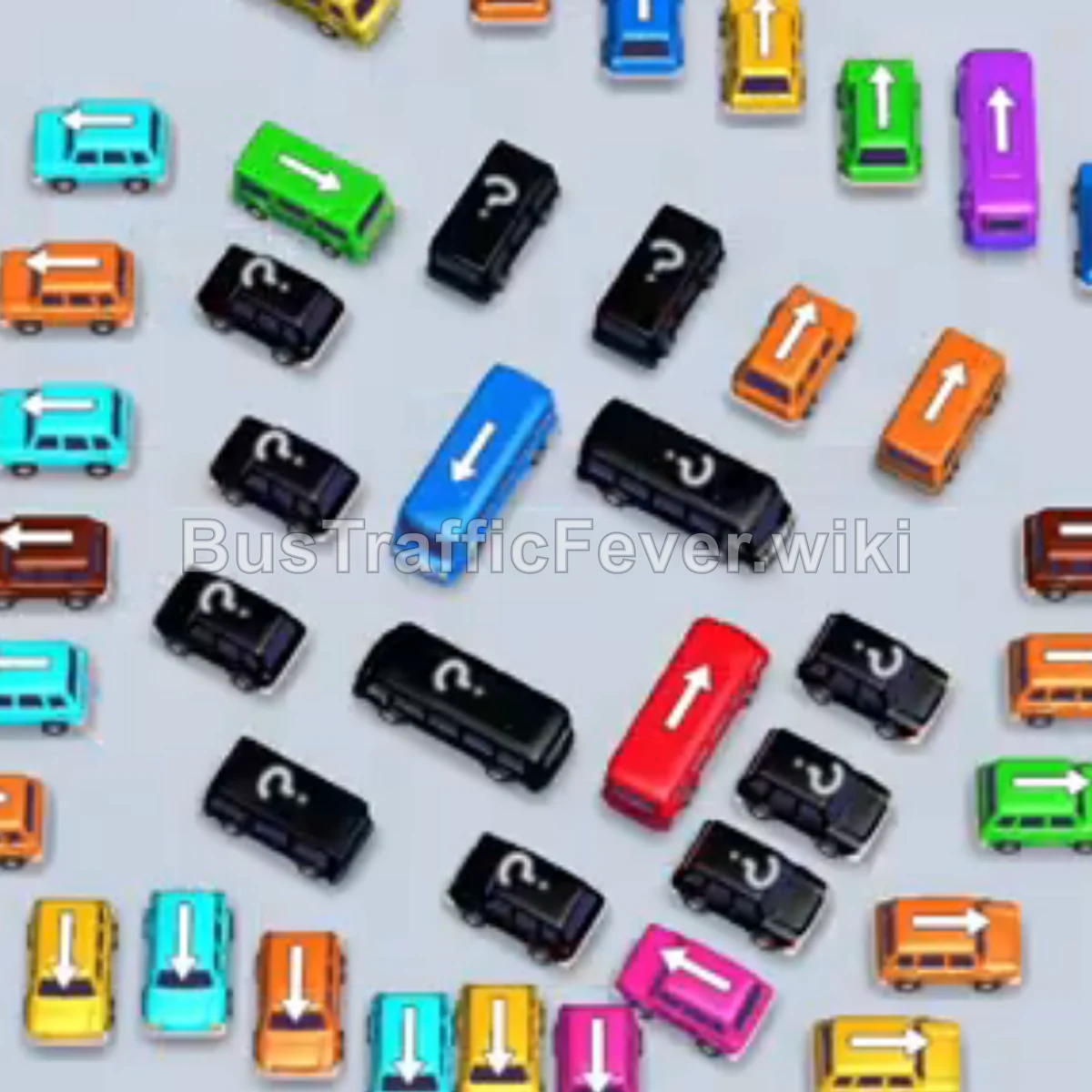
Bus Traffic Fever Level 32 Answer & Walkthrough Solution

Quick answer
Tap the Pink bus near the center-left pointing down-left. It will enter the VIP parking slot, and pink passengers will start boarding. Tap the Purple bus on the upper right pointing down-left. Tap the Blue bus on the upper right pointing down-left.
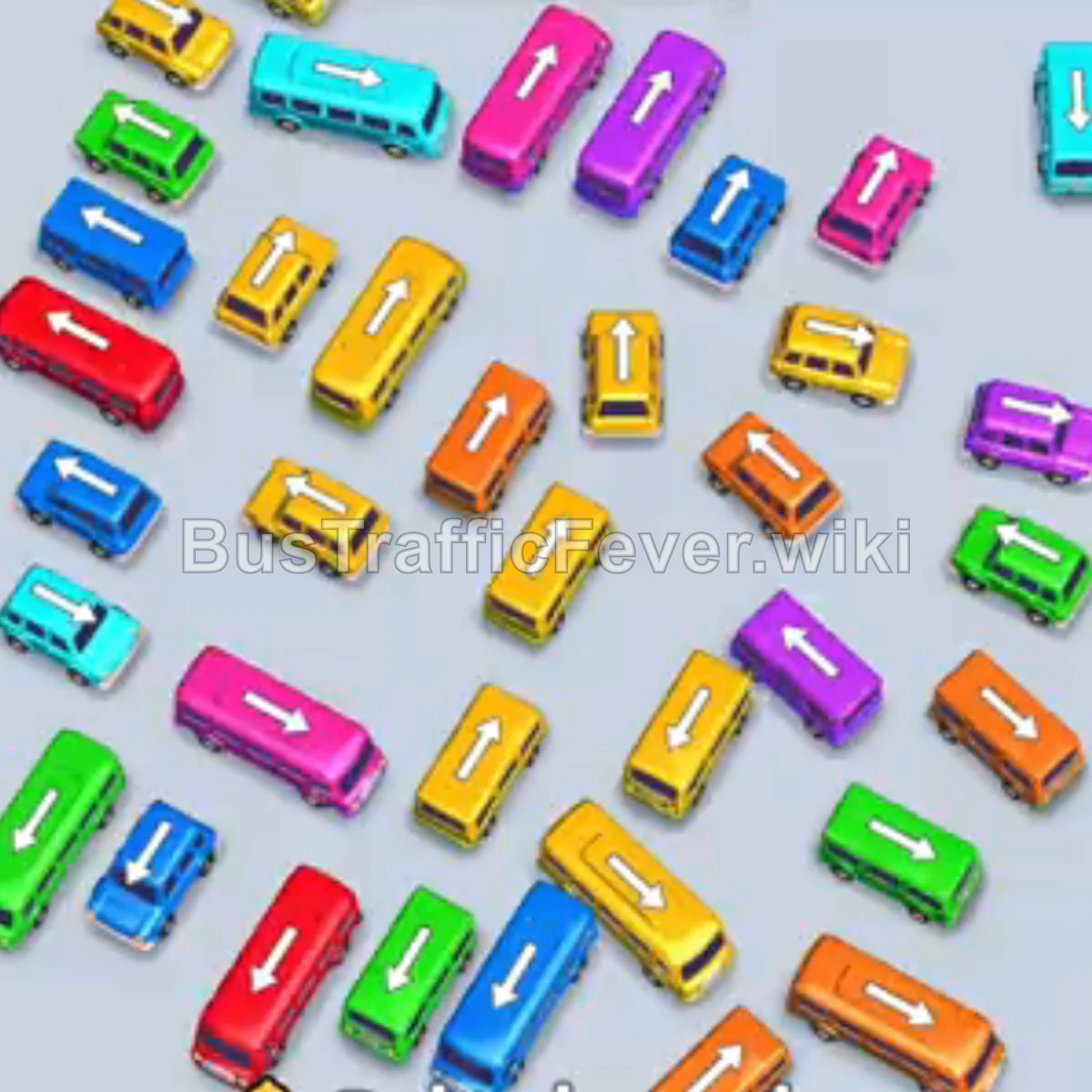
Step-by-step solution
Phase 1: Initial Departures & Clearing Upper Blocks
- Tap the Pink bus near the center-left pointing down-left. It will enter the VIP parking slot, and pink passengers will start boarding.
- Tap the Purple bus on the upper right pointing down-left.
- Tap the Blue bus on the upper right pointing down-left. Blue passengers will board and it will depart.
- Tap the Yellow bus in the center pointing up-left to pick up the yellow passenger queue.
- Tap the Orange bus near the top-left center pointing up-left.
- Tap the Yellow bus in the middle-left area pointing down-right.
- Tap the Yellow bus on the far top-left pointing down-right. Once loaded, it departs.
- Tap the Red bus on the far left pointing down-left. Red passengers will start filling it.
Phase 2: Unblocking Mid-Tier Lanes & Color Matching
- Tap the Green bus on the lower right pointing up-right. Green passengers board and it departs.
- Tap the Blue bus in the upper-middle area pointing down-left.
- Tap the Cyan bus on the upper right pointing down-left.
- Tap the Yellow bus on the middle-right pointing down-left.
- Tap the Blue bus on the center-right pointing down-left.
- Tap the Blue bus in the center pointing down-right.
- Tap the Yellow bus in the center pointing down-right.
- Tap the Yellow bus on the middle-left pointing up-right.
Phase 3: Cycling Out Waiting Vehicles
- Tap the Green bus in the center pointing down-right.
- Tap the Orange bus at the bottom center pointing down-right.
- Tap the Orange bus on the bottom right pointing down-right.
- Tap the Green bus on the lower right pointing down-right.
- The Purple bus waiting in slot 2 will finish boarding its passengers and depart.
- Tap the Pink bus in the lower-middle area pointing up-right.
- Tap the Yellow bus on the lower right pointing up-right.
- Tap the Blue bus in the center pointing up-right.
- Tap the Pink bus on the bottom left pointing up-right.
- Tap the Orange bus in the bottom-middle area pointing down-right.
Phase 4: Final Sequence and Level Completion
- Tap the Yellow bus on the center-left pointing down-right.
- Tap the Orange bus in the upper-left of the remaining vehicles pointing down-right. The Red bus in slot 1 completes and departs.
- Tap the Yellow bus at the bottom center pointing down-right.
- Tap the Yellow bus near the bottom-middle pointing down-left.
- Tap the Pink bus on the bottom left pointing down-left.
- Tap the Green bus on the upper left pointing down-right.
- Tap the Yellow bus at the bottom left pointing down-left.
- Tap the Green bus on the middle left pointing down-left.
- Tap the Purple bus on the bottom right pointing down-left.
- Tap the Cyan bus on the bottom left pointing down-left.
- Finally, tap the Cyan bus on the far right pointing down-left to pick up the remaining passengers and finish the level.
Tips for success
- Observe the Queue: Keep a close eye on upcoming passenger colors in the serpentine track to time your vehicle releases accurately.
- Park High-Capacity Buses Early: Large buses (like the Red and Purple 40-capacity buses) take multiple passenger waves to fill. Park them early and let them collect passengers passively while cycling smaller buses.
- Avoid Gridlock: Keep 2 to 3 open parking slots available at all times so blocking vehicles can be moved without getting stuck.
More Bus Traffic Fever help
Continue with the Level 31 walkthrough, review the core rules in how to play Bus Traffic Fever, or browse all level solutions to jump to another number.