Bus Traffic Fever Level 119 Answer & Walkthrough Solution

Quick answer
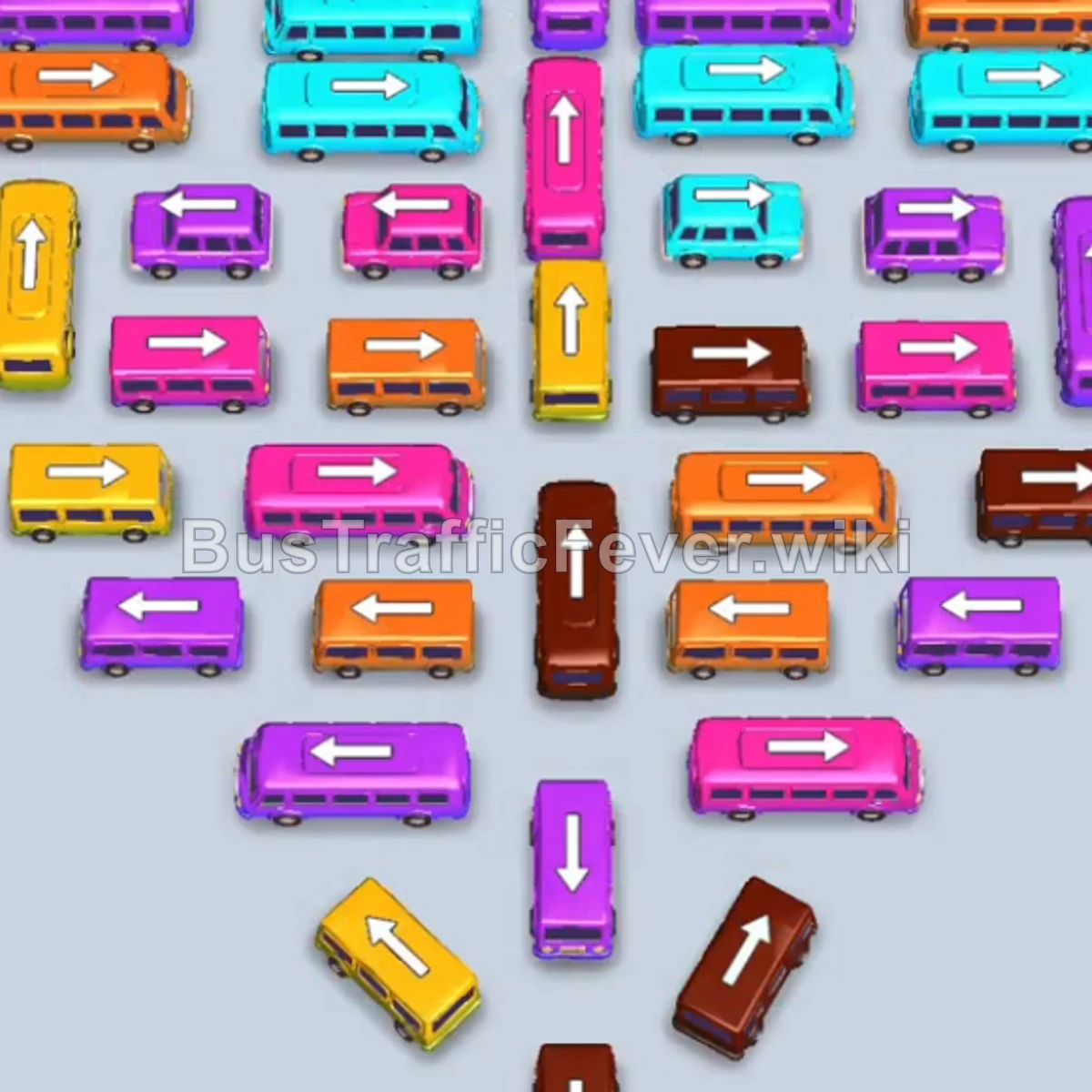
Level 119 is a dense, multi-phase board. Follow the phased order below, from “Opening Moves & Clearing Outer Ring Buses” through to “Final Dense Cluster Sequence & Cleanup”. Stick to the exact order below rather than tapping whichever bus looks free, since one wrong move can gridlock the board.
Step-by-step solution
Phase 1: Opening Moves & Clearing Outer Ring Buses
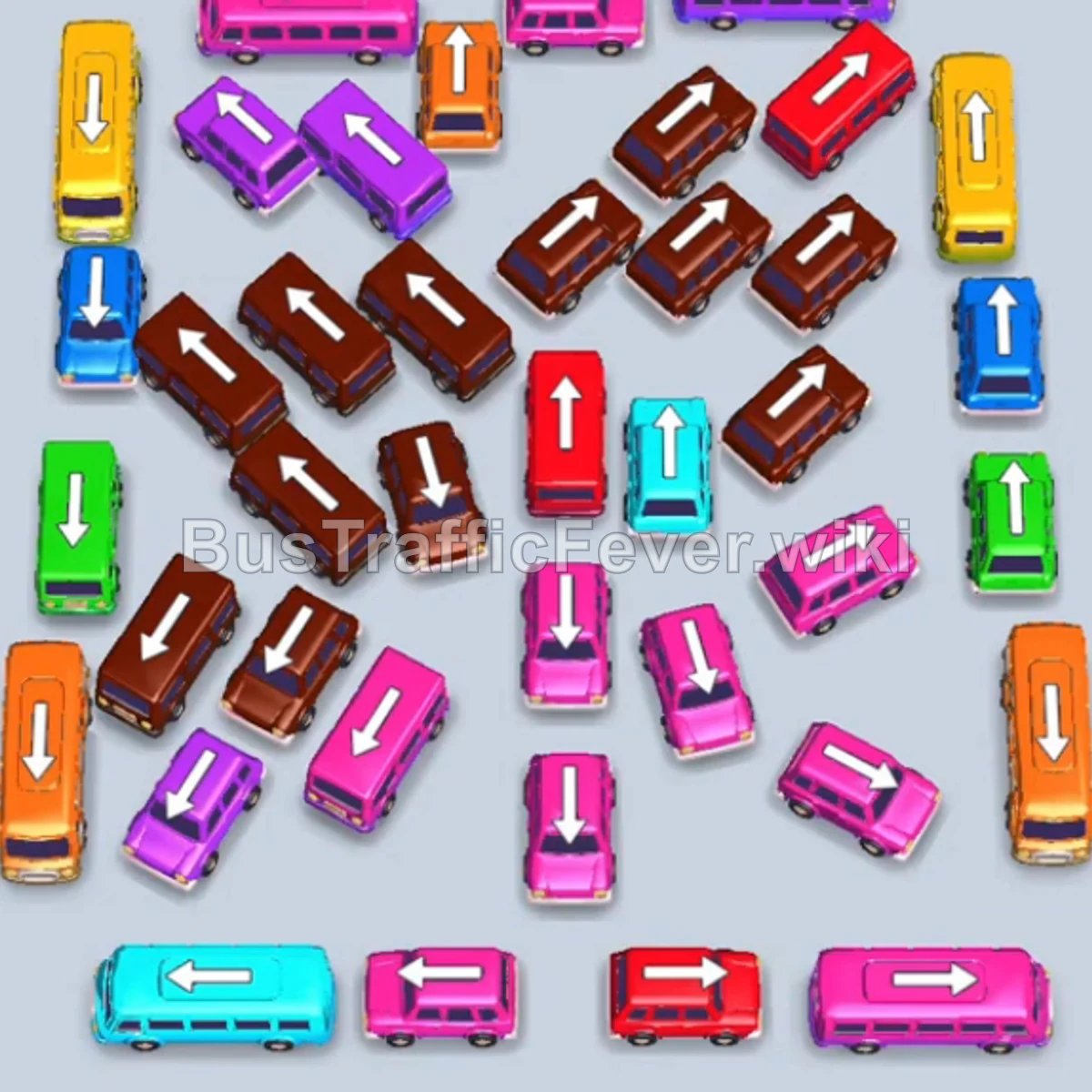
- Tap the Purple bus on the top right into the VIP parking slot. Purple passengers will begin boarding.
- Tap the Pink bus on the top left. Pink passengers board immediately, and the bus departs.
- The Purple bus in the VIP slot finishes loading and drives away.
- Tap the small Pink bus at the bottom center into the open VIP slot. Pink passengers board and it clears.
- Tap the Cyan (Teal) bus on the bottom left into the VIP slot. Cyan passengers will partially load and wait.
- Tap the Orange bus on the far-right edge. Orange passengers begin boarding.
- Tap the small Purple bus in the upper-middle left area. Purple passengers board and it departs.
- Tap the Yellow bus in the upper-left area into a parking slot.
Phase 2: Unlocking the Inner Diagonal Buses
- Tap the small Brown bus at the far bottom-left. Brown passengers board and it clears.
- Tap the small Brown bus in the upper center-left. Brown passengers board and it departs.
- Tap the small Pink bus in the lower-middle left area. Pink passengers board and it leaves.
- Tap the small Brown bus in the middle row. Brown passengers board and it clears.
- Tap the small Brown bus on the middle-left side. Brown passengers board and it departs.
- Tap the small Pink bus on the lower center-right. Pink passengers board and it clears.
- Tap the small Pink bus in the lower-center row. Pink passengers board and it leaves.
- Tap the small Green bus on the bottom right. Green passengers board and it departs.
- Tap the small Brown bus on the lower right. Brown passengers board and it clears.
- The parked Yellow bus and Orange bus finish loading their passengers and drive off.
Phase 3: Clearing Trapped Secondary Columns
- Tap the Orange bus on the far-left edge. Orange passengers board and it departs.
- Tap the small Blue bus on the far left. Blue passengers begin boarding.
- Tap the Yellow bus on the top right. Yellow passengers board and it clears.
- Tap the small Brown bus on the center-left side. Brown passengers board and it leaves.
- The parked Cyan bus in the VIP slot finishes boarding cyan passengers and drives off.
- Tap the small Red bus in the middle right into the VIP slot. Red passengers board and it departs.
- Tap the small Brown bus on the upper-middle right. Brown passengers board and it clears.
- Tap the small Brown bus in the center row. Brown passengers board and it drives off.
- Tap the small Purple bus on the middle-left side. Purple passengers board and it clears.
Phase 4: Final Dense Cluster Sequence & Cleanup
- Tap the Pink bus at the bottom center into the VIP slot. Pink passengers board and it drives off.
- Tap the small Red bus at the bottom center. Red passengers board and it departs.
- Tap the small Pink bus on the lower-middle right. Pink passengers board and it clears.
- Tap the small Brown bus in the top-right area. Brown passengers board and it departs.
- Tap the small Green bus on the middle-left side. Green passengers board and it leaves.
- Tap the small Purple bus on the far left. Purple passengers board and it departs.
- Tap the small Blue bus on the bottom right. Blue passengers board and it clears.
- Tap the small Orange bus at the top center.
- Tap the small Red bus in the center row.
- Tap the small Brown bus on the middle-left side. Brown passengers board and it leaves.
- Tap the remaining buses into parking slots:
- small Cyan bus (lower center)
- small Pink bus (lower right)
- small Pink bus (middle right)
- small Pink bus (center right)
- The parked Orange, Red, Cyan, and Pink buses finish loading their respective passengers and depart.
- Tap the final small Brown bus on the center-left side to pick up the remaining passengers and complete the level!
Tips for success
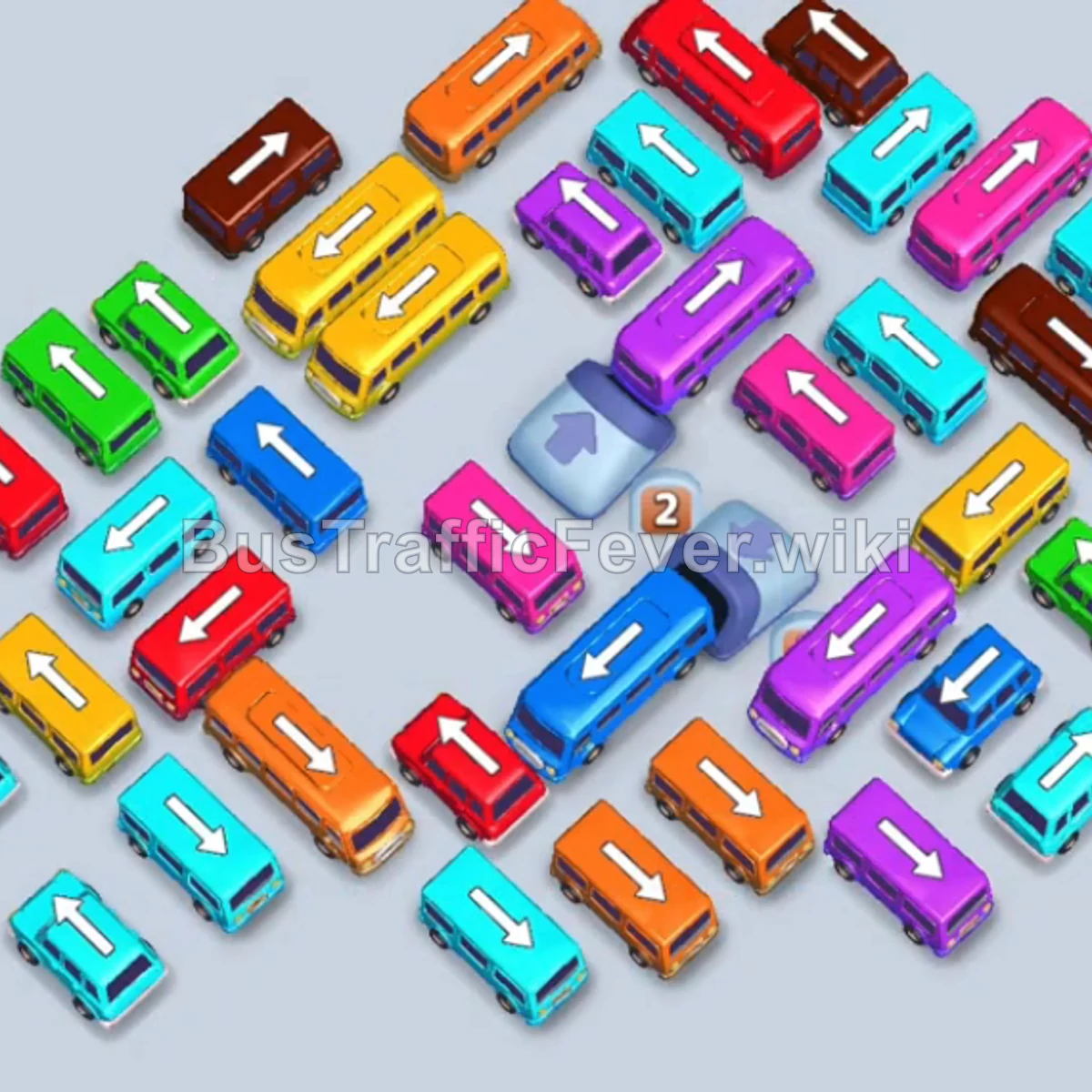
- Unpack Diagonal Arrows Early: The central grid features angled buses pointing toward each other. Prioritize releasing the outer ends of these diagonal lines to unlock buses deeper inside.
- Leverage the 16-Passenger Small Buses: Many vehicles in this level are small buses that only need 16 passengers. They cycle out of parking slots very quickly, allowing rapid unblocking.
- Prevent Cyan Gridlock: The Cyan bus needs to sit in the VIP slot for an extended period across multiple phases—make sure you do not fill the other 4 standard slots with waiting buses while working through the small buses.
More Bus Traffic Fever help
Continue with the Level 118 walkthrough, review the core rules in how to play Bus Traffic Fever, or browse all level solutions to jump to another number.