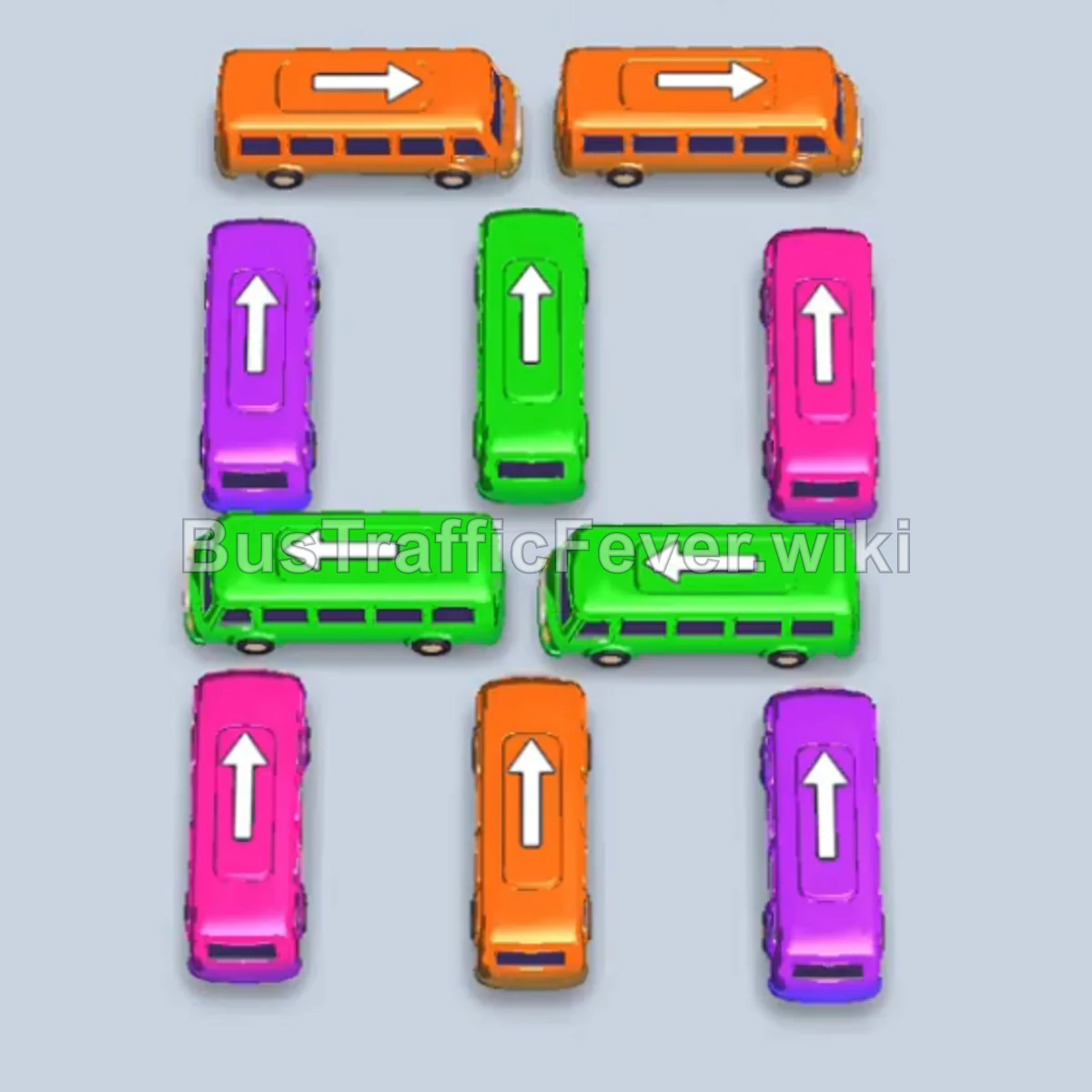
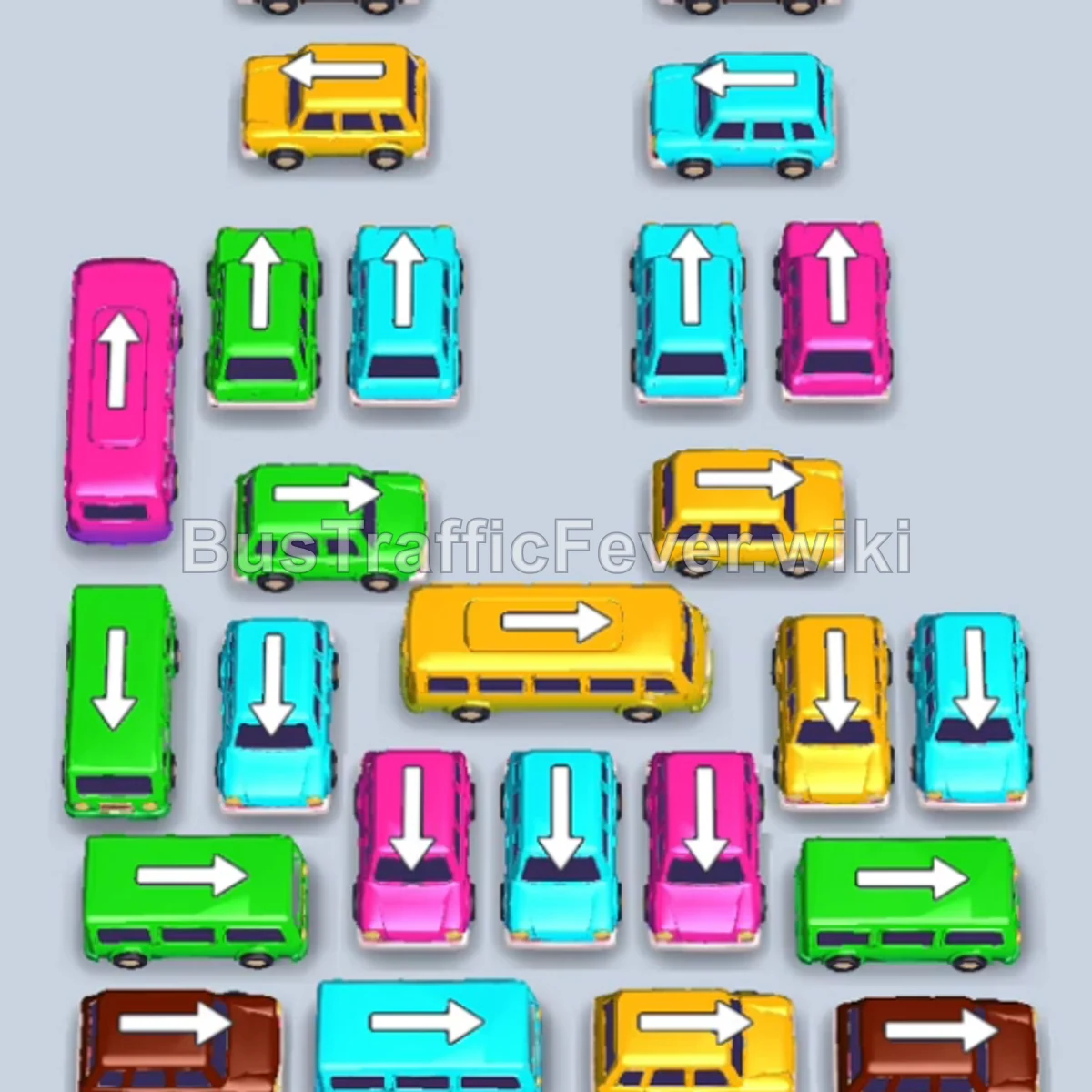
Bus Traffic Fever Level 3 Answer & Walkthrough Solution

Level 3 introduces the gold VIP slot on the left, which can temporarily hold a bus of any color.
Quick answer
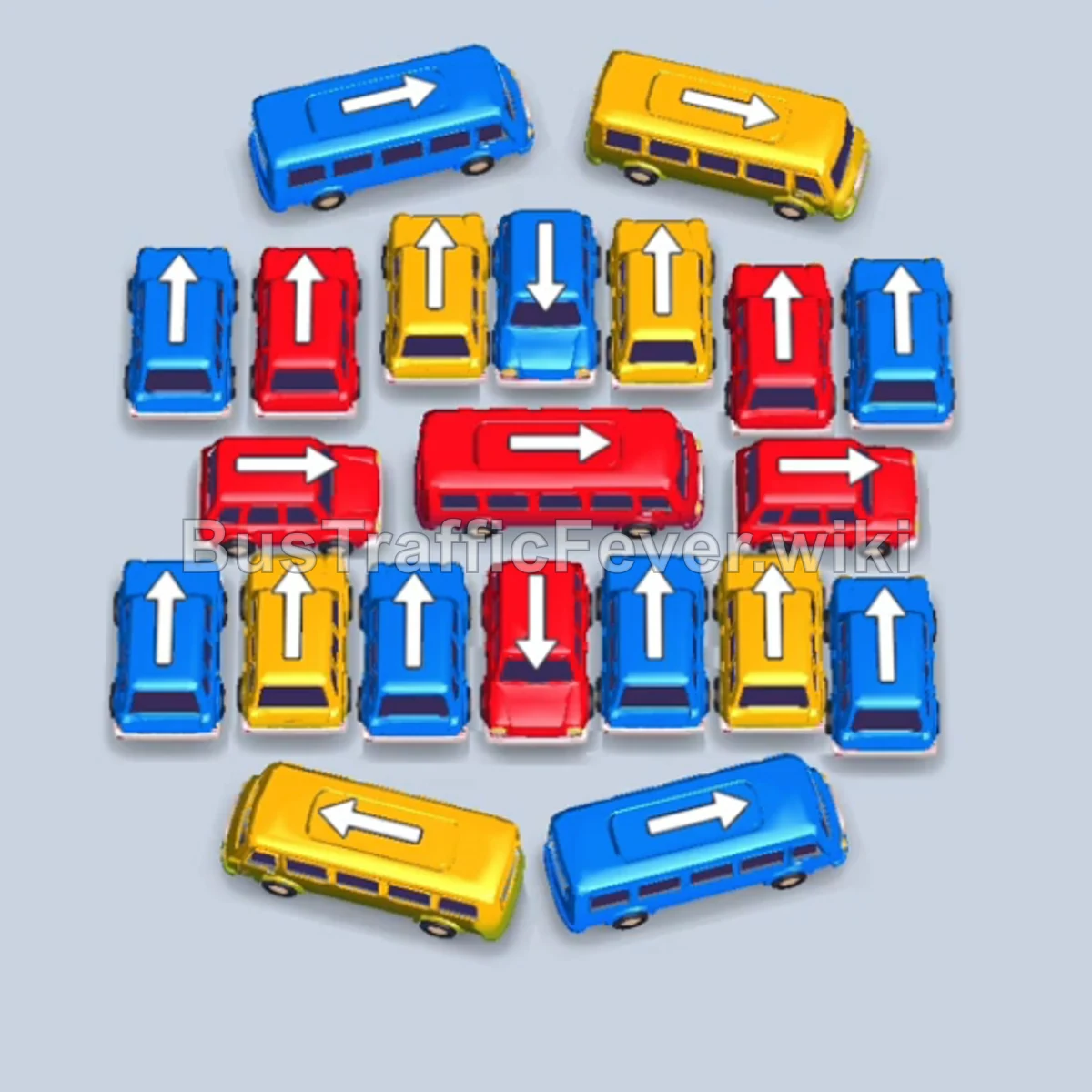
Start with yellow, clear the two blue buses, use an empty slot to reach the red buses, then finish the remaining blue and yellow buses. Use the VIP slot only when it unlocks the color currently needed at the front of the queue.
Step-by-step solution
- Start with yellow: Tap the yellow bus at the bottom left.
- Clear blue: Tap the two blue buses in the second row.
- Open the red route: Move the yellow bus in the center into an empty slot so you can reach the red buses behind it.
- Dispatch red: Tap one red bus, then the second red bus.
- Finish the open colors: Use the VIP slot if a non-matching bus is blocking the next move, then clear the remaining blue and yellow buses.
The VIP slot holds any color, but it is limited space. Use it when a bus prevents you from reaching the color at the front of the passenger queue, not simply to make the board look tidier.
If your Level 3 board looks different
If the layout changes after an update, preserve the idea: use ordinary slots first, reserve the VIP slot for a blockage, and always clear the color at the front of the queue before planning further ahead.
More Bus Traffic Fever help
Review Level 2 first if you need the grid basics, then continue to the Level 4 walkthrough. You can also read how to play Bus Traffic Fever, use these tips and tricks, or browse all level solutions.