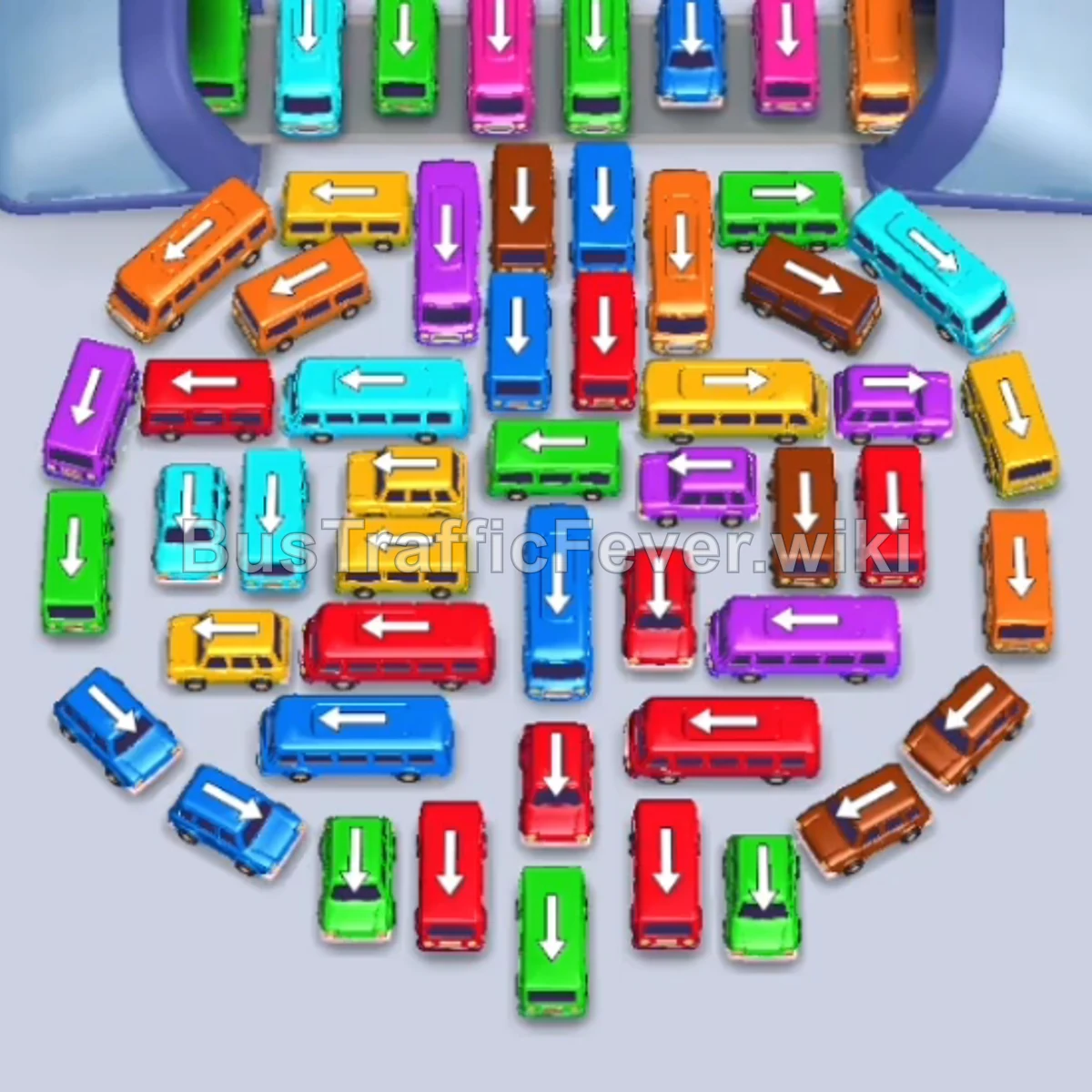
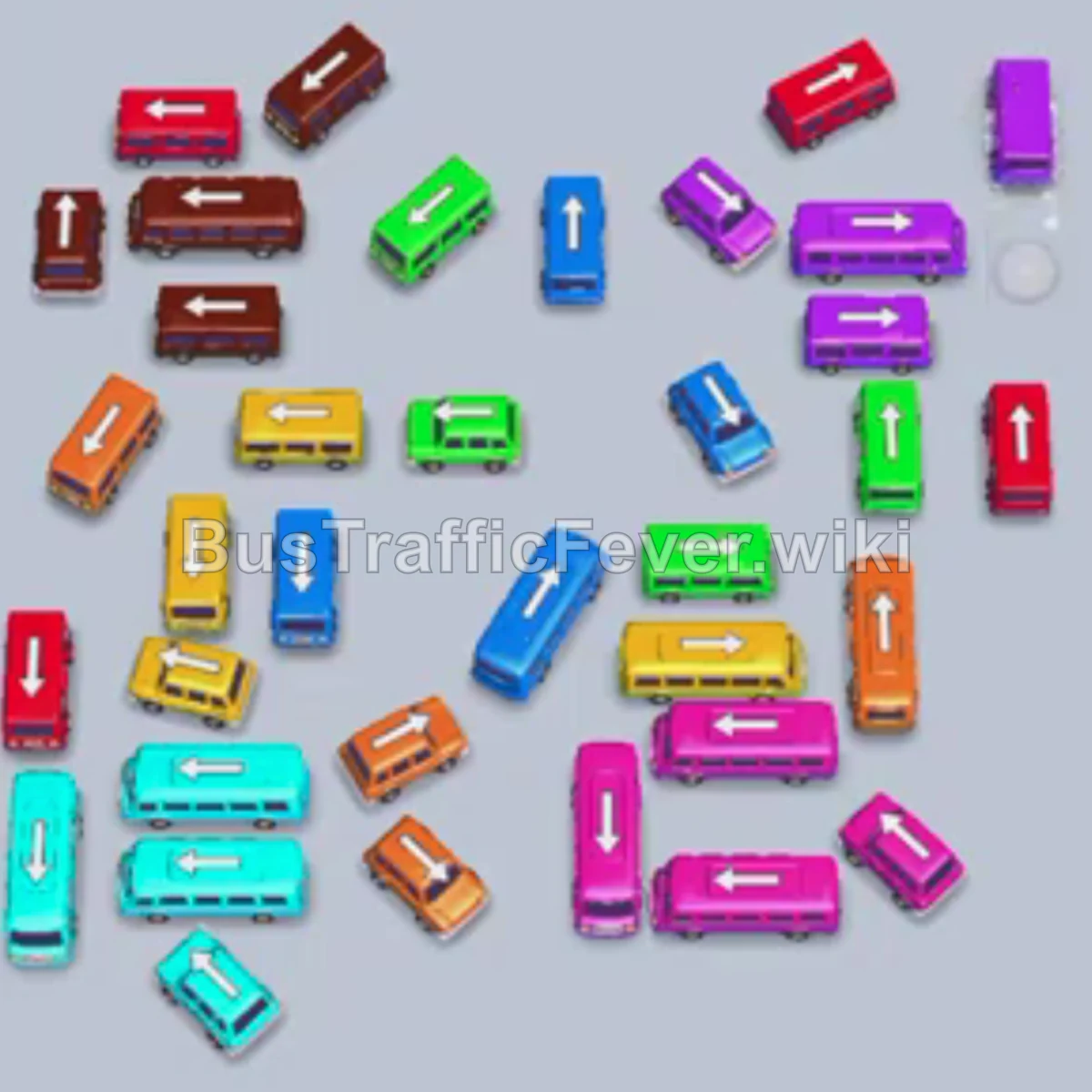
Bus Traffic Fever Level 171 Answer & Walkthrough Solution

Quick answer
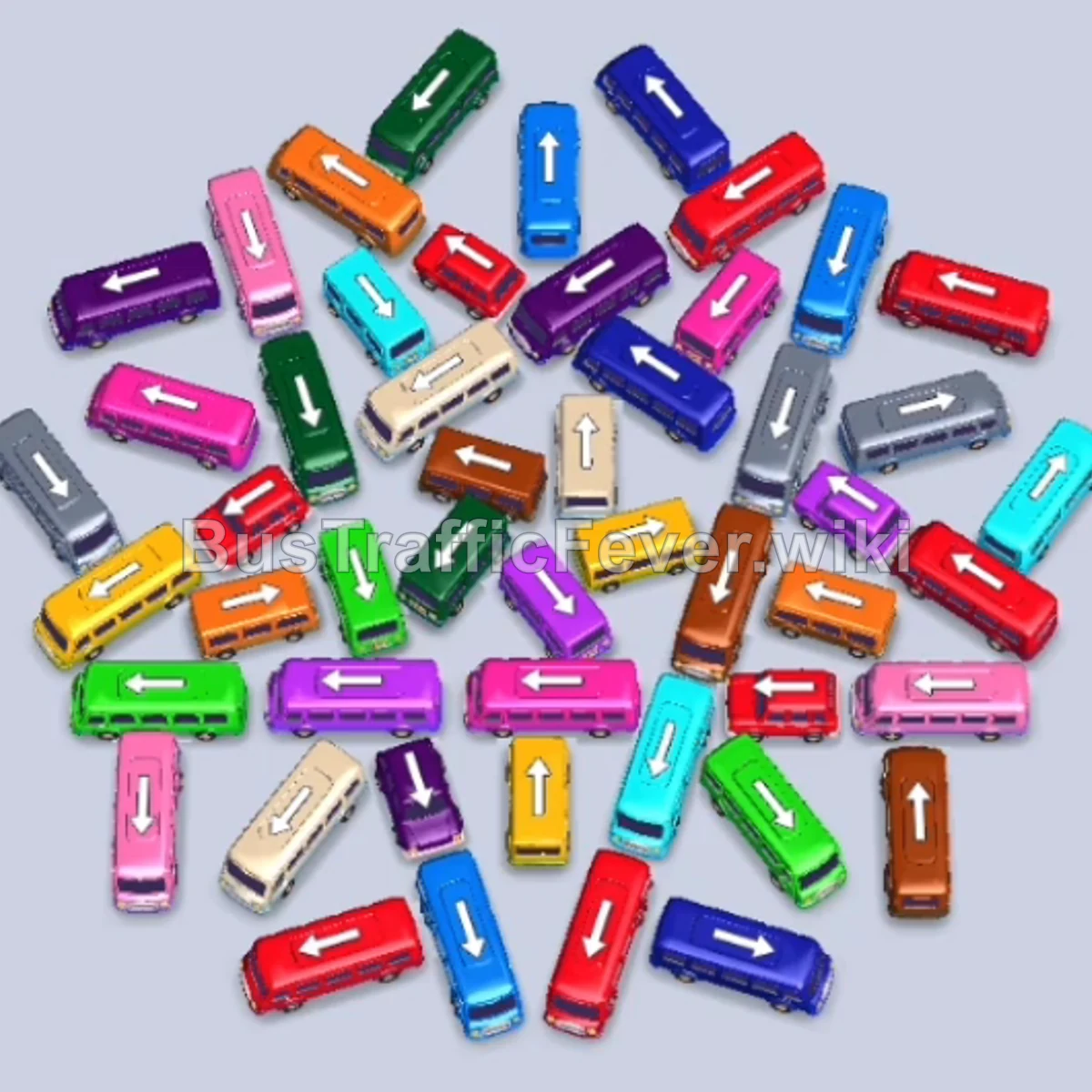
Level 171 features a chaotic diagonal pinwheel pattern where vehicles overlap in multiple interlocking directions. The key to clearing this level is targeting the exterior vehicles whose tails or noses face outwards with an unobstructed path off the board, while strictly matching the fast-shifting queue on the heart-shaped passenger track to prevent slot gridlock.
Step-by-step solution
Phase 1: Initial Perimeter Extraction (Orange, Red, Blue, Cyan)
- Tap the Orange bus on the upper-left pointing up and left. It occupies the first parking slot to board orange passengers.
- Tap the Cyan bus near the bottom center pointing down into the next slot.
- Tap the Red bus in the upper-left cluster pointing down and left.
- Tap the Blue bus on the far left edge pointing up and left. Red and blue passengers board simultaneously.
- Tap the Orange bus in the lower-right corner pointing down and left to finish the first orange group.
- Tap the Cyan bus on the mid-left flank pointing left into the empty slot to absorb the arriving cyan passengers.
- Tap the Red bus at the bottom center pointing right to clear the red passenger wave.
- Tap the Red bus at the top edge pointing upward into a slot.
Phase 2: Unlocking the Outer Rings (Brown, White, Purple, Green, Yellow)
- Tap the Brown bus in the lower-right area pointing left. Brown passengers will board and free up its slot.
- Tap the White/Grey bus on the far left edge pointing up and left to load the white passenger queue.
- Tap the Purple bus in the upper-middle area pointing up and right.
- Tap the Dark Blue bus in the top center pointing down and left.
- Tap the Green bus on the far left edge pointing up.
- Tap the Yellow bus in the upper-middle area pointing up and right.
- Tap the Green bus on the mid-left pointing up and right.
- Tap the Red bus at the top edge pointing up to finish the red passenger sequence.
- Tap the small Green bus pointing up and right to allow the green queue to fully board.
Phase 3: Breaking the Upper & Mid Grid (Pink, Dark Blue, Cyan, Light Green)
- Tap the Pink bus in the upper-left center pointing up and left. Pink passengers begin boarding.
- Tap the Red bus on the mid-right edge pointing upward.
- Tap the White/Grey bus in the center pointing right.
- Tap the second Pink bus pointing left to finish off the remaining pink passengers.
- Tap the Dark Blue bus in the upper-center pointing down and right to board dark blue passengers.
- Tap the Cyan bus on the mid-right pointing right.
- Tap the White/Grey bus on the lower-left pointing up and left.
- Tap the small Green bus on the far left pointing down and left.
- Tap the Purple bus on the mid-right pointing down and right.
- Tap the Green bus in the center pointing right to clear the green line.
Phase 4: Clearing the Clustered Core (Purple, Red, Yellow, White, Blue)
- Tap the Pink bus on the lower-left pointing left.
- Tap the White/Grey bus on the far left pointing up and left.
- Tap the Cyan bus in the center pointing right.
- Tap the White bus pointing up and right to clear white passengers.
- Tap the Purple bus in the upper-left pointing down and left.
- Tap the Pink bus in the center-right pointing right.
- Tap the Brown bus on the mid-right pointing right.
- Tap the Blue bus on the far left pointing left.
- Tap the Red bus on the far right pointing left.
- Tap the Dark Blue bus pointing down and left to board blue passengers.
- Tap the Purple bus in the center pointing down and left.
- Tap the Red bus at the top center pointing downward.
- Tap the Yellow bus in the center pointing right.
- Tap the White bus in the center pointing up and right.
Phase 5: Final Clean-up & Escape (Orange, Pink, Green, Brown)
- Tap the Dark Green bus in the upper-middle area pointing down.
- Tap the Light Green bus in the middle pointing down and left.
- Tap the Cyan bus in the center pointing right.
- Tap the Blue bus on the bottom-right pointing right.
- Tap the White bus in the center pointing up and left.
- Tap the Cyan bus pointing right to clear the remaining cyan queue.
- Tap the Yellow bus in the bottom center pointing up.
- Tap the Cyan bus pointing up and right.
- Tap the Orange bus at the bottom pointing up and left.
- Tap the White bus pointing down and left.
- Tap the Orange bus in the center pointing right.
- Tap the Blue bus pointing up and right to load blue passengers.
- Tap the Pink bus pointing up and left.
- Tap the Orange bus on the lower-left pointing right.
- Tap the Green bus in the center pointing up and left.
- Tap the Pink bus on the lower left pointing upward.
- Tap the Red bus on the right pointing left.
- Tap the Dark Green bus pointing up and right.
- Tap the Brown bus on the bottom-right pointing upward to collect the final passengers and complete the level.
Tips for success
- Mind the Slanted Trajectories: Many vehicles in this level are tilted at 45-degree angles. Ensure their diagonal escape corridor is completely unobstructed all the way to the boundary wall before tapping them.
- Alternate Between Wings: Avoid tapping exclusively from one side of the pinwheel. Clearing an outer vehicle on the left often loosens the tail of a bus crossing into the right cluster.
- Reserve Slots for High-Capacity Buses: Because several 40-capacity buses sit deep in the cluster, keep at least two adjacent parking slots empty so you can pull out blocking buses without running out of staging room.
More Bus Traffic Fever help
Continue with the Level 170 walkthrough, review the core rules in how to play Bus Traffic Fever, or browse all level solutions to jump to another number.