Bus Traffic Fever Level 35 Answer & Walkthrough Solution

Quick answer
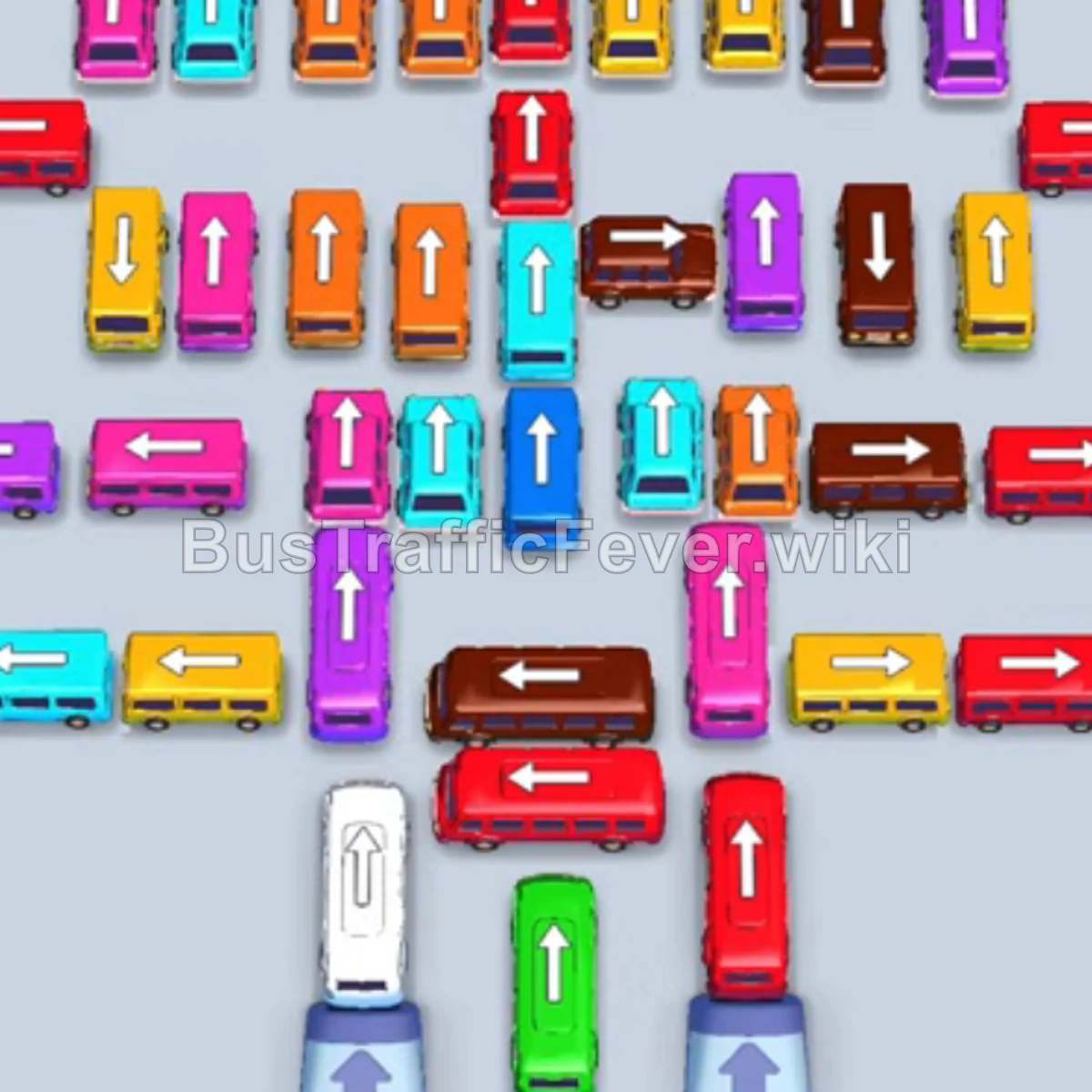
Tap the Red bus on the top left pointing left into the VIP parking slot (capacity 40). Tap the Blue bus on the top middle-left pointing left into slot 2. Tap the Pink bus on the top middle-right pointing left into slot 3.
Step-by-step solution
Phase 1: Clearing Front Buses & Initial Passenger Waves
- Tap the Red bus on the top left pointing left into the VIP parking slot (capacity 40).
- Tap the Blue bus on the top middle-left pointing left into slot 2.
- Tap the Pink bus on the top middle-right pointing left into slot 3.
- Tap the Purple bus on the top right pointing left. Purple passengers board and it departs immediately.
- Blue and Red passengers will board the waiting buses; once full, the Red bus departs.
- Tap the Yellow bus on the bottom right pointing right. Yellow passengers board and it departs.
- Tap the Orange bus in the upper-right orange group pointing right into the VIP slot. Orange passengers board and it departs.
Phase 2: Unlocking the Bottom Grid & Color Matching
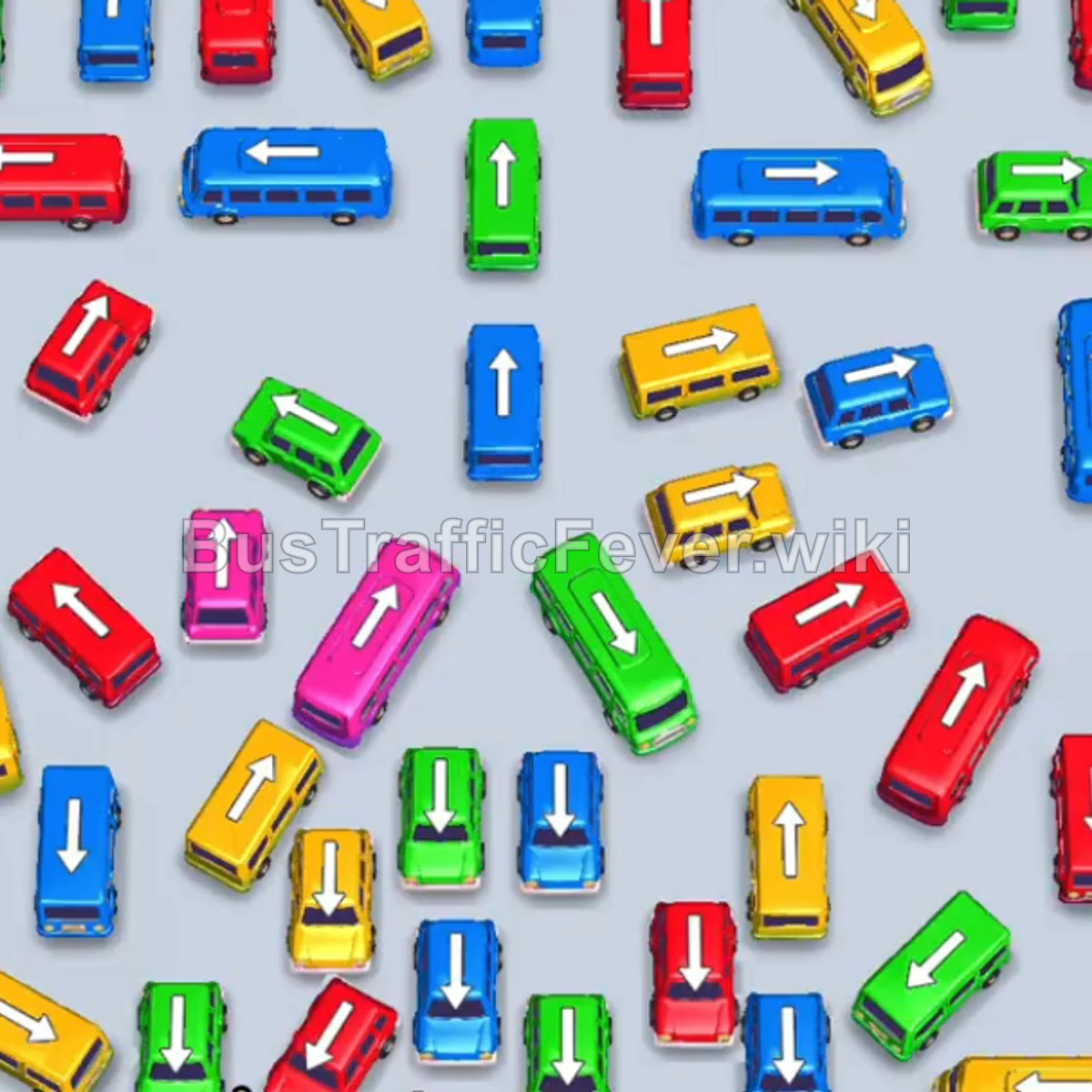
- Tap the Green bus on the bottom left pointing right into the VIP slot.
- Tap the Orange bus on the bottom row pointing left. Orange passengers board and it departs.
- Tap the Cyan bus on the bottom row pointing right. Green passengers board and the Green bus departs.
- Tap the next Green bus on the bottom row pointing right. Cyan passengers board and the Cyan bus departs.
- The Green bus and the Blue bus in slot 2 will finish collecting passengers and depart together.
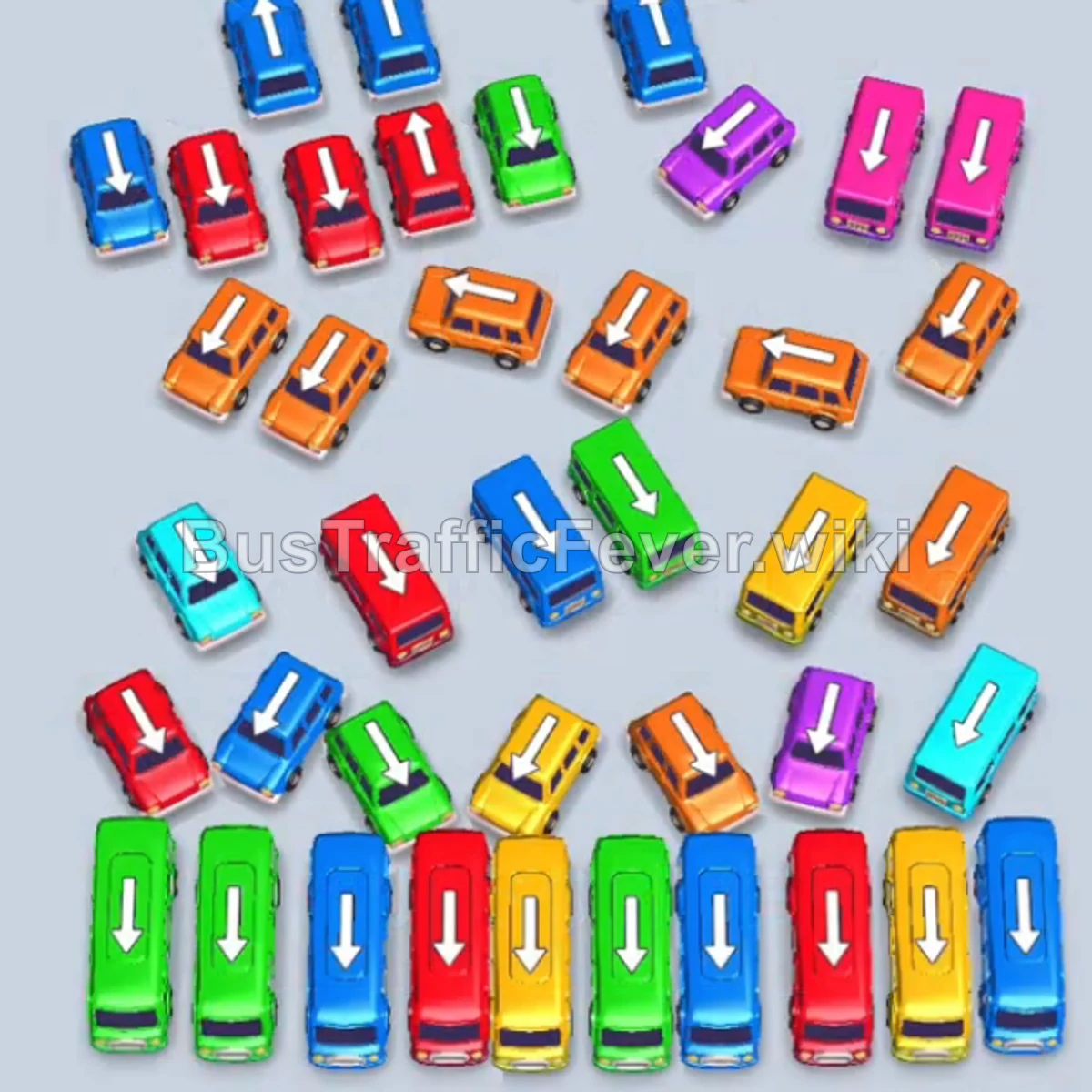
- Tap the Yellow bus on the bottom row pointing down.
- Tap the Blue bus on the bottom row pointing down.
- Tap the Red bus on the bottom row pointing down. Red passengers board and it departs.
- Tap the Green bus on the bottom row pointing down. It fills with green passengers and departs.
- Tap the final Green bus on the bottom row pointing down. Green passengers board and it departs, followed by the Blue bus.
Phase 3: Managing the Central Cluster
- Tap the Red bus on the bottom row pointing down into the VIP slot.
- Tap the Blue bus on the bottom row pointing down. Blue passengers board and it departs, followed by the Yellow bus and Red bus.
- Tap the Green bus on the top left pointing down into the VIP slot.
- Tap the Blue bus on the top left pointing down. Green and Blue passengers board and both vehicles depart.
- Tap the Orange bus on the top middle-left pointing down. It fills and departs.
- Tap the Cyan bus on the middle-left pointing down into the VIP slot.
- Tap the Orange bus on the top middle pointing down. It boards and departs.
- Tap the Yellow bus in the center pointing down. Yellow passengers board and it departs, followed by the Cyan bus in the VIP slot.
- Tap the Red bus in the center pointing down.
- Tap the Red bus next to it pointing down. Red passengers board and both Red vehicles depart.
Phase 4: Final Sequence and Cleanup
- Tap the Red bus on the left pointing down.
- Tap the Blue bus on the left pointing down. Blue passengers board and it departs.
- Tap the Orange bus in the center pointing down.
- Tap the Yellow bus on the bottom right pointing down.
- Tap the Green bus on the right pointing down. The Red bus and Green bus load and depart.
- Tap the Orange bus in the center pointing down. The Yellow bus and Orange bus finish loading and depart.
- Tap the Blue bus on the top left pointing down into the VIP slot.
- Tap the Orange bus in the center pointing down.
- Tap the Cyan bus on the middle-left pointing down. Blue and Orange buses board and depart.
- Tap the Pink bus on the top right pointing down.
- Tap the Red bus, Green bus, and Blue bus in the center pointing down. Pink, Red, Green, and Blue vehicles all load rapidly and depart.
- Tap the Purple bus in the center pointing down.
- Tap the Orange bus on the bottom right pointing down.
- Finally, tap the Pink bus on the top right pointing down. Pink, Purple, and Orange passengers will board the last vehicles to complete the level!
Tips for success
- Observe the Queue: Keep track of the circular passenger conveyor at the top so you always know which 2–3 colors are approaching next.
- Park High-Capacity Buses Early: Large 40-capacity buses require multiple waves to fill; deploy them into open slots early while cycling smaller buses around them.
- Avoid Gridlock: Keep at least 2 empty parking slots available to temporarily hold vehicles that unblock access to critical buses.
More Bus Traffic Fever help
Continue with the Level 34 walkthrough, review the core rules in how to play Bus Traffic Fever, or browse all level solutions to jump to another number.