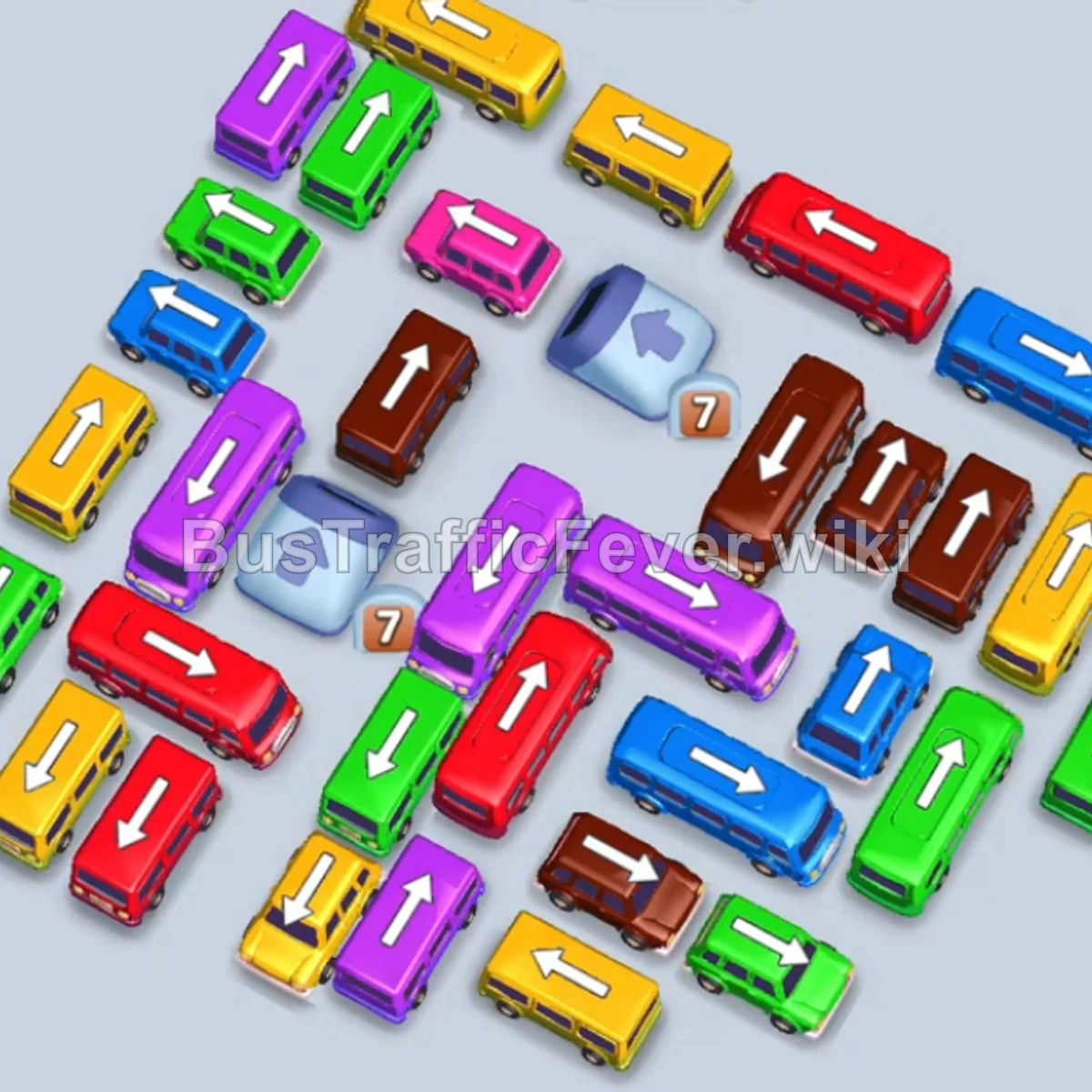
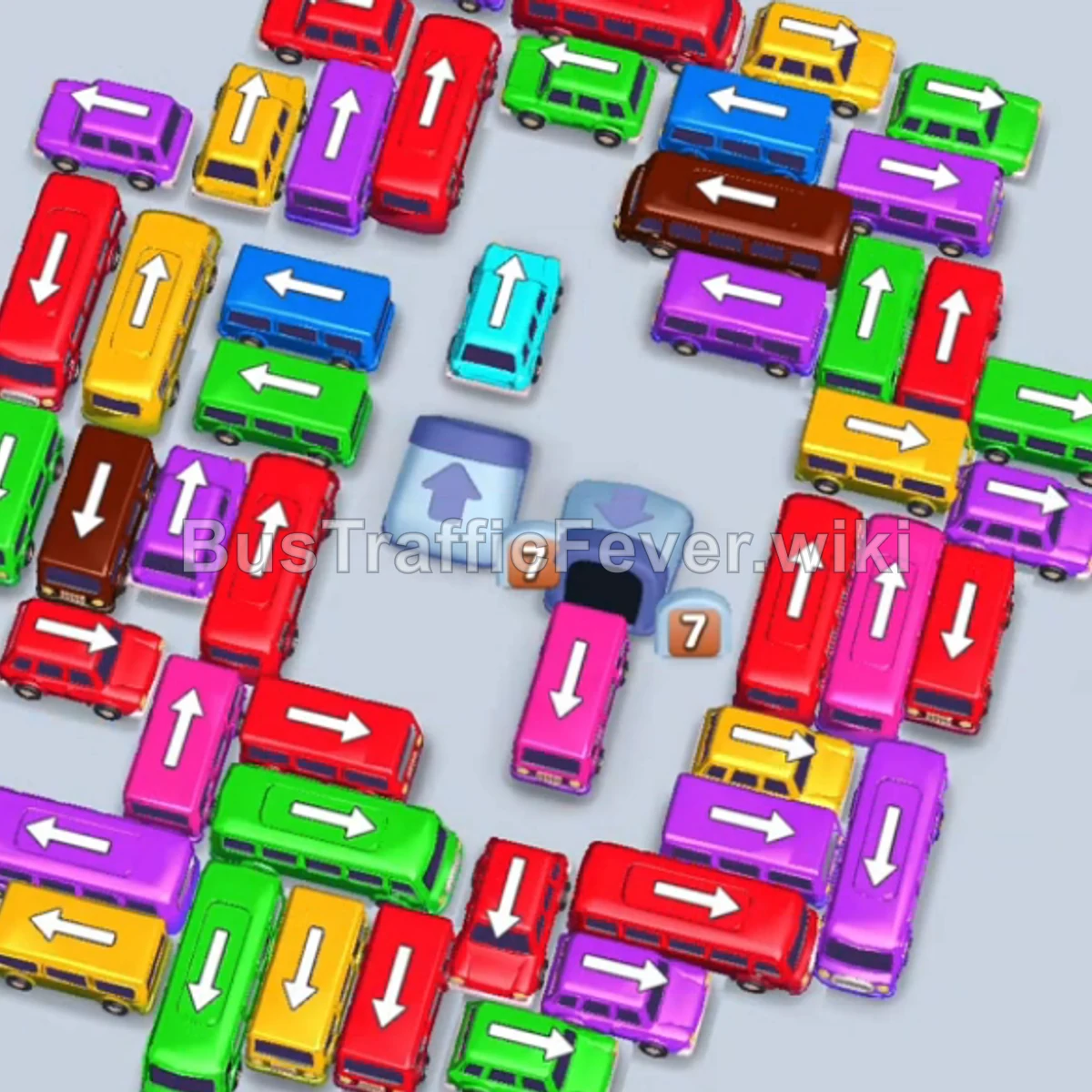
Bus Traffic Fever Level 19 Answer & Walkthrough Solution

Quick answer
Use the embedded walkthrough for the exact order. Clear the vehicles blocking an exit first, then stage the next matching color without filling every parking slot.
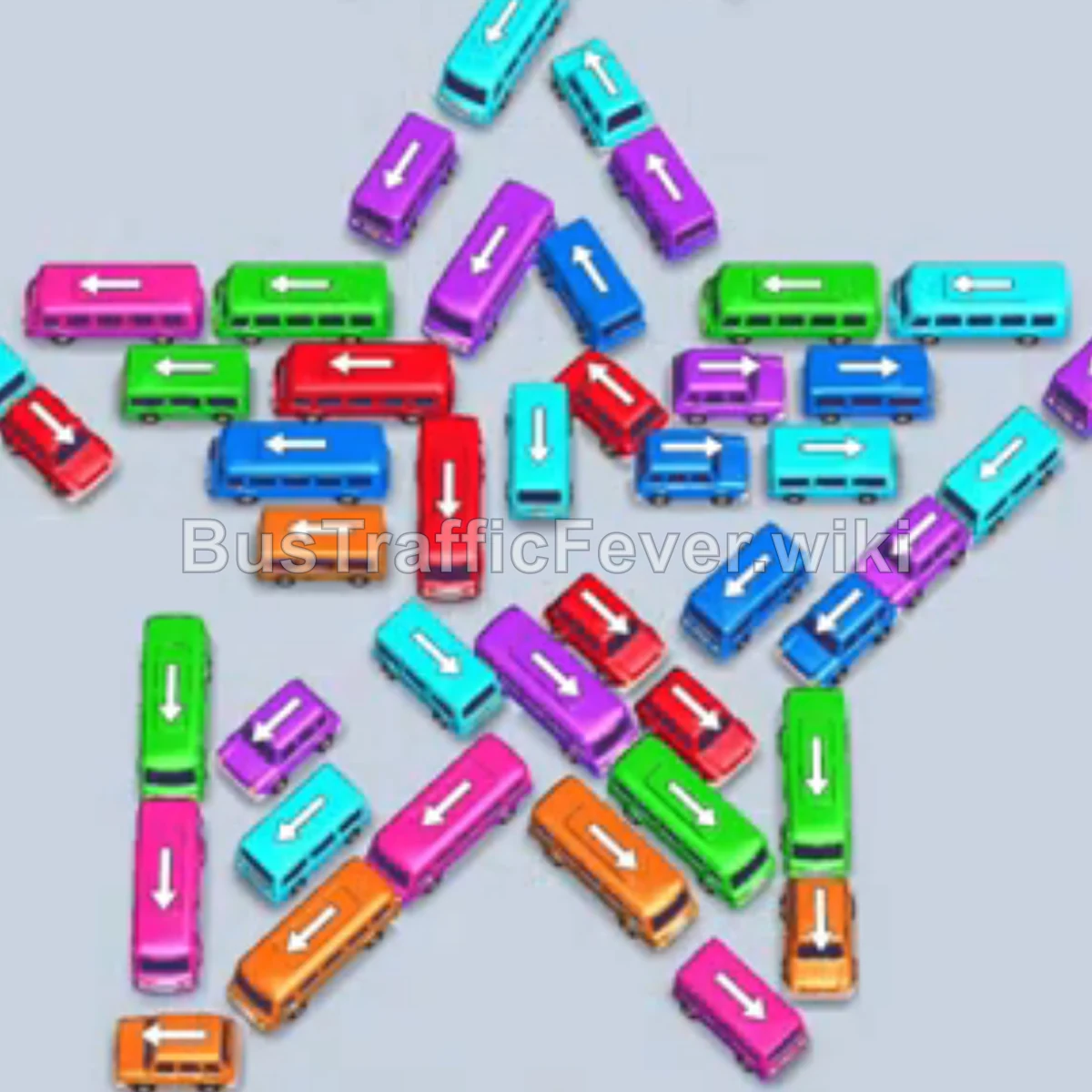
Step-by-step solution
Phase 1: Unlocking the Left Star Arms
- Tap the Orange bus on the far left outer edge (pointing up-left) into slot 1.
- Tap the Orange bus on the far left (pointing up-left) into slot 2. Orange passengers board and the Orange bus departs.
- Tap the Pink bus on the lower-left star arm (pointing up-right) into slot 1. Pink passengers board and it departs.
- The parked Orange bus in slot 2 finishes boarding orange passengers and departs.
- Tap the Pink bus on the left arm (pointing left). Pink passengers board and it departs.
- Tap the Green bus on the lower-left arm (pointing down). Green passengers board and it leaves.
- Tap the Purple bus on the far left outer edge (pointing up-left). Purple passengers board and it departs.
- Tap the Cyan bus on the lower-left edge (pointing up-left). Cyan passengers board and it leaves.
Phase 2: Clearing Star Points & Initial Outer Flanks
- Tap the Red bus at the left tip of the star (pointing down-left) into slot 1.
- Tap the Orange bus at the bottom center (pointing up) into slot 2.
- Tap the Pink bus in the middle-left (pointing up-right) into slot 3. Pink passengers board and it departs.
- Tap the Orange bus on the far right arm (pointing up-right) into slot 3. Orange passengers board and both Orange buses depart.
- The Red bus in slot 1 boards red passengers and departs.
- Tap the Blue/Cyan bus on the far left (pointing up-left). Cyan passengers board and it departs.
- Tap the Green bus on the bottom-right arm (pointing down-right). Green passengers board and it leaves.
- Tap the Purple bus on the far right tip of the star (pointing up-right) into slot 1.
- Tap the Purple bus at the top tip of the star (pointing up-right) into slot 2. Purple passengers begin boarding.
- Tap the Cyan bus on the left star point (pointing up-left) into slot 3. Cyan passengers board and it leaves.
- The Purple bus in slot 1 finishes boarding purple passengers and departs.
Phase 3: Star Center Collapse & Multi-Color Swaps
- Tap the Green bus at the bottom center (pointing up) into slot 3.
- Tap the Orange bus at the bottom center (pointing up) into slot 2. Orange passengers board.
- Tap the Cyan bus on the middle-right (pointing right) into slot 3. Cyan passengers board and it departs.
- The Purple bus in slot 1 finishes boarding and departs.
- Tap the Pink bus on the left (pointing left) into slot 1.
- Tap the Pink bus on the center-right (pointing up-right) into slot 3. Pink passengers board; both Pink vehicles depart.
- Tap the Green bus on the middle-left (pointing up) into slot 1. Green passengers board.
- Tap the Red bus at the bottom center (pointing up-left) into slot 3. Red passengers board and it departs.
- Tap the Green bus at the bottom (pointing down-right) into slot 3. Green passengers finish boarding both Green buses and both depart.
- The Red bus in slot 2 finishes boarding red passengers and departs.
- Tap the Blue bus on the lower-right arm (pointing up-left) into slot 1.
- Tap the Purple bus on the bottom-left (pointing down-left) into slot 3.
- Tap the Blue bus on the middle-right (pointing up-right) into slot 1. Blue passengers board and both Blue buses depart.
- Tap the Cyan bus on the middle-left (pointing up) into slot 1. Cyan passengers board and it departs.
- Tap the Purple bus on the middle-right (pointing down-right) into slot 3. Purple passengers board and both Purple buses depart.
- Tap the Cyan bus on the left (pointing up-left) into slot 1.
- Tap the Cyan bus on the far right (pointing up-right) into slot 2. Cyan passengers board both buses and both depart.
Phase 4: Inner Core Clearance & Long Bus Handling
- Tap the Red bus in the middle-left (pointing left) into slot 1. Red passengers begin boarding.
- Tap the Green bus on the middle-left (pointing down-left) into slot 3.
- Tap the Orange bus on the lower-center (pointing left) into slot 2.
- Green passengers board the Green bus in slot 3 and it departs.
- Orange passengers board the Orange bus in slot 2 and it departs.
- Tap the Cyan bus on the middle-right (pointing down-right) into slot 2. Cyan passengers board and it departs.
- The Red bus in slot 1 finishes boarding red passengers and departs.
- Tap the Red bus at the top-left (pointing left) into slot 1. Red passengers begin boarding.
- Tap the Green bus on the far left (pointing up-left) into slot 2. Green passengers begin boarding.
- Tap the Blue bus on the far left (pointing up-left) into slot 3. Blue passengers board and it departs.
- Tap the Orange bus on the far left (pointing up-left) into slot 3.
- Tap the Purple bus on the middle-left (pointing down-left) into slot 4. Purple passengers board and it departs.
- The parked Red bus in slot 1 and Green bus in slot 2 finish boarding and depart.
- Tap the Cyan bus on the left (pointing down-left) into slot 4. Cyan passengers board and it departs.
- The parked Orange bus in slot 3 finishes boarding and departs.
Phase 5: Final Star Cluster Cleanup
- Tap the Purple bus on the left (pointing down-left) into slot 1.
- Tap the Purple bus at the top (pointing down-right) into slot 2. Purple passengers board and both Purple vehicles depart.
- Tap the Cyan bus at the top (pointing down-right) into slot 2. Cyan passengers board and it leaves.
- Tap the Blue bus on the left (pointing down-left) into slot 1. Blue passengers board.
- Tap the Purple bus on the lower-center (pointing up-right) into slot 2. Purple passengers board; both the Blue bus and Purple bus depart.
- Tap the Red bus on the middle-left (pointing down-left) into slot 1. Red passengers board and it departs.
- Tap the Green bus on the far left (pointing down-left) into slot 1. Green passengers board and it departs.
- Tap the Cyan bus on the far left (pointing down-left) into slot 1. Cyan passengers board and it departs.
- Tap the Purple bus in the center (pointing up-right) into slot 1.
- Tap the Blue bus in the center (pointing right) into slot 2.
- Tap the Purple bus on the right (pointing up-right) into slot 3.
- Tap the Cyan bus on the center-right (pointing left) into slot 4.
- Tap the Blue bus on the right (pointing down-right) into slot 5. All remaining passengers board simultaneously to complete the level with a Perfect!.
Tips for success
- Star Formation Strategy: Focus on the five outer points of the star first; clearing each tip releases the pressure on intersecting diagonal lanes toward the center.
- Twin-Bus Staging: Multiple phases require two large buses of the same color (e.g., Purple and Cyan) parked concurrently to soak up double passenger loops without stalling.
- Clean Center Outflow: Ensure vehicles pointing inward toward the center hub are only released after the outer escape paths have been completely cleared.
More Bus Traffic Fever help
Continue with the Level 18 walkthrough or Level 20 walkthrough, review how to play Bus Traffic Fever, or browse all level solutions.