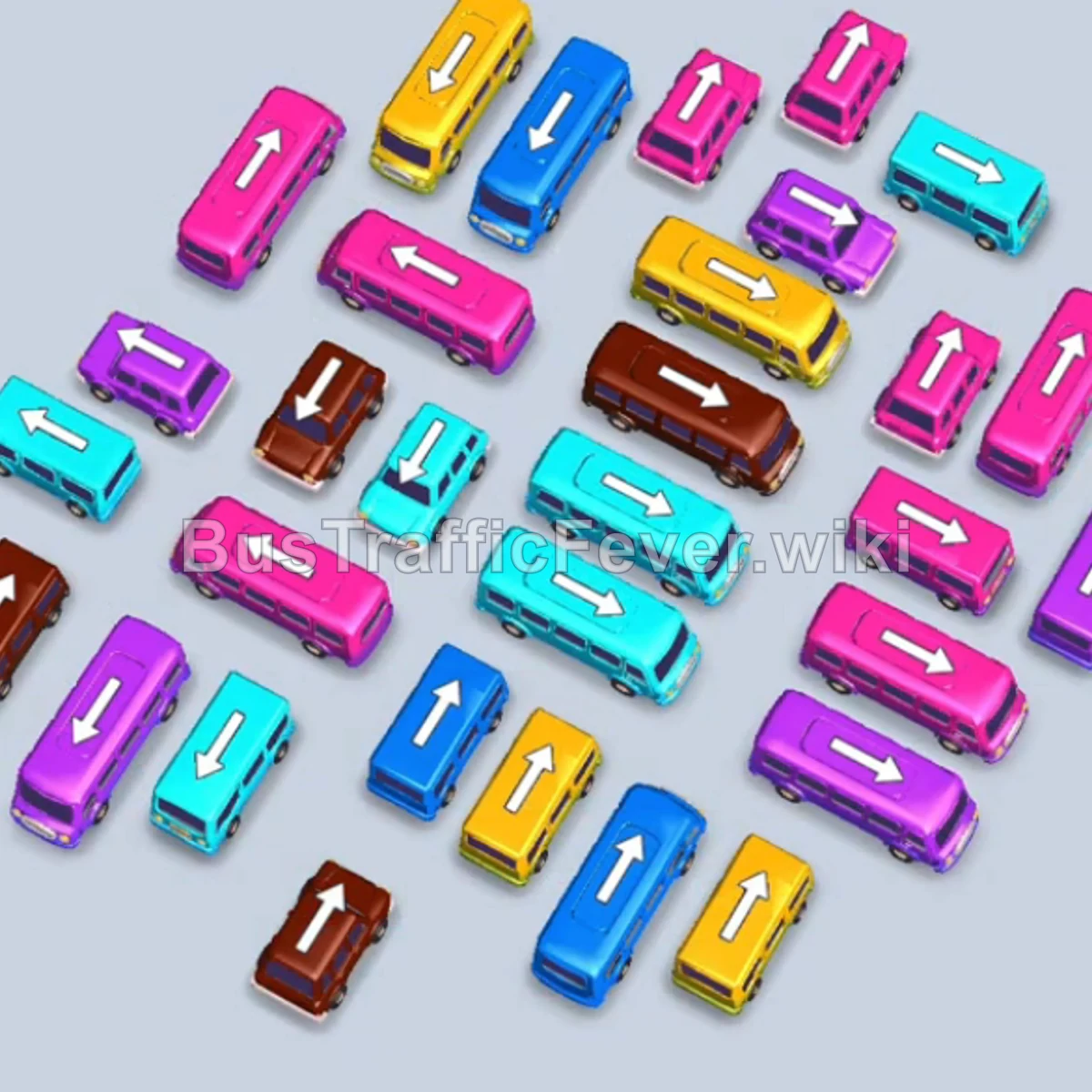
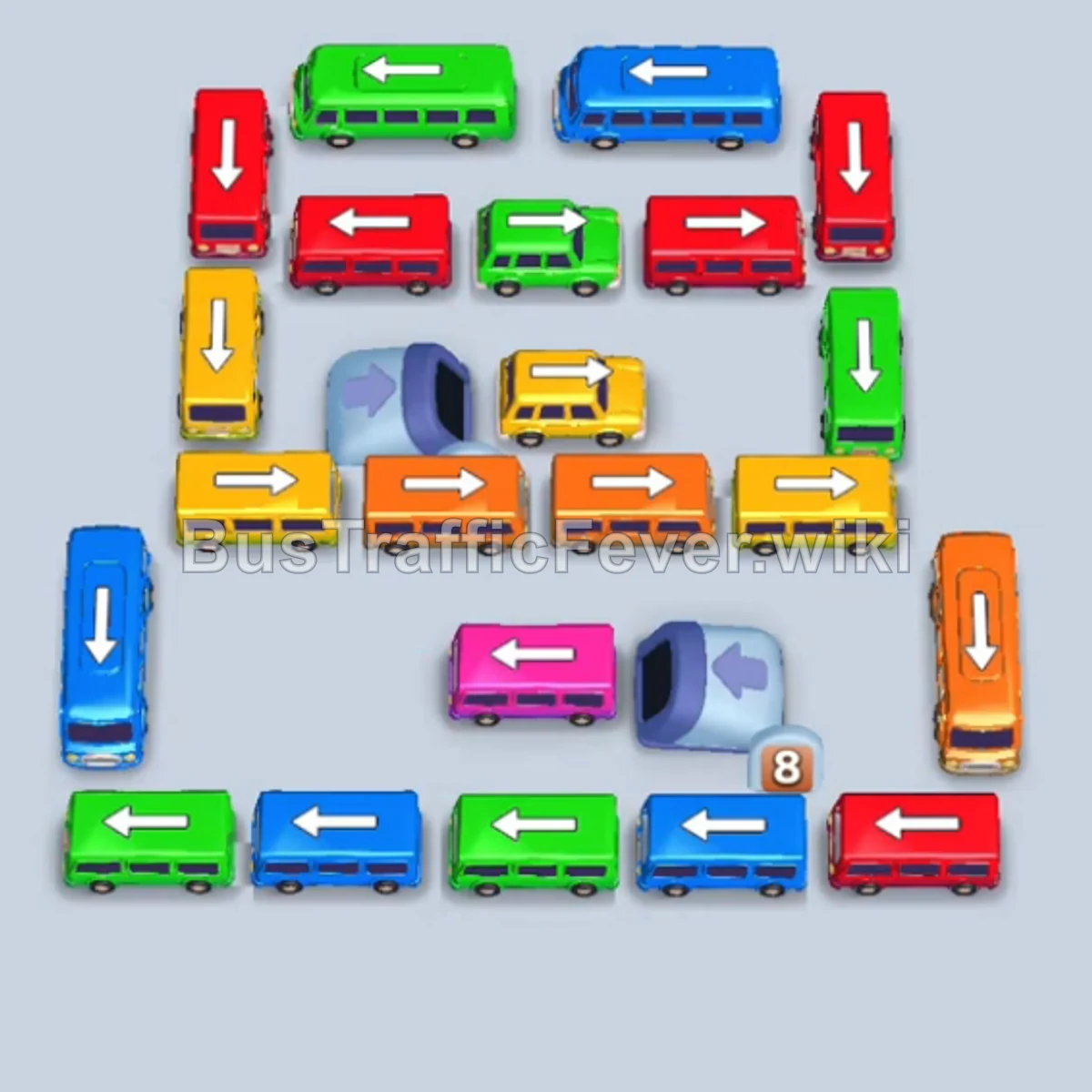
Bus Traffic Fever Level 105 Answer & Walkthrough Solution


Quick answer
Level 105 takes careful sequencing to clear. Follow the phased order below, from “Breaking the Left Outer Flank & Cyan Clearances” through to “Final Multi-Color Sequence and Cleanup”. Watch the capacity numbers on the larger buses and don’t stage a color until its queue is close to the front.
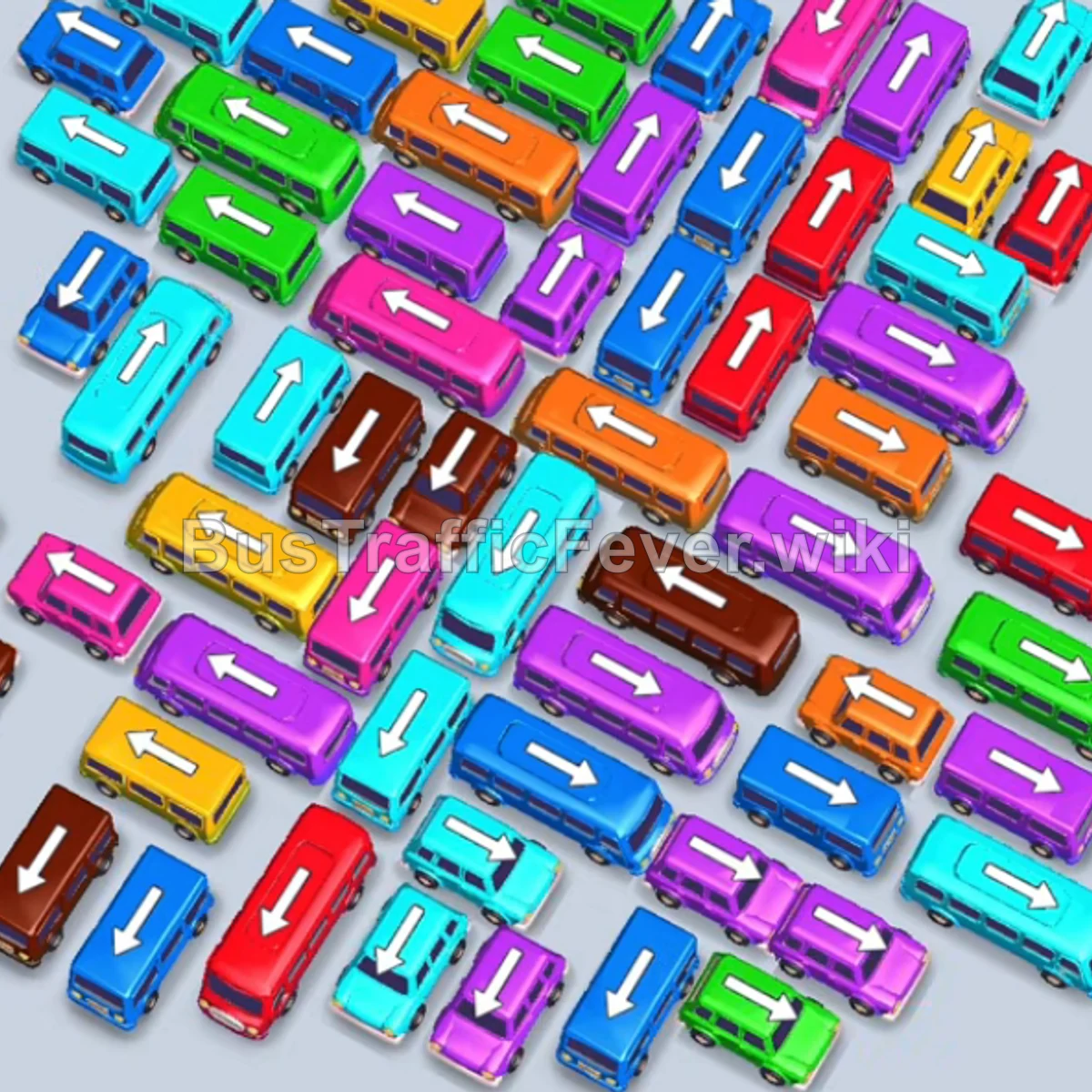
Step-by-step solution
Phase 1: Breaking the Left Outer Flank & Cyan Clearances
- Tap the Cyan bus on the far upper-left (facing up-left).
- Tap the Cyan bus on the upper-left (facing up-left). Cyan passengers immediately begin boarding and clear the bus.
- Tap the Blue/Cyan bus on the lower left (facing down-left).
- Tap the Cyan bus on the top-right wing (facing up-right) to catch the rest of the cyan passenger wave.
- Tap the Green bus on the far top-left (facing up-left) to open the top row.
- Tap the Pink bus on the far left (facing down-left). Pink passengers will board and clear.
- Tap the Red bus on the bottom-left perimeter (facing down-left).
- Tap the Green bus on the upper-left (facing up-left) and the Yellow bus right behind it.
Phase 2: Peeling Upper Wings & Unblocking Mid Stacks
- Tap the Cyan bus on the bottom left (facing down-left).
- Tap the Pink bus on the top-left edge.
- Tap the Purple bus on the far left (facing down-left).
- Tap the Cyan bus on the far top-right wing (facing up-right).
- Tap the Blue bus on the lower left (facing down-left).
- Tap the Brown bus on the bottom-left edge.
- Tap the Orange bus on the upper-left (facing up-left). Orange passengers board and clear.
- Tap the Yellow bus on the lower-left edge.
- Tap the Purple bus on the mid-left (facing up-left) and the Purple bus on the top-right wing.
Phase 3: Dismantling the Mid-Grid Traffic
- Tap the Purple bus on the upper-left, followed by the Purple bus on the lower-right edge.
- Tap the Brown bus on the bottom left (facing down-left).
- Tap the Red bus on the left flank (facing down-left). Red passengers board and clear the dock.
- Tap the Orange bus on the bottom left.
- Tap the two Red buses on the top-right wing consecutively to clear the red queue.
- Tap the Blue bus on the bottom left and the Blue bus at the top left.
- Tap the Yellow bus on the top-right wing.
- Tap the Yellow bus and Orange bus on the lower left.
Phase 4: Clearing the Deep Center & Lower Stacks
- Tap the Pink bus and Brown bus on the bottom-left lane.
- Tap the Purple bus in the mid-left column.
- Tap the Cyan bus on the far left (facing up-left) to clear the cyan passengers.
- Tap the Brown bus on the bottom left.
- Tap the two Blue buses on the middle-left and far-left.
- Tap the Purple bus at the top left.
- Tap the Yellow bus on the top right, followed by the Pink bus on the bottom left.
- Tap the Blue bus on the bottom left.
Phase 5: Final Multi-Color Sequence and Cleanup
- Tap the Orange bus on the far left to catch the incoming orange passenger rush.
- Tap the Purple bus on the far left to clear purple passengers.
- Tap the Green bus on the far right (facing down-right).
- Tap the Purple bus on the bottom right.
- Tap the Purple bus on the mid-left.
- Tap the Blue bus on the far left and the Yellow bus on the mid-right.
- Tap the Pink bus, Red bus, and Orange bus from the left stack into available parking docks.
- Tap the Green bus on the far right and the Cyan bus on the bottom left.
- Tap the Green bus at the bottom left to clear the final green wave.
- Tap the Brown bus and Orange bus at the bottom right to board the last remaining passengers and complete Level 105 with a Perfect! score.
Tips for success
- Manage the Dense Chevron Formation: Vehicles are tightly interlocked diagonally. Always release vehicles at the exposed tips of diagonal lines first to create clearance for the next row.
- Save Slots During Long Bus Boardings: Large 40-passenger buses take longer to board; ensure you don’t fill all auxiliary slots with inactive small buses while a bus is loading.
- Track Multi-Phase Color Loops: In this level, primary colors (Cyan, Purple, Blue, Orange) appear multiple times in the queue. Line up matching vehicles early so docks never sit idle.
More Bus Traffic Fever help
Continue with the Level 104 walkthrough, review the core rules in how to play Bus Traffic Fever, or browse all level solutions to jump to another number.