Bus Traffic Fever Level 115 Answer & Walkthrough Solution

Quick answer
Tap the Yellow bus at the bottom left. It parks in the first slot on the left. Tap the Brown bus on the bottom left. Brown passengers will board. Tap the small Pink bus on the bottom left. Pink passengers board immediately, and it drives off.
Step-by-step solution
Phase 1: Opening Moves & Clearing Initial Vehicles
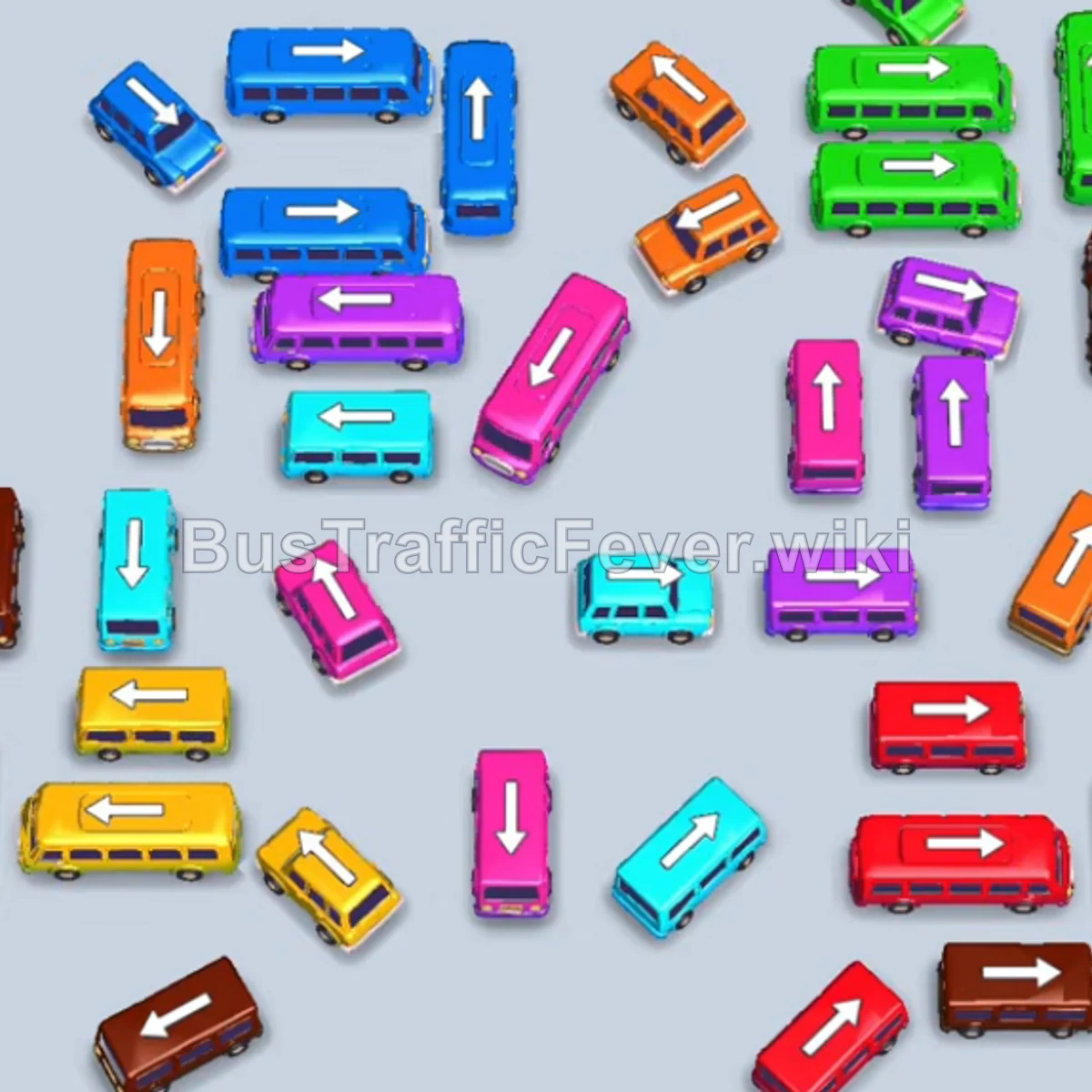
- Tap the Yellow bus at the bottom left. It parks in the first slot on the left.
- Tap the Brown bus on the bottom left. Brown passengers will board.
- Tap the small Pink bus on the bottom left. Pink passengers board immediately, and it drives off.
- Once the Brown bus in the slot finishes boarding, it drives away, opening a slot.
- Tap the Green bus on the top right into a parking slot.
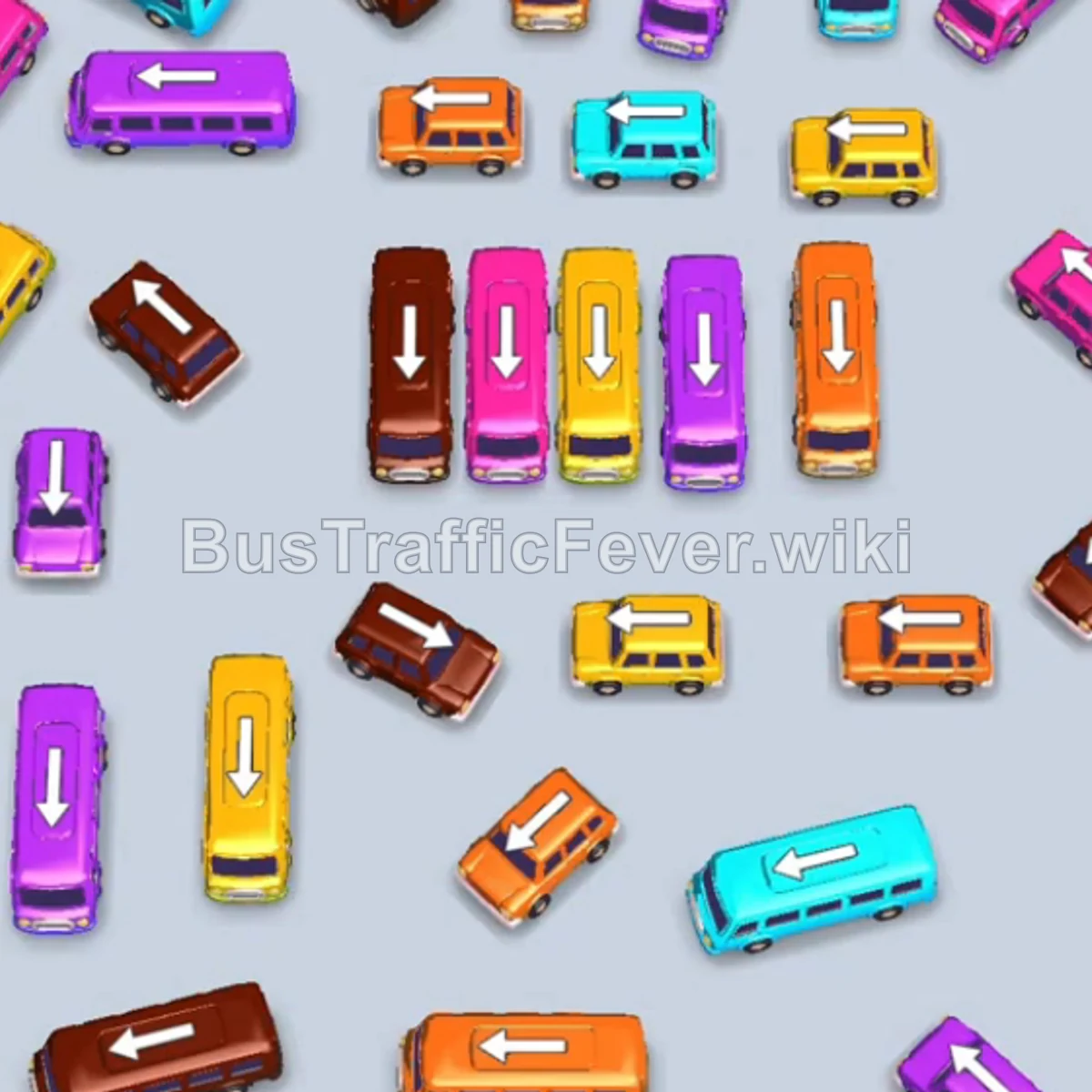
- Tap the Brown bus in the center row. Brown passengers board and wait.
- Tap the small Orange bus on the upper-right side. Orange passengers board and clear this bus.
- Tap the small Purple bus on the middle-right side. Purple passengers board and clear it.
- Tap the Purple bus on the middle-right side.
- Yellow passengers now board and clear the parked Yellow bus, followed by the center Brown bus driving away.
Phase 2: Unblocking Center Pathways & Clearing Traffic
- Tap the small Orange bus in the center. It loads remaining orange passengers and departs.
- Tap the Blue bus on the upper left into the first VIP slot. Blue passengers begin boarding.
- Tap the small Red bus on the bottom right. Red passengers board and clear it.
- Tap the Cyan (Teal) bus on the lower row. Cyan passengers board and it departs.
- Tap the small Cyan bus on the lower-middle right. It fills and leaves.
- Tap the Yellow bus at the bottom left.
- Tap the small Yellow bus at the bottom left.
- Tap the Cyan bus on the middle-left side.
- Tap the Orange bus in the center row. Orange passengers begin boarding.
Phase 3: Managing the Crowd & Clearing Clusters
- Tap the small Brown bus on the bottom-left edge. Brown passengers board and clear it.
- Tap the Brown bus at the far bottom-left. It fills with brown passengers and drives off.
- Tap the Purple bus in the center. Purple passengers board and clear it.
- Tap the small Pink bus on the bottom-left side. Pink passengers board and it leaves.
- The Green bus in the parking slot finishes boarding green passengers and leaves.
- Tap the Green bus on the top right. Green passengers board and it drives off.
- The parked Yellow bus and small Yellow bus finish boarding and leave.
- Tap the small Blue bus on the upper-left side to clear blue passengers.
- Tap the Red bus on the bottom right. Red passengers board and it departs.
- Tap the Brown bus on the far right. It fills with brown passengers and leaves.
- The parked Cyan bus finishes loading and drives away.
Phase 4: Final Sequence and Cleanup
- Tap the Pink bus on the middle-left side to board pink passengers.
- Tap the small Yellow bus on the bottom left to clear the yellow passenger queue.
- The parked Orange bus and Blue bus finish loading and drive off.
- Tap the small Green bus on the top right. Green passengers board and it leaves.
- Tap the Red bus on the bottom right. Red passengers board and it drives off.
- Tap the Green bus on the top right. It fills with green passengers and departs.
- Tap the remaining vehicles into slots in quick succession:
- Cyan bus (center-left)
- Orange bus (middle)
- Blue bus (middle)
- Pink bus (middle-left)
- Purple bus (middle-right)
- Red bus (bottom)
- Blue bus (far left)
- All remaining passengers board their respective vehicles in sequence to complete the level.
Tips for success
- Prioritize Small Buses: Small buses require fewer passengers to fill and leave quickly, making them ideal for clearing blocking vehicles without clogging parking slots.
- Stash Long Buses Early: Move large capacity buses (e.g., Orange and Blue) to parking slots early when they block other vehicles so they can slowly fill as passenger waves pass.
- Maintain Slot Flexibility: Always keep at least 2 parking slots open during mid-game maneuvers to avoid sudden gridlocks.
More Bus Traffic Fever help
Continue with the Level 114 walkthrough, review the core rules in how to play Bus Traffic Fever, or browse all level solutions to jump to another number.