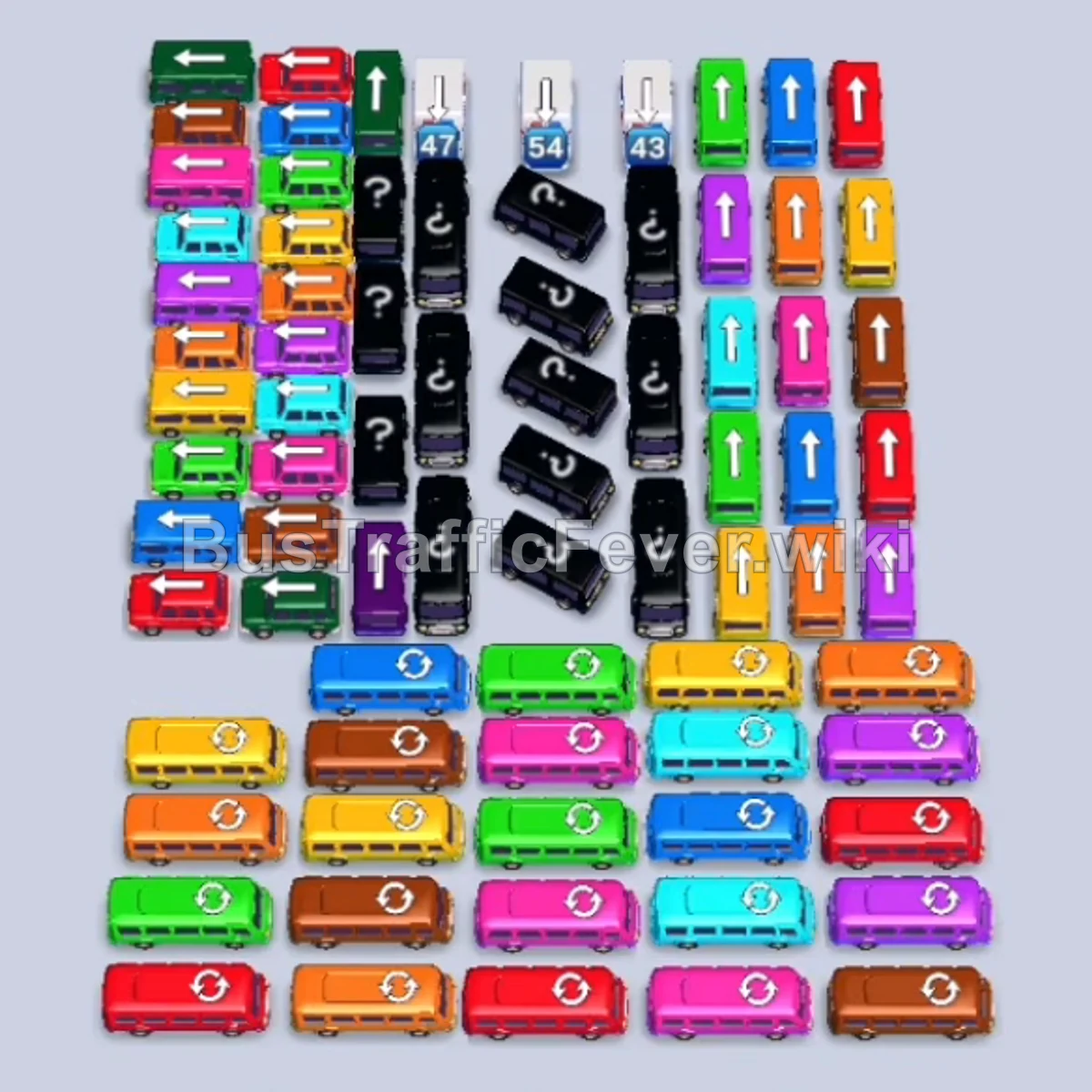
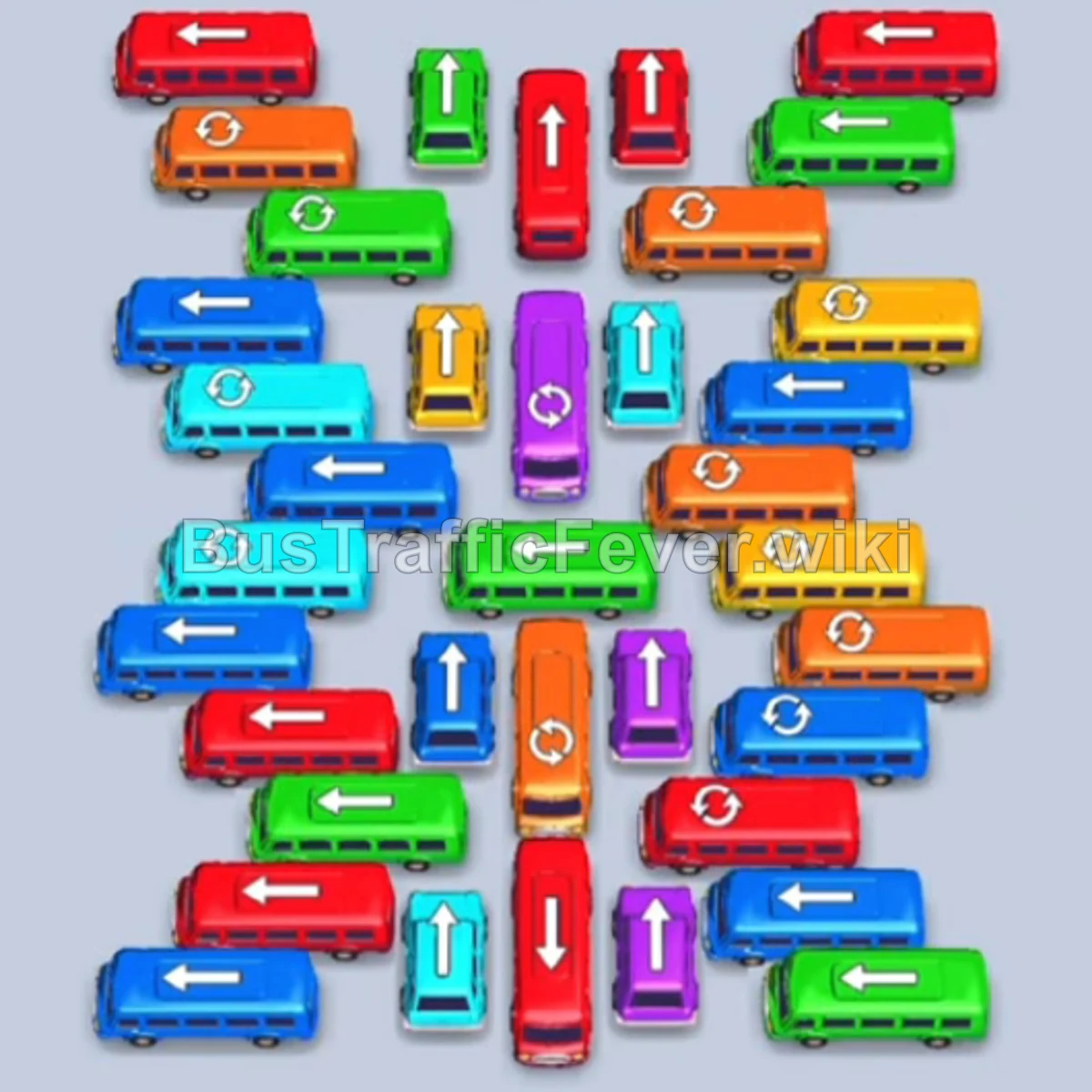
Bus Traffic Fever Level 161 Answer & Walkthrough Solution

Quick answer
In Level 161, prioritize clearing outward-facing vehicles along the bottom and outer edges first to quickly service the initial White, Red, and Orange passenger queues. Once the outer rim is open, systematically work inward to unblock horizontal rows and vertical center lanes, keeping your active parking slots matched to the incoming colors to prevent a parking gridlock.
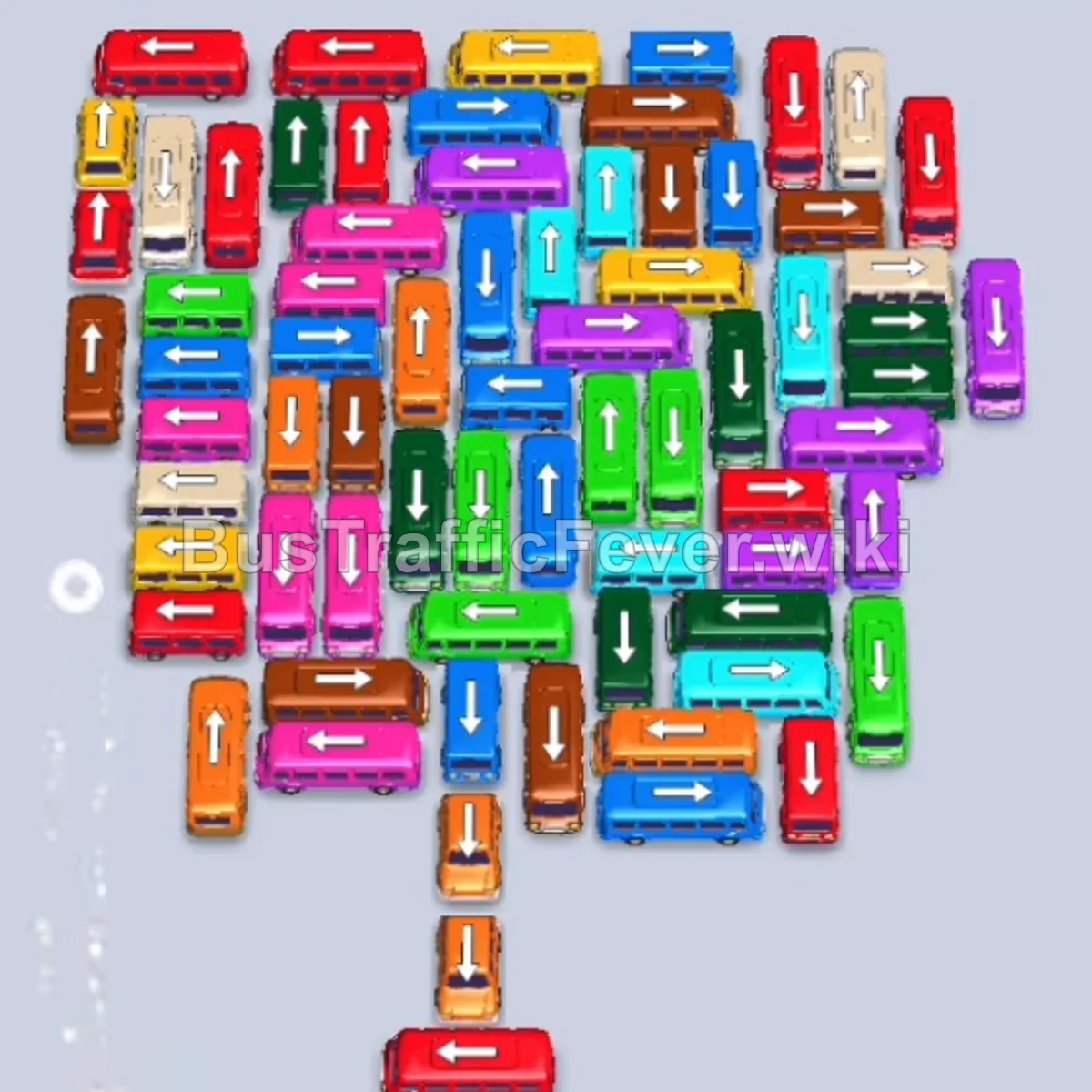
Step-by-step solution
Phase 1: Opening the Outer Boarding Lines
- Tap the Red Bus at the bottom left (facing left). It drives to a parking slot to start picking up red passengers.
- Tap the White Bus on the far-left edge (facing left). It enters the first open slot to collect white passengers.
- Tap the Red Bus at the very bottom center (facing left).
- Tap the Orange Bus at the bottom right (facing right). It takes a slot and begins boarding orange passengers.
- Tap the Red Bus at the top center (facing up). It occupies a slot to service the remaining red queue.
- Tap the Orange Bus at the top right (facing right).
- Tap the White Bus on the middle-left side (facing left). It takes the slot freed by the first departed white bus.
- Tap the Orange Bus at the bottom center (facing right).
- Tap the Yellow Bus near the top left (facing right).
- Tap the Brown Bus on the upper-left edge (facing left).
- Tap the Brown Bus on row 4 (facing right) to collect incoming brown passengers.
Phase 2: Clearing Pink, Green, and Upper Edge Vehicles
- Tap the Pink Bus on the middle-left edge (facing left) to prepare for the pink passenger queue.
- Tap the White Bus on the far left (facing left). It fills and departs with the white queue.
- Tap the Purple Bus on the middle-right edge (facing right).
- Tap the Green Bus on row 5 (facing right). It drives into a slot to board green passengers.
- Tap the Yellow Bus at the top center (facing up).
- Tap the Purple Bus on the middle-right edge (facing right).
- Tap the Orange Bus on the far-left edge (facing left).
- Tap the Green Bus on the middle-right edge (facing right) to collect the green queue.
- Tap the Red Bus on the middle-right edge (facing right).
- Tap the Blue Bus on row 6 (facing right). It moves to a slot to wait for the incoming blue queue.
Phase 3: Unraveling the Center & Side Columns
- Tap the Red Bus on the far-left edge (facing left).
- Tap the Brown Bus at the bottom center (facing up).
- Tap the Brown Bus on row 4 (facing left).
- Tap the Blue Bus on the bottom center (facing up).
- Tap the Green Bus on the bottom right (facing left).
- Tap the White Ambulance on the upper-right edge (facing up).
- Tap the Red Bus on the top right (facing down).
- Tap the Blue Bus at the bottom right (facing right).
- Tap the Pink Bus on the bottom left (facing left).
- Tap the Green Bus on row 9 (facing left).
- Tap the Teal Bus on row 10 (facing right).
- Tap the Pink Bus on row 3 (facing left).
Phase 4: Unblocking the Mid-Grid & Cross-Lanes
- Tap the Blue Bus at the bottom center (facing up).
- Tap the Green Bus on row 8 (facing right).
- Tap the Brown Bus on row 8 (facing left).
- Tap the White Bus on the middle-right edge (facing right).
- Tap the Green Bus on the far-left edge (facing left).
- Tap the Red Bus at the bottom right (facing right).
- Tap the Green Bus on row 4 (facing left).
- Tap the Orange Bus on row 6 (facing up).
- Tap the Purple Bus on row 2 (facing right).
- Tap the Purple Bus on row 3 (facing left).
- Tap the Blue Bus on row 10 (facing right).
- Tap the Teal Bus on row 7 (facing right).
Phase 5: Final Cross-Traffic & VIP Cleanup
- Tap the Green Bus on row 5 (facing left).
- Tap the Brown Bus on row 4 (facing right).
- Tap the Pink Bus on row 9 (facing right).
- Tap the Red Bus on row 11 (facing up).
- Tap the Teal Bus on row 6 (facing left).
- Tap the Blue Bus on row 9 (facing up).
- Tap the Red Bus on row 3 (facing right).
- Tap the Teal Bus on row 7 (facing up).
- Tap the Green Bus on row 8 (facing down).
- Tap the Purple Bus on row 2 (facing up).
- Tap the Pink Bus on row 4 (facing left).
- Tap the Blue Bus on row 6 (facing right).
- Tap the Teal Bus on row 5 (facing up) and Green Bus on row 7 (facing up).
- Tap the remaining Brown Bus (facing down) as it enters the VIP parking slot to board the final group of brown passengers.
- Once the last passenger boards and the bus departs, the stage is complete with the Bus Traffic Fever! victory screen!
Tips for success
- Track the Double-Loop Queue: Level 161 features an interlocking heart/loop track where queues converge. Always watch the front line of each loop branch to anticipate which color clears next.
- Keep Color Pairs Synchronized: Several colors (like Brown, Pink, and Teal) appear in back-to-back waves. Bring out pairs of matching vehicles together so you don’t tie up parking slots unnecessarily.
- Free the Vertical Center Spine: The middle vertical columns block the exits for most horizontal buses. Clearing the top and bottom edge buses early gives the inner vehicles space to drive out smoothly.
More Bus Traffic Fever help
Continue with the Level 160 walkthrough, review the core rules in how to play Bus Traffic Fever, or browse all level solutions to jump to another number.