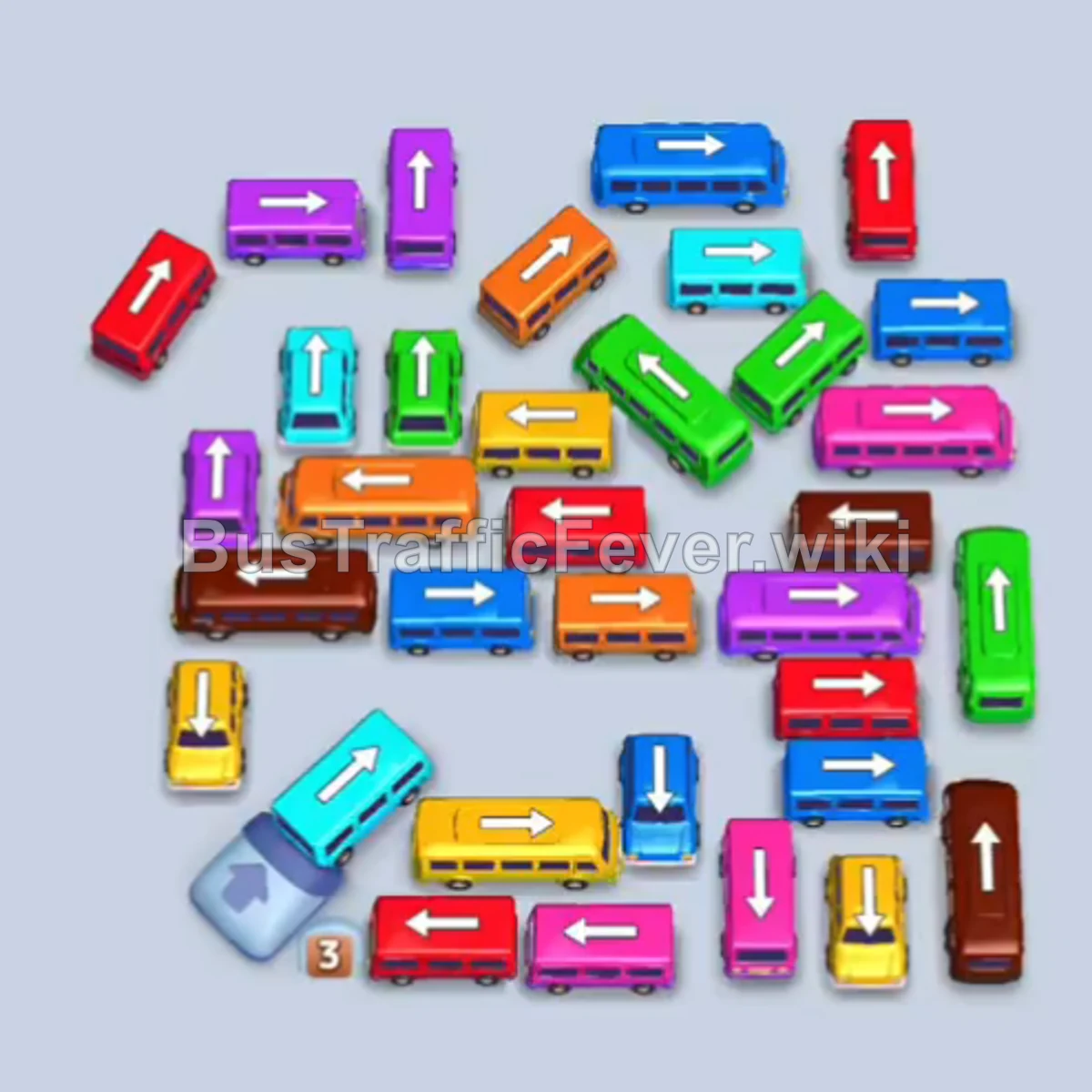
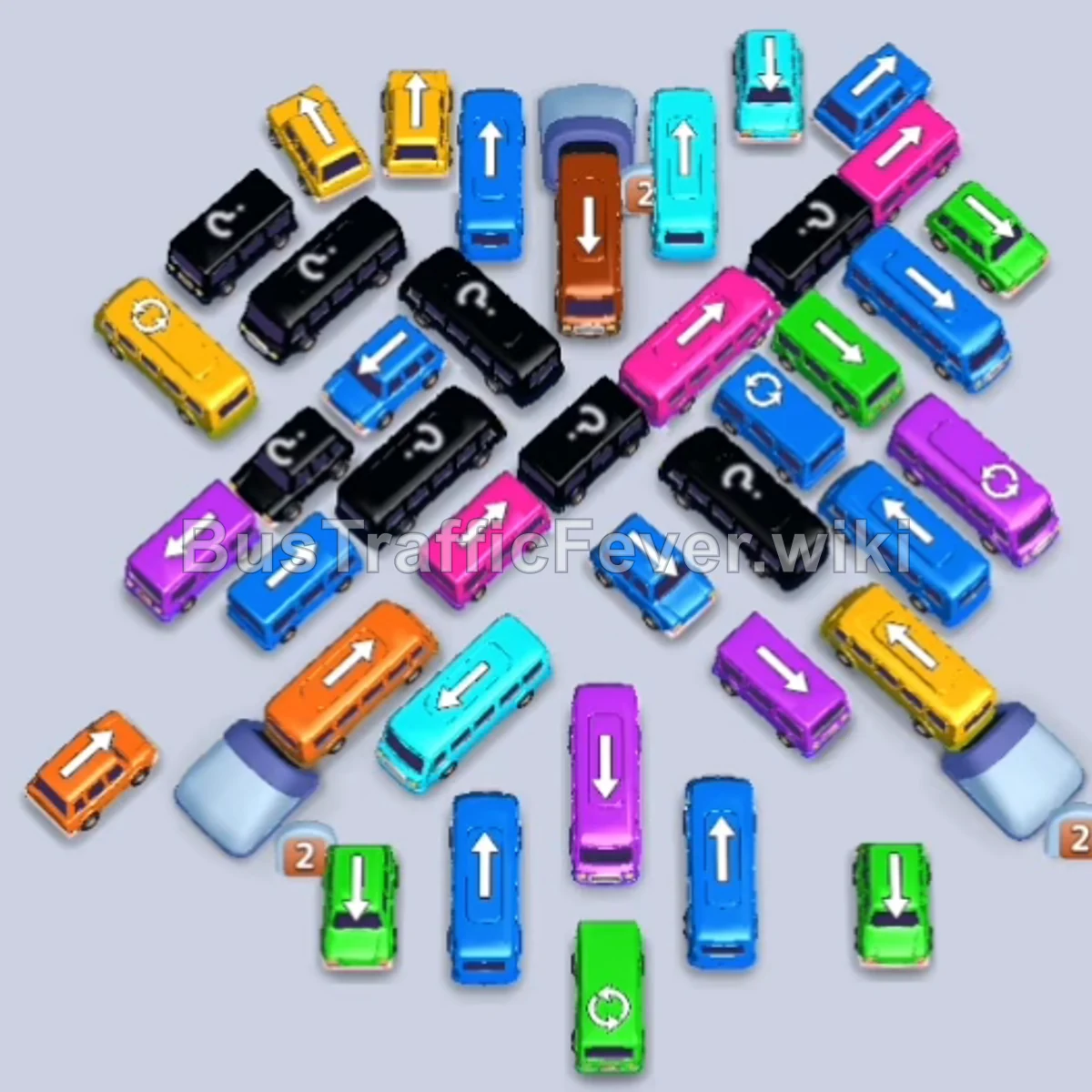
Bus Traffic Fever Level 223 Answer & Walkthrough Solution

Quick answer
To clear Level 223, manage the crowded intersection by systematically tapping free vehicles along the perimeter that match the active passenger queue (starting with Blue, Orange, and Yellow). Park necessary blocker vehicles like the Brown bus into waiting slots early so they are ready when their passenger group arrives, and cycle through the queue by peeling off outer layers until the core traffic gridlock is resolved.
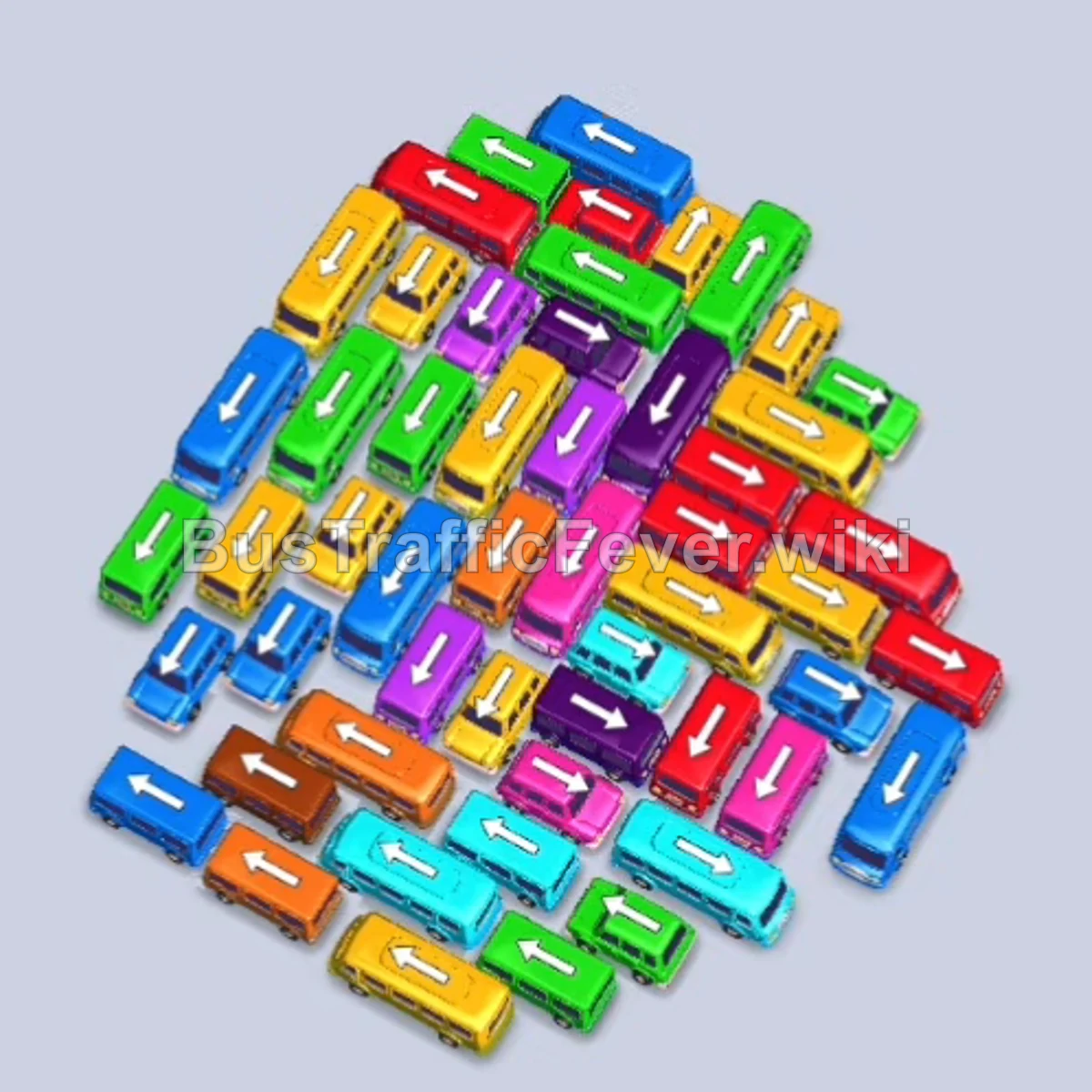
Step-by-step solution
Phase 1: Clearing the Outer Perimeter (Blue, Yellow & Orange)
- Tap the Blue bus on the lower-left edge pointing downward. It moves to the first parking slot and immediately fills with blue passengers before leaving.
- Tap the Orange bus on the lower-left edge pointing left. It moves to the second parking slot.
- Tap the Yellow large bus at the bottom-left corner pointing down. It moves to the third parking slot.
- Yellow passengers board and clear the Yellow bus, followed immediately by orange passengers boarding and clearing the Orange bus.
Phase 2: Opening the Left Flank & Cyan Groups
- Tap the Blue small bus on the far-left edge pointing down-left. It enters the first slot, collects the remaining blue passengers, and departs.
- Tap the Brown bus on the middle-left pointing down-left. It parks in slot 1 to hold space for upcoming brown passengers.
- Tap the Cyan bus in the lower-center pointing down-right. It moves to slot 2, collects the cyan queue, and drives away.
- Tap the Yellow bus on the middle-left pointing down-left. It parks in slot 3, collects yellow passengers, and departs.
- Tap the Cyan small bus at the bottom edge pointing right. It enters slot 2 and absorbs the next set of cyan passengers.
Phase 3: Handling Red & Intermediate Yellow Passengers
- Tap the Red bus on the lower-right edge pointing right. It parks in slot 3, fills with red passengers, and leaves.
- Tap the Blue bus on the bottom-left edge pointing down-left. It moves into slot 2 to clear pathing space.
- Tap the Yellow bus at the bottom edge pointing down. It parks in slot 3, quickly collects yellow passengers, and drives off.
- Tap the Yellow bus on the middle-right pointing down-right. It enters slot 3, picks up yellow passengers, and departs.
- The Brown passengers now reach the front of the queue and board the Brown bus waiting in slot 1.
- Tap the Yellow bus near the upper-right pointing down-right. It enters slot 3, fills with yellow passengers, and leaves.
Phase 4: Clearing the Mid-Layer Gridlock
- Tap the Red large bus on the middle-right pointing down-right. It moves into slot 3.
- Tap the Yellow bus near the top-right pointing down-right. It moves into slot 4. Yellow passengers fill it while red passengers board the Red bus.
- Tap the Green bus on the upper-right edge pointing right. It holds in slot 5.
- Tap the Red small bus in the center pointing down-right. It enters slot 3 to merge with the red passenger flow and leaves.
- Tap the Yellow bus freed up on the right. It moves to a slot, loads passengers, and clears out.
- Tap the Cyan large bus from the center pointing right. It docks, allowing the cyan queue to board and depart.
- Tap the Blue bus freed on the bottom-left. It enters the parking bay and collects blue passengers.
Phase 5: Unraveling the Core & Final Cleanup
- Tap the Green bus on the upper-right edge pointing right. It takes a slot, absorbs green passengers, and departs.
- Tap the Orange bus freed in the middle area. It parks, absorbs orange passengers, and leaves.
- Tap the Purple bus pointing down-left from the center. It enters an open slot and waits for purple passengers.
- Tap the Green bus at the top pointing up-right. It moves into a bay to finish boarding green passengers.
- Tap the remaining Red, Blue, and Purple vehicles one by one as their paths clear, directing each into available slots to pick up the final passenger clusters.
- Once the last group of passengers boards their corresponding vehicle, all parking slots clear and Level 223 is completed.
Tips for success
- Anticipate Slot Staging: Parking longer-stay vehicles (like the Brown bus early on) into open slots is essential for freeing up movement in the dense pile without causing deadlocks.
- Match Queue Transitions: Track which passenger color is trailing behind the active group on the looping overhead track so you don’t call a bus color that has to wait behind 30+ other passengers.
- Free Trapped Vehicles from the Edges Inward: Always tap buses and buses that have unobstructed exit lanes first to steadily loosen the interlocking center.
More Bus Traffic Fever help
Continue with the Level 222 walkthrough, review the core rules in how to play Bus Traffic Fever, or browse all level solutions to jump to another number.