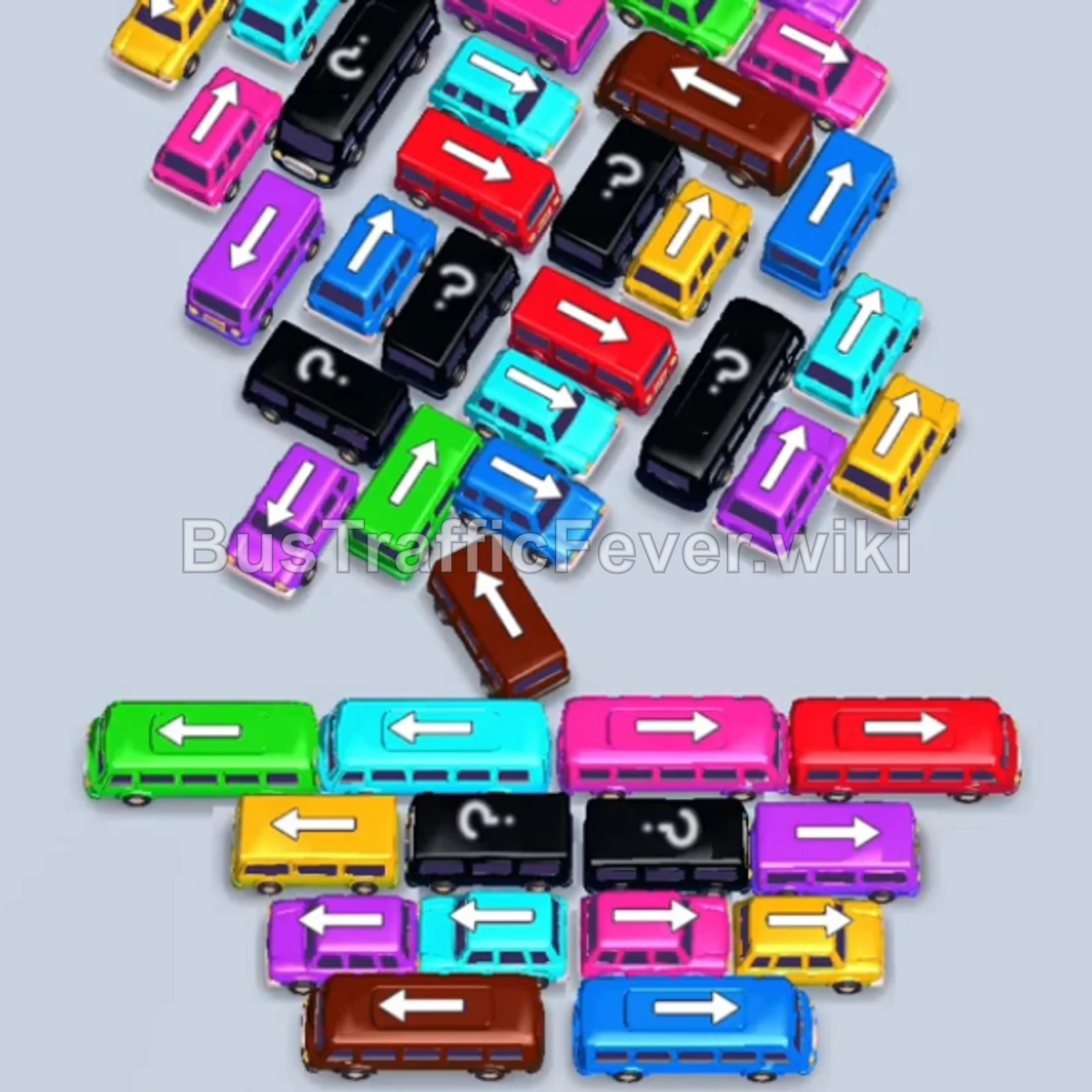
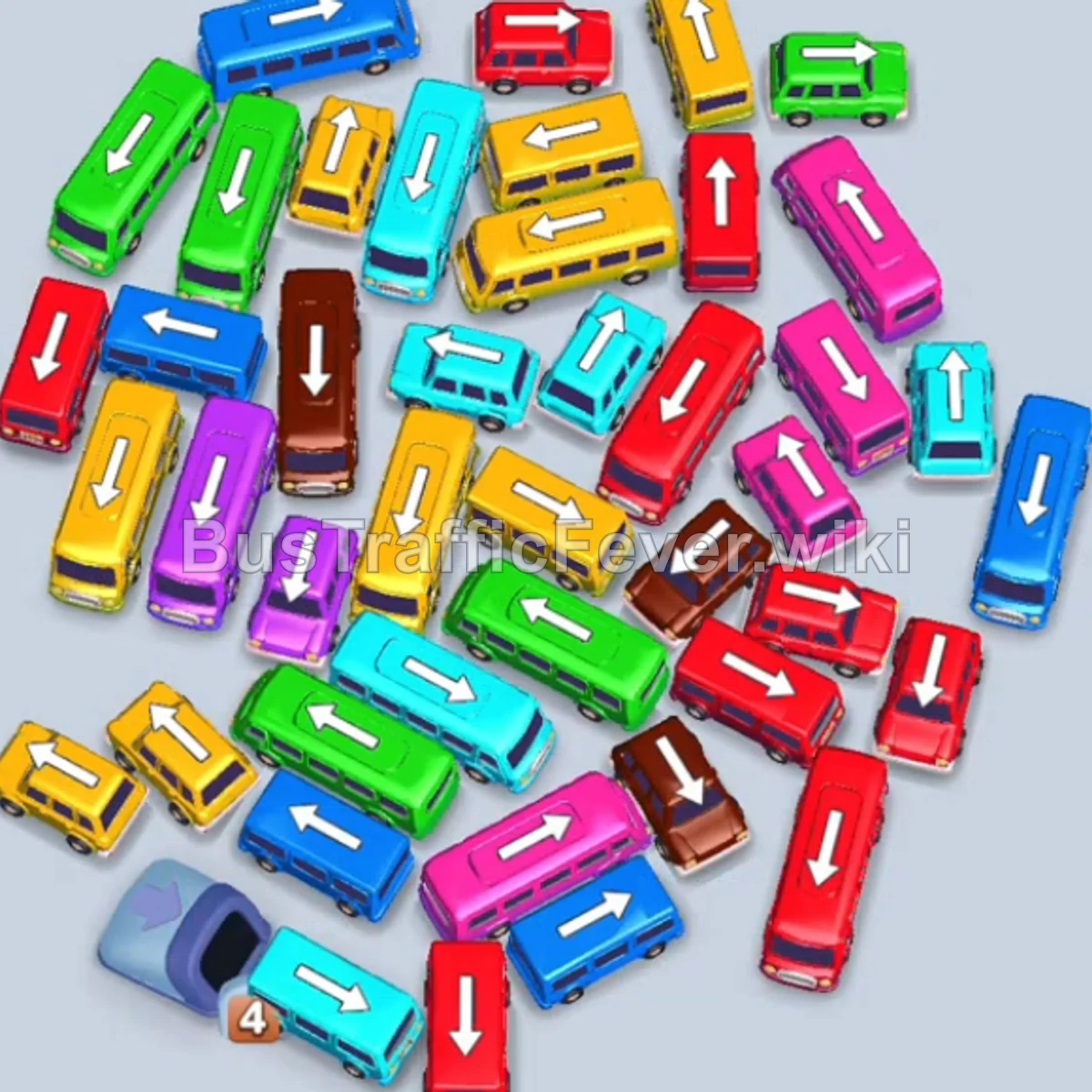
Bus Traffic Fever Level 96 Answer & Walkthrough Solution
Quick answer
Teal Bus (Top-Left Perimeter): Tap the standalone Teal bus on the top left. It moves into the slot, picks up the first group of Teal passengers, and departs. Pink Bus (Upper-Left Column): Tap the Pink bus pointing down on the upper left.
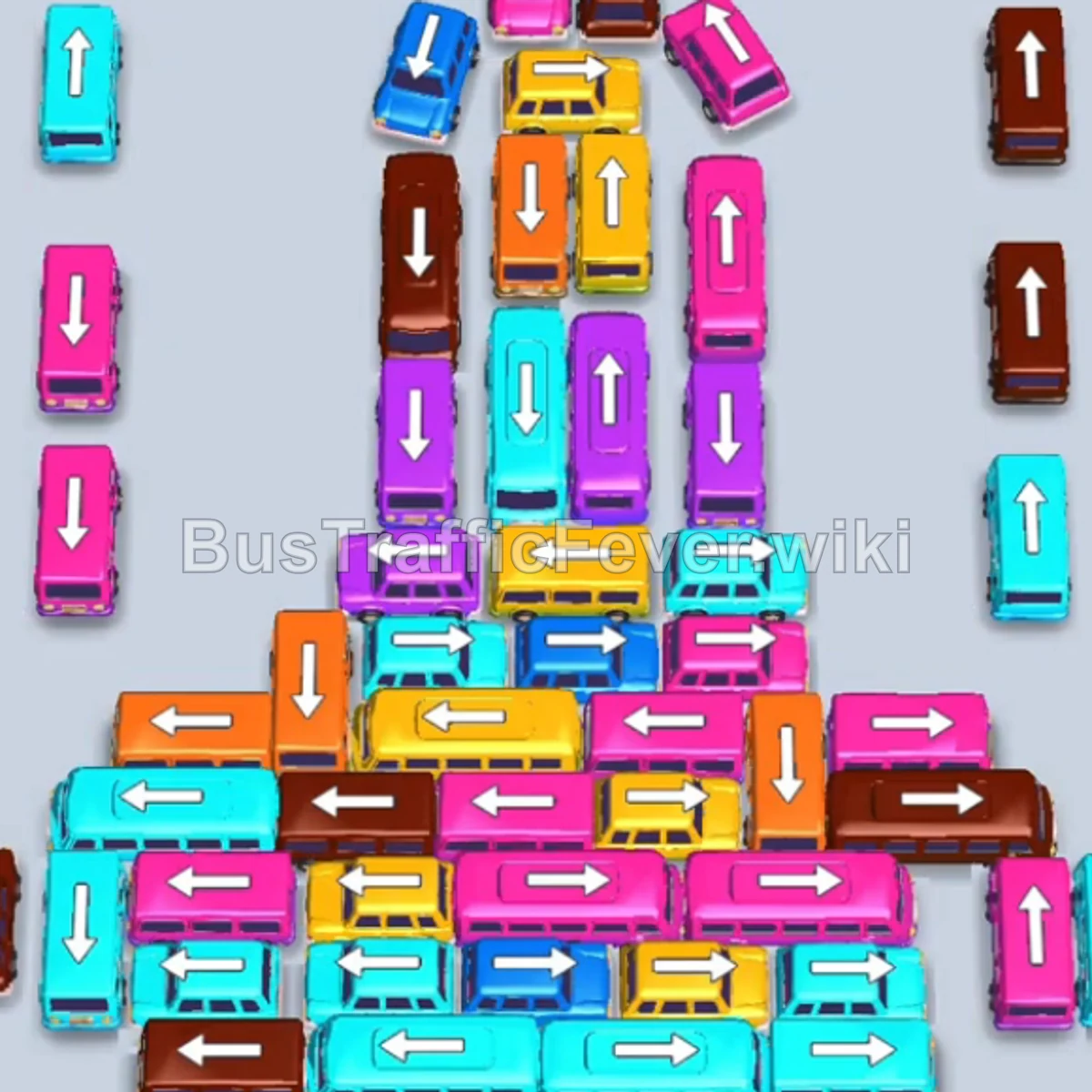
Step-by-step solution
Phase 1: Opening the Perimeter and Initial Clearances
- Teal Bus (Top-Left Perimeter): Tap the standalone Teal bus on the top left. It moves into the slot, picks up the first group of Teal passengers, and departs.
- Pink Bus (Upper-Left Column): Tap the Pink bus pointing down on the upper left. It boards Pink passengers and departs.
- Teal Bus (Upper Center): Tap the horizontal Teal bus pointing left in the upper-middle section. It boards the next group of Teal passengers and departs.
- Teal Bus (Center Column): Tap the long Teal bus pointing down in the middle column. It picks up remaining Teal passengers and clears the center lane.
Phase 2: Clearing the Outer Sides and Staging Vehicles
- Teal Bus (Right Perimeter): Tap the Teal bus pointing up on the right side. It parks in the first slot and boards arriving Teal passengers.
- Pink Bus (Lower Right): Tap the horizontal Pink bus near the lower-right side to park in the second slot and start loading Pink passengers.
- Purple Bus (Middle Right): Tap the Purple bus pointing down on the right side into the third slot. It immediately loads Purple passengers and departs.
- Brown Bus (Right Edge): Tap the Brown bus pointing up on the far-right edge into the empty slot.
- Brown Bus (Top Center): Tap the Brown bus pointing down at the very top. Brown passengers board both brown buses, and it departs.
- Brown Bus (Left Edge): Tap the Brown bus pointing up on the left side to hold a slot.
- Teal Bus (Right Side): Tap the Teal bus pointing up on the right to park, clear Teal passengers, and depart.
- Orange Bus (Center Horizontal): Tap the horizontal Orange bus pointing right in the center. It loads the arriving Orange passengers and departs.
- Teal Bus (Center): Tap the newly freed Teal bus in the center to pick up Teal passengers and depart.
Phase 3: Unraveling the Core Column and Mid-Level Queue
- Brown Bus (Right Column): Tap the Brown bus pointing down on the right.
- Pink Bus (Right Column): Tap the Pink bus pointing down on the right into a staging slot.
- Teal Bus (Center Horizontal): Tap the horizontal Teal bus pointing left to board Teal passengers.
- Yellow Bus (Center Horizontal): Tap the Yellow bus pointing right in the upper middle to board Yellow passengers and depart.
- Yellow Bus (Center Column): Tap the Yellow bus pointing down in the center to load the next group of Yellow passengers and depart.
- Teal Bus (Middle Horizontal): Tap the horizontal Teal bus pointing right in the lower center to board Teal passengers and depart.
- Blue Bus (Center Column): Tap the Blue bus pointing down in the central column to board Blue passengers and depart.
- Pink Bus (Center Column): Tap the long Pink bus pointing down to enter a slot and start boarding.
- Blue Bus (Right Side): Tap the Blue bus pointing down to pick up Blue passengers and depart.
- The staged Brown and Pink buses in the parking bay finish boarding and depart automatically.
Phase 4: Bottom Clutter Clearance & Color Matching
- Brown Bus (Lower Left): Tap the Brown bus pointing up on the bottom-left outer lane.
- Pink Bus (Bottom Center): Tap the horizontal Pink bus pointing right near the bottom.
- Orange Bus (Bottom Edge): Tap the horizontal Orange bus pointing left at the very bottom.
- Teal Bus (Bottom Left): Tap the small Teal bus pointing up on the bottom left. It boards Teal passengers and departs.
- Staged Brown and Pink buses finish loading and exit the parking bay.
- Teal Bus (Right Outer): Tap the small Teal bus pointing up on the right to clear the remaining Teal group.
- Brown Bus (Bottom Left): Tap the Brown bus pointing up to board Brown passengers and depart.
- Teal Bus (Center): Tap the small Teal bus in the center to clear incoming Teal passengers.
- Orange Bus (Bottom Left): Tap the horizontal Orange bus to park, clear Orange passengers, and depart.
- Pink Bus (Middle Left): Tap the Pink bus pointing down to board Pink passengers.
- Pink Bus (Top Center): Tap the Pink bus pointing down from the top to board and depart.
- Yellow Bus (Bottom Right): Tap the Yellow bus pointing right at the bottom. It boards Yellow passengers and departs.
- Purple Bus (Center Horizontal): Tap the Purple bus pointing right to board Purple passengers and depart.
- Pink Bus (Center): Tap the Pink bus pointing down in the center to load Pink passengers and depart.
- Teal Bus (Center Horizontal): Tap the Teal bus pointing left to board Teal passengers and depart.
- Brown Bus (Left Column): Tap the Brown bus pointing down to board Brown passengers and depart.
- Brown Bus (Center Column): Tap the remaining Brown bus to board and depart.
Phase 5: Final Sequence and Level Completion
- Pink Bus (Center Top): Tap the Pink bus pointing down at the top of the remaining cluster.
- Yellow Bus (Center): Tap the Yellow bus pointing down. Yellow passengers will board and it will depart.
- Purple Bus (Center): Tap the Purple bus pointing down to board Purple passengers and depart.
- Teal Bus (Center): Tap the Teal bus pointing down to board Teal passengers and depart.
- Orange Bus (Center): Tap the Orange bus pointing down. Orange passengers board and it departs.
- Pink Bus (Left): Tap the Pink bus pointing down to collect Pink passengers.
- Yellow Bus (Center): Tap the final Yellow bus to collect Yellow passengers and depart.
- Purple Bus (Bottom Center): Tap the Purple bus to board the final Purple passengers and depart.
- Final Pink Bus: Tap the remaining Pink bus pointing right to clear the last passengers and complete the level!
Tips for success
- Track the Queue Order: Always check the passenger belt at the top before tapping to ensure the bus you deploy can board passengers immediately.
- Keep Staging Slots Open: Leave at least 2–3 parking slots empty so you have room to move blocking buses out of the main puzzle area.
- Unclog Central Pathways Early: Tapping vertical buses that block multiple horizontal rows prevents gridlock later in the stage.
More Bus Traffic Fever help
Continue with the Level 95 walkthrough, review the core rules in how to play Bus Traffic Fever, or browse all level solutions to jump to another number.