Bus Traffic Fever Level 99 Answer & Walkthrough Solution
Quick answer
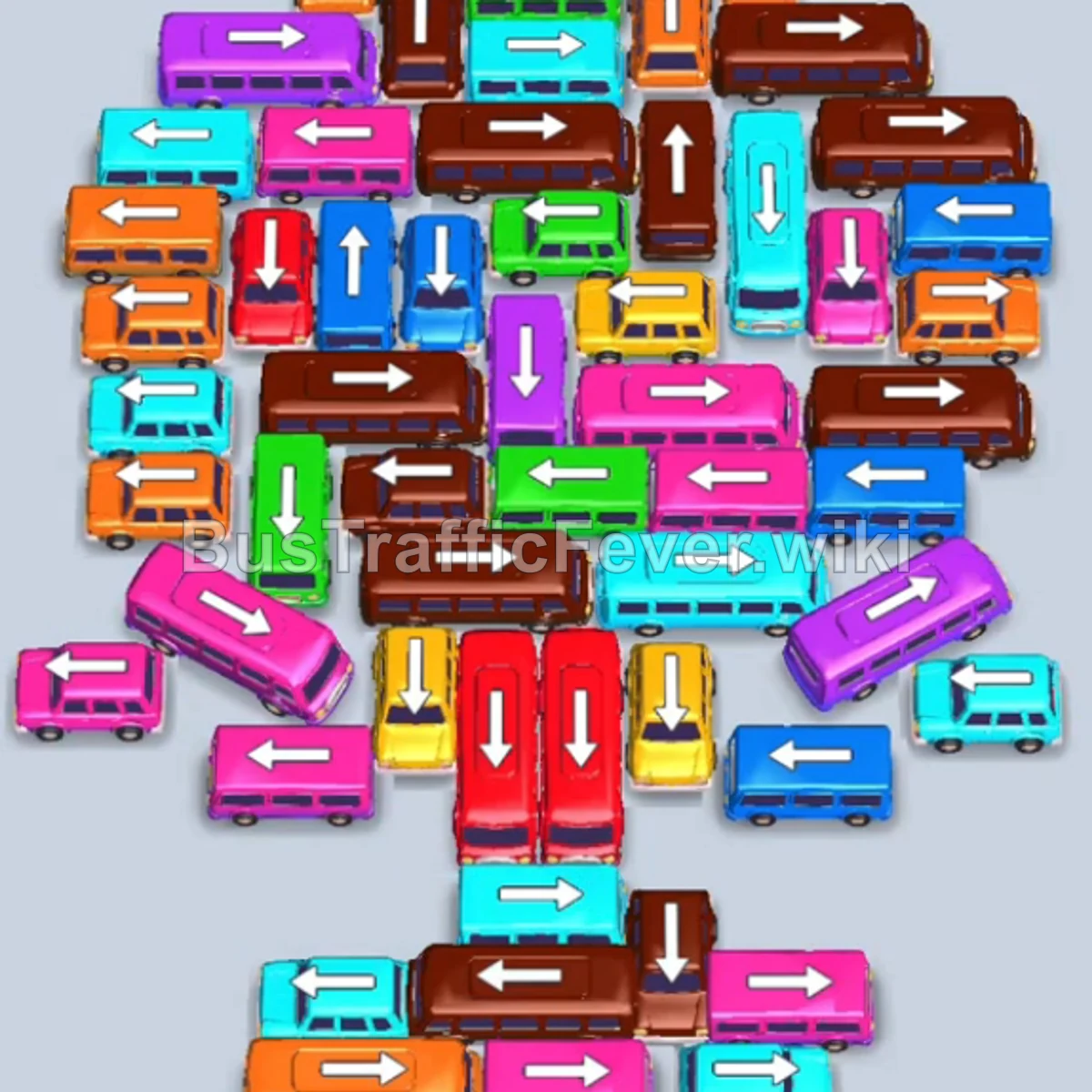
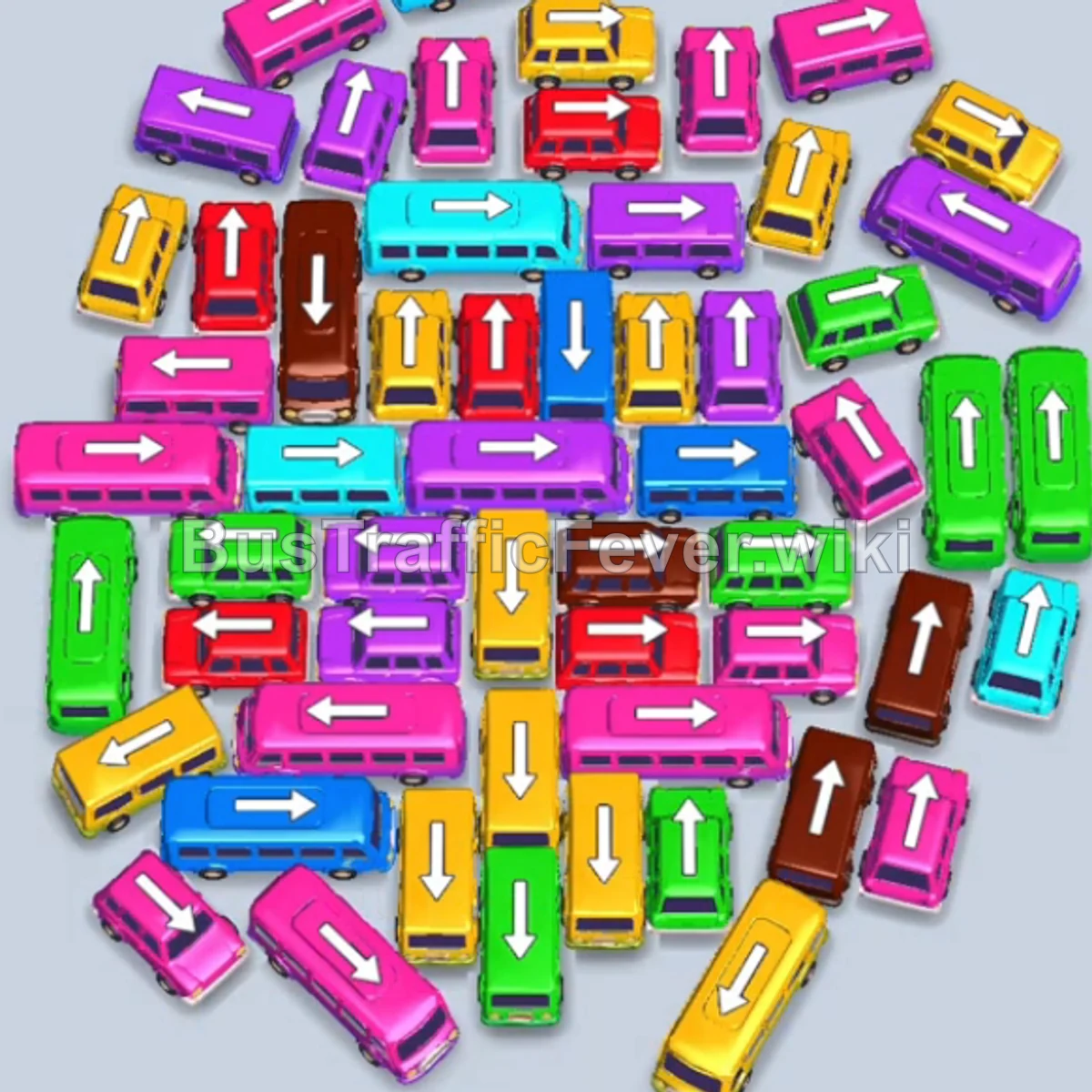
Level 99 is a dense, multi-phase board. Follow the phased order below, from “Initial Perimeter Clearing” through to “Final Sequence and Cleanup”. Stick to the exact order below rather than tapping whichever bus looks free, since one wrong move can gridlock the board.
Step-by-step solution
Phase 1: Initial Perimeter Clearing
- Yellow Bus (Top Horizontal): Tap the horizontal Yellow bus pointing left at the top. It enters the first parking slot.
- Brown Bus (Top Horizontal): Tap the horizontal Brown bus pointing left. It moves into slot 2, collects Brown passengers, and departs.
- The staged Yellow bus in slot 1 finishes boarding Yellow passengers and departs.
- Blue Bus (Top-Right): Tap the long Blue bus pointing left. It collects Blue passengers and departs.
- Green Bus (Far-Left): Tap the small Green bus on the outer left to park and stage.
- Green Bus (Upper-Left Column): Tap the Green bus pointing down on the upper left to start loading Green passengers.
- Yellow Bus (Center-Left Column): Tap the Yellow bus pointing down in the upper cluster. It boards Yellow passengers and departs.
Phase 2: Unlocking the Upper Core
- Green Bus (Upper-Left Long): Tap the long Green bus pointing down into slot 2 to stage.
- Cyan Bus (Upper-Center Column): Tap the long Cyan bus pointing down. It boards Cyan passengers and departs.
- Brown Bus (Upper-Right Column): Tap the long Brown bus pointing down. It boards Brown passengers and departs.
- Cyan Bus (Upper Center): Tap the newly freed long Cyan bus pointing down. It collects Cyan passengers and departs.
- Yellow Bus (Upper-Right Column): Tap the Yellow bus pointing down on the right. It boards Yellow passengers and departs.
- Yellow Bus (Center Column): Tap the Yellow bus pointing down in the middle. It boards Yellow passengers and departs.
- The staged long Green bus finishes boarding Green passengers and departs.
Phase 3: Clearing the Mid-Level Blockers
- Pink Bus (Middle-Left Horizontal): Tap the horizontal Pink bus pointing right into slot 2.
- Green Bus (Left Column): Tap the long Green bus pointing down into slot 1 to stage.
- The staged Pink bus loads Pink passengers and departs.
- Red Bus (Upper-Center Column): Tap the long Red bus pointing down. It boards Red passengers and departs.
- Blue Bus (Middle-Right Horizontal): Tap the small horizontal Blue bus pointing left into slot 1.
- Cyan Bus (Middle-Right Column): Tap the small Cyan bus pointing up. It boards Cyan passengers and departs.
- Green Bus (Middle-Right Column): Tap the small Green bus pointing up into slot 4.
- Blue Bus (Middle-Right Column): Tap the small Blue bus pointing up. Both Blue buses load Blue passengers and depart.
- Yellow Bus (Middle-Right Horizontal): Tap the long Yellow bus pointing left. It boards Yellow passengers and departs.
- Orange Bus (Top Horizontal): Tap the long Orange bus pointing right. It boards Orange passengers and departs.
Phase 4: Resolving the Dense Lower Stack
- Orange Bus (Upper-Left Column): Tap the long Orange bus pointing down into slot 4.
- Green Bus (Center Column): Tap the small Green bus pointing up. It loads Green passengers and departs.
- The staged Orange bus completes loading and departs.
- Blue Bus (Center Horizontal): Tap the small horizontal Blue bus pointing right. It boards Blue passengers and departs.
- Pink Bus (Center Column): Tap the long Pink bus pointing down. It boards Pink passengers and departs.
- Blue Bus (Middle-Right Horizontal): Tap the long horizontal Blue bus pointing right into slot 1.
- Cyan Bus (Center Column): Tap the long Cyan bus pointing down into slot 2. It boards Cyan passengers and departs.
- Red Bus (Center Column): Tap the long Red bus pointing down into slot 4. It boards Red passengers and departs.
- The staged Green bus in slot 3 completes boarding and departs.
- Cyan Bus (Center Horizontal): Tap the horizontal Cyan bus pointing left. It boards Cyan passengers and departs.
- Pink Bus (Center Column): Tap the long Pink bus pointing down. It boards Pink passengers and departs.
- Brown Bus (Center Column): Tap the long Brown bus pointing down. It boards Brown passengers and departs.
- The staged Green bus finishes boarding and departs.
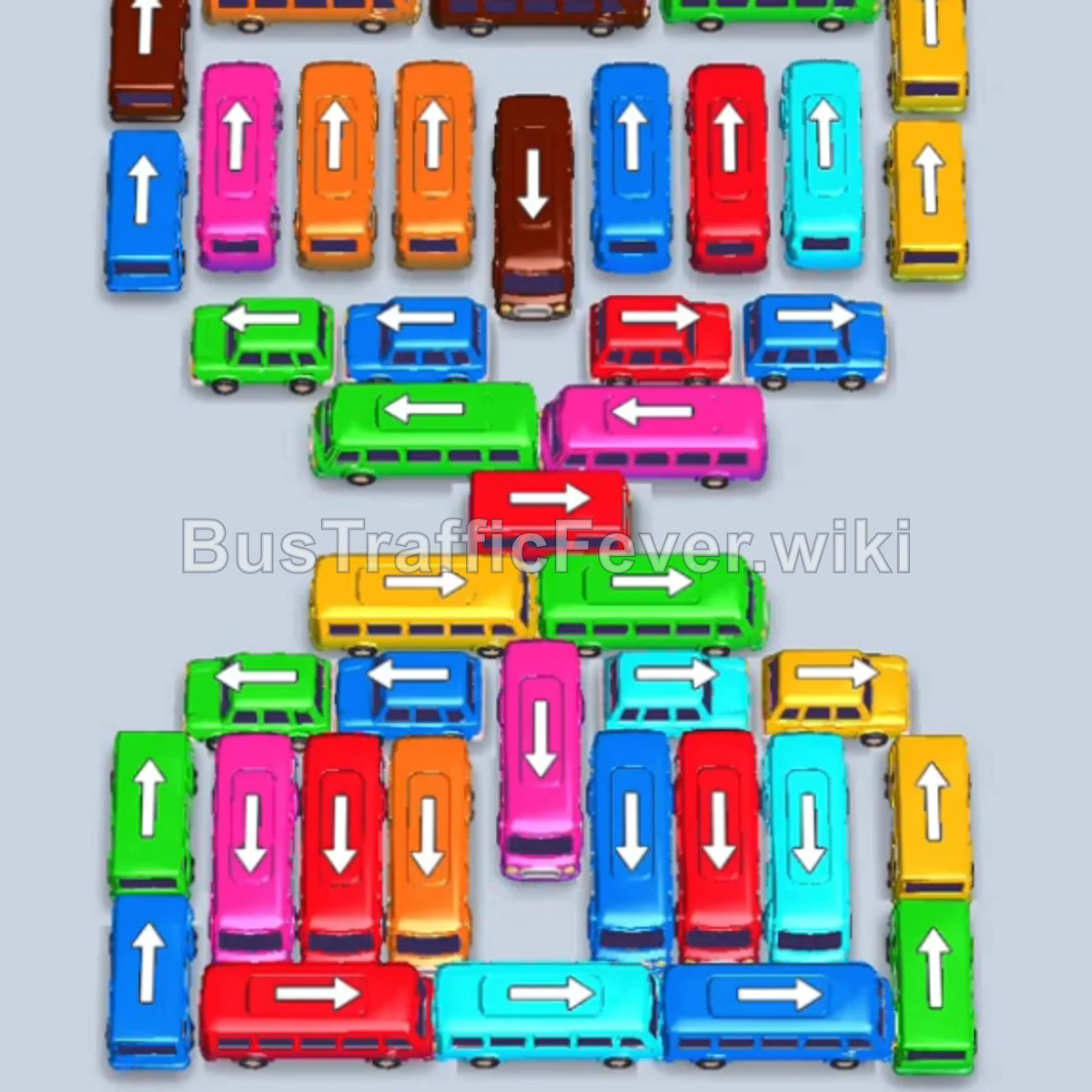
Phase 5: Final Sequence and Cleanup
- Orange Bus (Lower-Left Horizontal): Tap the long horizontal Orange bus pointing left. It boards Orange passengers and departs.
- Blue Bus (Lower-Left Column): Tap the small Blue bus pointing up. It boards Blue passengers and departs.
- Red Bus (Lower-Left Column): Tap the long Red bus pointing down into slot 1. It boards Red passengers and departs.
- Green Bus (Bottom-Left Column): Tap the small Green bus pointing down. It boards Green passengers and departs.
- Blue Bus (Bottom-Left Column): Tap the small Blue bus pointing down. It boards Blue passengers and departs.
- Cyan Bus (Bottom-Center Horizontal): Tap the horizontal Cyan bus pointing right into slot 1.
- Orange Bus (Bottom-Center Column): Tap the Orange bus pointing down into slot 2.
- Pink Bus (Bottom-Center Column): Tap the Pink bus pointing down into slot 3.
- Red Bus (Bottom-Center Horizontal): Tap the horizontal Red bus pointing left into slot 4.
- Red Bus (Bottom-Right Column): Tap the Red bus pointing down into slot 4.
- Blue Bus (Bottom-Right Column): Tap the Blue bus pointing down into slot 1.
- Red Bus (Far Bottom-Right Column): Tap the final Red bus pointing down.
- All remaining passengers board their respective vehicles in the bay, clearing the entire board and completing Level 99!
Tips for success
- Manage High-Capacity Staging: Level 99 features multiple 40-capacity buses (Green, Red, Brown, Blue). Staging one high-capacity vehicle at a time prevents parking bay overload.
- Unlock Inner Vertical Paths: Clearing the middle horizontal crossbar buses early gives access to the deep vertical lines underneath.
- Keep 2 Free Slots Minimum: In super-hard levels, always keep at least 2 parking spots open so you never get locked out when a quick succession of different color waves arrives.
More Bus Traffic Fever help
Continue with the Level 98 walkthrough, review the core rules in how to play Bus Traffic Fever, or browse all level solutions to jump to another number.