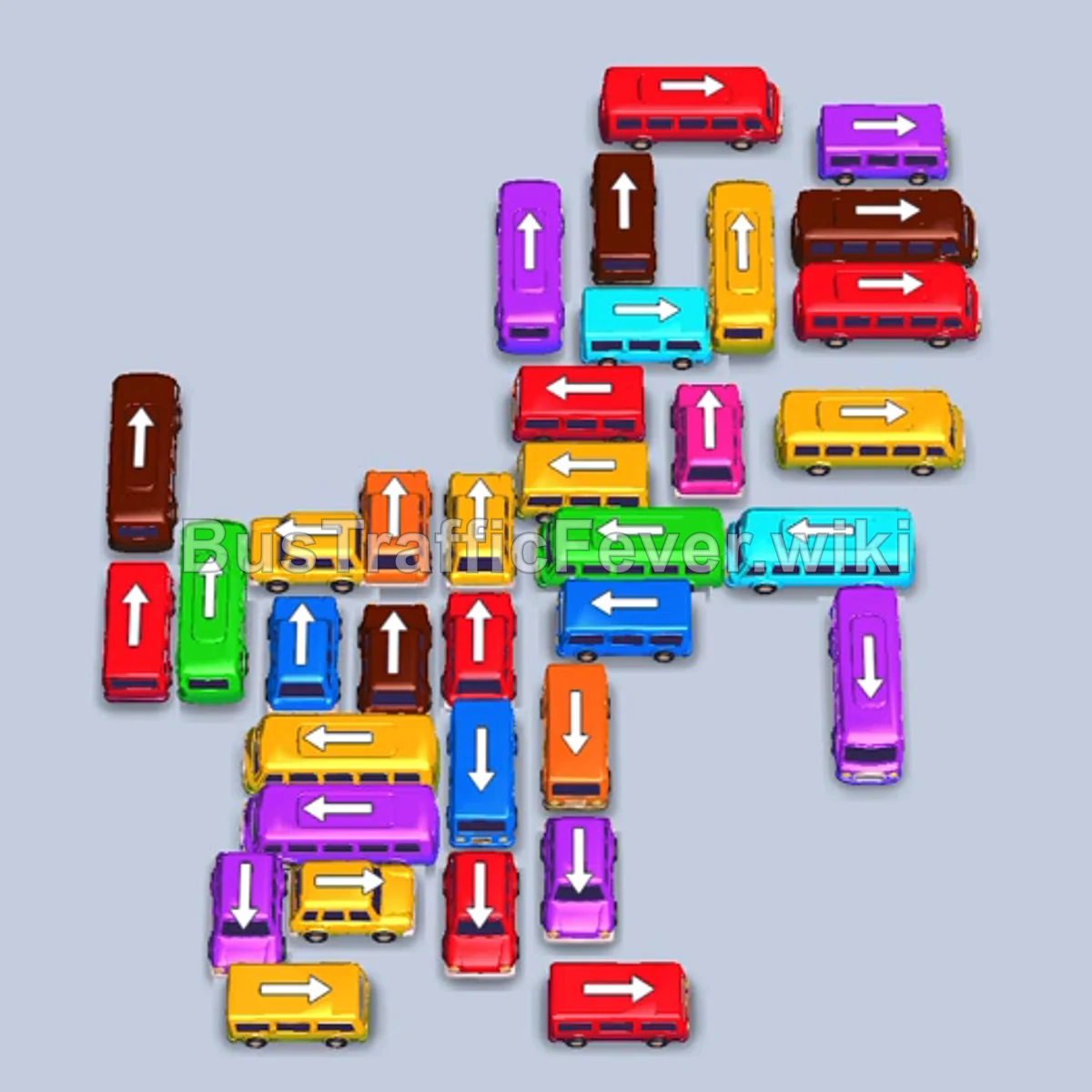
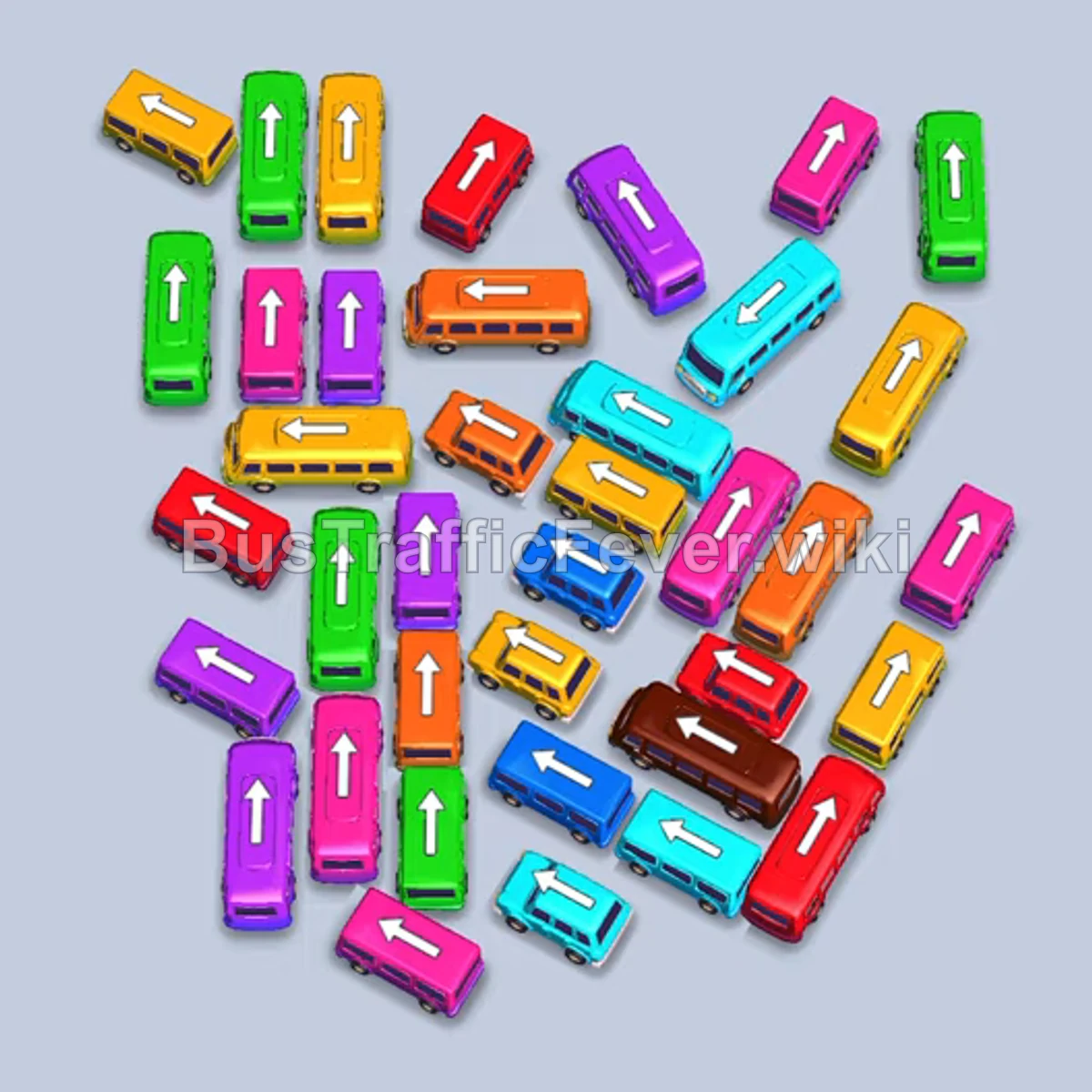
Bus Traffic Fever Level 354 Answer & Walkthrough Solution

Quick answer
Prioritize dispatching exterior and perimeter vehicles to open driving lanes for trapped interior buses. Monitor passenger colors at the entrance gates to keep parking bays free, clearing large batches of matching passengers before releasing buses of secondary colors.
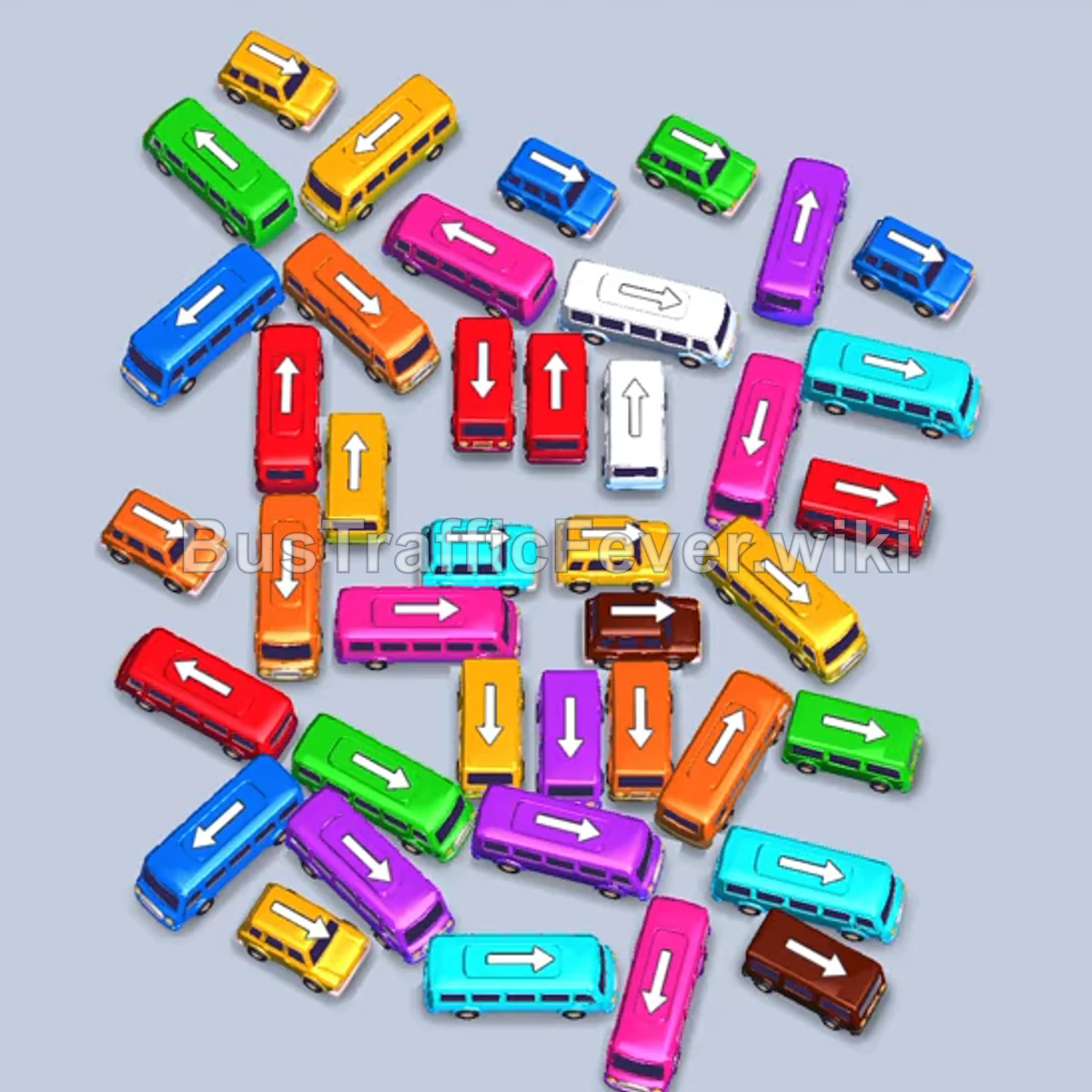
Step-by-step solution
Phase 1: Clearing Outer Obstacles
- Tap the cyan bus on the far right facing right.
- Tap the small red bus on the far right facing down.
- Tap the large blue bus on the upper right facing down.
- Tap the small blue bus near the right center facing right.
- Tap the cyan bus at the bottom facing right.
- Tap the blue bus on the far left facing down.
- Tap the small green bus near the top facing down into the open lane.
- Tap the yellow bus on the far right facing down.
- Tap the small blue bus at the bottom facing right.
- Tap the small green bus near the bottom center facing right.
- Tap the orange bus in the mid-right area facing down.
- Tap the small brown bus in the bottom-right corner facing right.
Phase 2: Unlocking the Center Cluster
- Tap the small orange bus in the lower-left area facing left.
- Tap the yellow bus on the far right facing right.
- Tap the purple bus in the lower center facing right.
- Tap the small orange bus in the center facing left.
- Tap the brown bus in the center facing down.
- Tap the cyan bus at the bottom facing right.
- Tap the small yellow bus on the far left facing left.
- Tap the small green bus on the far right facing down.
- Tap the yellow bus in the upper-left corner facing right.
- Tap the green bus in the middle facing right.
- Tap the green bus at the bottom facing right.
- Tap the brown bus on the far right facing down.
Phase 3: Emptying Congested Lines
- Tap the small pink bus in the mid-right area facing down.
- Tap the red bus on the far left facing down.
- Tap the red bus on the far right facing down.
- Tap the orange bus on the far left facing down.
- Tap the small orange bus on the lower left facing left.
- Tap the small brown bus in the center facing right.
- Tap the green bus in the mid-left area facing down.
- Tap the small yellow bus in the upper right facing right.
- Tap the small blue bus on the far right facing down.
- Tap the yellow bus at the top facing left.
- Tap the small cyan bus in the top-right area facing down.
- Tap the white bus in the center facing left.
Phase 4: Final Clear
- Tap the small blue bus on the mid-right facing right.
- Tap the pink bus in the center facing down.
- Tap the small green bus on the far right facing down.
- Tap the yellow bus on the mid-left facing down.
- Tap the small orange bus on the bottom right facing down.
- Tap the small yellow bus on the far right facing down.
- Tap the red bus on the far left facing down.
- Tap the orange bus on the far right facing down.
- Tap the small green bus in the upper center facing down.
- Tap the red bus facing down to board remaining red passengers.
- Tap the final yellow bus facing up to clear the board.
Tips for success
- Manage Bay Capacity: Never send out a bus whose passenger color is not queued up unless you have at least three open parking bays.
- Prioritize Exterior Buses: Small buses blocking edge exits create bottlenecks; remove them as soon as their exit paths clear.
- Watch Color Queue Turns: The passenger queue alternates between sections; time large bus dispatches when long matching passenger queues approach the loading zone.
More Bus Traffic Fever help
Continue with the Level 353 walkthrough, review the core rules in how to play Bus Traffic Fever, or browse all level solutions to jump to another number.