Bus Traffic Fever Level 145 Answer & Walkthrough Solution

Quick answer
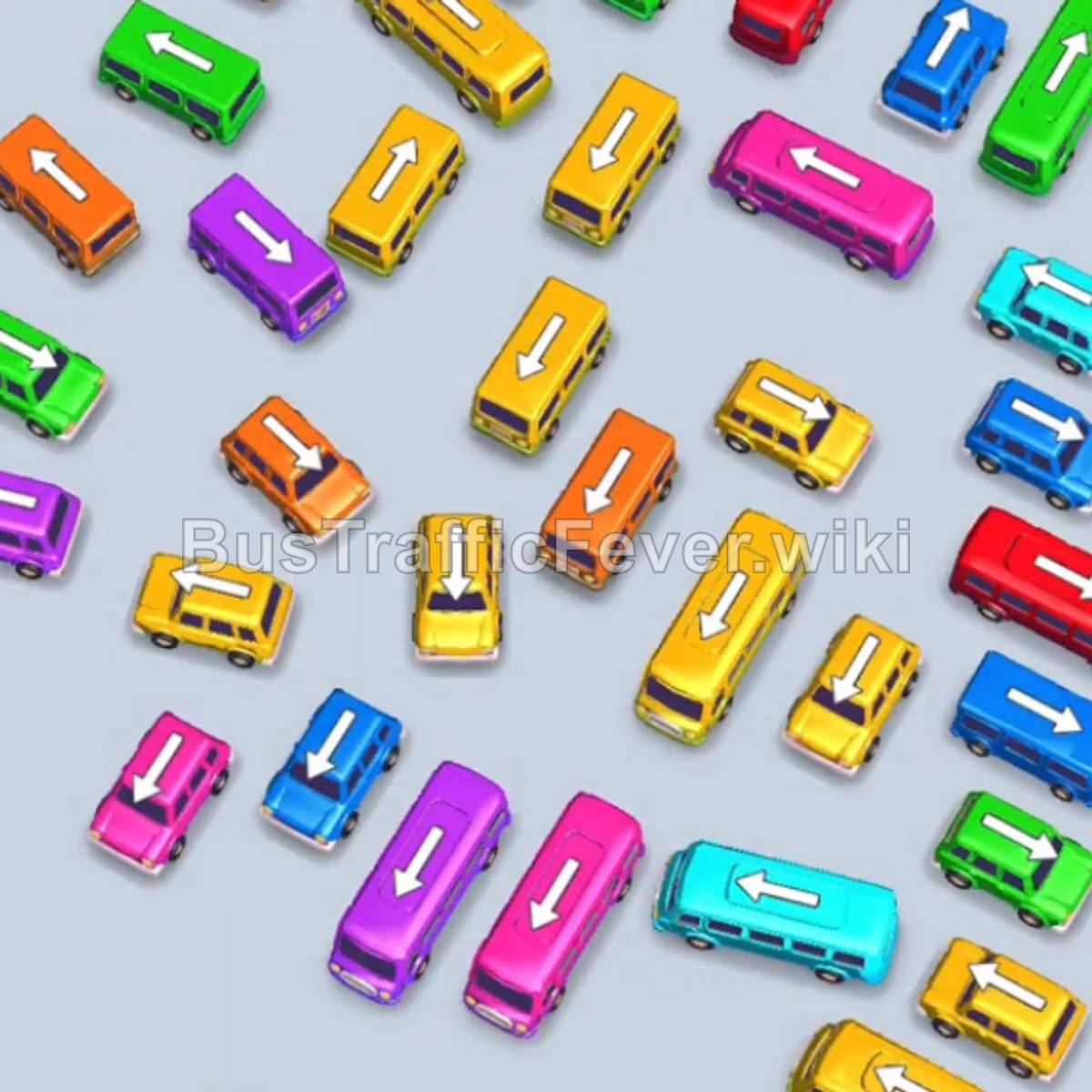
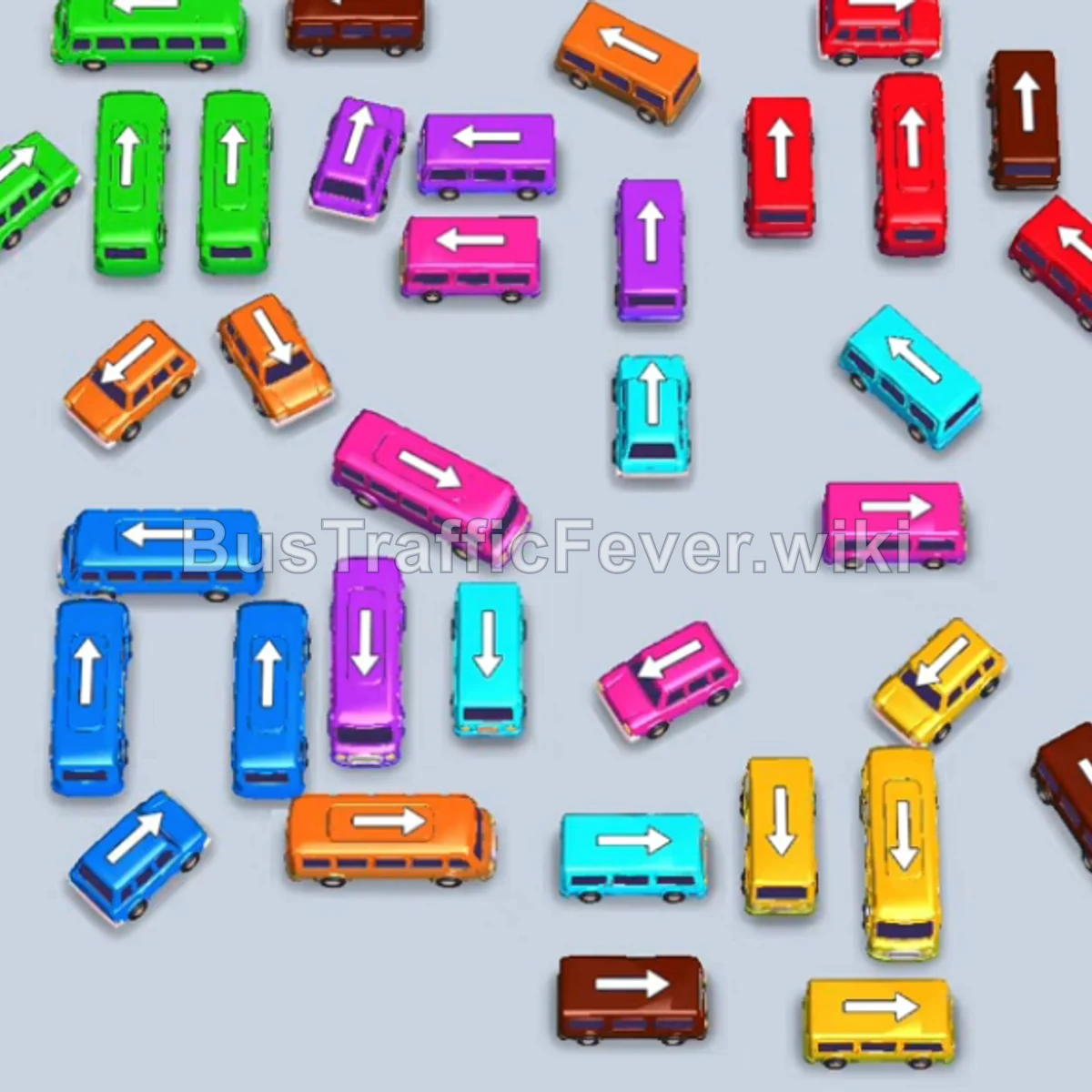
Tap the Teal Bus on the upper-left side (facing up). It moves into the VIP parking slot, and teal passengers begin boarding. Tap the Pink Bus in the upper-middle area (facing left). It takes the second parking slot. Tap the small Pink Bus at the top center (facing right).
Step-by-step solution
Phase 1: Opening Moves & Initial Clearing
- Tap the Teal Bus on the upper-left side (facing up). It moves into the VIP parking slot, and teal passengers begin boarding.
- Tap the Pink Bus in the upper-middle area (facing left). It takes the second parking slot.
- Tap the small Pink Bus at the top center (facing right). It fills the third slot, speeding up the pink passenger boarding queue.
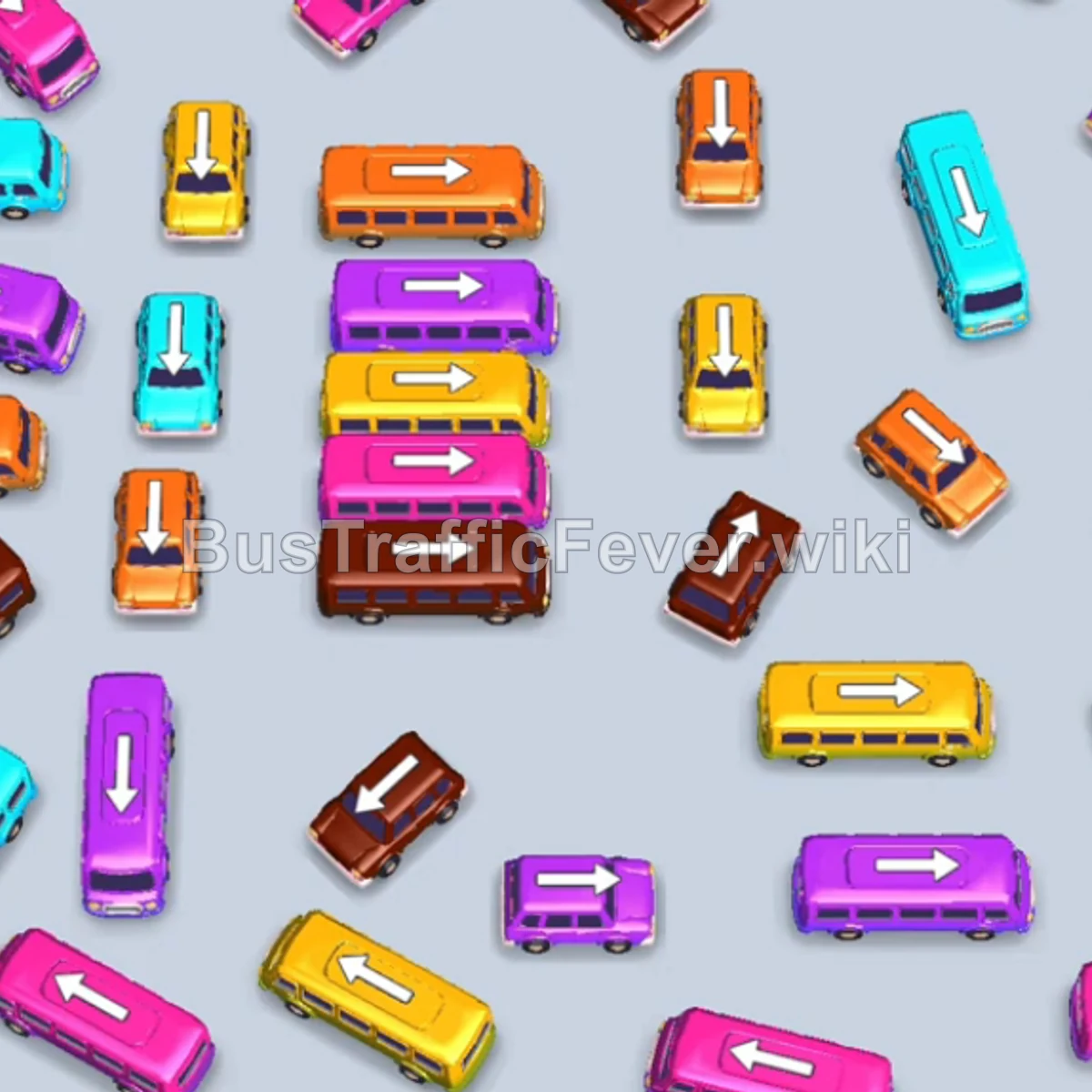
- Tap the large Brown Bus in the center (facing right). It moves into the fourth parking slot as brown passengers start boarding.
- Once the brown passengers fill the bus, it drives away, opening up a parking slot.
Phase 2: Clearing Yellow and Mid-Grid Vehicles
- Tap the Yellow Bus in the upper-left section. It occupies an empty slot to board waiting yellow passengers.
- Tap the long Pink Bus on the bottom right (facing left) to clear out the remaining pink passengers.
- As the pink and yellow buses fill up, they will drive away, opening multiple parking slots.
- Tap the Pink Bus located in the middle row.
- Tap the Brown Bus in the center row (facing right) to collect the next group of brown passengers.
- Tap the Yellow Bus in the center to keep the yellow passenger queue moving.
- Once the Cyan, Pink, and Yellow vehicles finish loading, they will clear the parking bay simultaneously.
Phase 3: Managing Orange and Secondary Colors
- Tap the Orange Bus in the middle-left area (facing right). It enters the first slot to load the orange queue.
- Tap the Teal Bus on the bottom right to board incoming teal passengers.
- After the orange and teal buses depart, tap the small Orange Bus on the top right.
- Tap the small Brown Bus on the top right.
- Tap the Pink Bus on the middle-left edge.
- Tap the small Yellow Bus on the left.
- Tap the Brown Bus on the bottom left to clear out the brown passengers.
Phase 4: Unblocking the Lower Grid
- Tap the small Orange Bus near the top middle.
- Tap the small Cyan Bus on the left edge.
- Tap the small Yellow Bus near the center.
- Tap the Purple/Magenta Bus on the bottom right.
- Tap the Yellow Bus on the middle-left row.
- Tap the Brown Bus in the lower-middle section.
- Tap the Purple Bus on the right side.
- Tap the small Orange Bus in the center row.
- Tap the Pink Bus on the left to absorb the pink passengers.
- Tap the Orange Bus in the center row.
Phase 5: Final Sequence and Level Completion
- Tap the long Orange Bus to clear the remaining orange passenger segment.
- Tap the remaining Brown Buses and Teal Buses as their colors reach the front of the queue.
- Tap the Purple Bus and Pink Bus to collect the final passengers.
- Watch the last vehicles fill up and drive away to achieve a Perfect! clear.
Tips for success
- Prioritize Path Openers: Move vehicles that are blocking large clusters first so other buses have a clear exit path.
- Watch Passenger Headcounts: Large buses hold up to 40 passengers, while small buses hold fewer. Match the vehicle capacity to the size of the incoming color block in the queue.
- Keep at Least One Slot Open: Avoid filling all parking spaces with colors that are far back in the queue to prevent gridlock.
More Bus Traffic Fever help
Continue with the Level 144 walkthrough, review the core rules in how to play Bus Traffic Fever, or browse all level solutions to jump to another number.