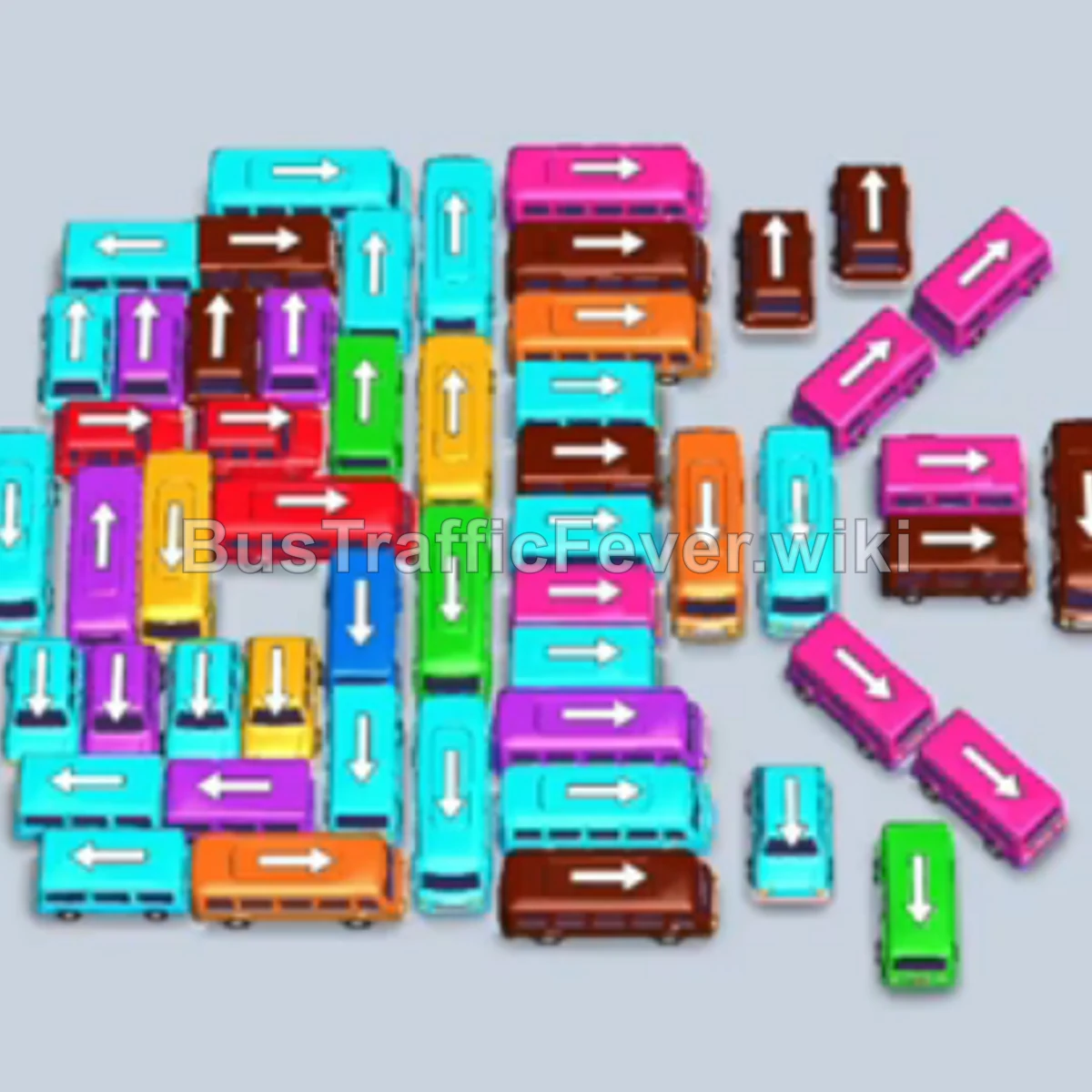
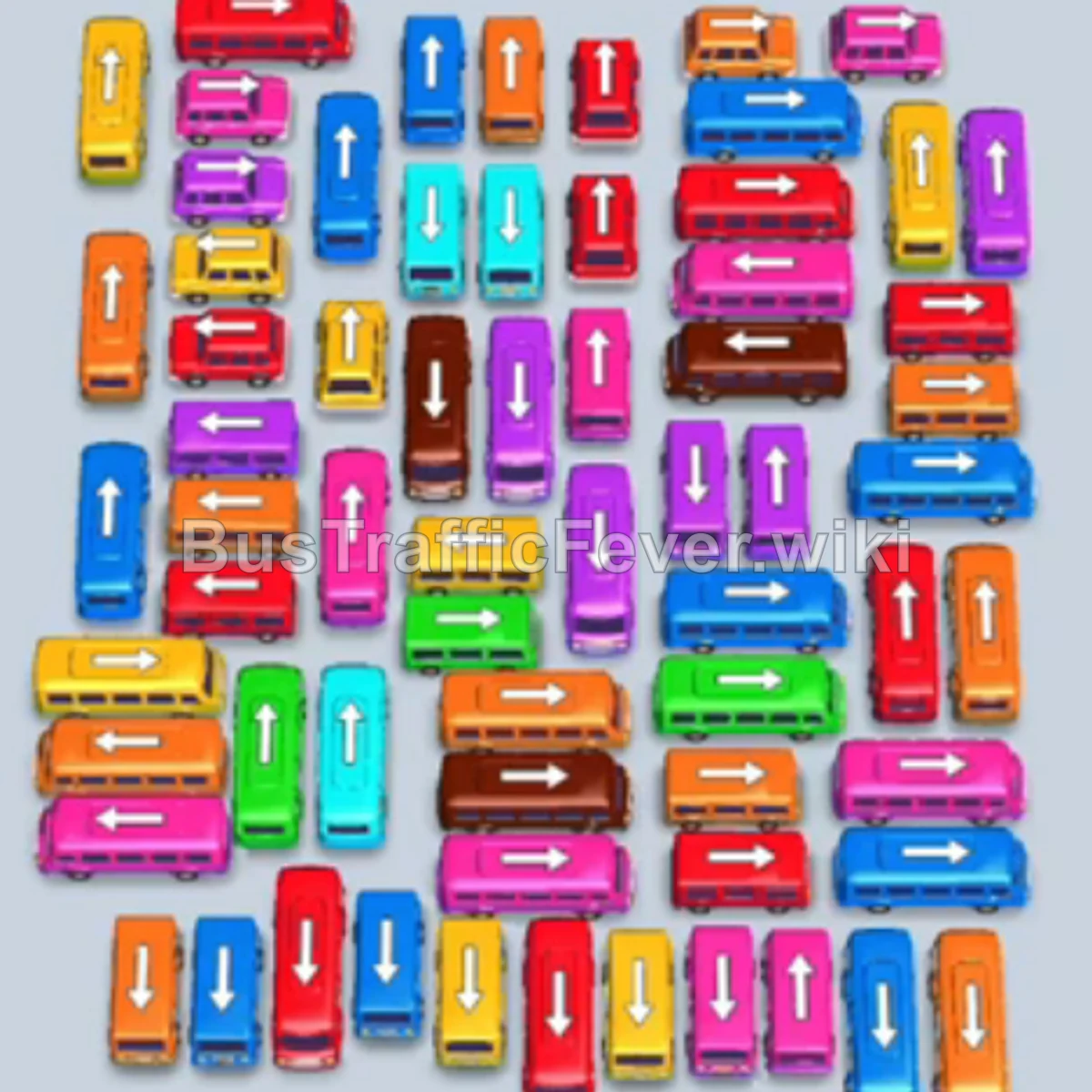
Bus Traffic Fever Level 298 Answer & Walkthrough Solution

Quick answer
Level 298 presents a dense, intertwined grid of vehicles blocking access to lower rows while an extensive multi-colored passenger queue wraps above. The winning strategy begins by peeling away the unobstructed perimeter vehicles—specifically the free green, yellow, and cyan buses along the top and outer edges—to open up driving corridors. Maintaining open parking slots is crucial: only send vehicles forward when their matching passengers are at or near the front of the queue, steadily dissolving the outer grid until the central and lower layers can exit freely.
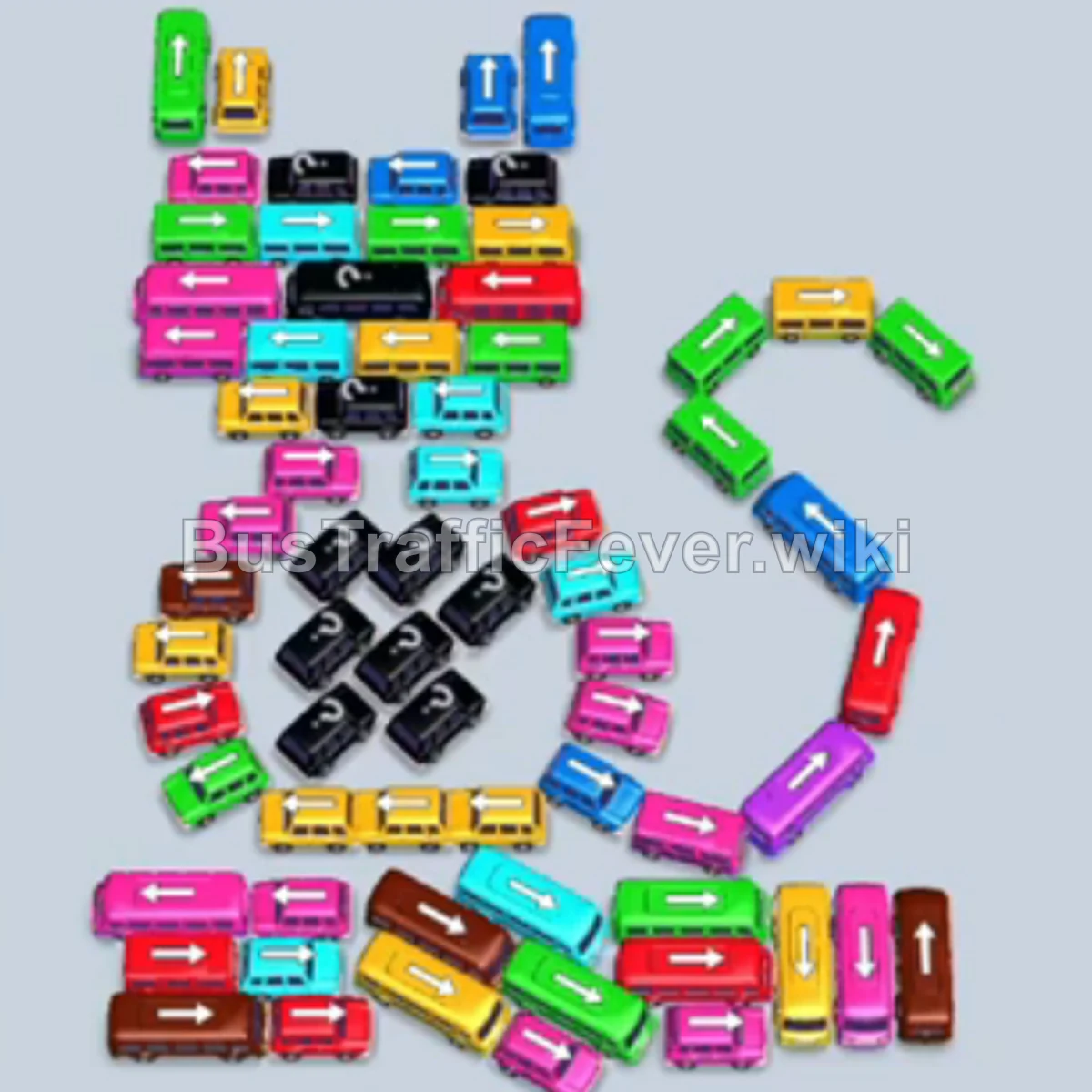
Step-by-step solution
Phase 1: Clearing the Upper Perimeter and Early Waves
- Tap the horizontal green bus near the top row (pointing left) to send it to the first parking slot and pick up green passengers.
- Tap the vertical yellow bus on the upper-right edge (pointing up) to load the leading yellow passengers.
- Tap the vertical cyan bus at the top right (pointing up) into the third slot to await the cyan passenger group.
- Once the yellow and green buses depart, tap the vertical green bus on the upper-left flank (pointing up) into the first slot to board green passengers.
- Tap the horizontal green bus situated beneath the top blue bus (pointing right) into the far-right slot.
- Tap the horizontal pink bus on the left side of the upper cluster (pointing left) into slot 1 to load pink passengers.
- Tap the vertical cyan bus at the top left (pointing up) into slot 2 to continue boarding cyan passengers.
- Once the pink bus leaves, tap the horizontal green bus in the upper-middle area (pointing left) into slot 1.
- Tap the horizontal yellow bus directly below the pink area (pointing left) into slot 3 to absorb incoming yellow passengers.
- Tap the small horizontal green bus on the right flank into slot 5 to clear remaining green riders.
- Tap the horizontal blue bus near the top (pointing right) into slot 3 to board blue passengers.
- Tap the horizontal yellow bus (pointing left) into slot 1.
- Tap the vertical yellow bus in the upper-middle section (pointing down) into slot 2 to finish the yellow cluster.
- Tap the horizontal blue bus (pointing left) into slot 3.
- Tap the horizontal pink bus (pointing left) into slot 1 to board pink passengers.
Phase 2: Unlocking the Midfield Grid
- Tap the vertical blue bus (pointing up) into slot 3 to pick up blue passengers.
- Tap the horizontal yellow bus (pointing left) into slot 2.
- Tap the horizontal blue bus (pointing right) into slot 3.
- Tap the vertical blue bus (pointing up) into slot 1 to clear the remaining blue group.
- Tap the horizontal cyan bus (pointing right) into slot 2.
- Tap the horizontal red bus in the middle section (pointing right) into slot 1 to take the red passengers.
- Tap the horizontal pink bus (pointing left) into slot 2.
- Tap the vertical pink bus (pointing down) into slot 1 to absorb remaining pink passengers.
- Tap the horizontal cyan bus (pointing left) into slot 1.
- Tap the horizontal brown bus (pointing right) into slot 2; let it stage while cyan finishes.
- Tap the horizontal yellow bus (pointing left) into slot 1 to clear the yellow surge.
- Tap the horizontal green bus (pointing left) into slot 1.
- Tap the vertical yellow bus (pointing up) into slot 1.
- Tap the horizontal green bus (pointing left) into slot 1.
- Tap the small horizontal green bus (pointing right) into slot 5.
- Tap the vertical yellow bus (pointing down) into slot 1.
- Tap the horizontal cyan bus (pointing right) into slot 1.
- Tap the horizontal blue bus (pointing left) into slot 3.
- Tap the horizontal yellow bus (pointing left) into slot 1.
- Tap the vertical yellow bus (pointing down) into slot 1 to finish yellow riders.
Phase 3: Dismantling the Lower-Middle Cluster
- Tap the horizontal brown bus (pointing left) into slot 1; both brown buses in slots 1 and 2 now fill and depart in order.
- Tap the horizontal green bus (pointing right) into slot 2 to take the green passengers.
- Tap the vertical cyan bus (pointing up) into slot 1.
- Tap the horizontal pink bus (pointing right) into slot 2.
- Tap the horizontal pink bus (pointing left) into slot 3 to finish the pink queue.
- Tap the horizontal yellow bus (pointing left) into slot 2.
- Tap the horizontal blue bus (pointing left) into slot 3.
- Tap the horizontal yellow bus (pointing left) into slot 2.
- Tap the vertical green bus (pointing down) into slot 1.
- Tap the horizontal pink bus (pointing left) into slot 3.
- Tap the vertical red bus (pointing up) into slot 4 to load red riders.
- Tap the horizontal cyan bus (pointing left) into slot 3.
- Tap the vertical pink bus (pointing up) into slot 2.
- Tap the small green bus (pointing up) into slot 1.
- Tap the horizontal cyan bus (pointing left) into slot 2.
- Tap the horizontal pink bus (pointing right) into slot 3.
- Tap the horizontal red bus (pointing left) into slot 1.
- Tap the horizontal yellow bus (pointing left) into slot 2.
- Tap the horizontal brown bus (pointing right) into slot 3.
- Tap the horizontal pink bus (pointing left) into slot 1.
Phase 4: Navigating the Base Grid
- Tap the horizontal cyan bus (pointing left) into slot 2.
- Tap the horizontal cyan bus (pointing left) into slot 1 to complete the cyan queue.
- Tap the vertical red bus on the right flank (pointing down) into slot 4.
- Tap the horizontal green bus (pointing left) into slot 2.
- Tap the horizontal yellow bus (pointing left) into slot 1.
- Tap the horizontal brown bus from the revealed bottom cluster (pointing right) into slot 3.
- Tap the horizontal pink bus (pointing right) into slot 2.
- Tap the horizontal cyan bus (pointing left) into slot 1.
- Tap the horizontal green bus (pointing left) into slot 2.
- Tap the horizontal red bus (pointing left) into slot 1.
- Tap the horizontal cyan bus (pointing left) into slot 2.
- Tap the horizontal pink bus (pointing left) into slot 1.
- Tap the horizontal red bus (pointing left) into slot 2.
- Tap the horizontal cyan bus (pointing left) into slot 1.
- Tap the horizontal yellow bus (pointing left) into slot 2.
- Tap the horizontal brown bus (pointing right) into slot 3.
- Tap the horizontal pink bus (pointing left) into slot 1.
- Tap the horizontal brown bus (pointing left) into slot 2.
- Tap the horizontal cyan bus (pointing left) into slot 1.
- Tap the horizontal yellow bus (pointing left) into slot 2.
Phase 5: Clearing the Final Waves
- Tap the horizontal brown bus (pointing left) into slot 3.
- Tap the horizontal pink bus (pointing left) into slot 1.
- Tap the horizontal red bus (pointing left) into slot 2.
- Tap the horizontal brown bus (pointing left) into slot 3.
- Tap the horizontal blue bus (pointing left) into slot 1.
- Tap the horizontal pink bus (pointing left) into slot 2.
- Tap the horizontal red bus (pointing left) into slot 1.
- Tap the horizontal green bus (pointing left) into slot 2.
- Tap the horizontal red bus (pointing left) into slot 1.
- Tap the horizontal blue bus (pointing left) into slot 2.
- Tap the horizontal green bus (pointing left) into slot 1.
- Tap the horizontal yellow bus (pointing left) into slot 2.
- Tap the horizontal cyan bus (pointing left) into slot 1.
- Tap the horizontal pink bus (pointing left) into slot 2.
- Tap the final horizontal brown bus (pointing left) into slot 1 to board the last passengers and complete the level.
Tips for success
- Staging Brown Buses: Notice in Phase 2 that parking the first brown bus early occupies a slot for several cycles. Keep other slots cycling fast with matched colors so this staged bus does not cause a parking gridlock.
- Flank Clearance: Prioritize outer edge vehicles (especially long vertical yellow and red buses along the right and left borders) to open turns for horizontal buses pinned inside.
- Sequential Queue Matching: Always watch which color sits 1–2 spots behind the front passenger line. Tapping a complementary bus just before the front bus finishes loading ensures instant departure turnaround.
More Bus Traffic Fever help
Continue with the Level 297 walkthrough, review the core rules in how to play Bus Traffic Fever, or browse all level solutions to jump to another number.