Bus Traffic Fever Level 296 Answer & Walkthrough Solution

Quick answer
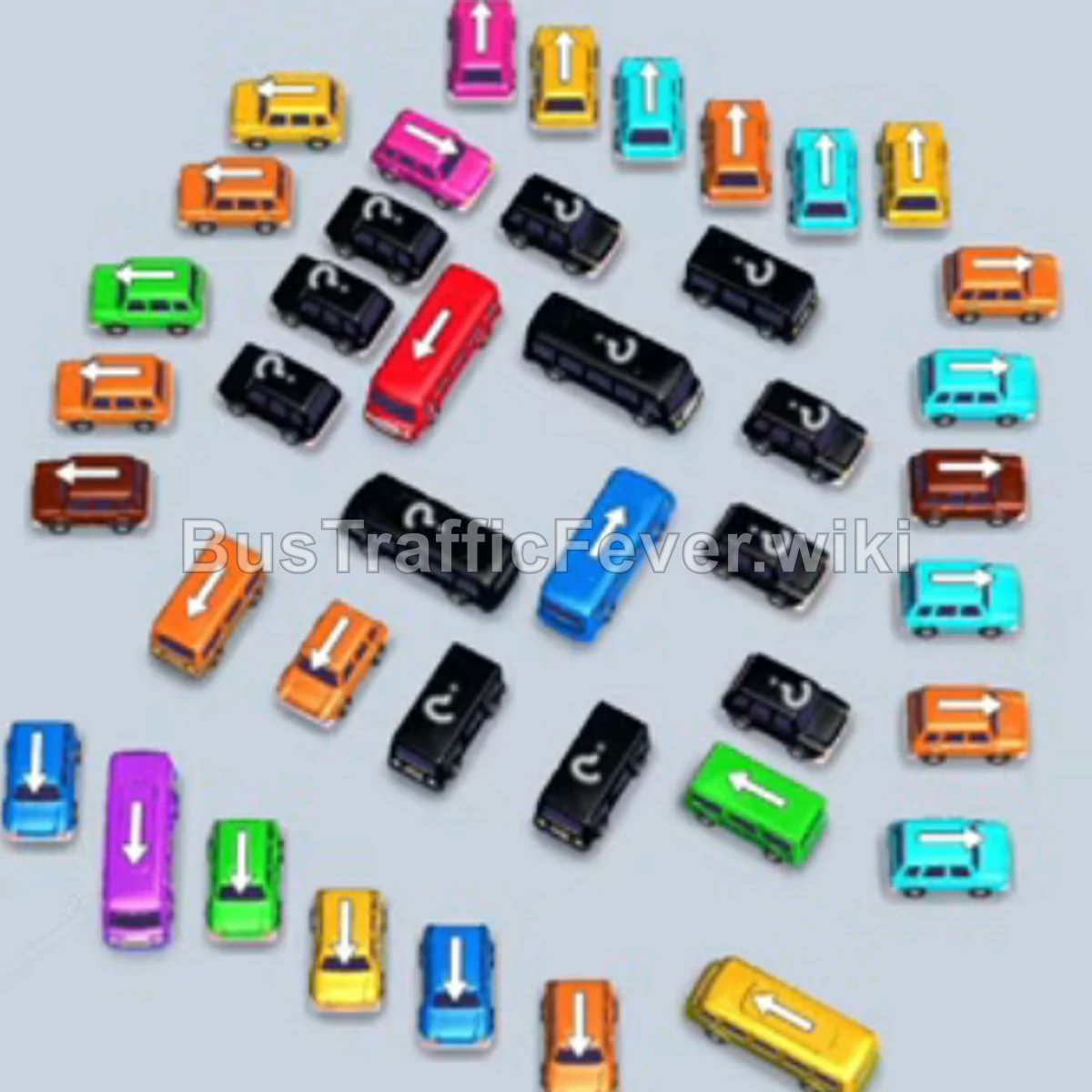
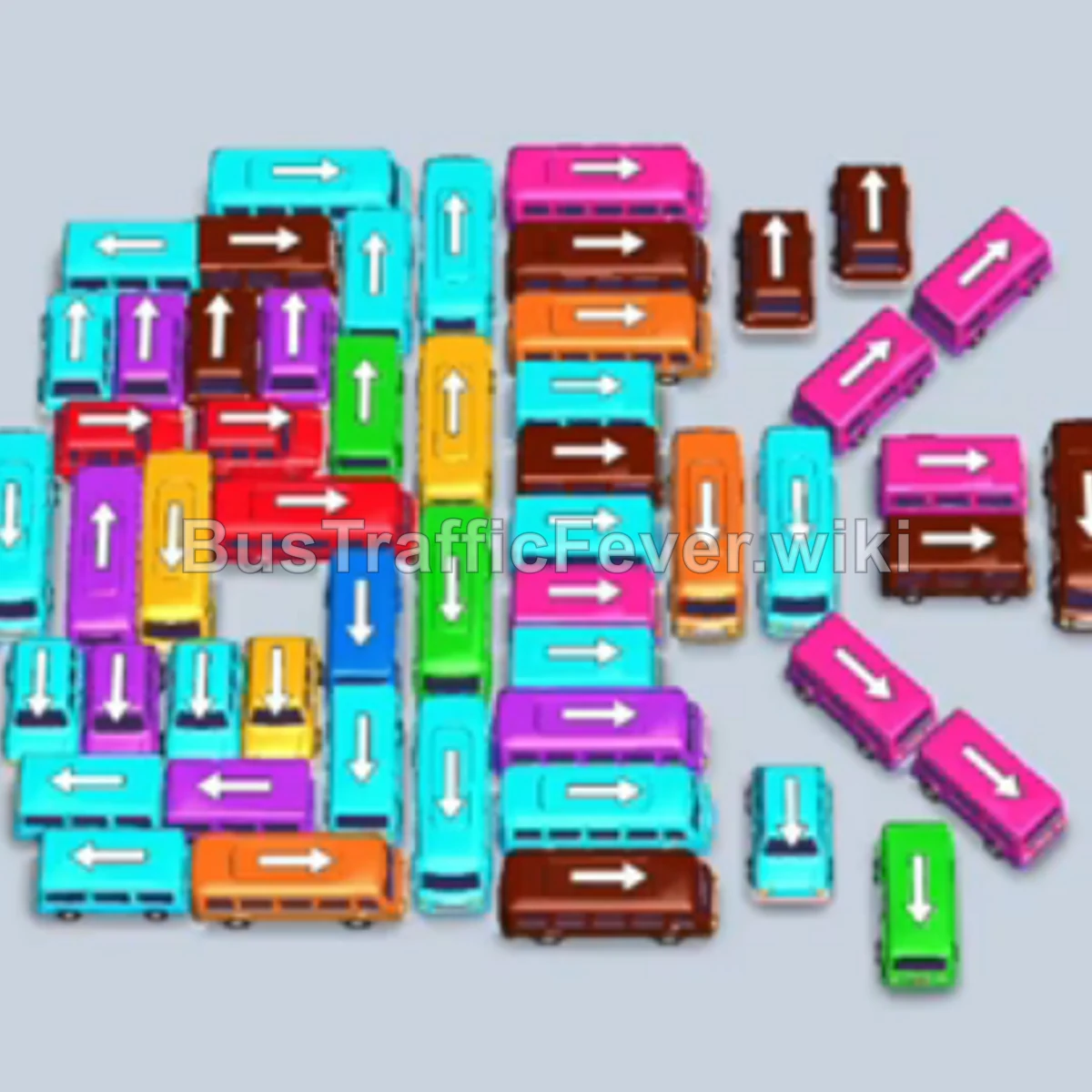
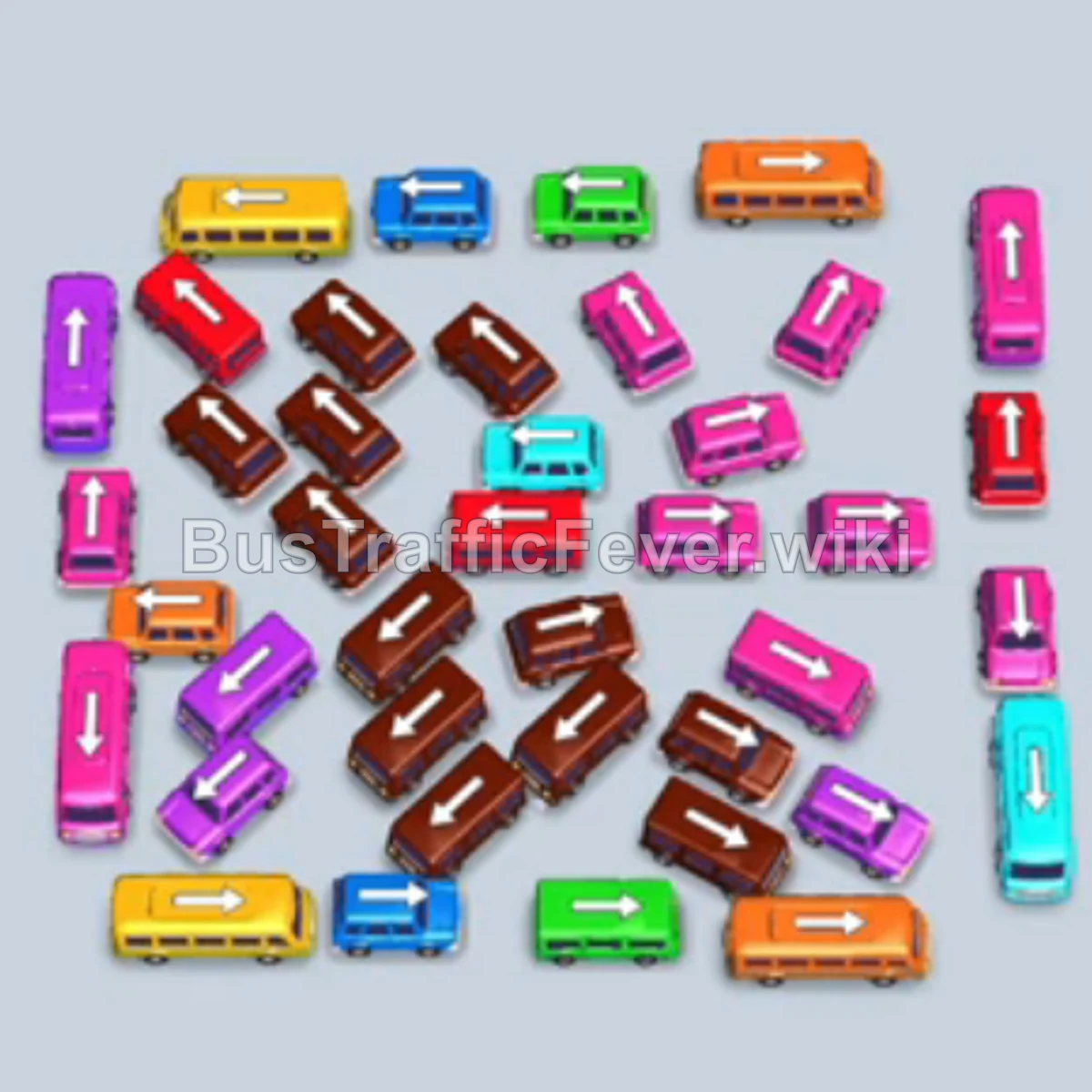
Level 296 features a dense grid of tightly packed buses below and a long, alternating passenger line at the top. The challenge lies in managing parking lot capacity while clearing layered buses, as brown, teal, and pink passengers dominate early queues. The key strategy is strategically moving teal and brown buses into parking spaces to board immediately, while parking yellow and blue vehicles only when necessary to free the path for blocked colors.
Step-by-step solution
Phase 1: Unlocking the Outer Perimeters and Clearing Teal
- Tap the vertical teal bus on the left edge to board the first group of teal passengers.
- Tap the horizontal brown bus along the top edge to enter the waiting bay.
- Tap the vertical light blue bus on the bottom-left edge into parking.
- Tap the horizontal teal bus near the bottom center to fill up with the remaining front teal passengers and depart.
- Tap the vertical brown bus on the far right edge into parking; it immediately boards waiting brown passengers.
- Tap the vertical brown bus just left of center to join the station and fill up, clearing the brown passengers.
- Tap the horizontal yellow bus near the bottom left into the empty waiting slot.
- Tap the horizontal light blue bus in the lower-middle section into parking.
- Tap the horizontal pink bus near the center right; it moves to the station and boards pink passengers.
- Tap the vertical pink bus on the far right into parking to absorb more pink passengers.
Phase 2: Clearing the Middle Grid
- Tap the vertical yellow bus in the lower left to load yellow passengers and depart.
- Tap the horizontal teal bus in the bottom center into the newly opened parking slot to board teal passengers.
- Tap the vertical pink bus near the center into parking to clear another wave of pink passengers.
- Tap the vertical brown bus in the lower-middle area to board the front brown group and depart.
- Tap the vertical light blue bus in the upper-left cluster into parking to load blue passengers and leave.
- Tap the horizontal light blue bus in the upper section into parking, clearing the light blue passenger queue.
- Tap the vertical yellow bus in the upper-middle area to collect the waiting yellow passengers and depart.
- Tap the horizontal brown bus near the center into parking to board the next brown group.
- Tap the vertical pink bus in the upper-right section into parking to collect pink passengers.
Phase 3: Clearing the Dense Center Layer
- Tap the horizontal brown bus in the center into the open slot to load brown passengers.
- Tap the horizontal brown bus directly below it into parking, finishing the current brown passengers and departing.
- Tap the horizontal yellow bus in the center into parking; it collects passengers and leaves.
- Tap the horizontal pink bus near the bottom right into parking to take pink passengers.
- Tap the vertical pink bus near the right into parking; it fills up and departs.
- Tap the horizontal brown bus in the lower center into parking to load brown passengers.
- Tap the horizontal pink bus in the middle into parking to clear out waiting pink passengers.
- Tap the vertical blue bus in the lower-left area into the waiting area to absorb incoming blue passengers.
Phase 4: Final Clearance
- Tap the vertical brown bus on the left to board the remaining brown passengers.
- Tap the horizontal yellow bus on the right side into the bay.
- Tap the horizontal pink bus on the bottom right into parking to load pink passengers.
- Tap the horizontal teal bus in the upper-left corner into parking to clear teal passengers.
- Tap the horizontal pink bus at the top right to take the pink passenger line.
- Tap the vertical pink bus in the center into parking to finish off pink passengers.
- Tap the vertical yellow bus on the far right into parking to pick up yellow passengers and depart.
- Tap the horizontal teal bus in the center into parking to pick up the remaining teal passengers.
- Tap the horizontal pink bus in the lower area to clear the next segment of pink passengers.
- Tap the remaining vertical brown bus into parking to clear the final brown line.
- Tap the last horizontal pink bus into the bay to board the final passengers and complete the level.
Tips for success
- Watch the Brown & Pink Backlog: Brown and pink passengers appear in long, alternating segments throughout the level. Avoid sending yellow or blue buses to parking unless they are actively needed to clear obstructions.
- Keep One Bay Free: With a 5-slot parking lot, never allow more than 4 inactive buses to sit simultaneously, or you risk an immediate fail state when an unaligned color blocks progress.
- Prioritize Exterior Unblockers: Vehicles around the perimeter (especially on the left and right edges) hold the keys to loosening the packed center grid—tap them the moment their passenger color reaches the front.
More Bus Traffic Fever help
Continue with the Level 295 walkthrough, review the core rules in how to play Bus Traffic Fever, or browse all level solutions to jump to another number.