Bus Traffic Fever Level 50 Answer & Walkthrough Solution

Quick answer
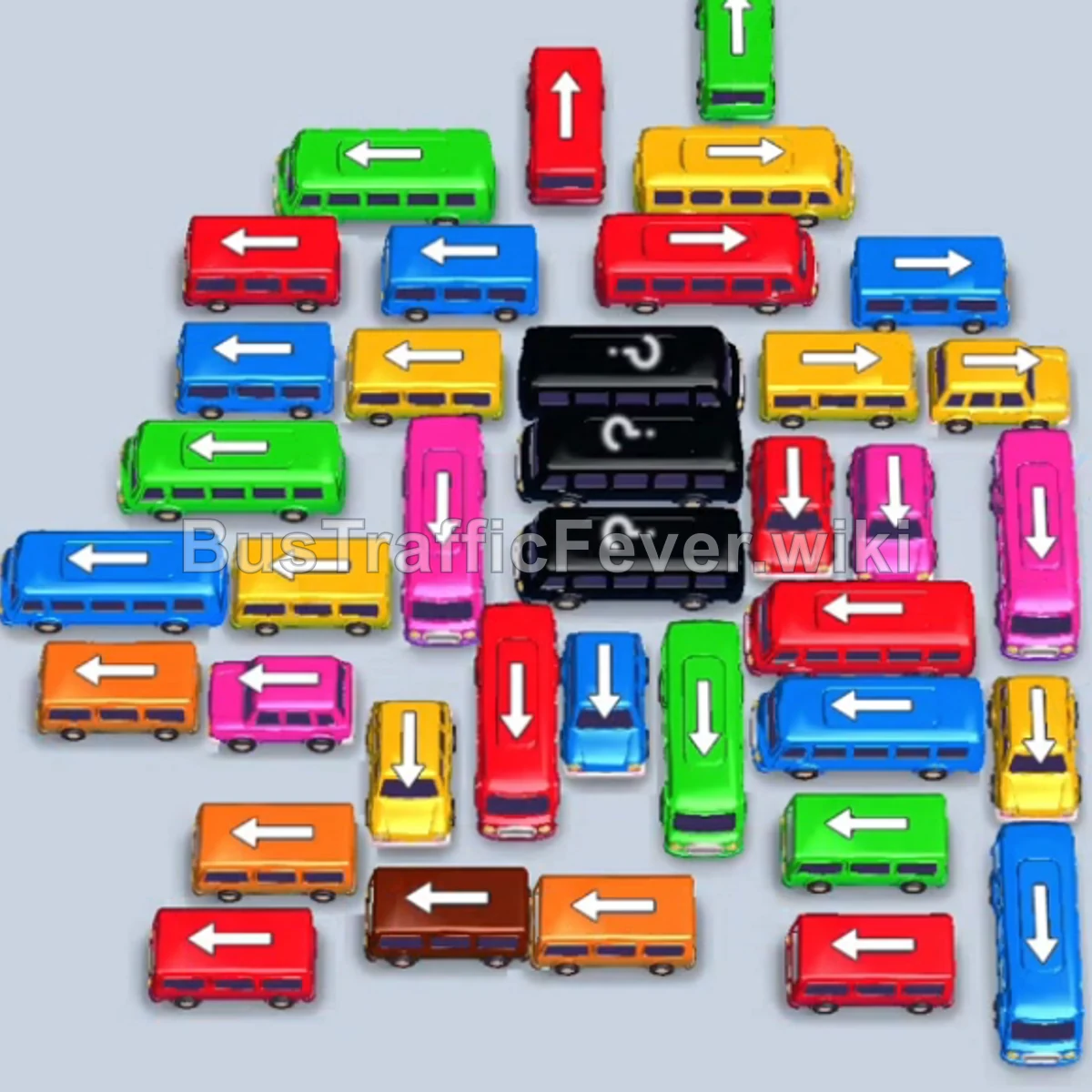
Tap the Red bus on the far left (facing left). It enters parking slot 1 and collects Red passengers. Tap the Orange bus on the bottom left (facing left) to board Orange passengers. Tap the Yellow bus at the top left (facing left) into slot 2 to clear Yellow passengers.
Step-by-step solution
Phase 1: Dismantling the Left Flank & Top-Left Vehicles
- Tap the Red bus on the far left (facing left). It enters parking slot 1 and collects Red passengers.
- Tap the Orange bus on the bottom left (facing left) to board Orange passengers.
- Tap the Yellow bus at the top left (facing left) into slot 2 to clear Yellow passengers.
- Tap the Pink bus on the far left (facing left) into slot 1 to board Pink passengers.
- Tap the Red bus directly below it (facing left) to finish the Red queue.
- Tap the Green bus on the far left (facing left) to clear Green passengers.
- Tap the Blue bus at the top left (facing left) to clear Blue passengers.
- Tap the Orange bus on the upper left (facing left) into parking slot 1.
- Tap the Yellow bus below it (facing left) to board Yellow passengers.
- Tap the Green bus on the middle left (facing left) to board Green passengers.
Phase 2: Clearing the Top Row & Right Wing (Purple, Black, Brown, Teal)
- Tap the Purple bus on the upper left (facing left) to board Purple passengers.
- Tap the Purple bus next to it (facing left) to finish the Purple queue.
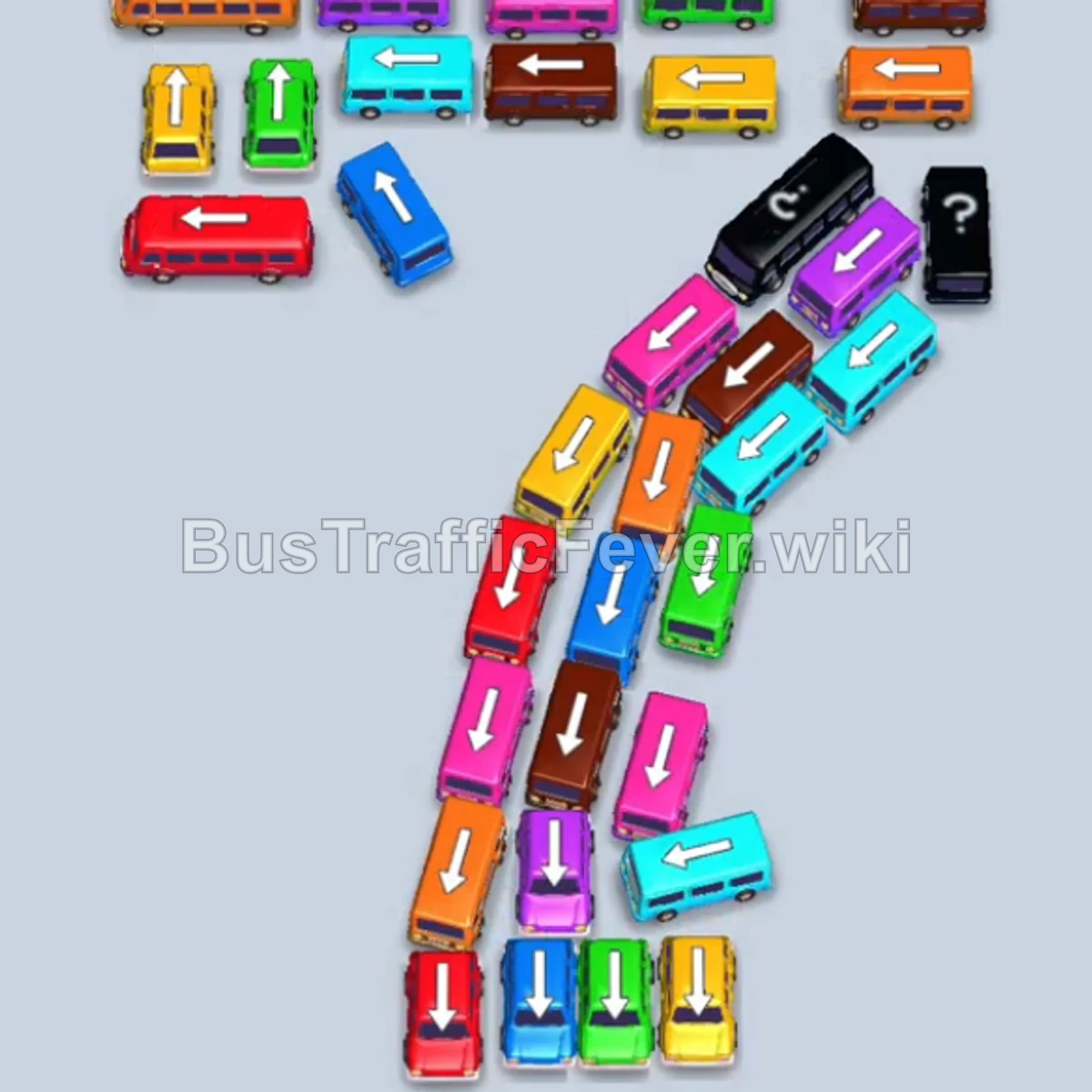
- Tap the Yellow bus at the bottom left (facing down-left) into parking slot 2.
- Tap the Pink bus at the bottom left (facing down-left) into parking slot 3.
- Tap the Pink bus on the bottom diagonal (facing up-right) into slot 4 to board Pink passengers.
- Tap the Black bus on the central diagonal (facing up-right) to board Black passengers.
- Tap the Black bus at the top right (facing right) to clear the Black queue.
- Tap the Brown bus at the top middle (facing right) to board Brown passengers.
- Tap the Brown bus on the top right (facing right) to finish the Brown line.
- Tap the Teal bus on the top right (facing right) to board Teal passengers.
- Tap the Teal bus next to it (facing right) to clear the Teal line.
Phase 3: Unraveling the Diagonals
- Tap the Pink bus on the middle left (facing down-left) to board Pink passengers.
- Tap the Pink bus on the diagonal (facing up-right) to clear the Pink queue.
- Tap the Red bus on the middle left (facing left) to collect Red passengers.
- Tap the Blue bus on the middle left (facing left) to collect Blue passengers.
- Tap the Green bus at the bottom center (facing down) to collect Green passengers.
- Tap the Green bus on the upper left (facing left) to clear the remaining Green line.
- Tap the Orange bus on the bottom left (facing down-left) to board Orange passengers.
- Tap the Brown bus in the middle diagonal (facing down) to board Brown passengers.
Phase 4: Mystery Vehicle & Final Cleanup
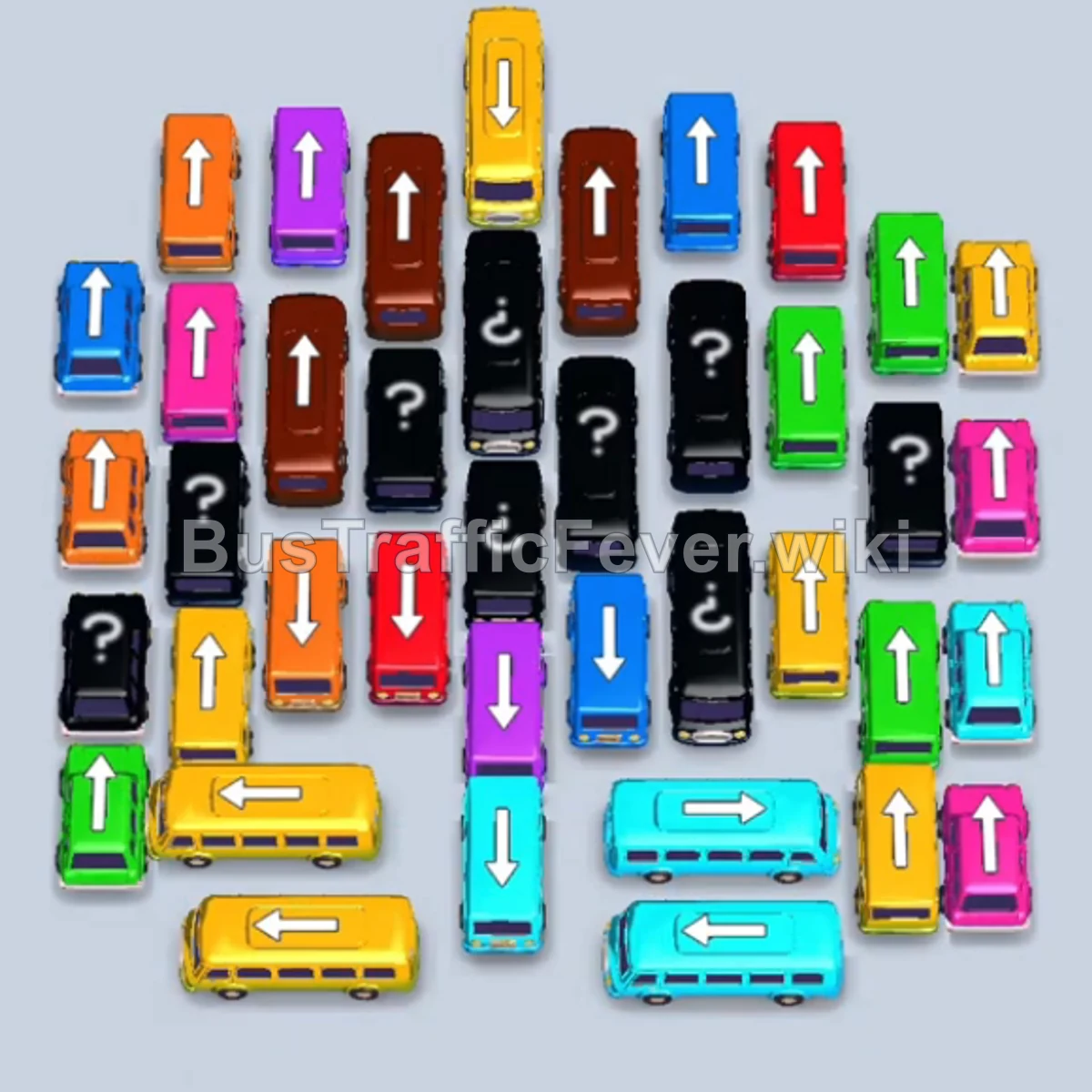
- Tap the Mystery vehicle on the middle right to reveal a Purple bus (facing up).
- Tap the Cyan bus on the far left (facing down-left) into parking slot 1.
- Tap the Cyan bus on the diagonal (facing up-right) to board Cyan passengers.
- Tap the second Cyan bus directly below it (facing up-right) to continue boarding Cyan passengers.
- Tap the Brown bus in the middle diagonal (facing down) to finish the Brown queue.
- Tap the Yellow bus in the lower diagonal (facing down) to finish the Yellow queue.
- Tap the Blue bus on the middle left (facing up-right) to clear Blue passengers.
- Tap the Orange bus on the far left (facing left) to finish the Orange line.
- Tap the Purple bus at the bottom (facing down) to board Purple passengers.
- Tap the revealed Purple bus on the right (facing up) to finish the Purple queue.
- Tap the Cyan bus on the diagonal (facing up-right) to board Cyan passengers.
- Tap the final Cyan bus at the bottom (facing up-right) to complete the level!
Tips for success
- Clear the Left Column Early: The column of left-facing buses and buses on the left edge blocks access into the central spiral structure. Clear them sequentially in the early phase.
- Unlock the Diagonal Spine: The main bottleneck is the downward-slanting diagonal spine of buses. Prioritize moving vehicles pointed to the right or down as soon as their front clearance is open.
- Keep Space for Pair Matches: Notice that vehicles often come in pairs (a bus + a bus of the same color); tap them back-to-back to clear both rapidly and minimize parking slot congestion.
More Bus Traffic Fever help
Continue with the Level 49 walkthrough, review the core rules in how to play Bus Traffic Fever, or browse all level solutions to jump to another number.