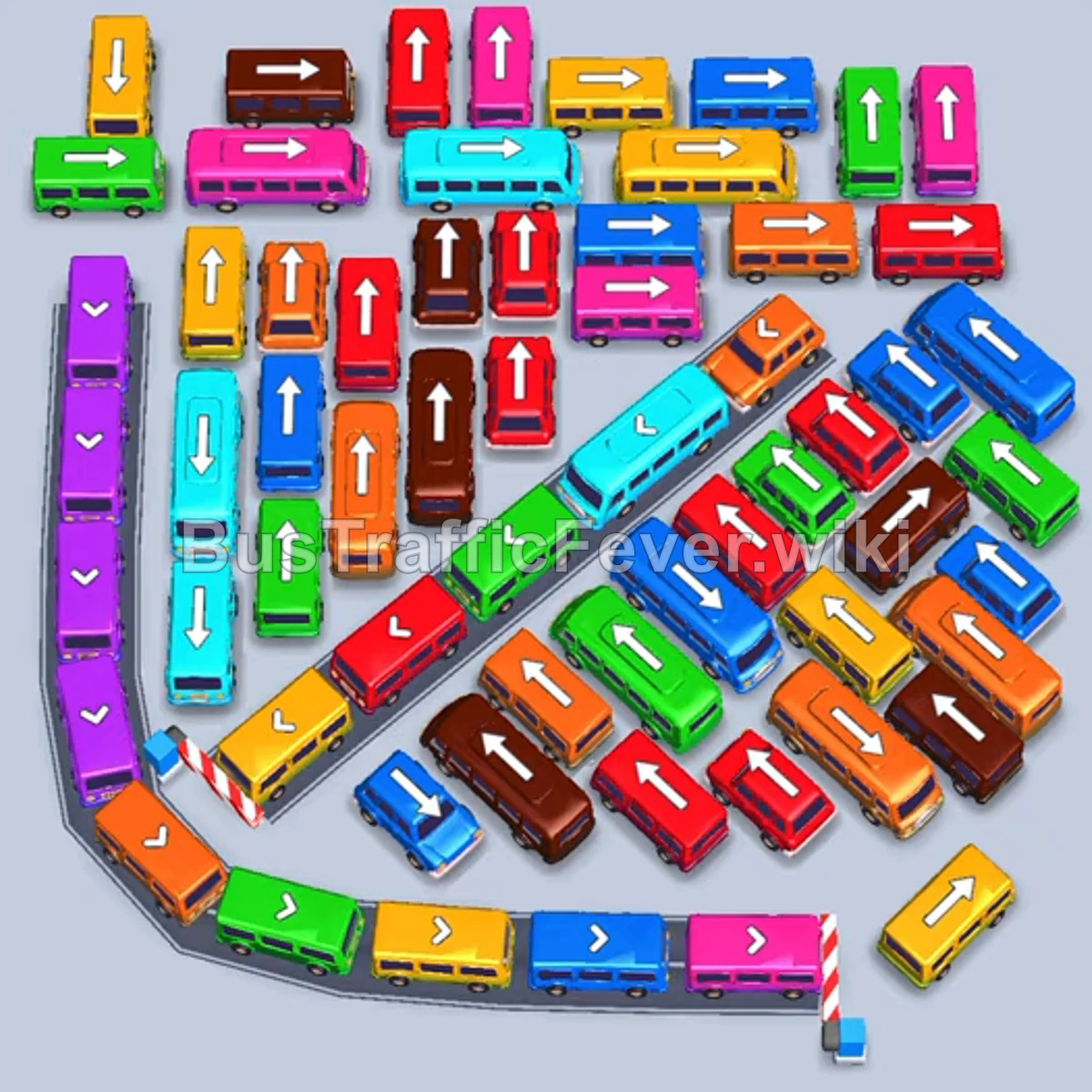
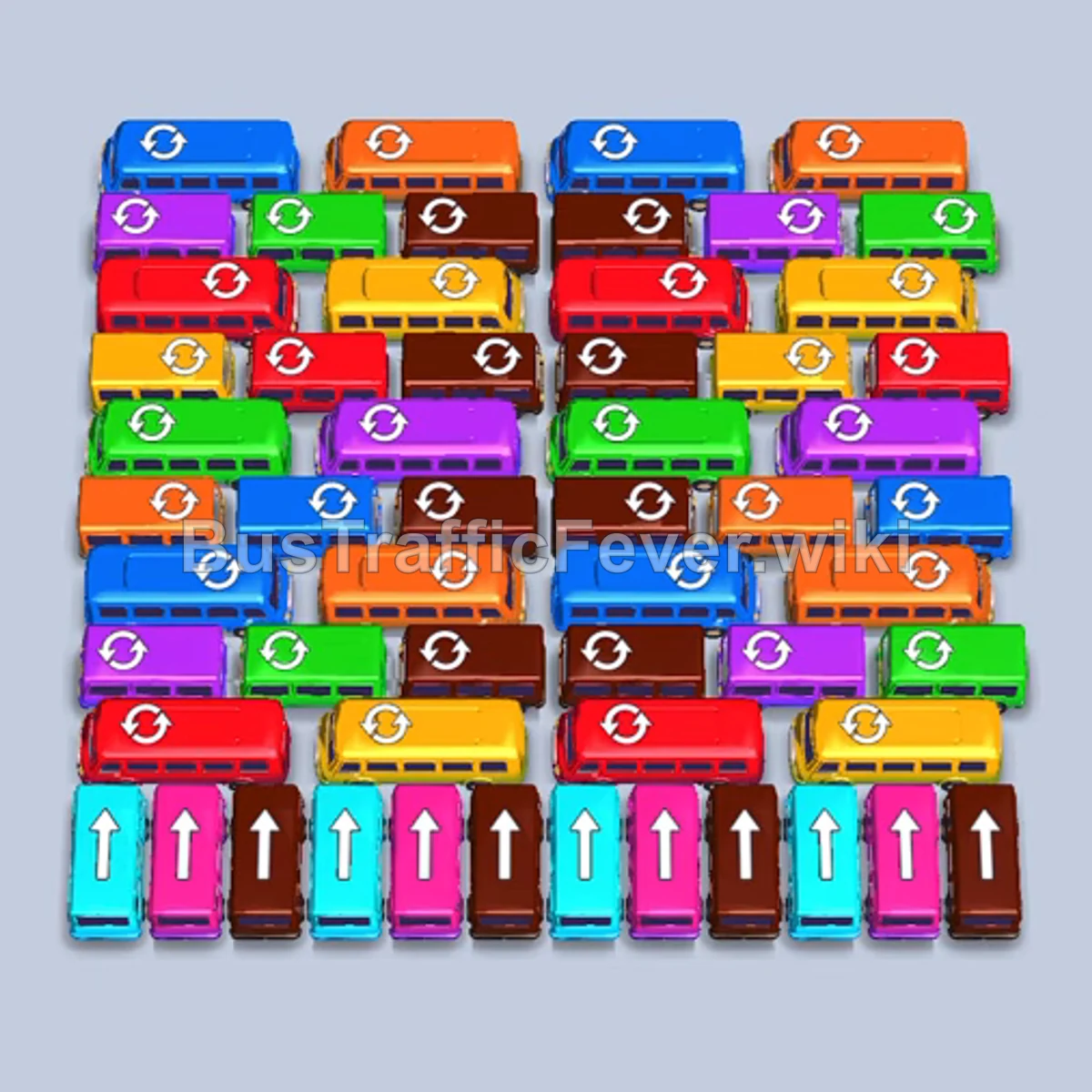
Bus Traffic Fever Level 325 Answer & Walkthrough Solution

Quick answer
Level 325 presents a dense, interlocking grid of horizontal and vertical vehicles beneath a dual-lobed passenger track. The winning strategy relies on clearing unobstructed small buses around the perimeter to open up exit routes, then parking buses that match the active front colors (red, green, dark blue, yellow, and purple) in the five bays. Maintaining at least one open or actively boarding dock space prevents a gridlock while unwrapping the central rows.
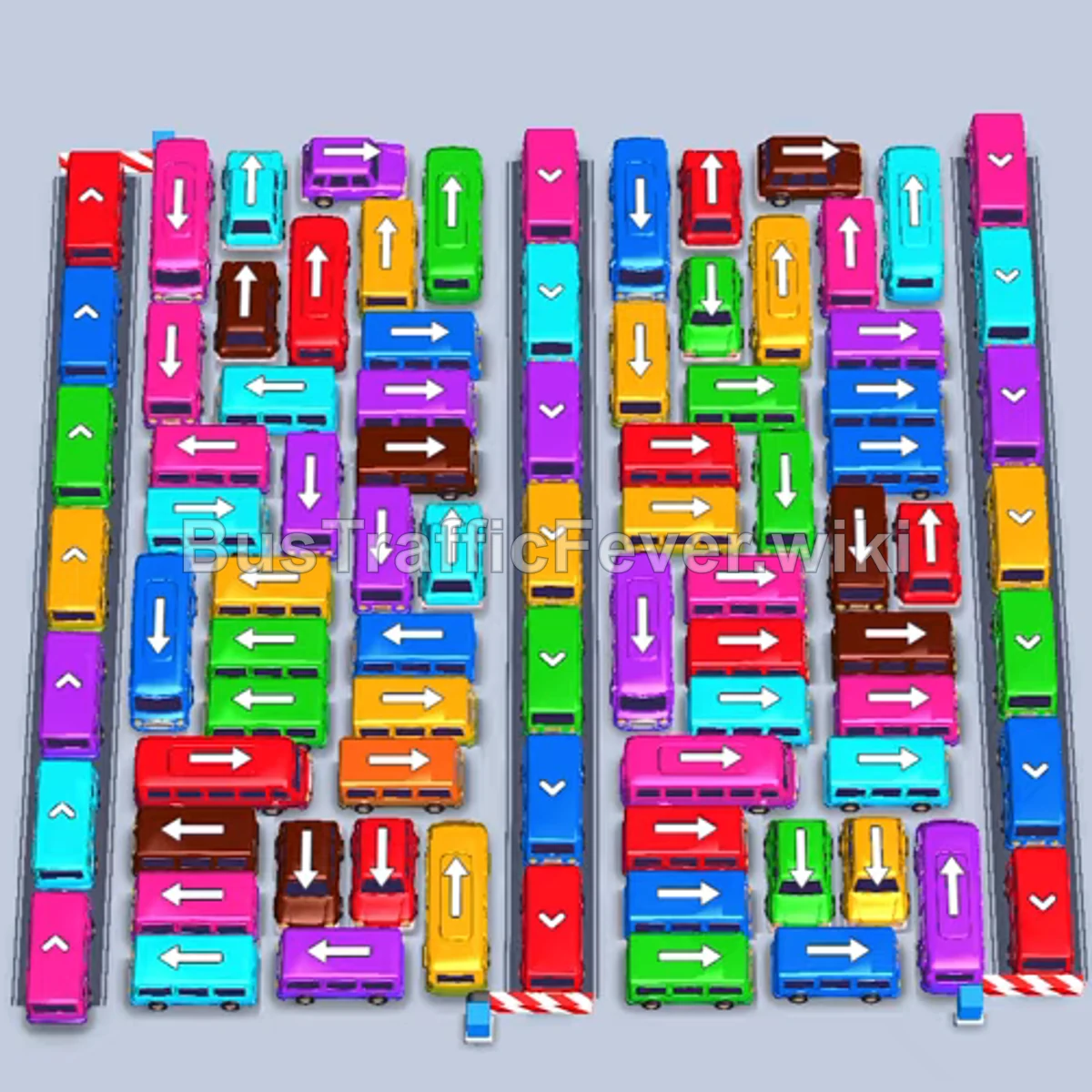
Step-by-step solution
Phase 1: Opening the Perimeter & Initial Boarding
- Tap the vertical red bus on the far upper-right edge pointing down to exit right.
- Tap the vertical red bus in the upper-right section pointing up into the first dock bay.
- Tap the small blue bus on the middle-right edge pointing down to clear the perimeter.
- Tap the vertical dark blue bus in the top-center pointing up into the second bay.
- Tap the vertical green bus in the upper-middle right pointing up into the third bay.
- Tap the horizontal dark blue bus near the lower-right pointing right into the fourth bay.
- As the red bus fills and departs, tap the horizontal red bus near the bottom-center pointing left into the opened bay.
- As green passengers board, tap the horizontal purple bus on the lower-left pointing left into the fifth bay to collect pink/purple passengers.
- Tap the small green bus on the right edge pointing down.
- Once the green bus departs, tap the horizontal dark blue bus in the middle row pointing right into the freed bay.
- Tap the horizontal yellow bus near the upper-center pointing right into the dock as yellow passengers reach the front.
- Tap the vertical cyan bus in the upper-left pointing up into the bay to load cyan passengers.
Phase 2: Clearing the Lower and Center Lanes
- Tap the horizontal red bus in the middle area pointing left into the open bay.
- Tap the small red bus on the lower-right pointing left/right to clear the path.
- Tap the small yellow bus on the bottom-right pointing down to exit.
- Tap the horizontal yellow bus near the bottom pointing right to pick up the remaining yellow passengers.
- Tap the vertical dark blue bus in the lower-left pointing down to enter the dock.
- Tap the horizontal pink bus near the lower-center pointing right into the dock.
- Tap the small green bus on the middle-left pointing down to exit.
- Tap the vertical purple bus in the lower-left pointing down into the dock.
- Tap the horizontal brown bus in the center pointing left into the dock to collect brown passengers.
- Tap the vertical red bus on the upper-left pointing up into the bay.
- Tap the small red bus at the top-left edge pointing up/left to clear the lane.
- Tap the vertical dark blue bus in the top-left area pointing up into the dock.
- Tap the horizontal green bus in the middle pointing right.
- Tap the vertical purple bus in the center pointing up into the bay.
- Tap the horizontal yellow bus in the lower-middle area pointing left into the dock.
- Tap the horizontal brown bus in the lower-middle area pointing left.
- Tap the small brown bus on the right side pointing right to exit.
- Tap the horizontal cyan bus in the center pointing left into the dock.
Phase 3: Emptying the Remaining Grid
- Tap the horizontal pink bus on the right side pointing right to enter the dock and collect pink passengers.
- Tap the vertical green bus on the right pointing up into the bay.
- Tap the horizontal red bus on the left pointing left into the dock.
- Tap the small red bus in the middle-left area pointing left to exit.
- Tap the horizontal dark blue bus in the center pointing right.
- Tap the horizontal purple bus in the lower section pointing left into the dock.
- Tap the small yellow bus on the lower-right pointing down to exit.
- Tap the horizontal yellow bus near the bottom pointing right into the bay.
- Tap the vertical brown bus near the center pointing up into the dock.
- Tap the small green bus on the right pointing down to exit.
- Tap the vertical dark blue bus in the right column pointing up into the bay.
- Tap the horizontal purple bus in the center pointing right into the dock.
- Tap the horizontal cyan bus on the left pointing right into the dock.
- Tap the small cyan bus on the lower-right pointing right to exit.
- Tap the vertical yellow bus at the bottom pointing down to enter the dock and clear the remaining yellow passengers, completing the level.
Tips for success
- Watch both queue tracks: Passengers approach from two distinct loops above. Ensure you only call a bus when its matching color is at or near the front of either loop.
- Prioritize perimeter single-tile buses: Small buses along the outer edges block larger vertical and horizontal buses from sliding out. Tap them immediately when their paths are unobstructed.
- Keep bay turnover high: Never allow all 5 waiting bays to become filled with idle buses of inactive colors; always make sure at least one or two slots are actively boarding to prevent getting stuck.
More Bus Traffic Fever help
Continue with the Level 324 walkthrough, review the core rules in how to play Bus Traffic Fever, or browse all level solutions to jump to another number.