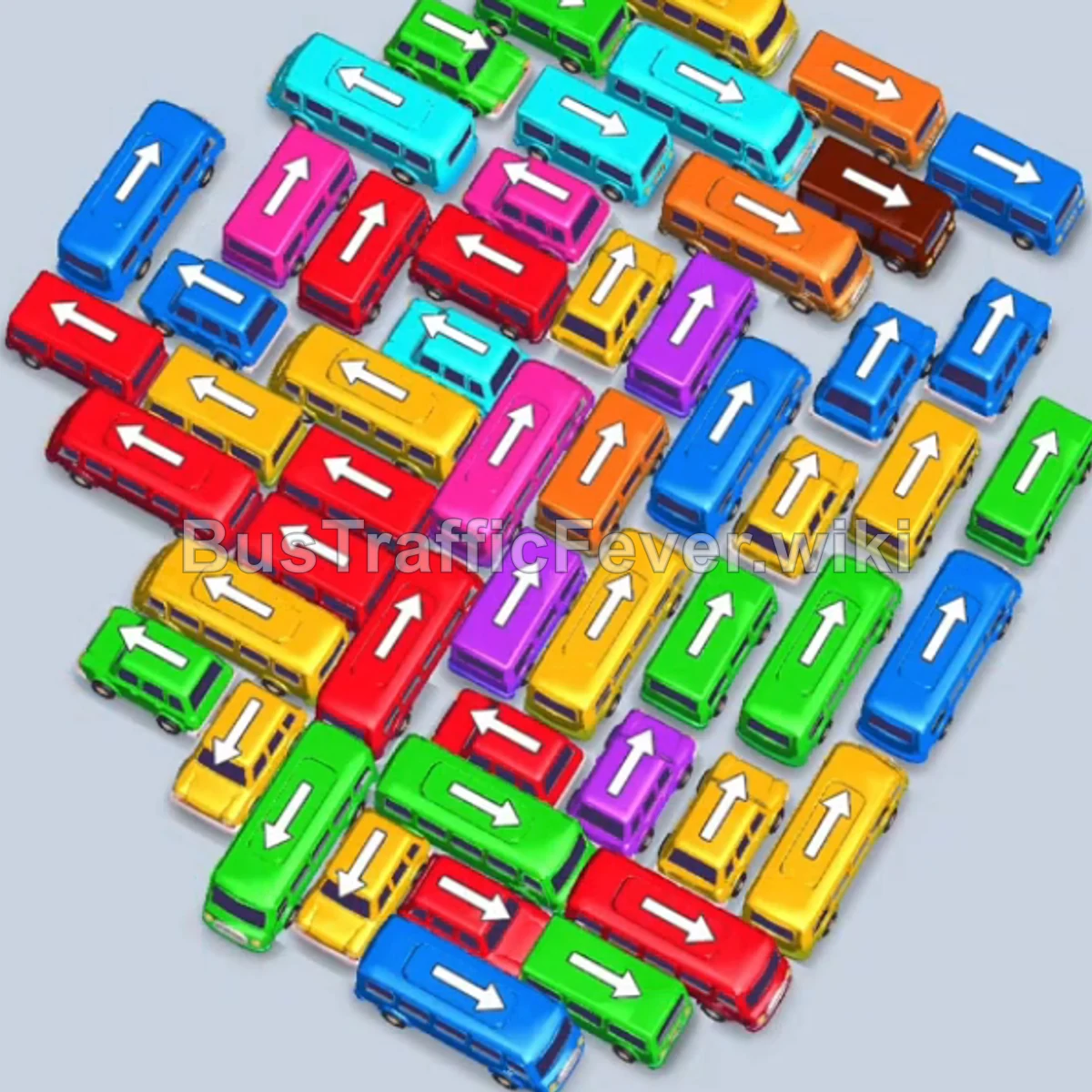
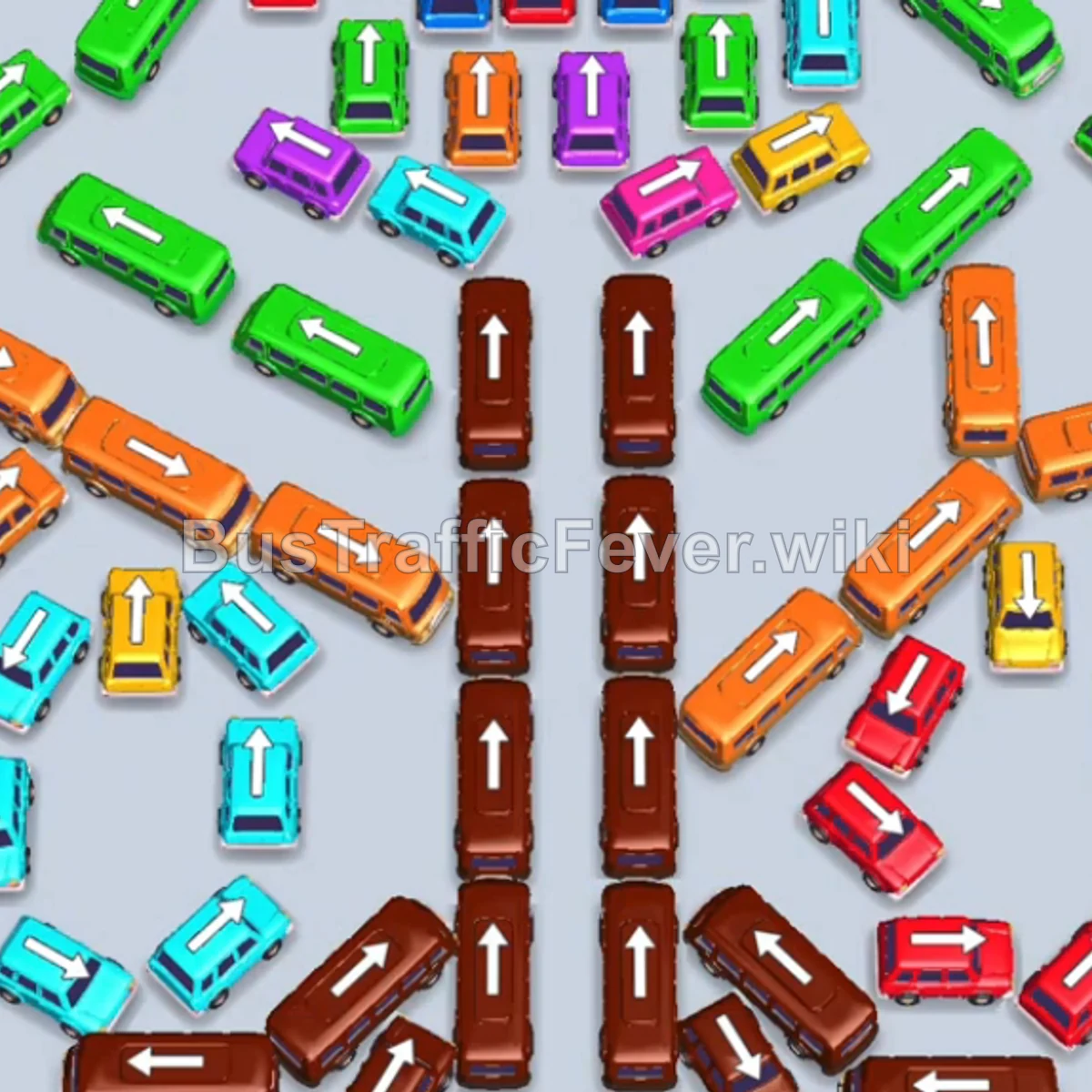
Bus Traffic Fever Level 47 Answer & Walkthrough Solution

Quick answer
Tap the Red bus on the upper right (facing down-right). It moves into parking slot 1 to begin picking up Red passengers. Tap the Red bus on the middle right (facing down) to finish picking up the remaining Red passengers.
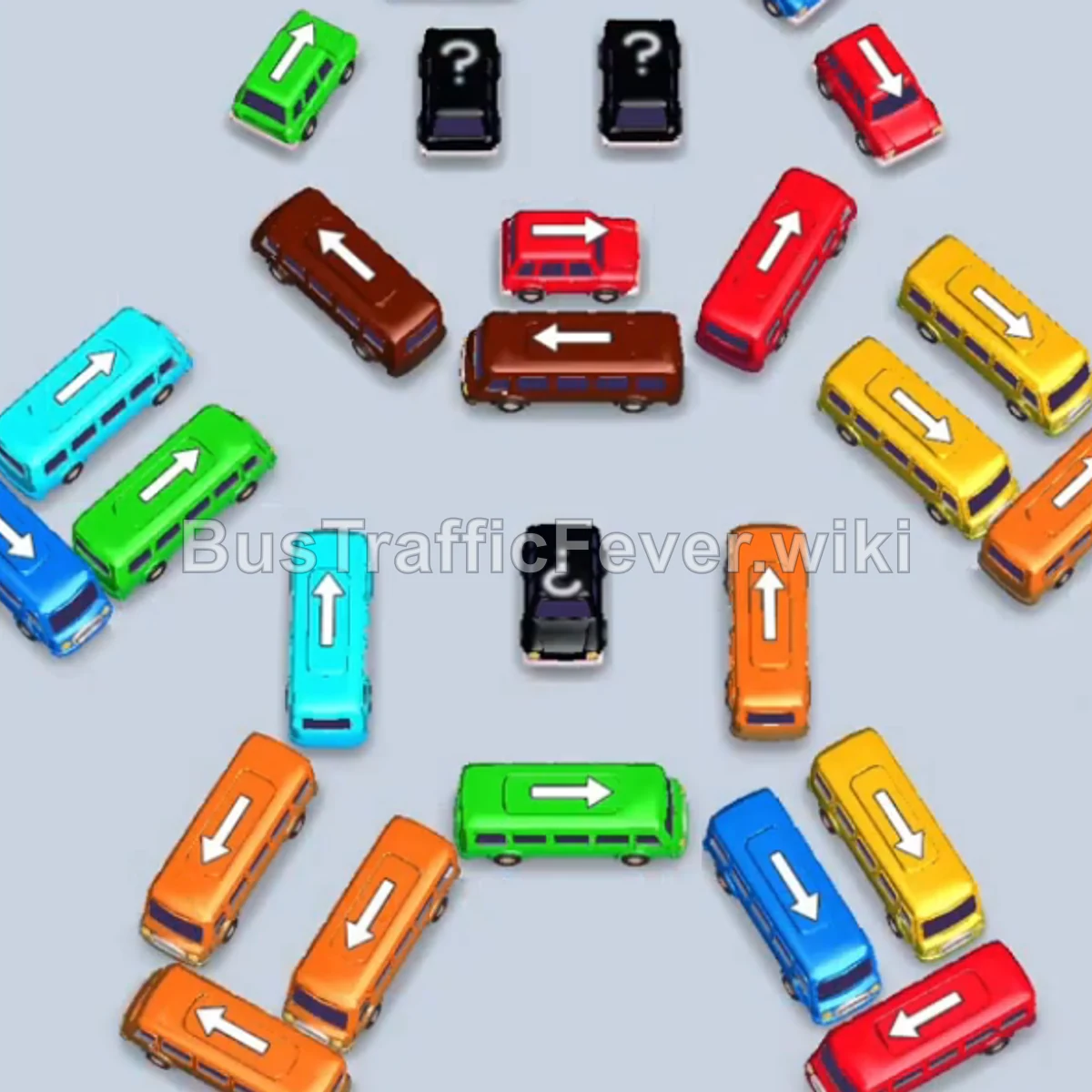
Step-by-step solution
Phase 1: Clearing Outer Vehicles & Initial Queue
- Tap the Red bus on the upper right (facing down-right). It moves into parking slot 1 to begin picking up Red passengers.
- Tap the Red bus on the middle right (facing down) to finish picking up the remaining Red passengers.
- Tap the Orange bus on the lower right (facing right). It enters a parking slot to pick up the Orange queue.
- Tap the Blue bus on the lower left (facing down-left) to clear the first group of Blue passengers.
- Tap the Yellow bus on the bottom right (facing right) to collect the Yellow passenger line.
Phase 2: Unblocking the Inner Group & Mystery Vehicles
- Tap the Yellow bus on the outer right (facing up-right) to continue boarding Yellow passengers.
- Tap the Red bus on the inner upper-right (facing down-right) to park and pick up Red passengers.
- Tap the Blue bus at the upper center to clear the next Blue passengers.
- Tap the Green bus at the top (facing left) into an empty parking slot.
- Tap the Blue bus in the upper-middle area (facing up-right) to finish the Blue queue.
- Tap the Green bus at the bottom (facing left) into a slot to board the Green queue.
- Tap the Pink bus revealed at the center (facing left) to collect the Pink passenger line.
- Tap the Green bus at the top (facing right) to park and board Green passengers.
- Tap the Green bus at the upper-left (facing up-left).
- Tap the Green bus at the center-left (facing up) to clear the remaining Green passengers.
Phase 3: Navigating Mid-Level Bottlenecks
- Tap the Brown bus in the center (facing left) to park in reserve.
- Tap the Yellow bus near the top (facing up).
- Tap the Cyan bus on the middle left (facing up-right) to pick up Cyan passengers.
- Tap the Red bus at the center (facing down-left) to board the Red passengers.
- Tap the Red bus on the lower right (facing up-right) to finish the Red passenger queue.
- Tap the Red bus at the bottom right (facing down-right) to exit the field.
- Tap the Yellow bus in the center (facing up) to board the remaining Yellow passengers.
Phase 4: Final Sequence and Cleanup
- Tap the Green bus at the top right (facing up-right).
- Tap the Cyan bus on the lower left (facing down-left) to clear the Cyan line.
- Tap the Yellow bus on the bottom right (facing up) to pick up the Yellow queue.
- Tap the Brown bus at the top center (facing left) to clear the Brown passenger line.
- Tap the Orange bus on the bottom-left diagonal (facing down-left) into a parking slot.
- Tap the Red bus on the center-left (facing up-left).
- Tap the Orange bus on the lower right (facing up) to collect the next Orange queue.
- Tap the Blue bus on the bottom left (facing down-left) to board the final Blue passengers.
- Tap the last Orange bus at the bottom to pick up the final Orange passengers and complete the level!
Tips for success
- Observe the Passenger Queue: Constantly check the color flow in the overhead passenger line so you tap the matching colored vehicle before running out of parking space.
- Manage Slot Space: Keep at least 1–2 parking slots free so you can move blocking vehicles out of the way to uncover mystery boxes.
- Prioritize Freeing Blocked Exits: Target vehicles whose arrows point toward open exits to clear space for the central trapped vehicles.
More Bus Traffic Fever help
Continue with the Level 46 walkthrough, review the core rules in how to play Bus Traffic Fever, or browse all level solutions to jump to another number.