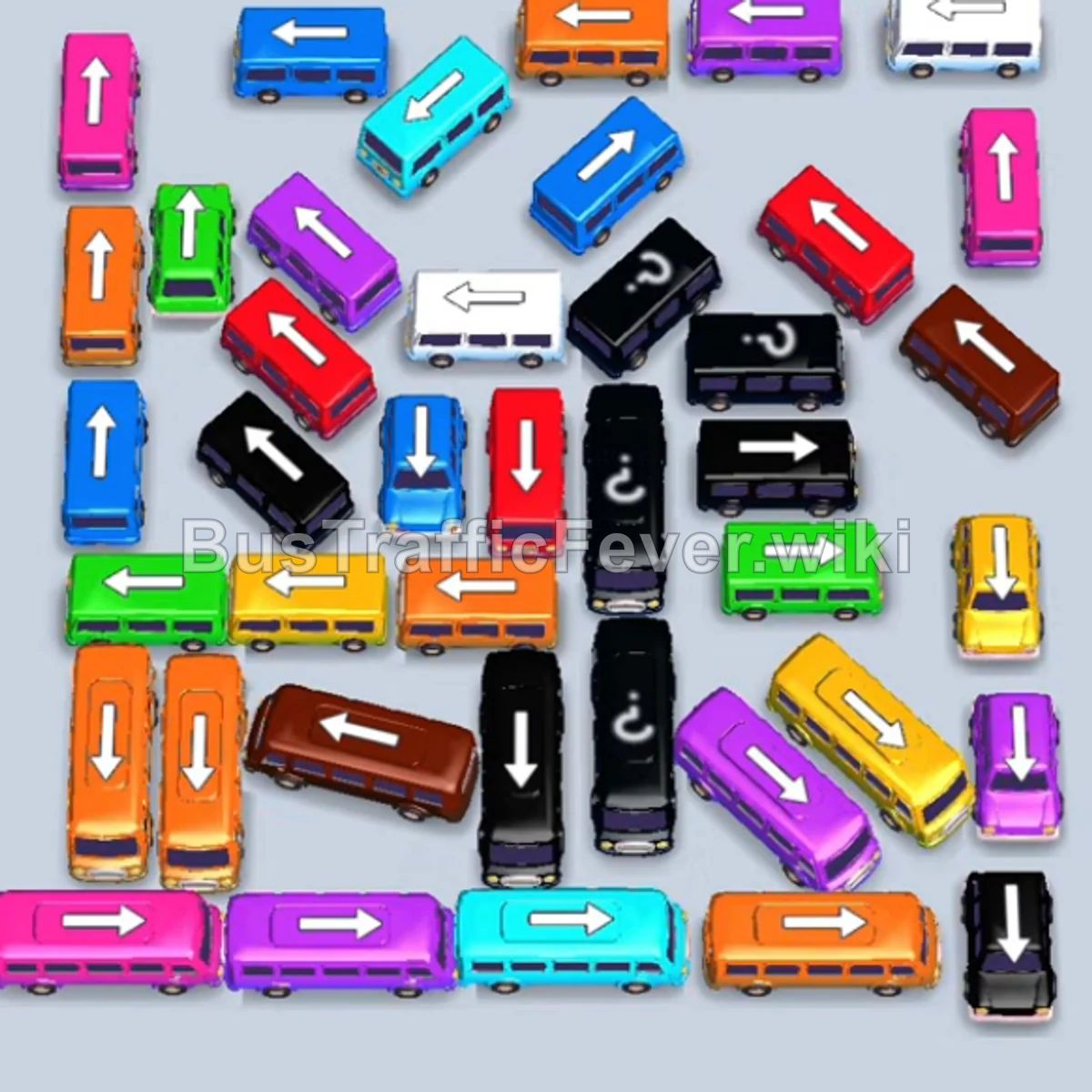
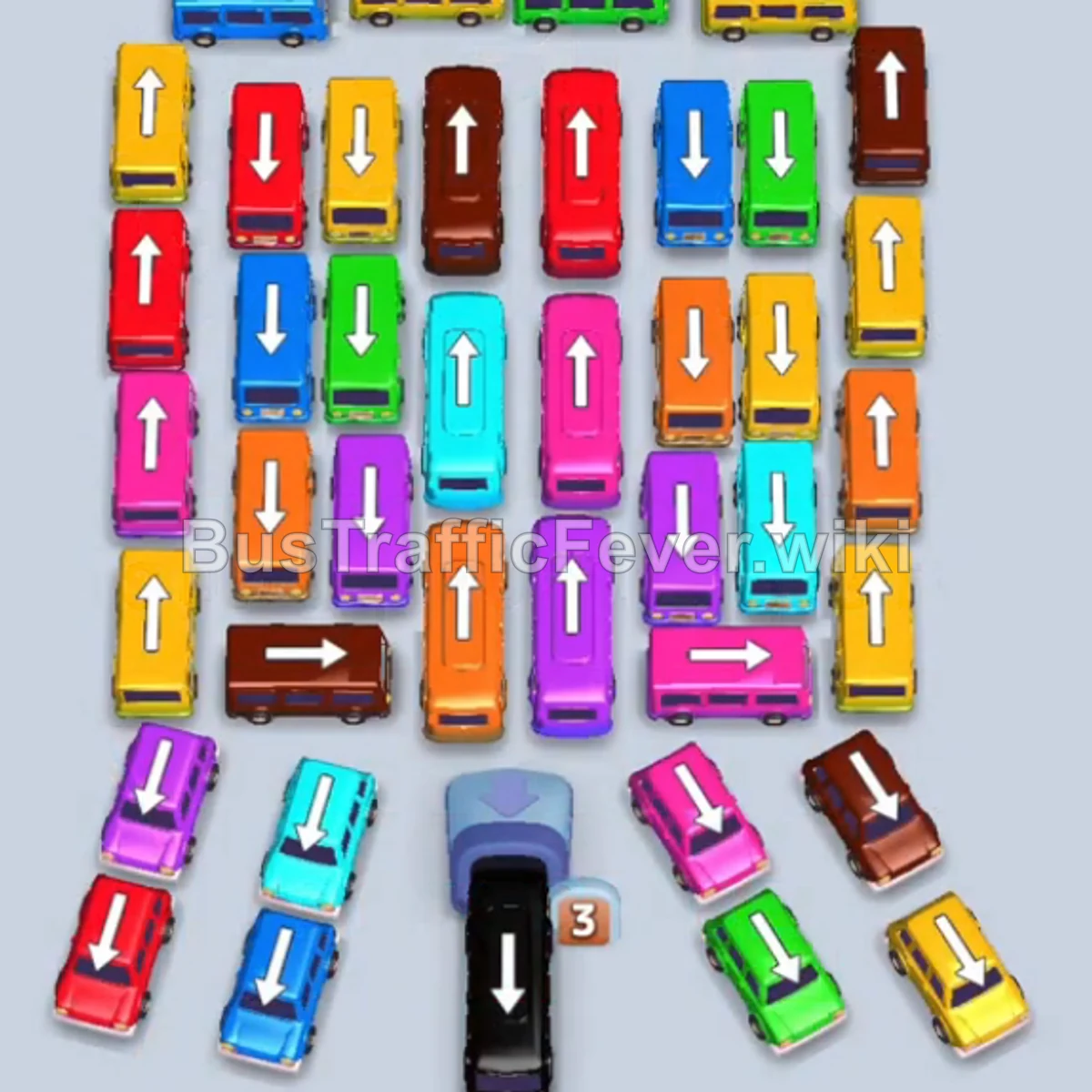
Bus Traffic Fever Level 59 Answer & Walkthrough Solution

Quick answer
Level 59 is a dense, multi-phase board. Follow the phased order below, from “Clearing the Top Perimeter & Left Wing” through to “Final Rush and Cleanup”. Stick to the exact order below rather than tapping whichever bus looks free, since one wrong move can gridlock the board.
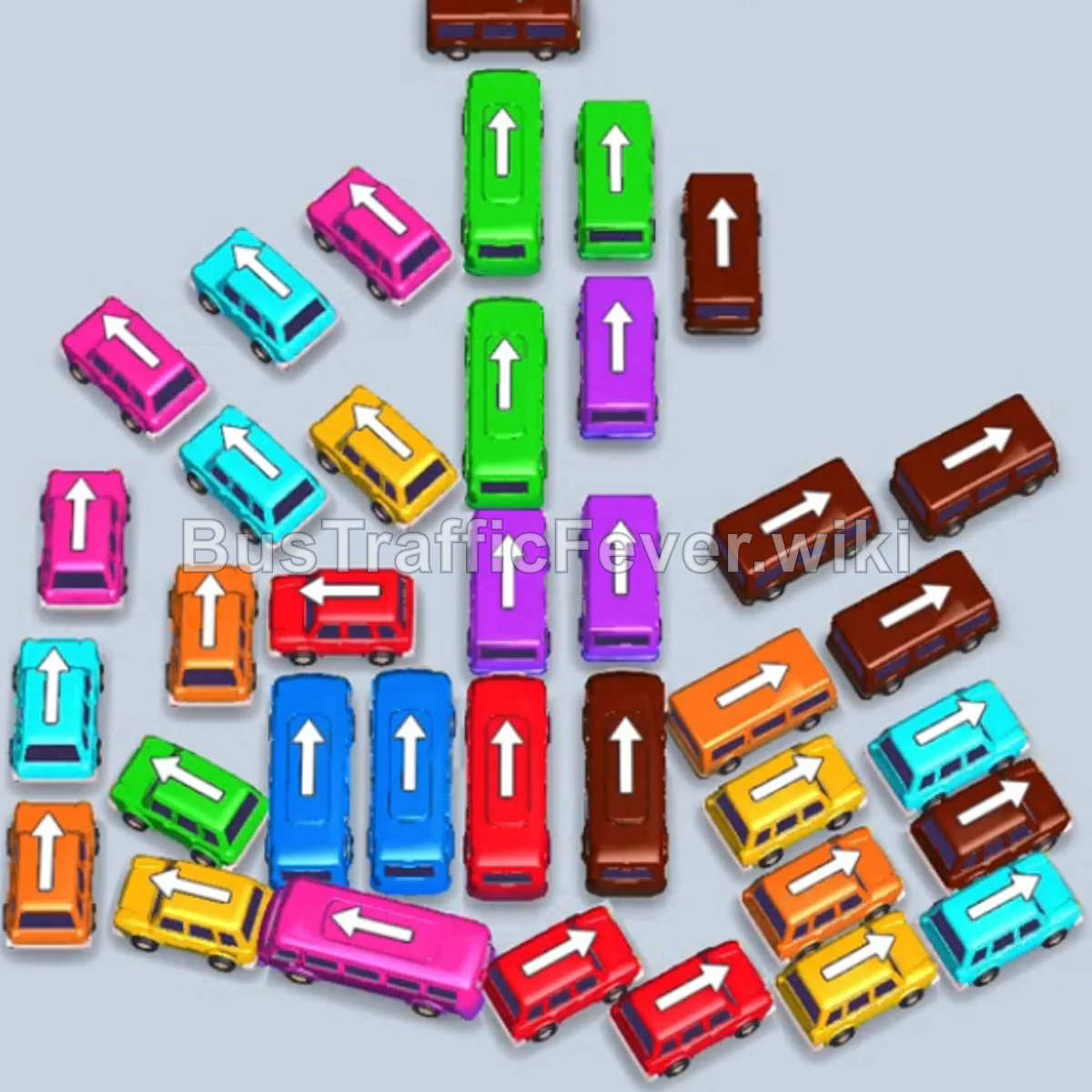
Step-by-step solution
Phase 1: Clearing the Top Perimeter & Left Wing
- Tap the Brown bus facing left at the very top. Brown passengers will board and it will depart immediately.
- Tap the second Brown bus facing left directly below the first one to clear the rest of the brown group.
- Tap the Pink bus facing right on the upper-left side. Pink passengers will board and clear.
- Tap the Cyan bus facing right on the upper-left side to pick up cyan passengers and depart.
- Tap the Cyan bus facing down on the far left edge to clear the next cyan wave.
- Tap the Orange bus facing left on the lower-left side to clear the orange passengers.
- Tap the Orange bus facing left in the middle-left area to pick up the remaining orange passengers.
Phase 2: Opening the Center & Managing the Queue
- Tap the Pink bus facing left in the upper-middle left area into parking slot 1.
- Tap the Pink bus facing left in the middle-left area into slot 2. Both pink buses will fill with pink passengers and depart.
- Tap the Green bus facing up at the top center to board green passengers and depart.
- Tap the Yellow bus facing left in the lower-middle left section to clear yellow passengers.
- Tap the Cyan bus facing right in the middle-left into slot 1 (it will wait for cyan passengers).
- Tap the Yellow bus facing left at the bottom left. Yellow passengers will board and it will depart.
Phase 3: Clearing the Right Wing Flank
- Tap the Brown bus facing left on the middle-right side into slot 2.
- Tap the Brown bus facing right on the middle-right side into slot 3.
- Tap the Brown bus facing left near the top-right into slot 4. All three brown vehicles will fill with brown passengers and depart.
- Tap the Green bus facing up in the upper center into slot 2.
- Tap the Purple bus facing up in the center-right into slot 3.
- Tap the adjacent Purple bus facing up into slot 4. Purple passengers will board and clear both buses.
- Tap the Purple bus facing left in the lower center. Purple passengers will board and depart.
- Tap the Brown bus facing up in the middle-right. Brown passengers will board and depart.
- The Cyan bus waiting in slot 1 will now automatically fill with cyan passengers and depart.
Phase 4: Dismantling the Central Column
- Tap the Cyan bus facing down on the far left edge. Cyan passengers will board and clear.
- Tap the Orange bus facing right on the lower left into slot 1 (it will hold the slot temporarily).
- Tap the Red bus facing left in the lower middle into slot 2.
- Tap the Green bus facing left at the bottom left into slot 3.
- Red and Green passengers will board their respective buses and depart.
- Tap the Blue bus facing up in the center column. Blue passengers will board and depart.
- Tap the second Blue bus facing up directly behind it. Blue passengers will board and depart.
- Tap the Cyan bus facing left in the lower area to clear the cyan passengers.
- Tap the Yellow bus facing right at the bottom right. Yellow passengers will board and depart.
- Tap the Green bus facing up in the center column. Green passengers will board and depart.
- Tap the Red bus facing left in the center column. Red passengers will board and depart.
- The Orange bus holding slot 1 will now board the orange passengers and depart.
Phase 5: Final Rush and Cleanup
- Tap the Yellow bus facing left at the lower right into slot 1.
- Tap the Orange bus facing right at the bottom right into slot 2.
- Tap the Pink bus facing left at the bottom into slot 3.
- Tap the Purple bus facing up in the remaining vertical column into slot 4.
- Yellow, Orange, Pink, and Purple passengers will rapidly board and clear their vehicles.
- Tap the Red bus facing up in the center column into slot 3.
- Tap the final Red bus facing left at the bottom right into slot 4.
- All remaining red passengers will board, clearing the entire board and completing Level 59!
Tips for success
- Identify Blocked Paths Early: The center vertical column blocks several large buses. Clear out the side wings (left and right flanks) first so the central line has an open path out.
- Smart Staging: Don’t hesitate to place a vehicle (like the Orange or Cyan buses) into a parking slot early if it opens up a critical pathway for the current passenger color.
- Watch Vehicle Orientations: Always check the arrows on the vehicles; clearing outer vehicles facing outward first avoids accidental gridlock.
More Bus Traffic Fever help
Continue with the Level 58 walkthrough, review the core rules in how to play Bus Traffic Fever, or browse all level solutions to jump to another number.