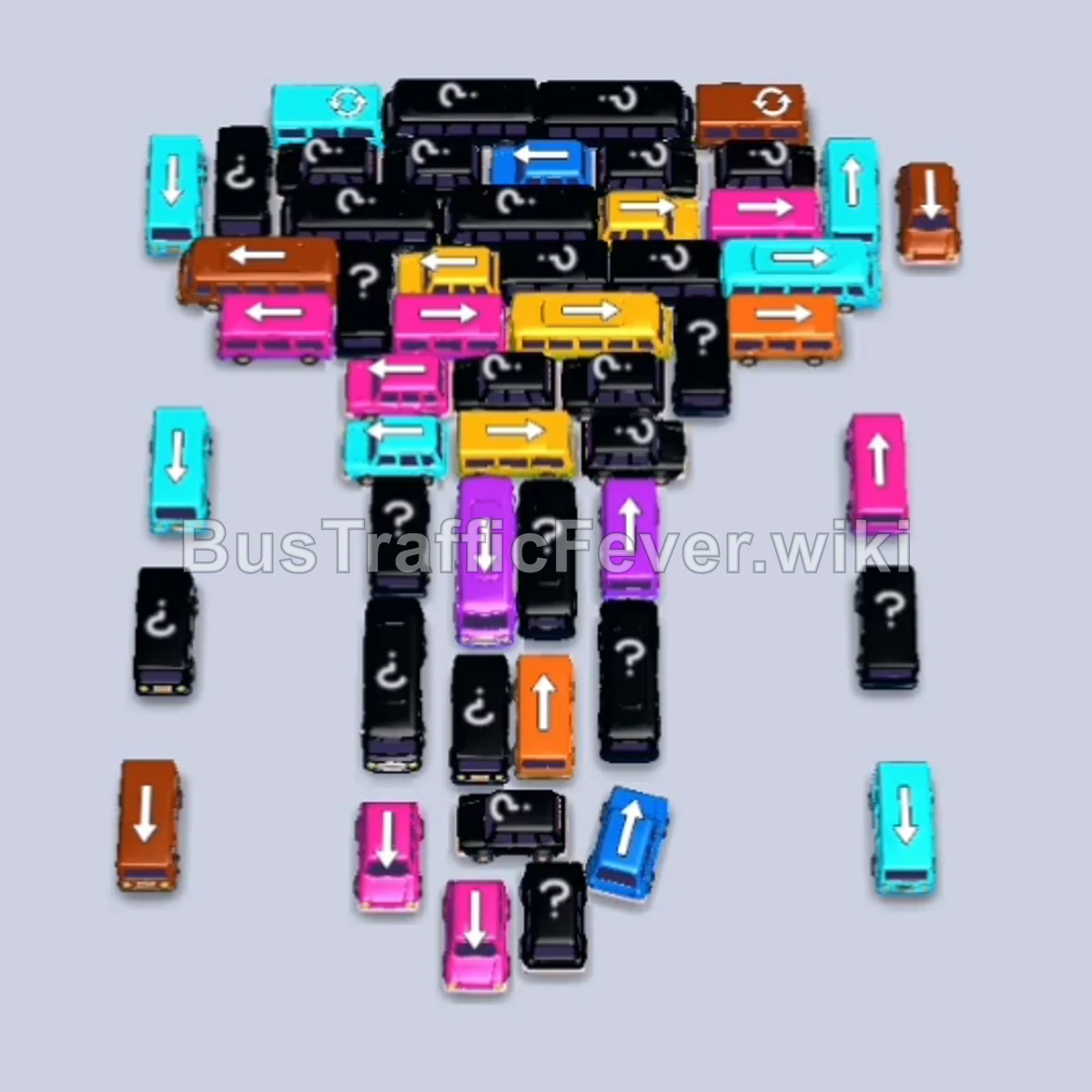
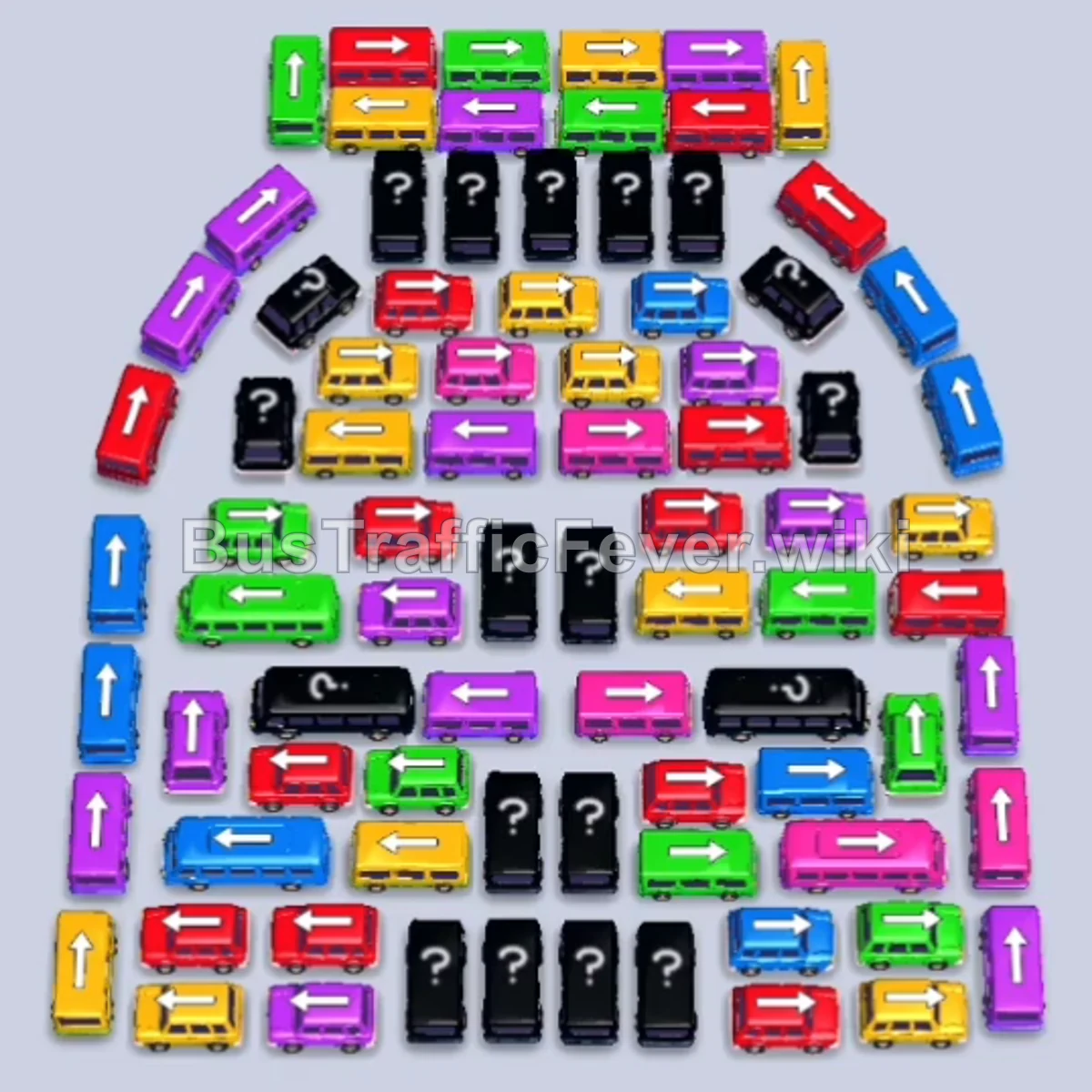
Bus Traffic Fever Level 236 Answer & Walkthrough Solution

Quick answer
To beat Level 236, systematically dispatch outer vehicles whose paths are open while keeping a close eye on the front of the passenger line. Avoid overcrowding your five standard parking slots by only sending vehicles whose passengers can board immediately or vehicles that open up crucial paths to matching colors.
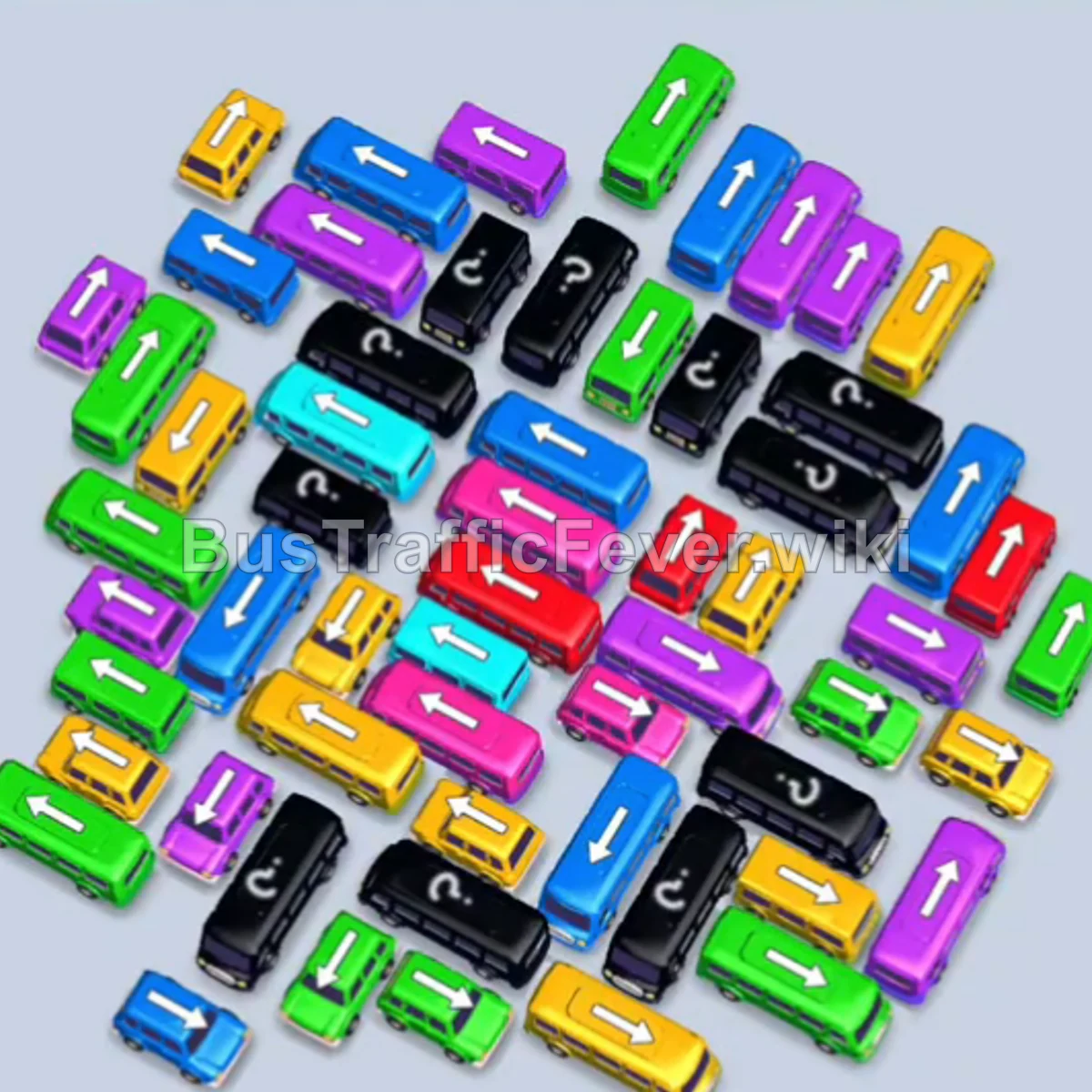
Step-by-step solution
Phase 1: Clearing the Outer Edges & Initial Passenger Matching
- Tap the Blue bus facing left at the top-left edge of the lot to start boarding the initial blue passengers.
- Tap the Red bus on the far right edge to clear room along the perimeter.
- Tap the Green bus facing right along the upper edge; both red and green passengers board, clearing the green and blue buses.
- Tap the Cyan bus facing left near the upper-left cluster to collect incoming cyan passengers.
- Tap the Green bus facing left near the top center into a slot.
- Tap the Purple bus facing left near the upper section to clear the way.
- Tap the Cyan bus pointing upward on the upper-right side to board the remaining cyan passengers.
- Tap the Yellow bus facing right near the top to pick up yellow passengers and clear out the green passengers behind them.
Phase 2: Loosening the Grid & Middle Clearing
- Tap the Purple bus facing left at the top edge.
- Tap the Yellow bus facing downward on the middle-left side.
- Tap the Blue bus facing left along the far left edge.
- Tap the Green bus pointing downward near the lower-middle edge to free up surrounding vehicles.
- Tap the Purple bus facing right on the upper-left edge.
- Tap the Pink bus facing right in the upper-middle cluster to begin clearing pink passengers.
- Tap the Blue bus pointing left in the upper-left quadrant to collect blue passengers.
- Tap the Green bus pointing downward on the far left.
- Tap the Purple bus facing downward in the upper-center cluster.
- Tap the Cyan bus pointing upward along the right side to pick up the cyan passenger queue.
Phase 3: Untangling Mid-Board Congestion
- Tap the Pink bus pointing downward near the top-middle.
- Tap the Green bus facing right on the far left side.
- Tap the Yellow bus pointing upward in the middle section.
- Tap the Purple bus facing left in the upper area to absorb purple passengers.
- Tap the Green bus facing up-left near the upper cluster.
- Tap the Yellow bus pointing downward on the left perimeter.
- Tap the Cyan bus facing right near the left side to finish off remaining cyan passengers.
- Tap the Green bus facing right along the far left.
- Tap the Purple bus facing right in the upper section to load the purple queue.
- Tap the Green bus pointing upward on the far right edge.
Phase 4: Final Sequence and Cleanup
- Tap the Yellow bus pointing downward in the upper center.
- Tap the Red bus facing left in the middle.
- Tap the next Red bus facing left right behind it to board the incoming red passengers.
- Tap the Yellow bus facing upward on the left side to collect yellow passengers.
- Tap the Green bus pointing downward at the top of the remaining cluster.
- Tap the Yellow bus facing down-left in the middle cluster.
- Tap the Pink bus facing left at the top edge of the remaining vehicles.
- Tap the Green bus facing downward on the left side.
- Tap the Yellow bus pointing downward along the upper edge.
- Tap the Green bus pointing downward in the center.
- Tap the Blue bus facing down-left to board the next blue passengers.
- Tap the Purple bus facing right on the right side.
- Tap the Yellow bus facing down-left.
- Tap the Blue bus facing down-left to pick up blue passengers.
- Tap the Red bus facing left to collect the remaining red passengers.
- Tap the Yellow bus pointing right.
- Tap the Yellow bus pointing upward to clear the yellow line.
- Tap the Green bus facing right to clear the green passengers.
- Tap the Purple bus facing up-right.
- Tap the Yellow bus pointing down-left.
- Tap the Red bus pointing downward.
- Tap the Purple bus facing right to board the large purple queue.
- Tap the Yellow bus pointing upward.
- Tap the Blue bus pointing up-right to load the final blue passengers.
- Tap the final Purple bus facing left to collect the last purple passengers and achieve a Perfect! clear.
Tips for success
- Track the Queue Direction: Passengers move along the dual loop at the top toward the front stops; check which color will arrive next so you don’t park vehicles that block your slots.
- Prioritize Unblocking Over Parking: If an unblocked vehicle isn’t the color at the front of the line, only move it into a slot if it frees up one or more vehicles that match upcoming passenger colors.
- Keep at Least Two Slots Open: Filling 4 or 5 slots with non-matching vehicles causes an immediate gridlock and leaves no room to maneuver blocked vehicles out.
More Bus Traffic Fever help
Continue with the Level 235 walkthrough, review the core rules in how to play Bus Traffic Fever, or browse all level solutions to jump to another number.