Bus Traffic Fever Level 117 Answer & Walkthrough Solution

Quick answer
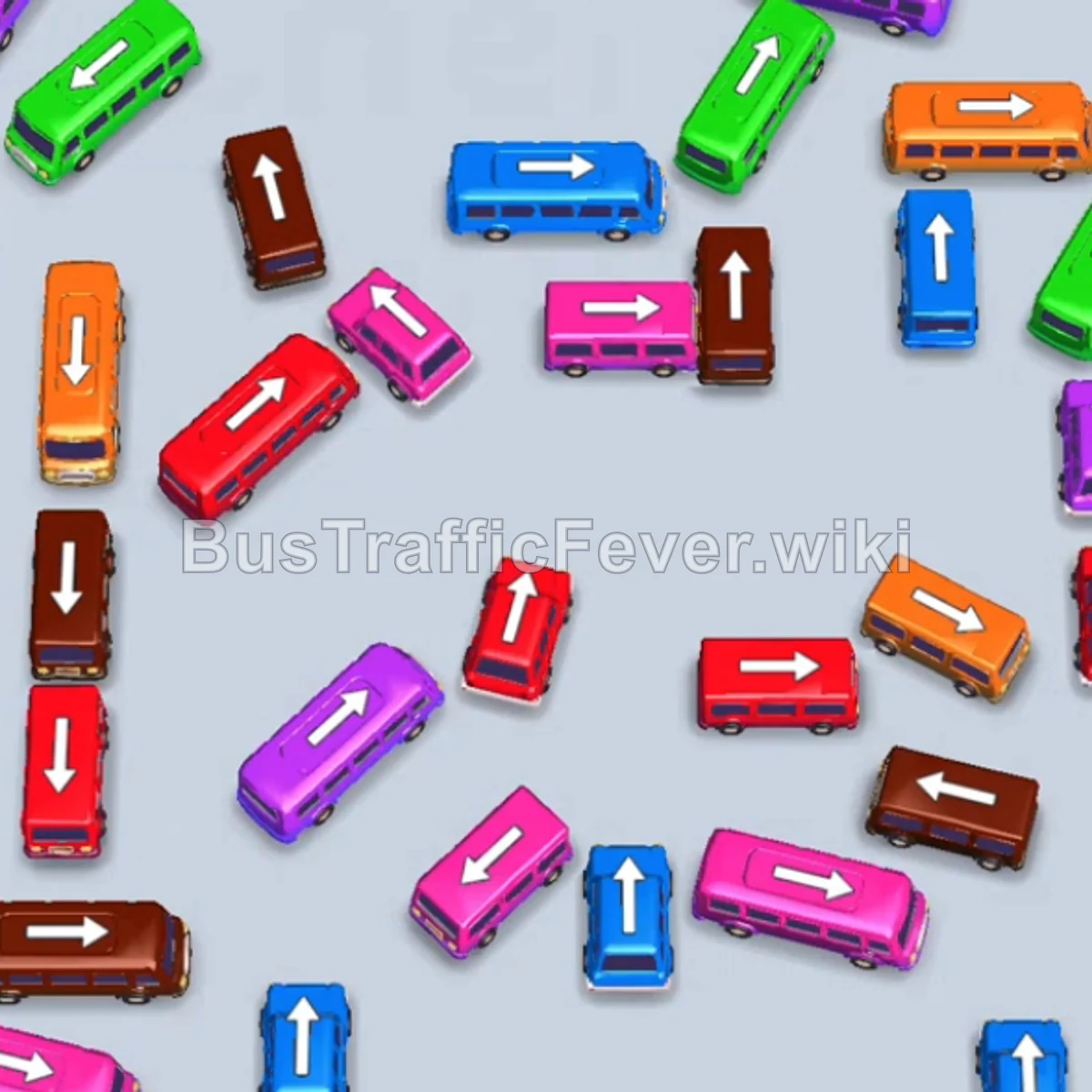
Tap the Purple bus on the bottom left. It moves to the first VIP slot on the left. Tap the Green bus on the upper-right side of the left cluster. Green passengers begin boarding. Tap the Orange bus on the upper-middle right.
Step-by-step solution
Phase 1: Opening Moves & Unblocking Upper Rows
- Tap the Purple bus on the bottom left. It moves to the first VIP slot on the left.
- Tap the Green bus on the upper-right side of the left cluster. Green passengers begin boarding.
- Tap the Orange bus on the upper-middle right. Orange passengers start boarding.
- The Purple bus in the VIP slot finishes loading and drives off.
- Tap the Green bus in the upper-left cluster to take the open VIP slot.
- Tap the Orange bus in the middle row to help clear orange passengers.
- Tap the Blue bus in the top center row. Blue passengers begin boarding.
- The Orange bus in the parking slot finishes loading and departs.
Phase 2: Clearing Early Passenger Waves & Small Buses
- Tap the small Purple bus on the far right. Purple passengers board and it clears.
- Tap the Pink bus at the bottom left into the open VIP slot. Pink passengers board and it departs.
- Tap the small Red bus on the far right edge. Red passengers board and it drives off.
- The parked Green bus in the VIP slot finishes loading and leaves.
- Tap the Green bus on the upper left into the VIP slot.
- Tap the small Brown bus in the upper-center row. Brown passengers begin boarding.
- Tap the small Pink bus in the middle row. Pink passengers board and it clears.
- Tap the Blue bus in the top-middle area. Blue passengers begin boarding.
- Tap the small Red bus on the lower-right side. Red passengers board and it departs.
- Tap the Purple bus on the middle-right side. Purple passengers board and it drives off.
Phase 3: Managing Middle Traffic & Secondary Colors
- Tap the small Orange bus on the lower right. Orange passengers begin boarding.
- Tap the small Red bus on the lower-right side. Red passengers board and it drives off.
- The parked Blue bus finishes boarding blue passengers and leaves.
- Tap the small Brown bus in the center area.
- Tap the small Blue bus at the bottom right. Blue passengers board and it departs.
- Tap the Purple bus near the bottom center. Purple passengers begin boarding.
- The parked Green bus and Orange bus finish boarding and drive off.
- Tap the Purple bus on the upper-left side into the VIP slot.
- Tap the Green bus in the center row.
- Tap the small Brown bus on the middle-left side. Brown passengers board and it clears.
- Tap the small Pink bus at the bottom center. Pink passengers board and it departs.
- Tap the Red bus on the lower right. Red passengers board and it drives away.
Phase 4: Final Column Sequence and Level Completion
- The parked Purple bus finishes boarding purple passengers and drives off.
- Tap the small Blue bus at the bottom center into the VIP slot. Blue passengers board and it departs.
- The parked Green bus finishes loading and clears.
- Tap the small Pink bus on the bottom left. Pink passengers board and it clears.
- Tap the Brown bus on the bottom left. Brown passengers board and it drives away.
- Tap the remaining left column vehicles in quick succession:
- Pink bus (bottom left)
- small Red bus (bottom left)
- Brown bus (bottom)
- Orange bus (far left)
- All remaining passengers board their respective vehicles in sequence to complete the level.
Tips for success
- Coordinate Multi-Bus Waves: Colors like Green, Orange, and Blue have passenger streams split across two buses. Park the second bus while the first is actively boarding to keep the queue moving smoothly.
- Prioritize Small Buses on the Right Flank: Clearing the small Red, Blue, and Purple buses on the right side rapidly frees up valuable parking slots and reduces board clutter.
- Keep Left Exit Lanes Clear: The final queue heavily relies on the column of vehicles stacked on the left. Ensure you have empty parking slots ready to unpack this column in rapid succession at the end.
More Bus Traffic Fever help
Continue with the Level 116 walkthrough, review the core rules in how to play Bus Traffic Fever, or browse all level solutions to jump to another number.