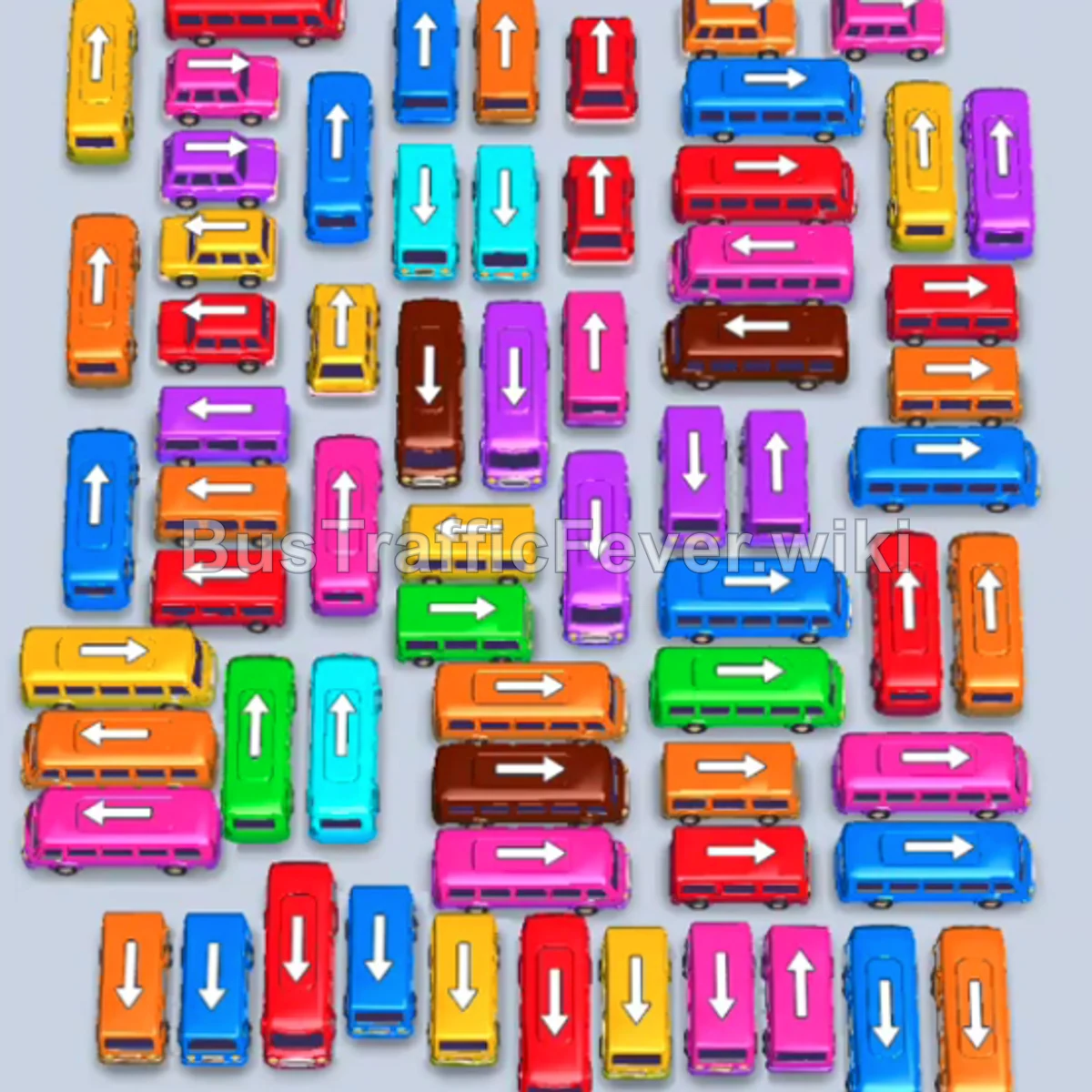
Bus Traffic Fever Level 154 Answer & Walkthrough Solution
Quick answer
To beat Level 154, prioritize matching vehicles directly to the front colors of the passenger track (starting with Red, Blue, Green, and Purple) while clearing free-moving vehicles on the perimeter. Keep at least 1–2 parking bays open at all times to prevent gridlock, and clear small buses to open pathways for trapped large buses.
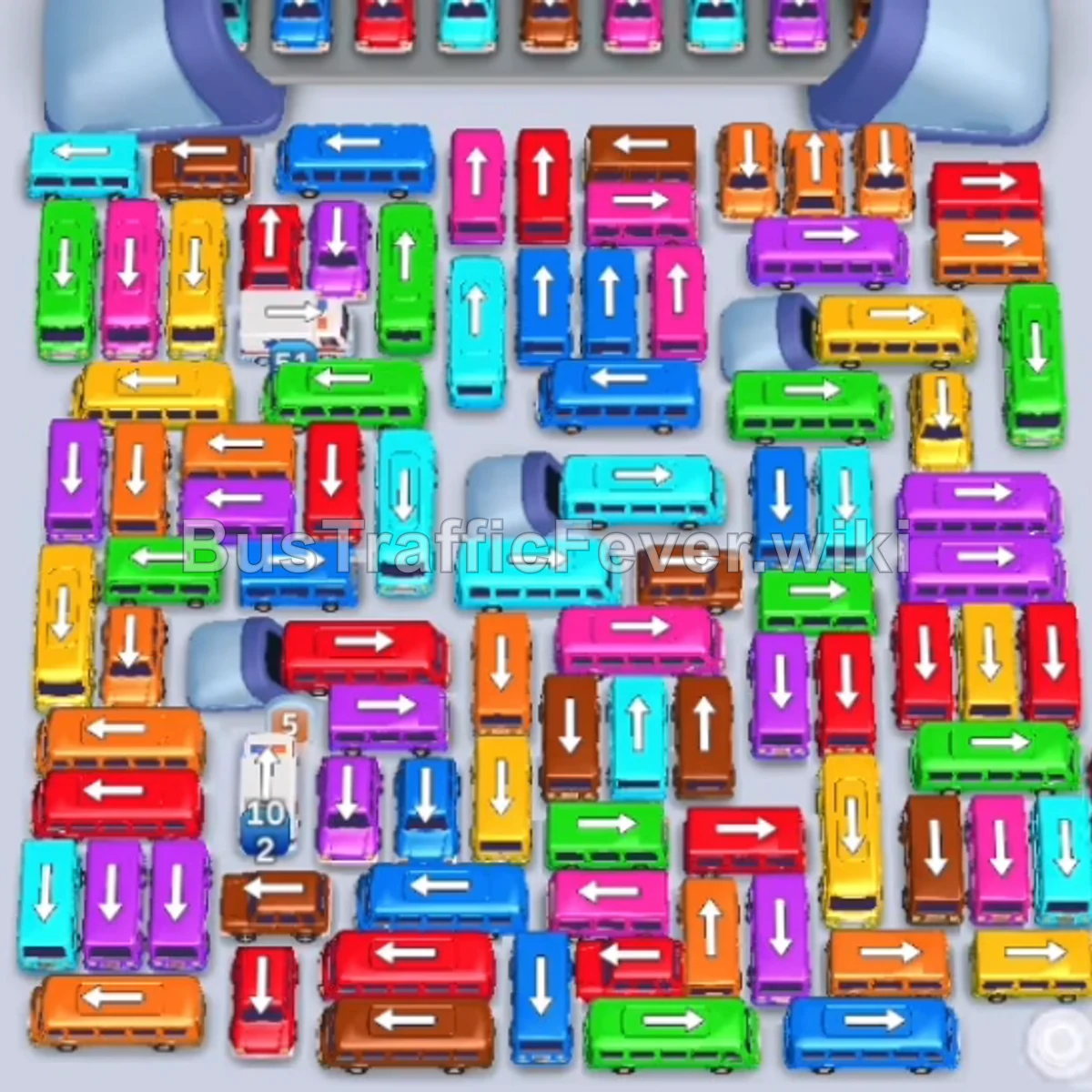
Step-by-step solution
Phase 1: Clearing Initial Outer Vehicles & Opening Lanes
- Tap the Red bus on the far left moving right/up. It fills with red passengers and leaves.
- Tap the large Blue bus (40 seats) on the upper left moving straight up.
- Tap the Red bus freed below it to finish the red passenger group.
- Tap the vertical Green bus on the left. Green passengers will immediately board.
- Tap the vertical Purple bus on the upper middle-left.
- Tap the horizontal Green bus on the left to finish the green passenger section.
- Tap the Green bus exiting up into the bay.
- Tap the large Blue bus in the middle lane to continue loading blue passengers.
- Tap the small Blue bus on the middle-left lane.
- Tap the vertical Orange bus (24 seats) on the upper middle-right to clear room in the lane.
- Tap the small Orange bus right next to it to collect the incoming orange passengers.
Phase 2: Opening the Center Grid & Middle Crossings
- Tap the large Green bus (40 seats) in the upper center lane.
- Tap the Purple bus next to it in the center.
- Tap the Yellow bus and Purple bus moving right out of the middle crossway.
- Tap the Cyan bus in the center crossroad once its path is clear.
- Tap the small Green bus to clear remaining green passengers.
- Tap the Red bus on the upper-left perimeter.
- Tap the Orange bus freed behind the red bus.
- Tap the small Red bus moving right, followed by the small Orange bus.
- Tap the large Yellow bus (40 seats) on the upper-left perimeter.
- Tap the Brown bus and the adjacent Red bus in the upper-center grid.
- Tap the Pink bus on the upper right.
Phase 3: Untangling the Lower Clutter & Ambulance Lane
- Tap the small Brown bus and Red bus to open lane space.
- Tap the Pink bus to board the newly arriving pink passengers.
- Tap the Cyan bus in the center grid.
- Tap the Red bus and Purple bus moving through the cleared central intersections.
- Tap the Yellow bus moving left out of the middle row.
- Tap the Brown bus and Cyan bus in the middle cluster.
- Tap the small Yellow bus and small Brown bus to clear the right exit.
- Tap the Pink bus and adjacent Cyan bus in the center.
- Tap the White Ambulance on the lower-left once its lane unblocks to rapidly clear white passengers.
- Tap the Red bus and Orange bus from the lower-left section.
Phase 4: Final Sequence and Boarding Cleanup
- Tap the vertical Purple bus and Cyan bus in the middle-right area.
- Tap the Yellow bus and Brown bus on the right side.
- Tap the Pink bus and Red bus to clear the lower central jam.
- Tap the Green bus and Cyan bus heading straight up.
- Tap the Brown bus and Orange bus at the bottom-right corner.
- Tap the Yellow bus and Red bus in the bottom-center stack.
- Tap the remaining Cyan bus and Pink bus to feed the bays.
- Tap the Green bus and Brown bus at the bottom.
- Tap the final Yellow bus and Red bus to clear the last multi-color loops.
- Tap the last Blue bus at the very bottom into the VIP/empty bay to collect the final passengers and clear the level!
Tips for success
- Observe the Passenger Loop: Keep an eye on the conveyor loop at the top to see which color segment is coming next so your bays don’t get clogged with inactive buses.
- Prioritize Small Buses: Small 4-seat and 8-seat buses frequently trap larger 24-seat and 40-seat buses behind them; tapping small buses early prevents deadlocks.
- Preserve Bay Capacity: Try to keep at least two empty parking bays open so you can temporarily stage blocking vehicles without triggering an instant game over.
More Bus Traffic Fever help
Continue with the Level 153 walkthrough, review the core rules in how to play Bus Traffic Fever, or browse all level solutions to jump to another number.