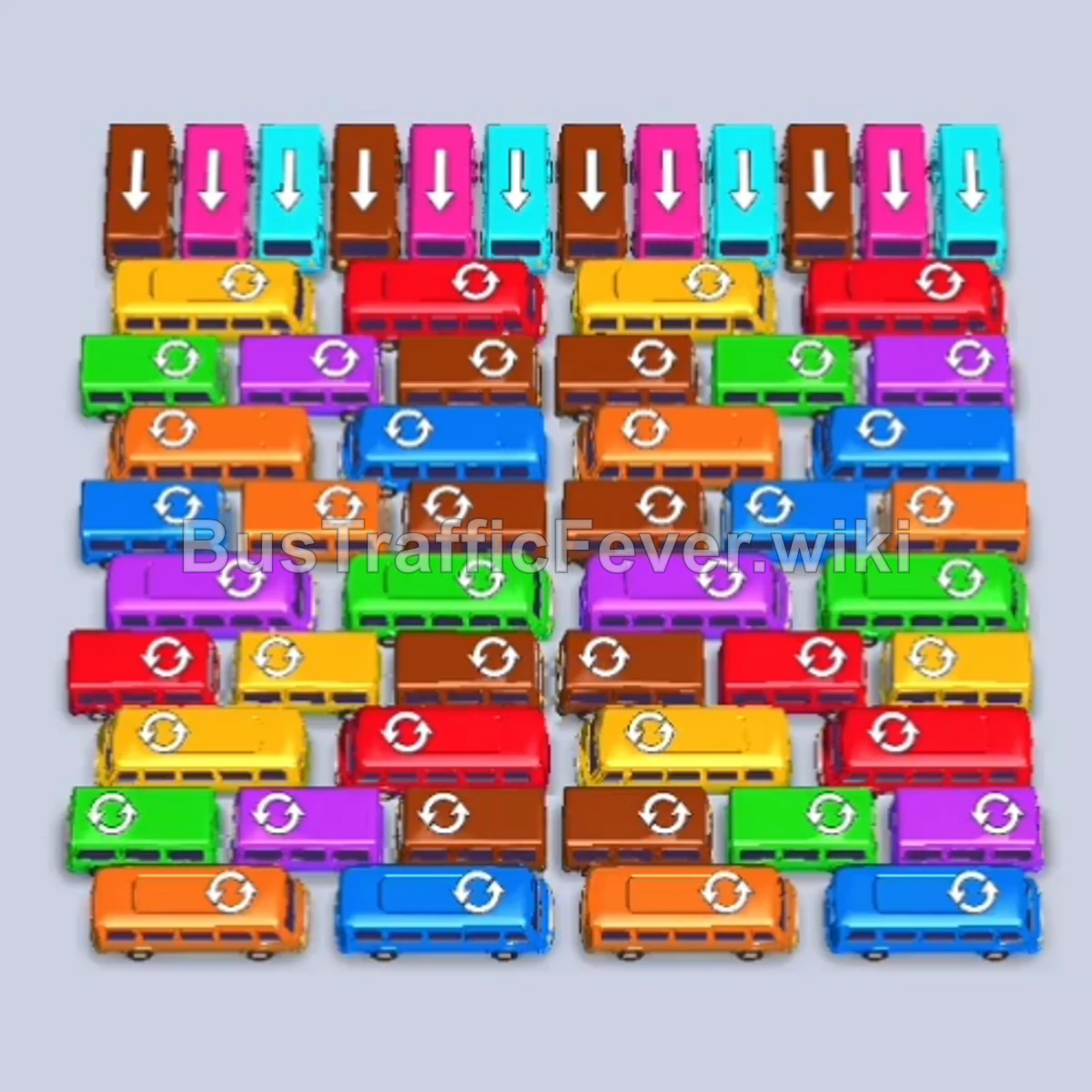
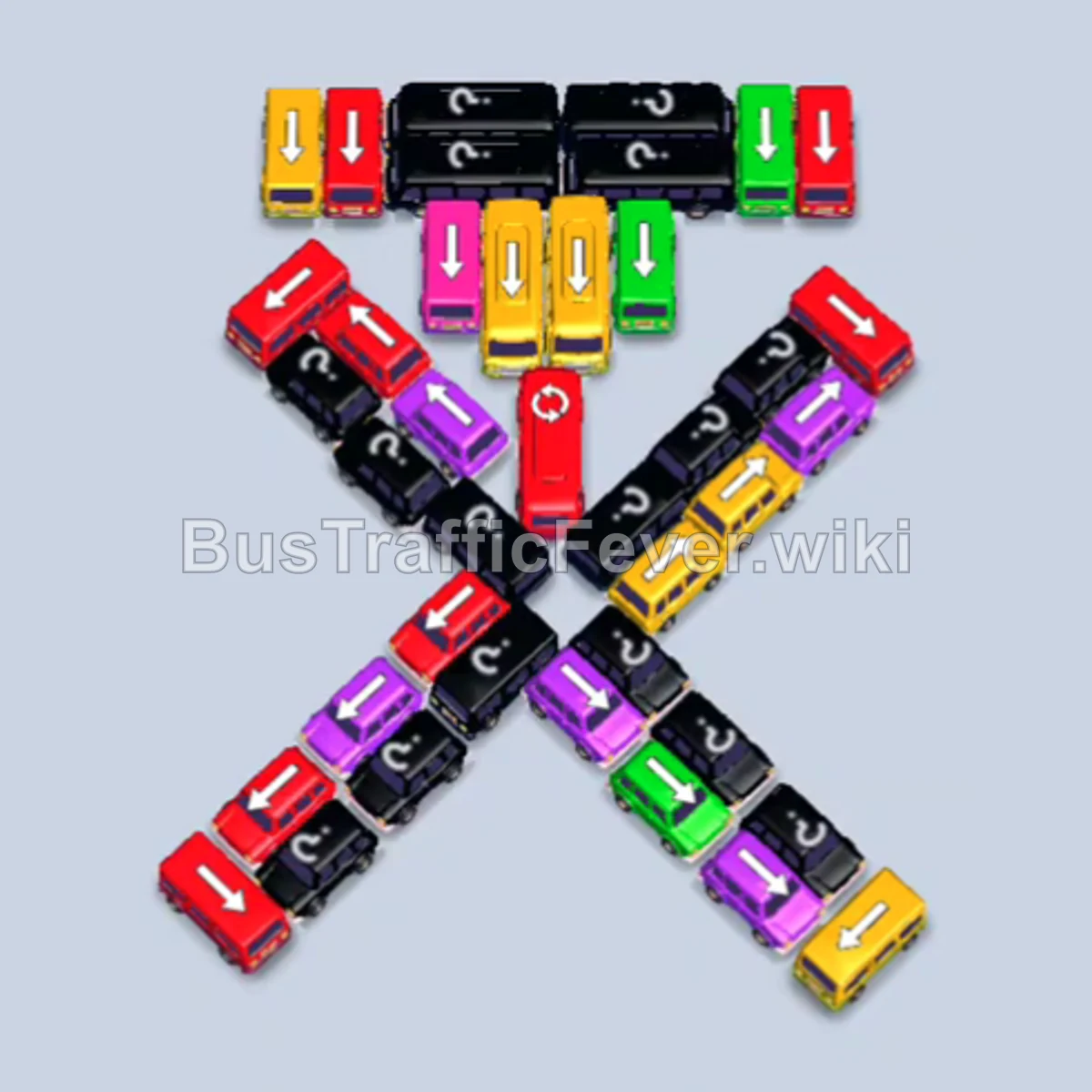
Bus Traffic Fever Level 199 Answer & Walkthrough Solution

Quick answer
Clear open-ended perimeter vehicles first to make room in the grid and immediately match the incoming crowd colors (Green, Pink, Blue, Yellow, Orange). Use parking slots to temporarily hold secondary vehicles, prioritize clearing buses to open lanes for trapped buses, and finish by emptying the heavily congested center and bottom rows.
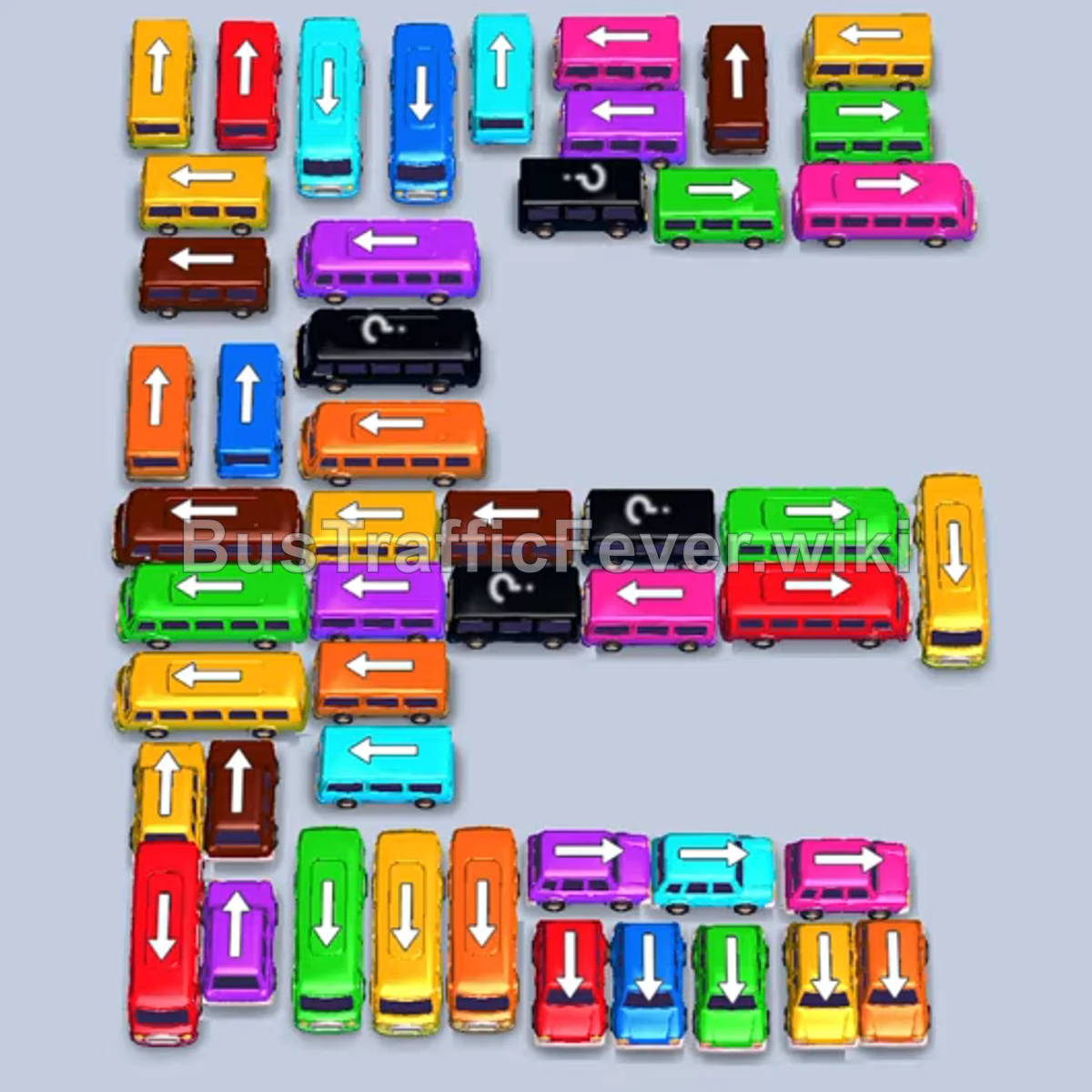
Step-by-step solution
Phase 1: Clearing the Outer Ring & Initial Passengers
- Tap the Green bus on the far left edge. It moves down and into the first parking slot to board green passengers.
- Tap the Pink bus on the upper right edge. It moves right into a parking slot to board pink passengers.
- Tap the Green bus on the upper right (pointing right). The green bus completes boarding and leaves, allowing the green bus to fill up and depart.
- Tap the Light Blue bus on the upper left (pointing left).
- Tap the Light Blue bus at the top left (pointing up). Both blue vehicles board light blue passengers.
- Tap the Purple bus on the middle-left (pointing left) to park and hold for future purple passengers.
- Tap the Light Green bus at the top right (pointing up). It fills with green passengers and departs.
- Tap the Yellow bus at the bottom left (pointing down) into the parking lot.
- Tap the Red bus on the center-right (pointing right). It enters a slot and collects red passengers before departing.
Phase 2: Opening the Right Flank & Clearing Yellow & Orange
- The queue transitions to Yellow. Tap the Yellow bus at the top right (pointing up) to board yellow passengers and depart.
- Tap the Brown bus at the top right (pointing up) to clear the top path.
- Tap the Yellow bus in the lower-middle section (pointing up) to finish off the current yellow passenger wave.
- Tap the Orange bus on the far right edge (pointing down). Orange passengers will start boarding.
- Tap the Orange bus at the top right (pointing right).
- Tap the second Orange bus nearby to clear out the remaining orange passengers in the queue.
- Tap the Red bus in the upper-middle row (pointing left) and the Pink bus behind it (pointing left) to board incoming red and pink passengers.
- Tap the Yellow bus on the upper left (pointing left) and the Orange bus on the left (pointing left). The orange bus boards passengers and departs.
Phase 3: Untangling the Congested Center Rows
- Tap the Purple bus in the upper center (pointing left). It joins the queue and departs after loading purple passengers.
- Tap the Pink bus on the left (pointing left) and the Pink bus on the far right (pointing right) to clear the next wave of pink passengers.
- Tap the Brown bus in the center (pointing left).
- Tap the Light Blue bus on the upper left (pointing up) to collect blue passengers and depart.
- Tap the Red bus in the center (pointing left) to clear red passengers.
- Tap the Green bus at the bottom center (pointing left) to collect green passengers and leave.
- Tap the Yellow bus and Green bus on the right side (both pointing down). The green bus boards and departs immediately, followed by the yellow bus.
- Tap the Purple bus at the bottom right (pointing right) to board the incoming purple passengers.
Phase 4: Final Sequence and Cleanup
- Tap the Orange bus on the middle-left (pointing left) and the Orange bus in the center (pointing right) to clear the orange passenger group.
- Tap the two Light Blue buses in the bottom right corner (one pointing right, one pointing left) to pick up light blue passengers.
- Tap the Yellow bus at the bottom left (pointing right) to board yellow passengers and leave.
- Tap the Purple bus and Purple bus at the bottom (pointing up and right) to board the final purple passengers.
- Tap the Brown bus in the middle row (pointing left).
- Tap the Pink bus and Yellow bus on the left/center to clear the remaining slots.
- Tap the remaining Light Blue vehicles and Red bus in the center row.
- Tap the final Brown bus, Pink bus, and Yellow bus to pick up the last passengers and complete Level 199.
Tips for success
- Observe the Queue: Always keep an eye on the passenger queue path at the top to see which colors are coming up next, ensuring your parking slots match the crowd.
- Use Slots Strategically: Don’t hesitate to park a vehicle of a different color in an empty slot if it clears the way for a bus whose passengers are currently waiting.
- Avoid Gridlock: Keep at least 2–3 parking slots free or designated for immediate departures so you do not run out of room before long buses can exit.
More Bus Traffic Fever help
Continue with the Level 198 walkthrough, review the core rules in how to play Bus Traffic Fever, or browse all level solutions to jump to another number.