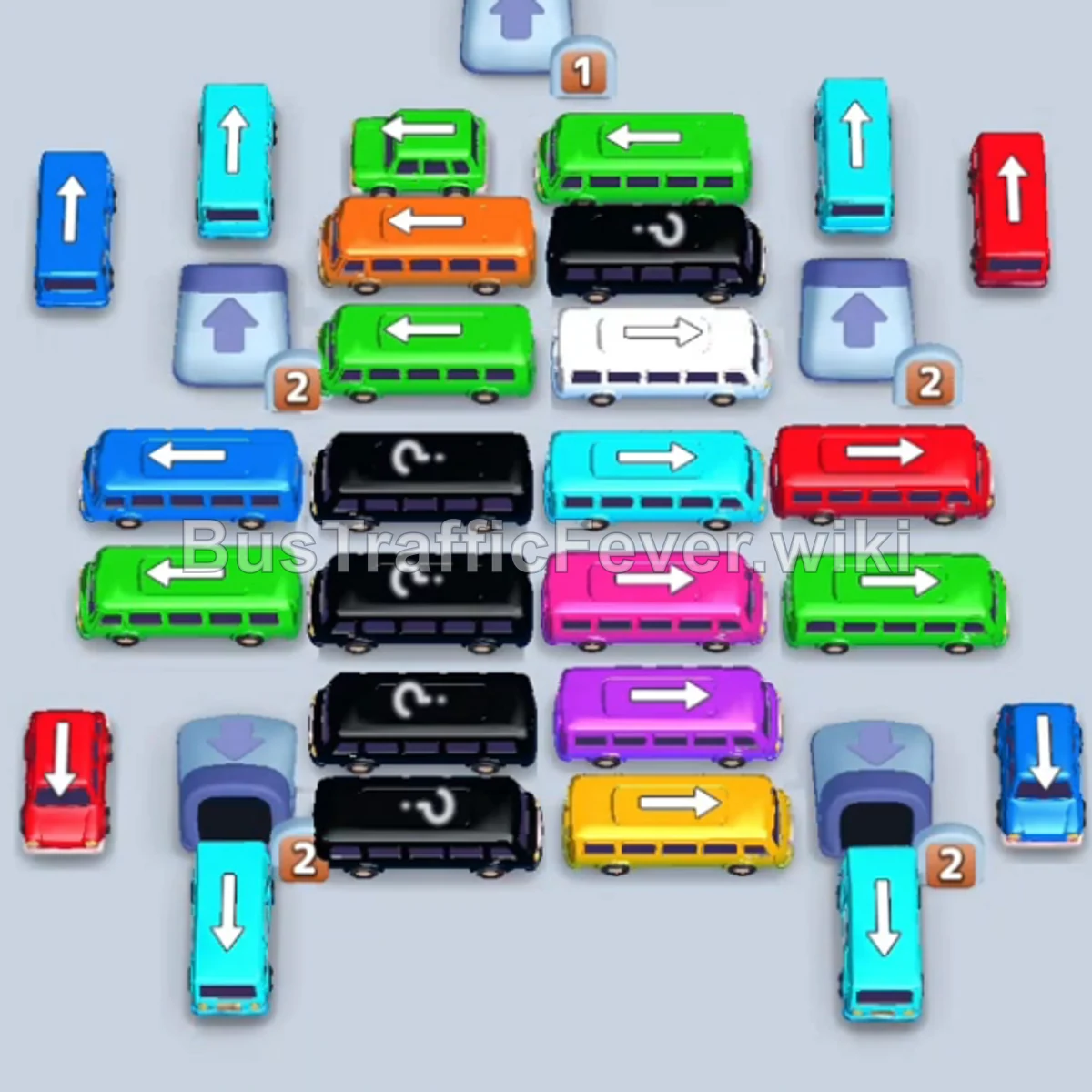
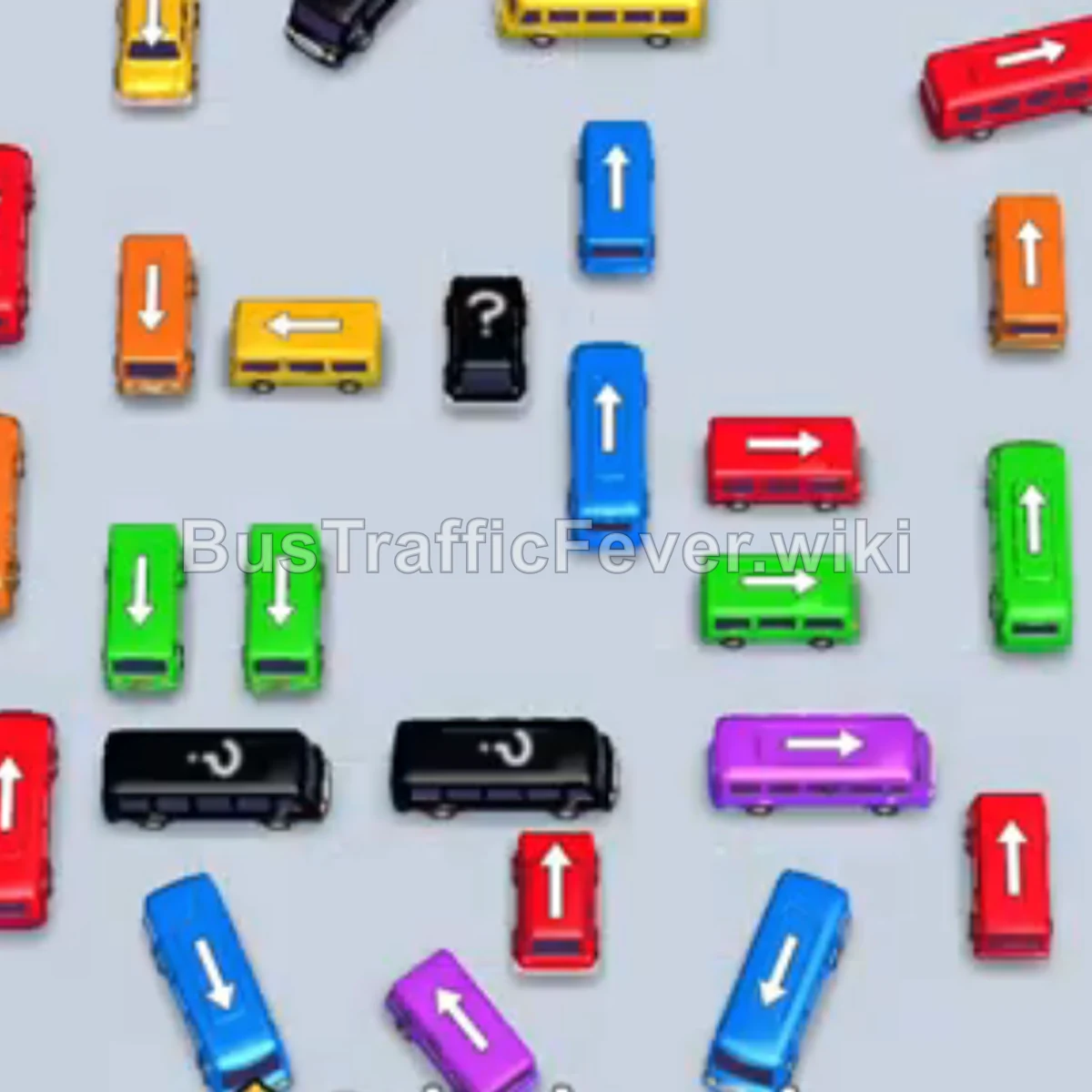
Bus Traffic Fever Level 26 Answer & Walkthrough Solution

Quick answer
Tap the Cyan bus on the bottom left into the first parking slot. Tap the Red bus in the upper-left cluster into the second slot. Tap the Orange bus in the center into the third slot. Tap the Yellow bus on the middle-right into the fourth slot.
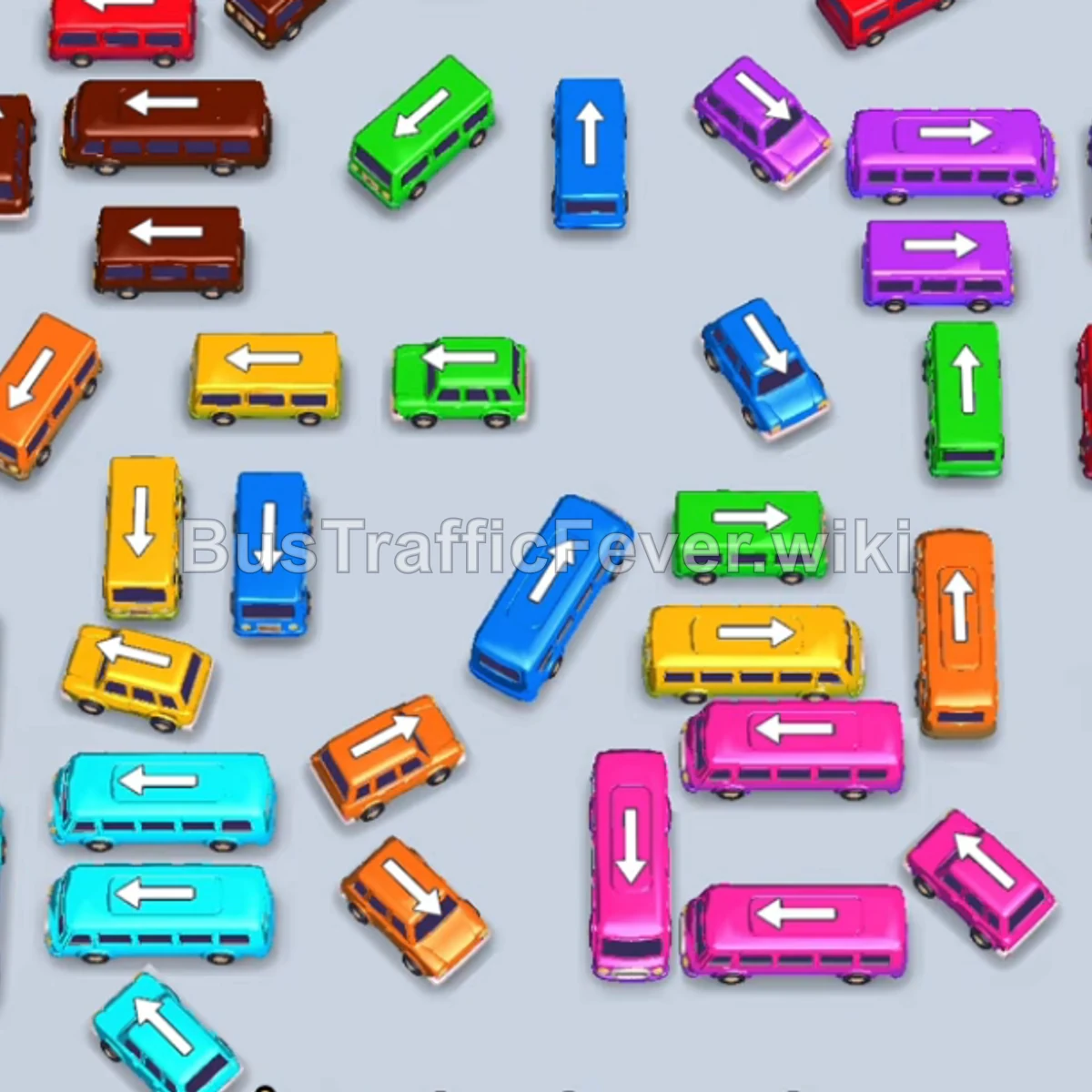
Step-by-step solution
Phase 1: Make the opening moves
- Tap the Cyan bus on the bottom left into the first parking slot.
- Tap the Red bus in the upper-left cluster into the second slot.
- Tap the Orange bus in the center into the third slot.
- Tap the Yellow bus on the middle-right into the fourth slot.
- Tap the Yellow bus in the center after space opens.
- Tap the Orange bus at the bottom-center.
- Tap the Purple bus in the middle-right into slot 2.
- Tap the Blue bus in the center into slot 3.
- Let the queued Cyan bus begin boarding when cyan passengers reach the front.
Phase 2: Clear intermediate layers
- Tap the Pink bus in the lower-right area.
- Tap the Brown bus on the upper left.
- Tap the Red bus on the upper right.
- Tap the Green bus in the top-center row.
- Tap the Green bus on the far left.
- Tap the Red bus in the top-left area.
Phase 3: Use boosters and unblock jams
- Use the Helicopter Booster on the blocked Yellow bus at the bottom right to place it in the VIP slot.
- Tap the Red bus in the upper-right section.
- Use the Helicopter Booster on the trapped Orange bus at the lower-middle area.
- Tap the Red bus on the top left.
- Tap the Cyan bus on the bottom-left edge.
- Tap the Purple bus on the middle-right.
Phase 4: Finish the board
- Tap the Pink bus on the bottom right.
- Tap the Blue bus on the middle right.
- Tap the Green bus in the center.
- Tap the Purple bus and Green bus in sequence.
- Tap the Purple bus from the remaining right-side cluster.
- Tap the Cyan bus on the bottom-left.
- Tap the Blue bus on the right side.
- Tap the Brown bus on the top left.
- Tap the Cyan bus and Orange bus.
- Tap the remaining Pink buses, Blue bus, and Yellow bus from the bottom.
Tips for success
- Match vehicle colors to the next passenger groups in the queue.
- Use the VIP slot to free buses that block key routes.
- Keep at least one of the five parking spaces free.
More Bus Traffic Fever help
Continue with the Level 25 walkthrough, review the core rules in how to play Bus Traffic Fever, or browse all level solutions to jump to another number.