Bus Traffic Fever Level 187 Answer & Walkthrough Solution
Quick answer
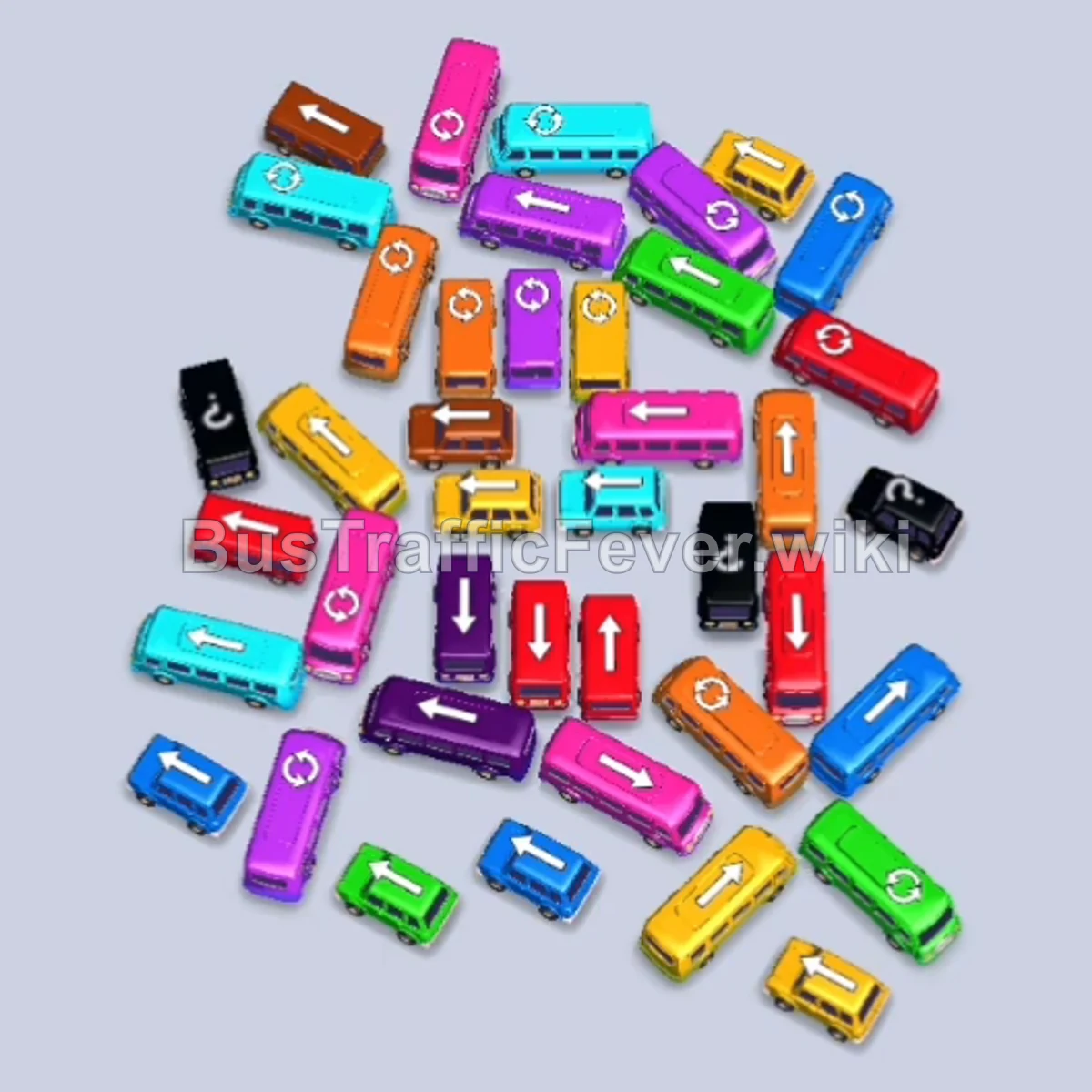
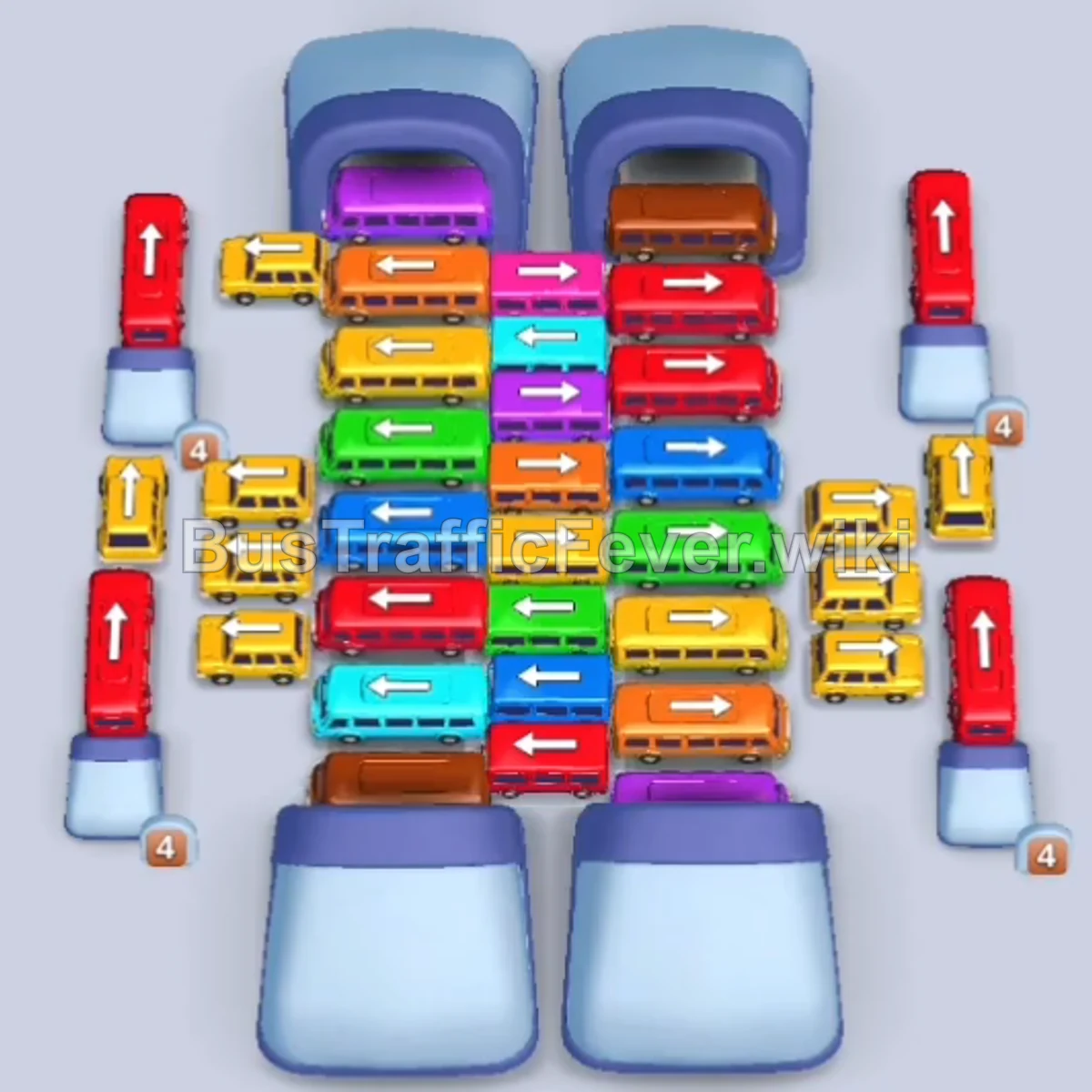
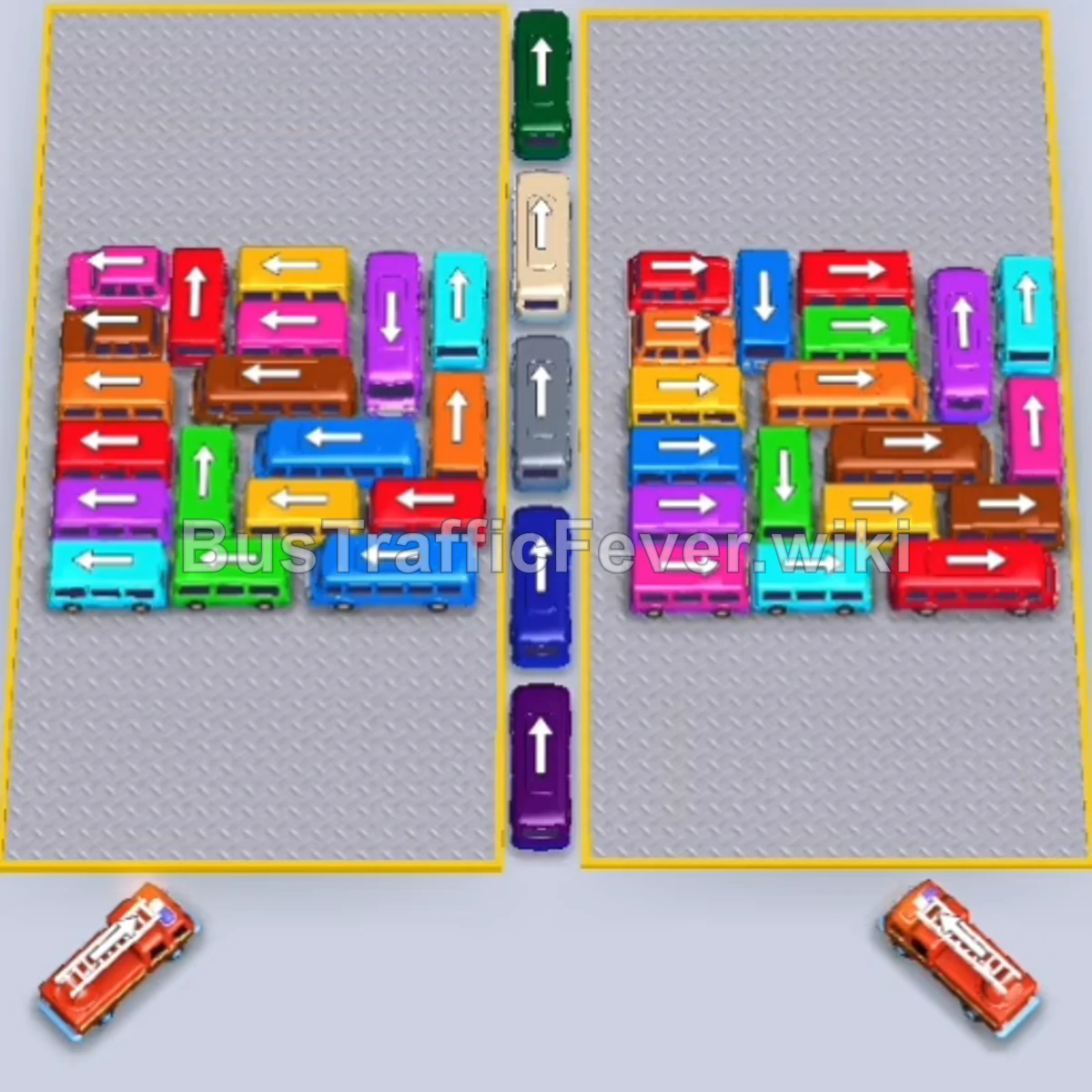
Level 187 features a dense, split parking lot packed with multi-passenger buses, compact buses, and emergency vehicles. Success requires coordinating departures from the outer free lanes to unblock internal rows, while carefully matching vehicles to the incoming circular passenger queue above to avoid filling all pickup bays.
Step-by-step solution
Phase 1: Opening the Left Flank & Center Exits
- Tap the Cyan bus on the far-left outer edge facing left to clear the outer lane.
- Tap the Red bus parked along the bottom-left edge to free the bottom perimeter.
- Tap the Purple bus in the central dividing lane pointing upward to move it to a boarding bay.
- Tap the Red bus in the upper-left grid facing left to pick up red passengers.
- Tap the Orange bus on the right grid facing left into the center corridor.
- Tap the second Purple bus in the central lane pointing upward.
- Tap the Pink bus on the left grid pointing upward.
- Tap the Green bus on the left side pointing upward to relieve the center-left blockage.
- Tap the Red bus on the far-left edge pointing upward.
- Tap the Yellow bus moving out to the left margin.
Phase 2: Unblocking the Left Grid & Color Matching
- Tap the Orange bus from the right grid to board the arriving orange queue.
- Tap the Brown bus on the lower-left grid to make room along the bottom aisle.
- Tap the Cyan bus on the right side facing right.
- Tap the Pink bus on the left grid facing left.
- Tap the Red bus located at the bottom right.
- Tap the Purple bus on the far-right edge pointing upward.
- Tap the Cyan bus in the lower-left section facing left.
- Tap the Yellow bus near the bottom center facing left.
- Tap the Green bus on the right grid facing right.
- Tap the Cyan bus on the left grid facing left.
- Tap the Orange bus on the left grid pointing upward.
- Tap the Green bus near the center pointing upward.
- Tap the Blue bus at the top edge facing left.
- Tap the Pink bus on the left grid facing left.
- Tap the Cyan bus on the left side pointing up.
Phase 3: Transitioning to the Right Grid
- Tap the Red bus on the left side to finish clearing the outer column.
- Tap the Yellow bus on the left side facing left.
- Tap the Brown bus on the lower-right side.
- Tap the Green bus in the center aisle.
- Tap the Blue bus from the upper-right grid facing upward.
- Tap the Brown bus on the right side facing right.
- Tap the Pink bus on the right grid pointing upward.
- Tap the Orange bus in the middle-right section facing right.
- Tap the Red bus in the middle-right grid facing right.
- Tap the Cyan bus in the lower-right grid facing right.
- Tap the Green bus in the lower-right grid facing right.
- Tap the Purple bus in the upper-right section facing upward.
Phase 4: Clearing Blocked Rows & Grey/Neutral Vehicles
- Tap the Grey/Silver bus on the left grid facing upward.
- Tap the Purple bus on the left side facing left.
- Tap the Orange bus on the left side facing upward.
- Tap the Cyan bus on the right side facing upward.
- Tap the Blue bus on the left grid pointing upward.
- Tap the Beige/White bus on the left side facing upward.
- Tap the Green bus on the left grid facing upward.
- Tap the Blue bus on the right grid pointing upward.
- Tap the Red bus on the left grid facing upward.
- Tap the Yellow bus at the bottom-left corner facing left.
- Tap the Purple bus on the right side facing right.
- Tap the Grey/Silver bus on the right side facing right.
- Tap the Green bus on the right side facing upward.
Phase 5: Final Grid Clearance & Endgame
- Tap the Yellow bus on the far-left outer edge facing right into the clearing.
- Tap the Blue bus in the center-left lot facing upward.
- Tap the Brown bus in the upper-left corner facing upward.
- Tap the Red bus in the left aisle facing left.
- Tap the Cyan bus on the left side facing left.
- Tap the Brown bus on the right side facing upward.
- Tap the Purple bus on the left side facing upward.
- Tap the Green bus from the bottom-left corner facing right.
- Tap the Pink bus in the center aisle facing upward.
- Tap the Red Fire Truck at the bottom left to clear the remaining queue.
- Tap the Yellow bus in the lower-right area facing left.
- Tap the Purple bus in the bottom area facing upward.
- Tap the Cyan bus on the right side facing right.
- Tap the remaining Green bus and Brown bus in the bottom rows.
- Tap the final Grey bus and Pink bus to load the last passengers and finish the stage.
Tips for success
- Track the Loop Order: The passenger crowd rotates continuously in a circle. Always watch which color is arriving next at the bottom pickup gate before sending a vehicle up.
- Keep at Least 1-2 Slots Open: Filling all boarding slots with vehicles whose passengers are far behind in the queue will cause a game over.
- Clear Outer Avenues First: Release the vehicles facing outwards along the edges and the center divider early to give inner vehicles room to escape.
More Bus Traffic Fever help
Continue with the Level 186 walkthrough, review the core rules in how to play Bus Traffic Fever, or browse all level solutions to jump to another number.