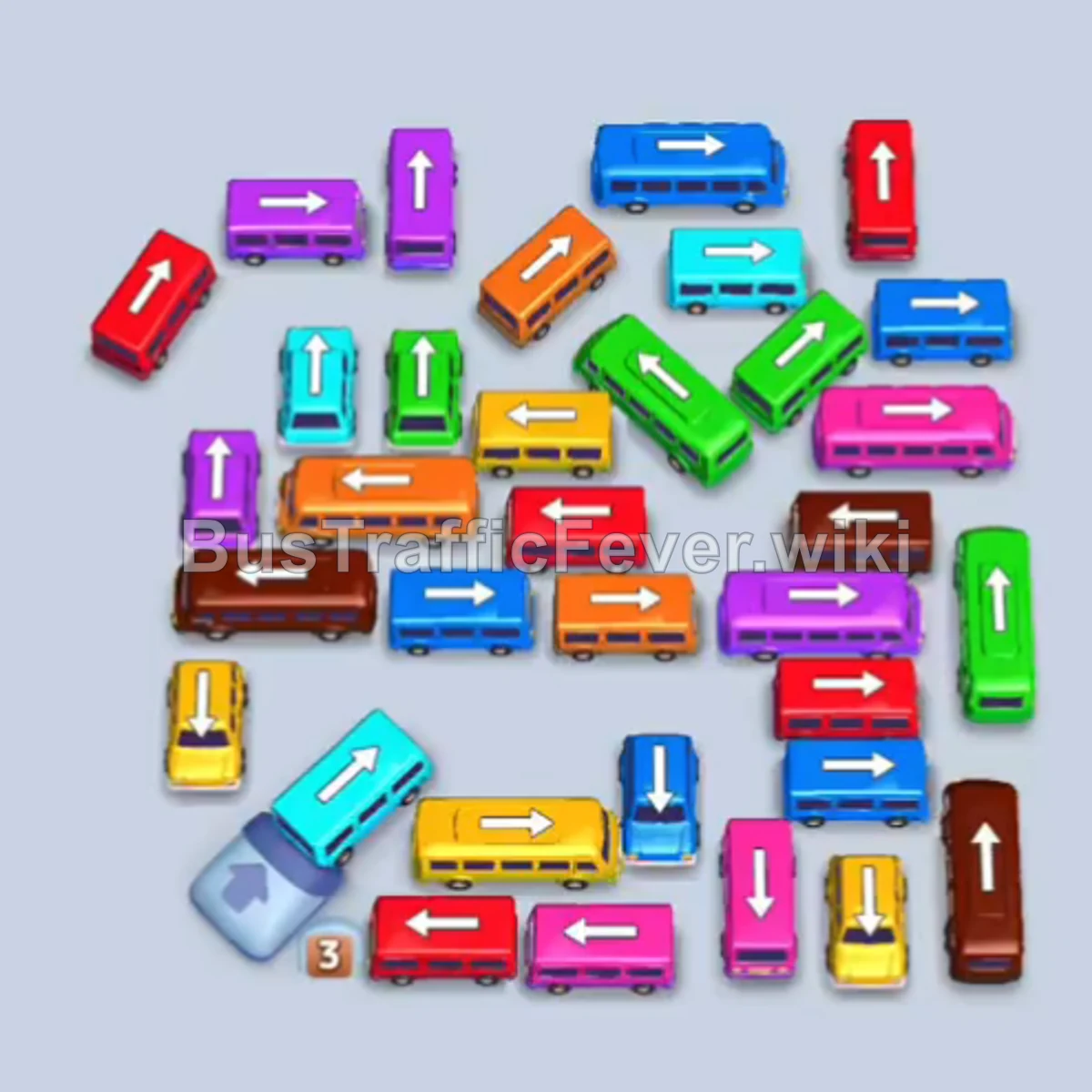
Bus Traffic Fever Level 221 Answer & Walkthrough Solution

Quick answer
Focus on clearing vehicles of matching colors currently active in the front of the queue (Cyan/Light Blue, Pink, and Red early on) while using available parking slots to move blocking buses out of congested lanes. Unblock the bottom and outer perimeter vehicles first to create clearance paths for the tightly packed center vehicles.
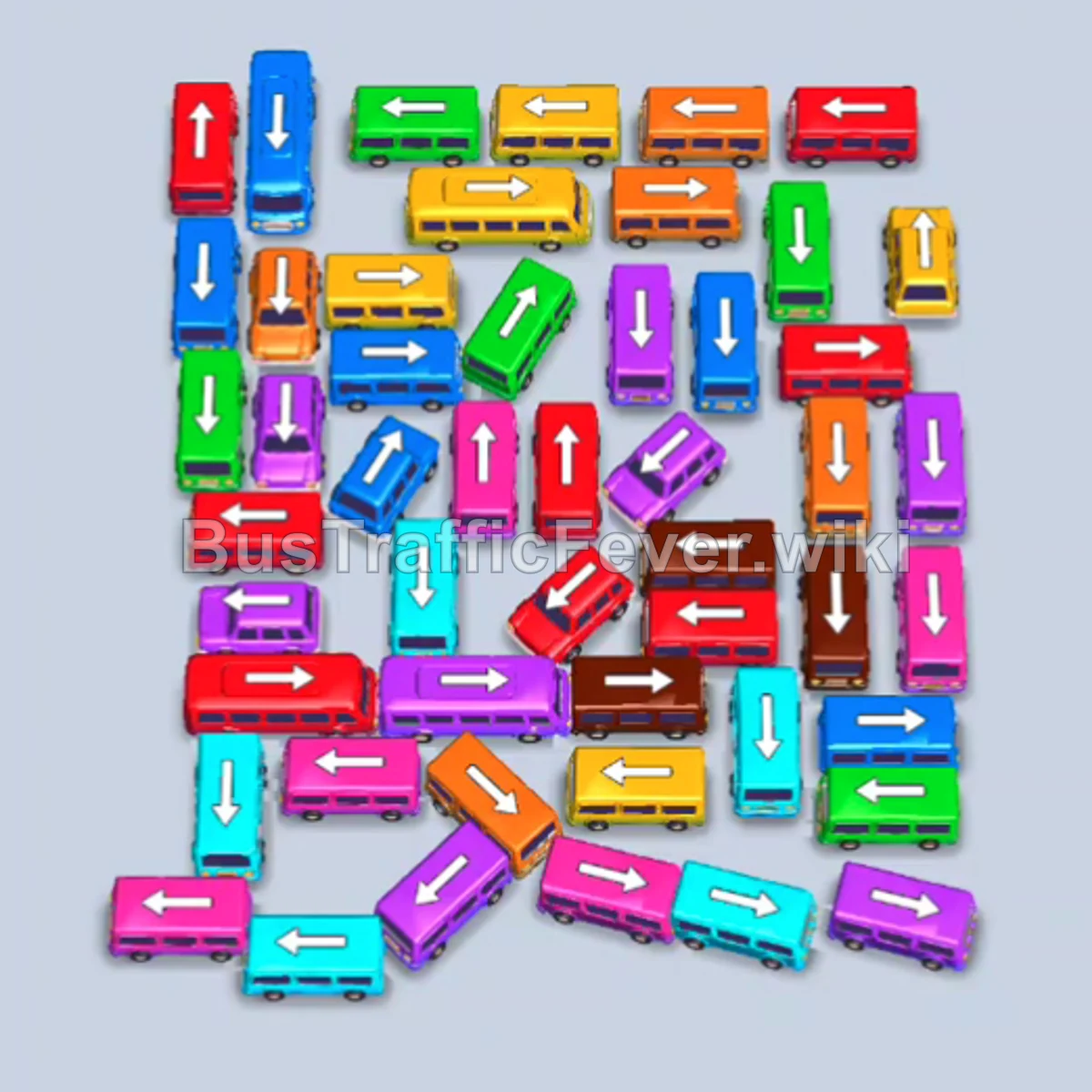
Step-by-step solution
Phase 1: Clearing Initial Cyan and Pink Passengers
- Tap the horizontal Cyan bus at the bottom left. It drives out to the first parking slot and starts boarding cyan passengers.
- Tap the second horizontal Cyan bus at the bottom left to occupy the second slot and assist with the cyan crowd.
- Tap the horizontal Purple bus along the bottom right edge to clear a parking slot above.
- Tap the horizontal Pink bus located near the bottom center to pick up the incoming pink crowd.
- Tap the horizontal Cyan bus at the bottom right. Once filled, the first cyan bus departs.
- Tap the Cyan bus near the top middle to clear the remaining front cyan passengers.
- Tap the Cyan bus near the middle left. It boards passengers and quickly leaves the queue.
- Tap the Cyan bus at the bottom center to clear the final segment of the cyan queue.
Phase 2: Unlocking Red and Pink Traffic
- Tap the horizontal Red bus on the middle right to enter a parking slot.
- Tap the horizontal Red bus at the top right to take the lead on the red passenger queue.
- Tap the Red bus pointing left at the top left corner.
- Tap the horizontal Pink bus at the bottom center to catch the pink queue.
- Tap the vertical Pink bus facing down in the center.
- Tap the horizontal Pink bus on the middle left. It absorbs the remaining pink passengers and leaves the board.
- Tap the remaining Pink bus to complete the pink boarding sequence.
Phase 3: Handling Orange, Yellow, and Purple Shifts
- Tap the horizontal Orange bus at the top right to start clearing the incoming orange queue.
- Tap the horizontal Yellow bus along the far left edge to park and prepare for yellow passengers.
- Tap the horizontal Purple bus at the bottom center to open lane clearance.
- Allow the Orange bus and Yellow bus to finish boarding and drive away.
- Tap the horizontal Red bus in the middle lane to clear the next wave of red passengers.
- Tap the horizontal Brown bus on the lower right to free up adjacent vehicles.
Phase 4: Dismantling the Center Cluster
- Tap the Green bus at the bottom left to clear the lane.
- Tap the Cyan bus at the bottom center.
- Tap the vertical Purple bus pointing down in the lower middle.
- Tap the horizontal Orange bus exiting to the left.
- Tap the Green bus driving out from the bottom center.
- Tap the horizontal Yellow bus at the top center to board arriving yellow passengers.
- Tap the horizontal Red bus on the bottom left.
- Tap the Purple bus driving out toward the bottom left.
- Tap the vertical Blue bus pointing up in the left center.
Phase 5: Final Sequence and Board Clear
- Tap the horizontal Orange bus in the upper center.
- Tap the Green bus driving out to the right.
- Tap the remaining Yellow bus and bus in the center to board the final yellow passengers.
- Tap the vertical Blue bus pointing down on the right side.
- Tap the vertical Pink bus pointing up in the center.
- Tap the remaining Blue bus and Blue bus to finish boarding the blue passenger queue.
- Finally, tap the last Purple and Pink vehicles to board the remaining crowd and complete the level.
Tips for success
- Observe the Queue: Always keep an eye on the passenger queue color pattern at the top ring to plan your next three bus selections without jamming slots.
- Use Slots Strategically: When a vehicle blocks multiple pathways, temporarily move it into an empty parking slot even if its color passenger is a few turns away.
- Avoid Gridlock: Keep at least two slots open whenever possible so you never run out of room while clearing blockers.
More Bus Traffic Fever help
Continue with the Level 220 walkthrough, review the core rules in how to play Bus Traffic Fever, or browse all level solutions to jump to another number.