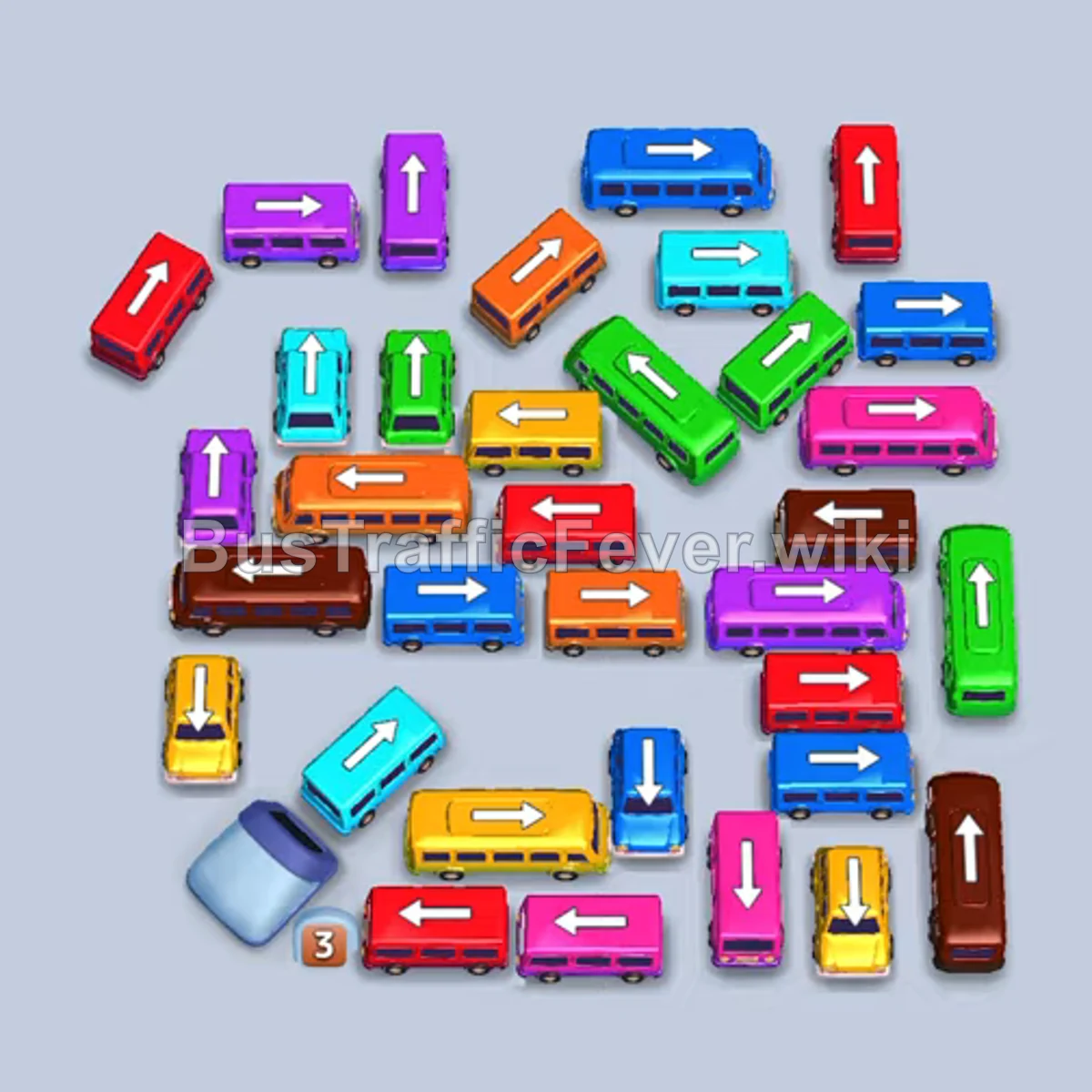
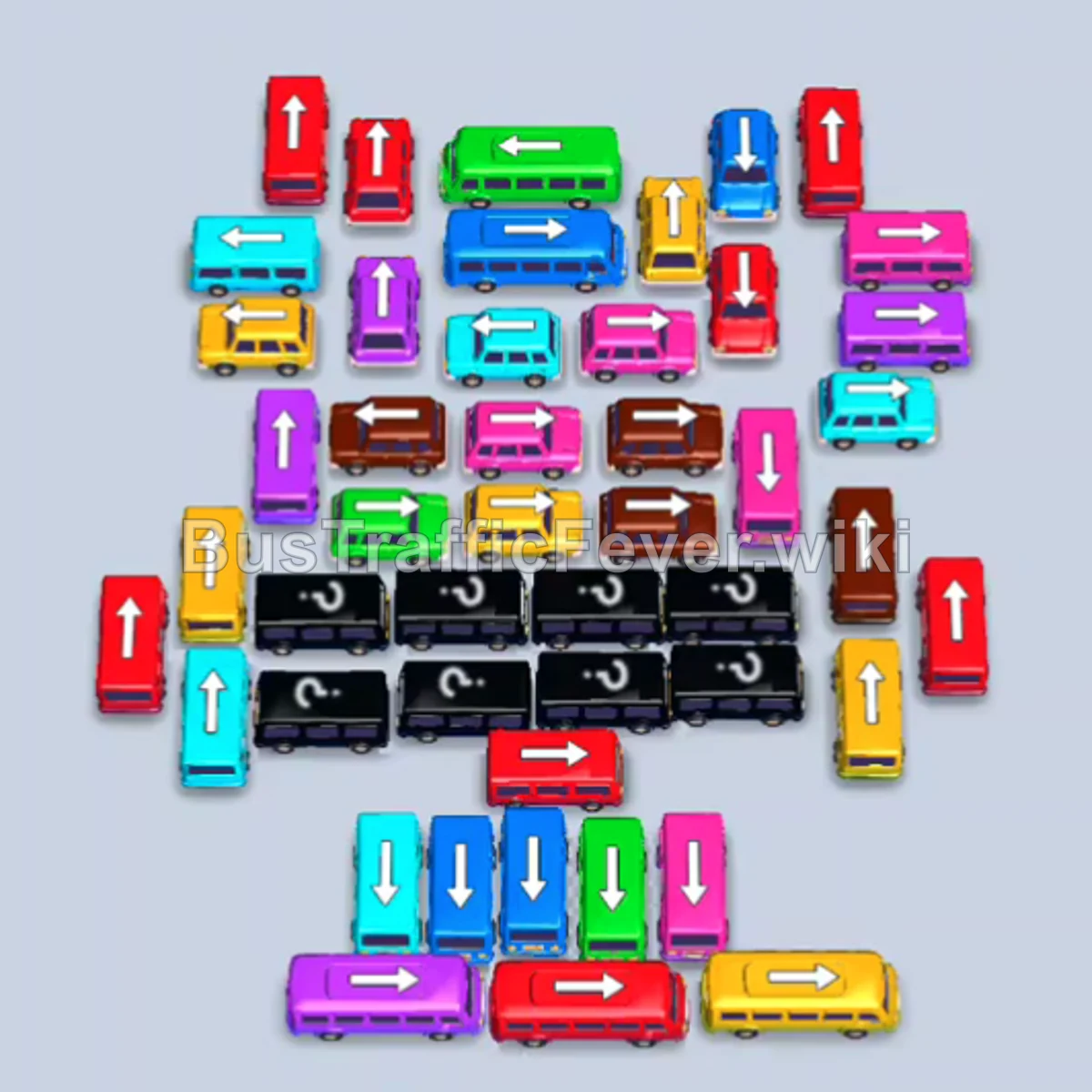
Bus Traffic Fever Level 369 Answer & Walkthrough Solution

Quick answer
Level 369 features a tightly interlocked cluster where interior vehicles are blocked by outer rows facing in conflicting directions, alongside a winding double-loop passenger line. The winning strategy is to peel away the accessible outer buses to establish early boarding cycles (pink, purple, and green), park the orange van safely while waiting for its queue to uncover, and steadily untangle the central grid layer by layer without overloading the 5 available parking slots.
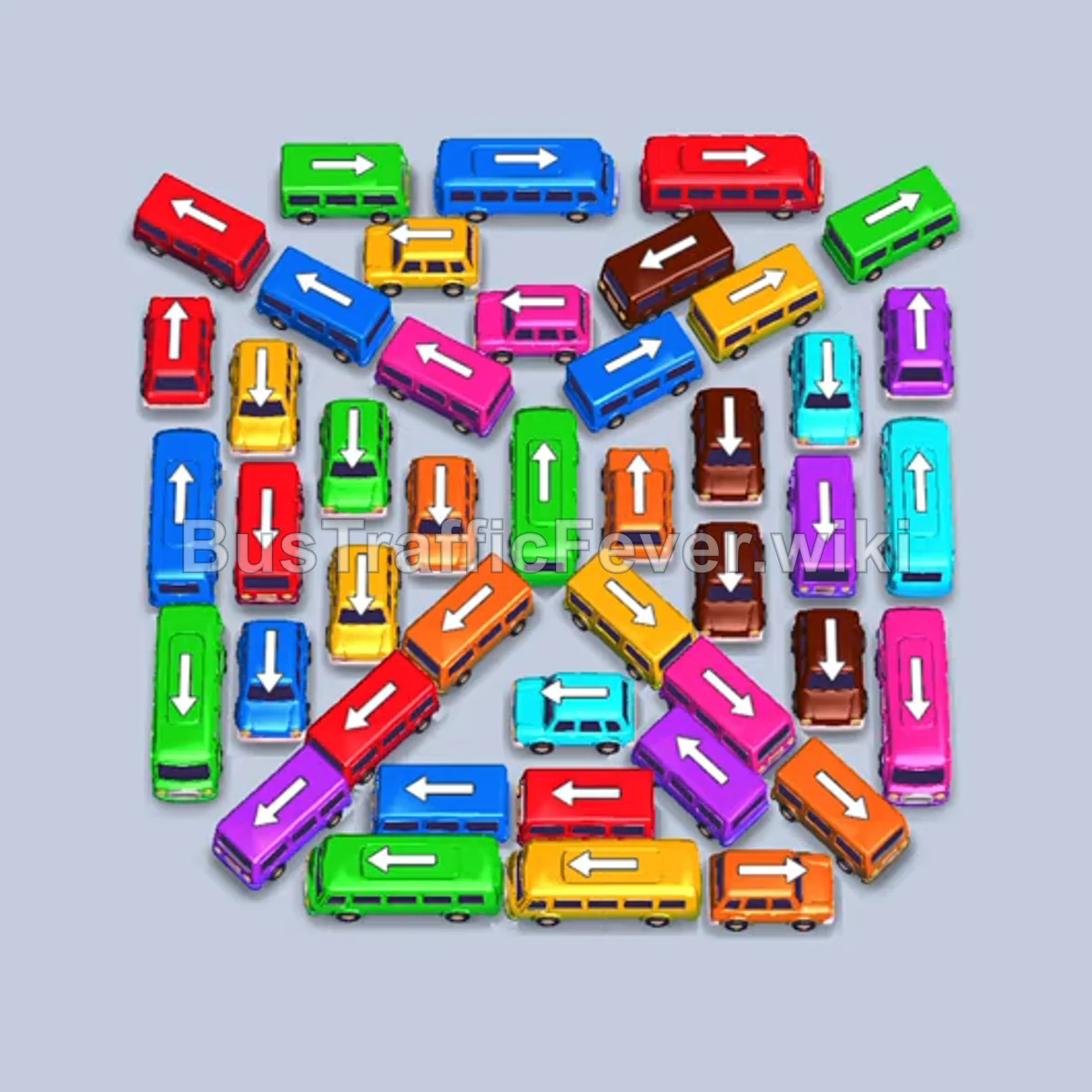
Step-by-step solution
Phase 1: Clearing the Outer Ring & Initial Passenger Waves
- Tap the orange bus (facing right) parked at the bottom-right corner to open up the lower perimeter.
- Tap the purple bus (facing left) along the mid-left perimeter.
- Tap the pink bus (facing right) located in the upper-middle row.
- Tap the green bus (facing left) at the top-left edge.
- Wait briefly as the initial passenger queue boards: the orange bus fills and departs quickly, followed shortly by the pink and purple buses. The green bus will hold in parking to absorb upcoming green passengers.
Phase 2: Brown, Yellow, and Green Departures
- Tap the orange van (facing left) near the bottom-left; it will wait in parking until orange passengers appear later in the queue.
- Tap the purple bus (facing right) at the bottom-right corner.
- Tap the brown bus (facing right) in the upper-right section.
- Tap the brown van (facing down) along the middle-right edge.
- Tap the yellow bus (facing right) along the bottom edge.
- Tap the green bus (facing down) near the center.
- Tap the brown bus (facing left) in the lower-middle area as soon as the lane clears.
- Allow the brown queue to completely load and clear the brown vehicles, followed by yellow and green passengers boarding their respective rides.
Phase 3: Red and Blue Rushes
- Tap the red bus (facing right) at the top-right corner.
- Tap the blue bus (facing down) in the upper-middle column.
- Let both buses absorb their large passenger groups and depart, freeing critical parking slots.
- Tap the yellow van (facing right) near the lower edge.
- Tap the purple van (facing left) in the lower-left area.
- Allow the yellow and purple groups to board and exit.
Phase 4: Unlocking the Cyan and Orange Traffic
- Tap the purple bus (facing down) along the far-right edge.
- Tap the cyan bus (facing down) on the lower-right edge.
- Cyan passengers board first; once cleared, the waiting orange passengers stream forward and finally fill the orange van that was parked in Phase 2.
- Tap the green bus (facing down) on the far-left edge.
- Tap the blue van (facing right) near the upper-middle.
- Tap the cyan bus (facing right) in the middle row.
- Tap the blue bus (facing left) in the center.
- Tap the orange bus (facing down) on the outer left edge.
- Let blue and orange passengers finish boarding so their parking spots open up.
Phase 5: Mid-Game Sorting & Clearing the Center
- Tap the blue bus (facing right) in the center.
- Tap the yellow bus (facing right) in the upper-center.
- Tap the red bus (facing left) in the center.
- Tap the yellow bus (facing right) near the bottom.
- Tap the cyan bus (facing right) in the center.
- Tap the cyan bus (facing right) in the upper section.
- Tap the pink bus (facing down) along the right perimeter.
- Tap the red bus (facing left) in the lower-left corner.
- Tap the brown bus (facing right) in the upper-center.
- Tap the red bus (facing up) in the lower-left column.
Phase 6: Final Clean-up
- Tap the green bus (facing right) in the top row.
- Tap the cyan bus (facing down) in the center.
- Tap the blue bus (facing down) in the lower-center.
- Tap the pink bus (facing down) in the center.
- Tap the red bus (facing down) at the upper-left.
- Tap the green bus (facing up) in the central cluster.
- Tap the orange bus (facing up) in the lower-center.
- Tap the brown bus (facing up) in the center.
- Tap the purple bus (facing down) at the lower-right.
- Tap the brown bus (facing right) along the top.
- Tap the orange bus (facing right) in the center.
- Tap the final brown bus (facing down) to clear the remaining queue and finish the level.
Tips for success
- Manage the early orange van: The orange van released in Phase 2 occupies a parking slot for a significant stretch while waiting for its color to surface in the passenger queue. Avoid sending additional off-color vehicles to parking until that slot is safely freed.
- Prioritize outer perimeter vehicles: Outer buses facing left, right, or down act as walls locking in the central directional grid. Clearing them early is essential to unlock the rest of the board.
- Match large buses with incoming crowd waves: High-capacity vehicles (such as the 40-seat green bus and red bus) take longer to fill, so deploy them when their passenger color is either currently active or immediately next in the queue line.
More Bus Traffic Fever help
Continue with the Level 368 walkthrough, review the core rules in how to play Bus Traffic Fever, or browse all level solutions to jump to another number.